Shadowplay
- Model
- Nano Banana 2
- Image
- 2048 × 2048 px
Prompt
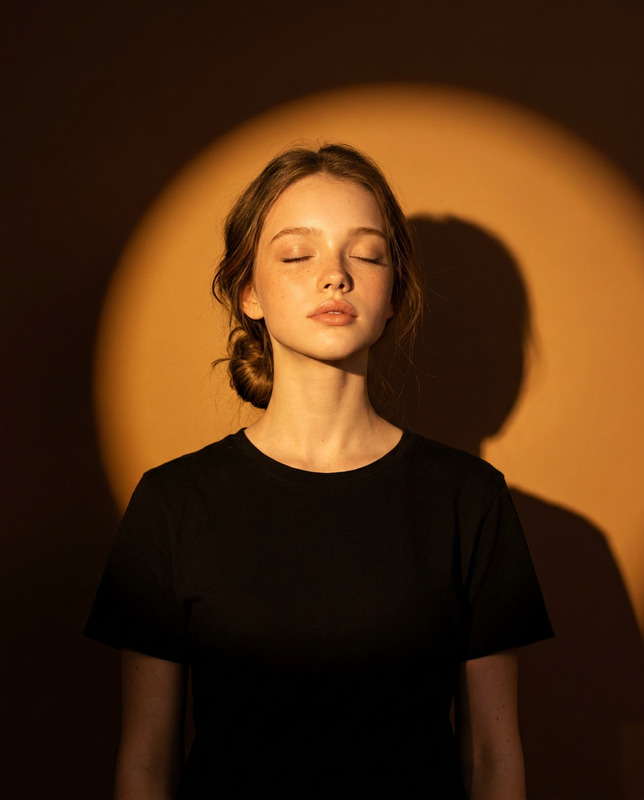
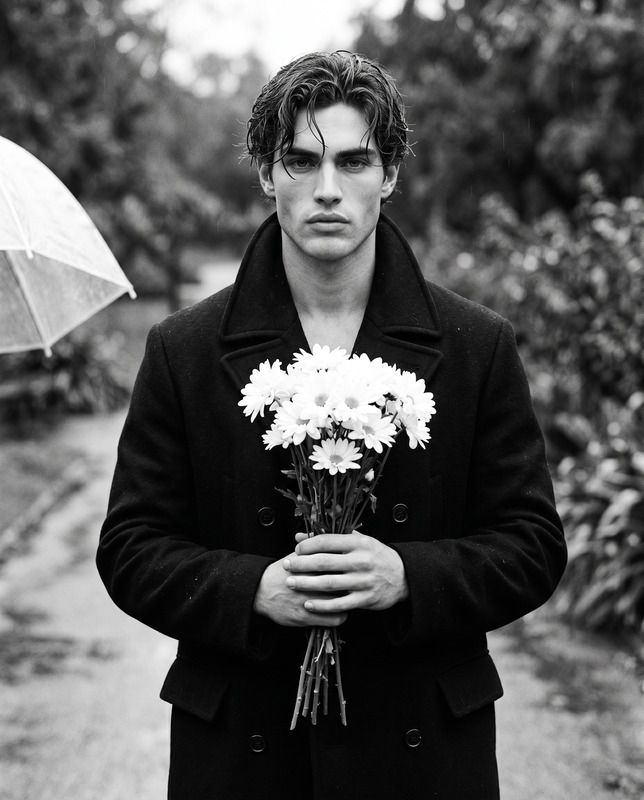
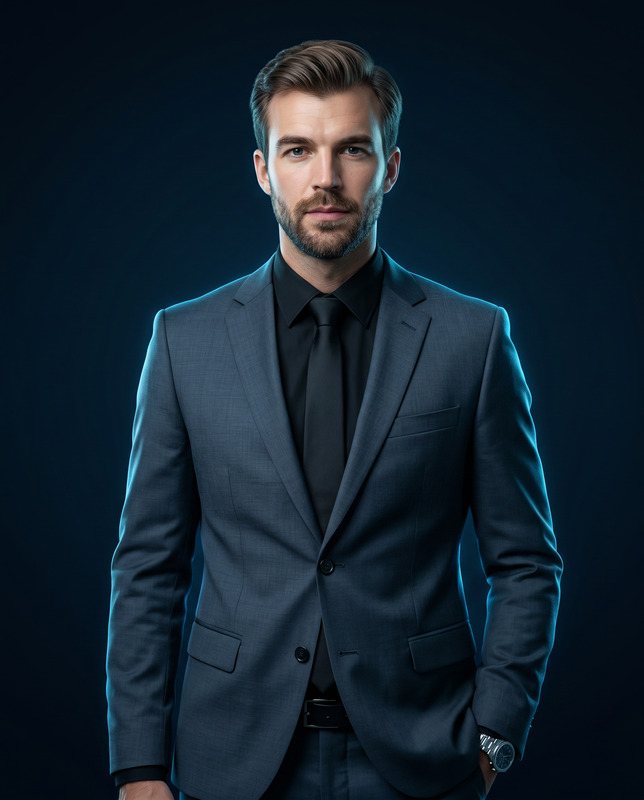
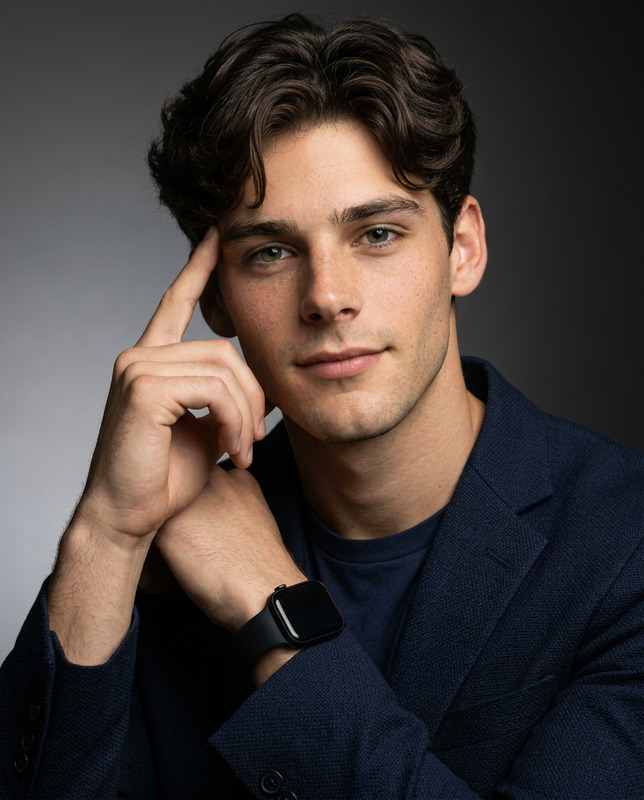
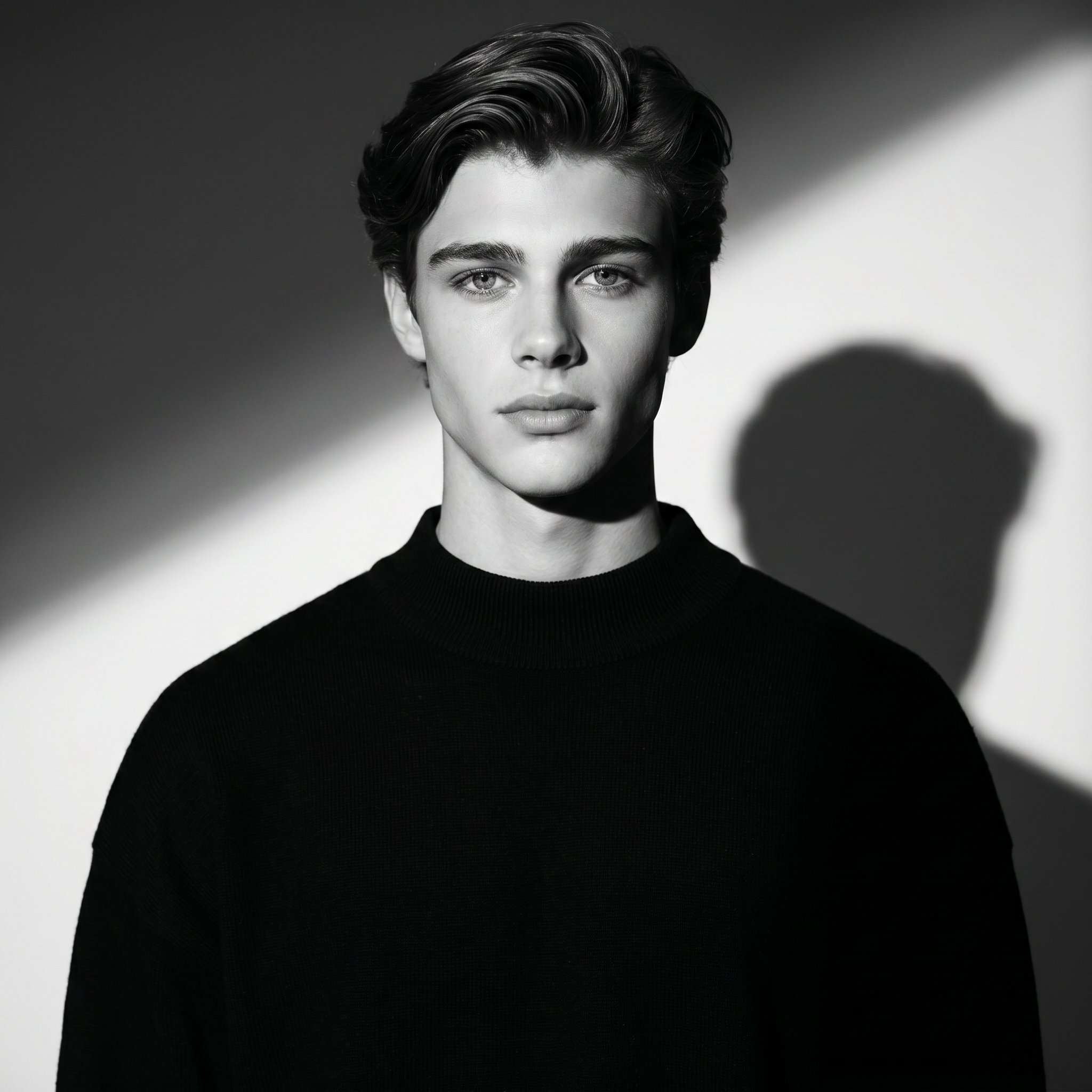
Use the uploaded reference image as a strict facial identity reference. Preserve exactly: Facial structure and bone anatomy Jawline, cheekbones, nose shape, and lip proportions Eye shape, spacing, and gaze direction Natural skin tone and texture Hairline, hairstyle, and density ❌ No beautification ❌ No facial reshaping or stylization ❌ No age alteration ❌ No identity drift The subject must remain fully recognizable as the reference person while adapting only lighting and environment. SUBJECT A young man with refined, symmetrical facial features and a calm, neutral expression. His gaze is directed straight toward the camera, conveying quiet confidence and composure. Hair is naturally styled with a subtle natural sheen. Skin remains realistic with visible natural texture while maintaining professional editorial polish. WARDROBE The subject wears an oversized black mock-neck or turtleneck sweater made from a thick, structured fabric. The garment holds its shape and produces deep, rich blacks with minimal texture distraction, reinforcing the minimalist aesthetic. COMPOSITION & FRAMING Medium close-up portrait Subject centered horizontally Subject occupies the lower two-thirds of the frame Generous headroom above to emphasize geometric lighting shapes Clean studio background with no visible seams or distractions Aspect ratio: 1:1 LIGHTING & SHADOW DESIGN Use a single hard key light source to create strong contrast and sculptural facial definition. A sharp diagonal beam of light cuts across the background from upper left to lower right. The light illuminates one side of the subject’s face while the opposite side falls into deep cinematic shadow. A soft-edged shadow of the subject appears on the background wall, adding depth and layering. Lighting should feel controlled, intentional, and graphic rather than soft or natural. COLOR & TONALITY Strict monochrome / grayscale presentation Wide dynamic range from deep, crushed blacks to bright highlights Smooth tonal transitions without banding No color tinting or warm/cool tones TECHNICAL & POST-PROCESSING Ultra-sharp focus on eyes and facial features High clarity and contrast without over-sharpening Clean studio finish with minimal grain or noise Smooth shadow gradients indicating high bit-depth capture Professional editorial retouching while preserving realism MOOD & ATMOSPHERE The image should feel minimal, moody, and architectural — a modern reinterpretation of classic film-noir portraiture blended with contemporary high-fashion editorial photography. The overall emotion is calm, confident, and refined.
Any aspect ratio
Overview
The Shadowplay template is part of the AI Image Editor collection, designed to transform your images into moody, high-fashion editorial portraits while preserving original facial features. With the power of the nano-banana-2 model, this tool offers a strict facial identity reference that maintains skin texture and hair details while altering only lighting and environment.
What It Does
This AI Image Editor template refines portraits by adapting contemporary lighting and shadow techniques without altering the subject's identity. It places a strong emphasis on maintaining the integrity of facial features, skin texture, and overall appearance, allowing you to create a striking visual statement through lighting and framing. The AI Image Editor ensures unaltered subject recognition with enhanced mood and atmosphere.
Who It's For
Shadowplay is perfect for photographers, fashion designers, and creatives seeking to craft structured and minimalist portraiture. It's ideal for those in the editorial and fashion photography fields looking for a tool that enhances photographic mood through dynamic lighting while preserving facial identity. This template caters to professionals who wish to blend classic film-noir aesthetics with a modern twist.
Summary
Shadowplay offers an innovative approach for creating impactful, monochrome portraits with strong geometric lighting and shadow effects. By leveraging the nano-banana-2 model, it ensures authentic subject representation, making it an essential tool for creating commercially polished, high-fashion editorial imagery.
How to Use
Choose the Template

Customize Your Settings

Generate Your Image

Use Cases
Editorial Fashion Photography
- Enhance lighting for high-impact editorial spreads
- Retain the recognizable identity of models
Professional Portfolio Enhancement
- Demonstrate proficiency in dynamic and dramatic lighting scenarios
- Showcase versatility in capturing various moods
Creative Advertising
- Craft attention-grabbing visuals for marketing campaigns
- Utilize unique lighting techniques to stand out
Best Practices
Maintain Image Quality
Ensure your reference images are high resolution to maximize the clarity and detail in the final product.Focus on Lighting
Experiment with key light placement to emphasize the desired mood and shadow play.Preserve Identity
Stick to the template’s guidelines on facial features to maintain subject recognition.