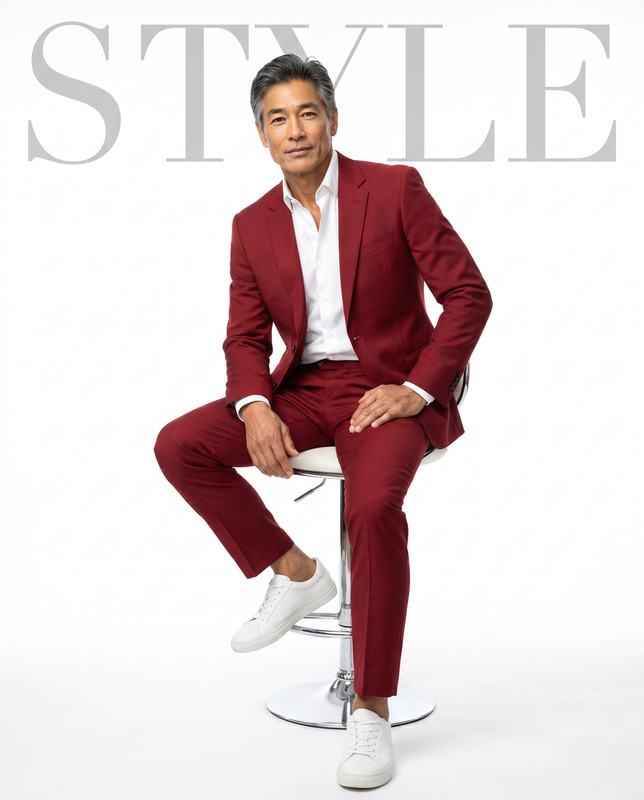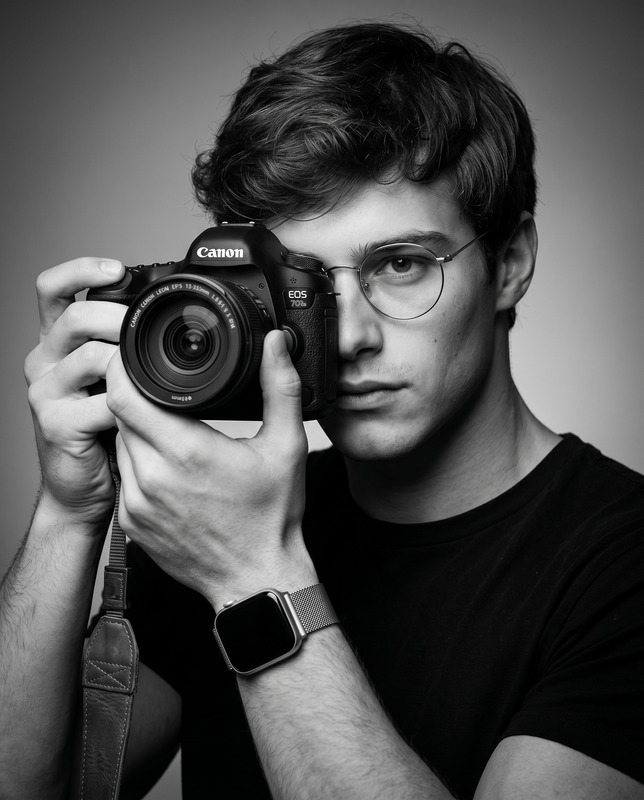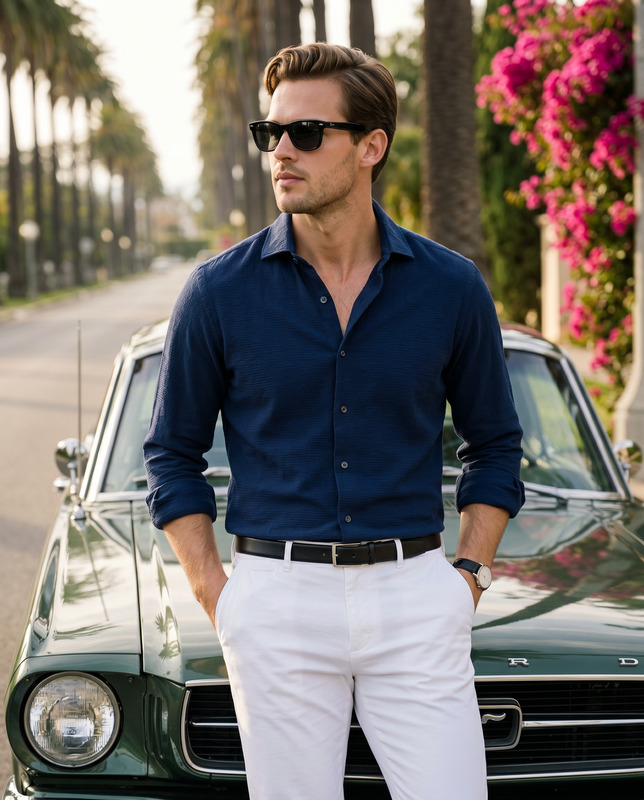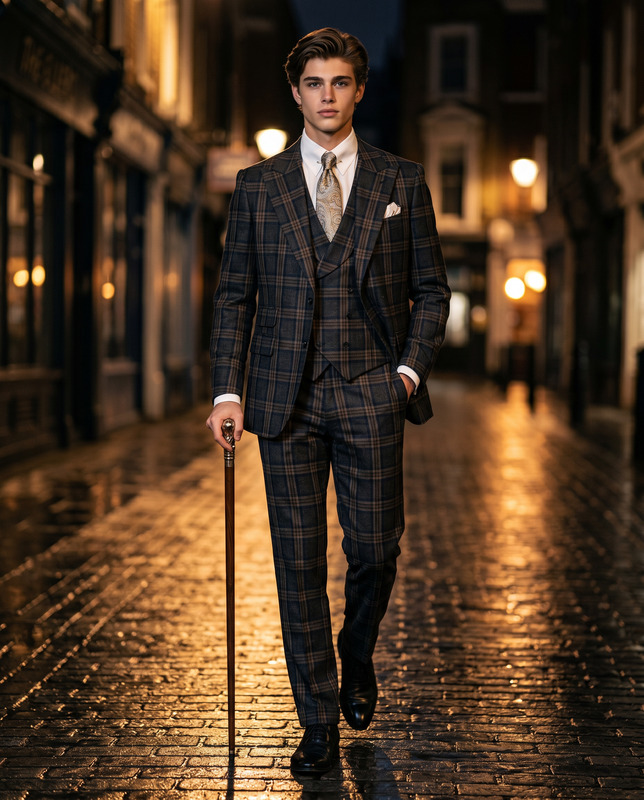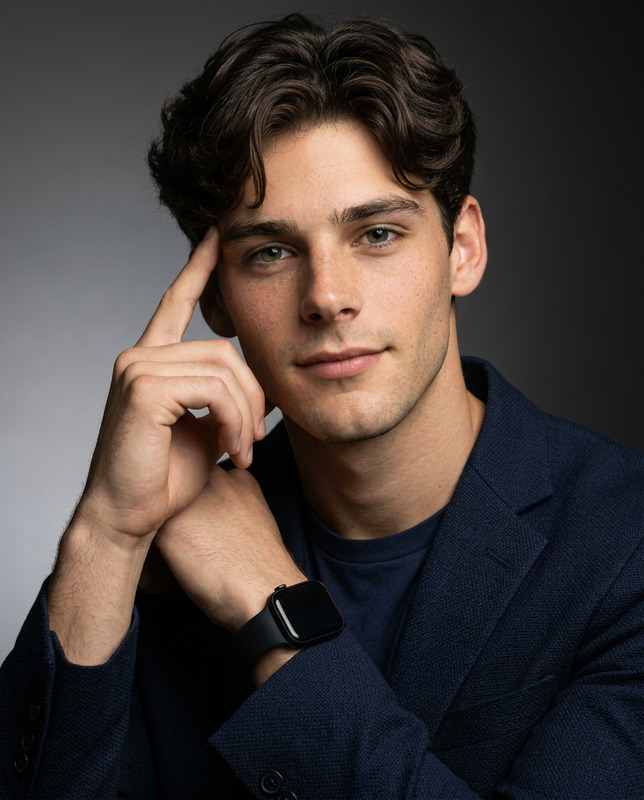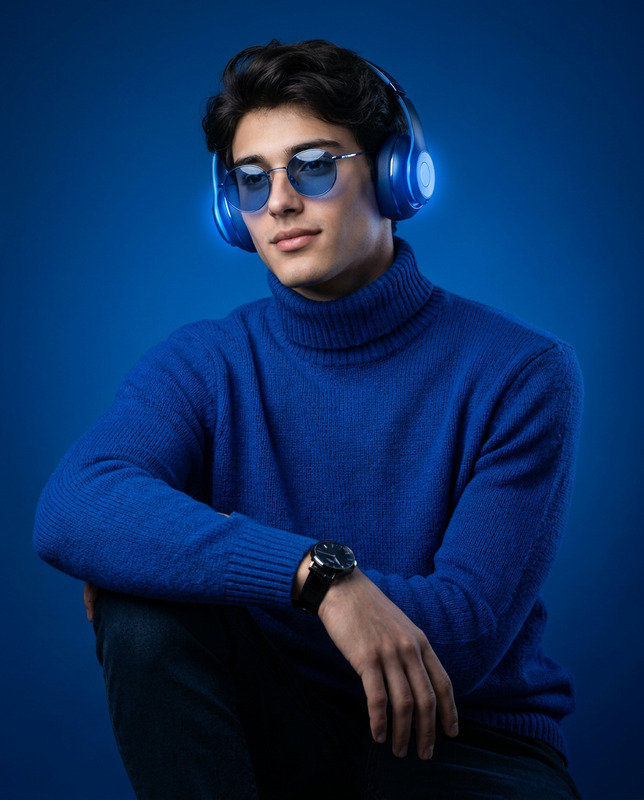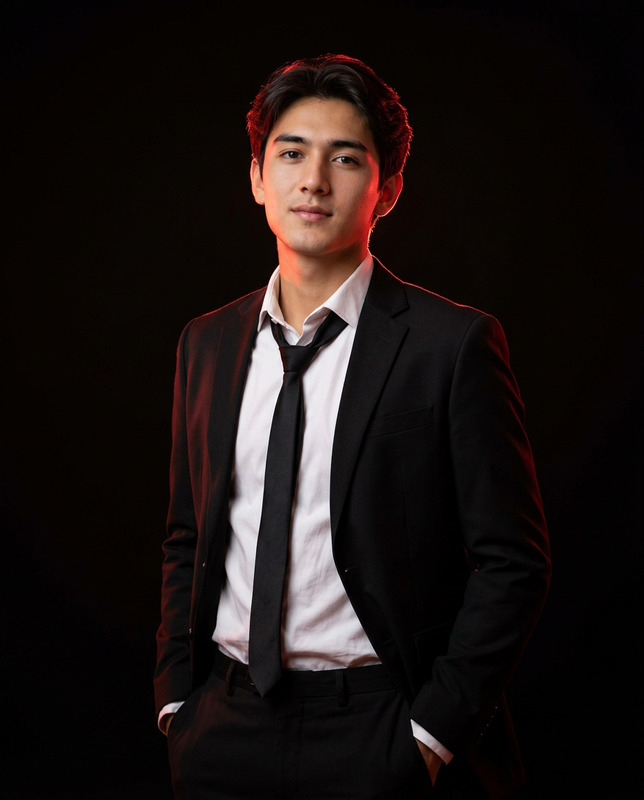
Midnight Blue Formal
- Model
- Nano Banana 2
- Image
- 1856 × 2304 px
Prompt
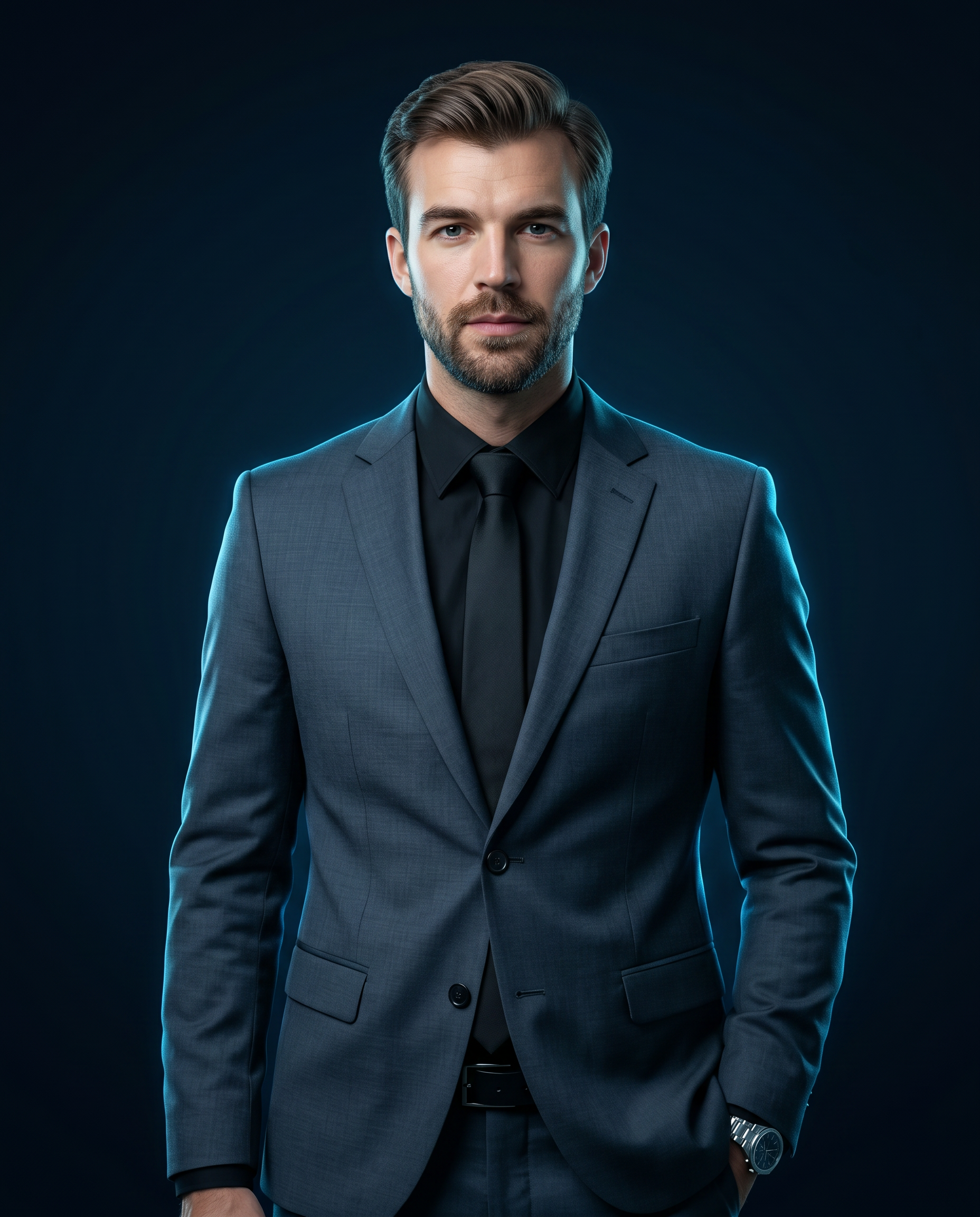
Use the uploaded image as a strict face and identity reference. The subject’s facial structure, proportions, skin tone, eye shape, hairline, hairstyle, and overall likeness must remain extremely close to the reference. No face reshaping, no beautification, no stylization, no identity drift. Main Concept Create a highly realistic, cinematic medium-shot studio portrait of a confident man with a strong, composed presence. Subject & Expression Adult South Asian male Well-groomed beard (if present in reference image) Clean, sharp hairline with neatly styled, brushed-back hair Natural, realistic skin texture (no plastic smoothing) Calm, confident, serious expression Eyes looking directly into the camera Upright, relaxed posture conveying authority and professionalism Wardrobe Tailored dark charcoal gray suit with a cool bluish undertone (not warm gray) Front buttons fastened Black dress shirt Matte black tie Black belt visible Modern metallic wristwatch on the left wrist Left hand in trouser pocket Right arm resting naturally by his side Lighting Key light: cool-neutral white from front-right, highlighting facial contours and suit texture Fill shadow: soft falloff on the left side of face and body Neon rim light: cool electric cyan-blue glow from behind, outlining shoulders and head Lighting style: premium cinematic studio lighting with clean contrast Background Smooth dark gradient background Transitions from deep navy blue → near-black Subtle blue edge glow behind the subject to separate him from the background Color Tone & Mood Overall tone: cool, cinematic, high-contrast, professional No warm color grading Clean, modern editorial look Camera & Quality Medium shot, vertical framing Shallow depth of field Photorealistic Ultra-high detail Sharp focus Natural skin texture Premium editorial studio photography look Aspect Ratio 4:5 (vertical) Negative Prompt Avoid: Face distortion or identity change Smiling or exaggerated expressions Different hairstyle or beard Cartoon, anime, or illustrated styles Harsh lighting Overexposure Motion blur or softness Logos, watermarks, or text
Any aspect ratio
Overview
The "Midnight Blue Formal" template leverages the nano-banana-2 model to transform your images into highly realistic, cinematic studio portraits. With strict adherence to identity details, this AI Image Editor ensures that your subject's unique features are preserved, creating an authoritative and polished portrait.
What It Does
This template allows you to generate a sophisticated studio portrait set against a smooth, dark gradient background. With premium cinematic lighting, it enhances the texture of a dark charcoal gray suit complemented by a sharp, clean expression. The detailed lighting includes a cool electric cyan-blue rim light that adds a modern edge.
Unlike other AI Image Editor tools, it strictly maintains the subject's facial identity, avoiding any beautification or stylization. Your uploaded image serves as a non-negotiable reference, ensuring the authenticity of features and expressions.
Who It's For
This template is ideal for professionals in need of high-quality editorial portraits, such as actors, models, corporate leaders, and professional influencers. It suits anyone looking to create a strong, composed image that reflects authority and professionalism. Additionally, photography studios and creative agencies can utilize this template to produce consistent, ultra-high-detailed visuals for their clients.
Explore more capabilities with our Face Swap and Head Swap tools to further customize your professional image portfolio.
Summary
The "Midnight Blue Formal" template is your go-to option for generating professional-grade portraits that emphasize realistic and precise facial features. It offers a meticulously curated aesthetic that remains faithful to the original appearance of the subject, perfect for achieving a polished and high-end look. This alignment with true-to-life detail stands out among AI Video Generator solutions.
How To
Choose Your Template

Customize Your Inputs

Generate and Review

Use Cases
Professional Portfolio Photography
- Authentic representation
- Polished final look
Corporate and Editorial Imagery
- Consistent style
- High-detail quality
Creative Agency Projects
- Client-ready results
- Control over image specifics
Best Practices
Upload High-Quality Images
Ensure the reference image is high resolution to maintain detail.Detail Orientation
Double-check all wardrobe and lighting settings to conform to the template description.Post-Production Enhancements
While minimal edits are needed, subtle lighting adjustments can enhance the overall effect.