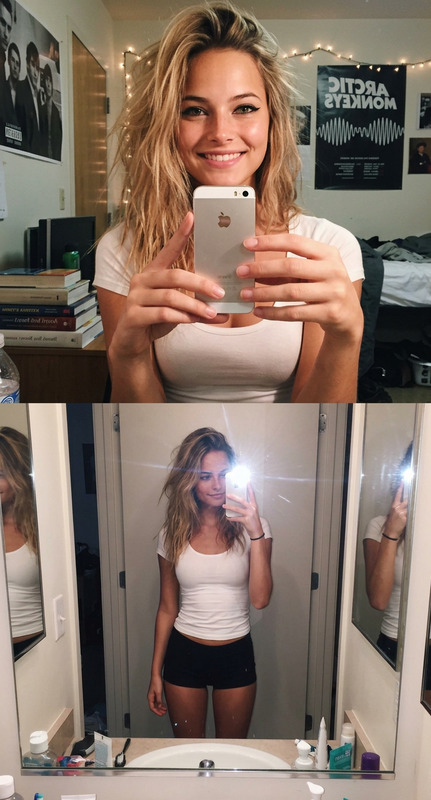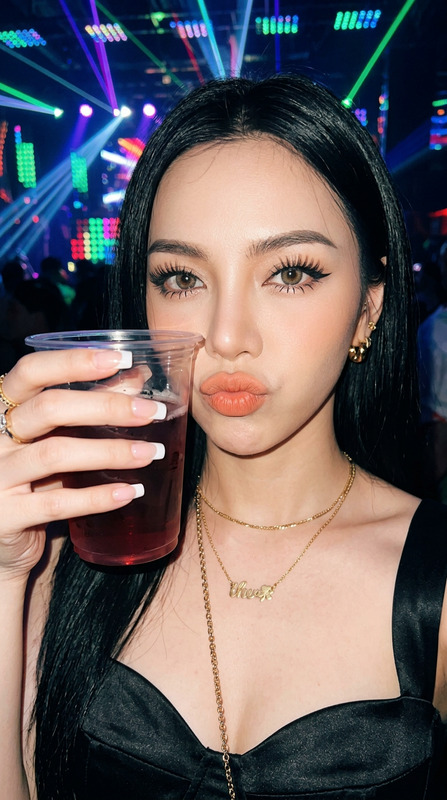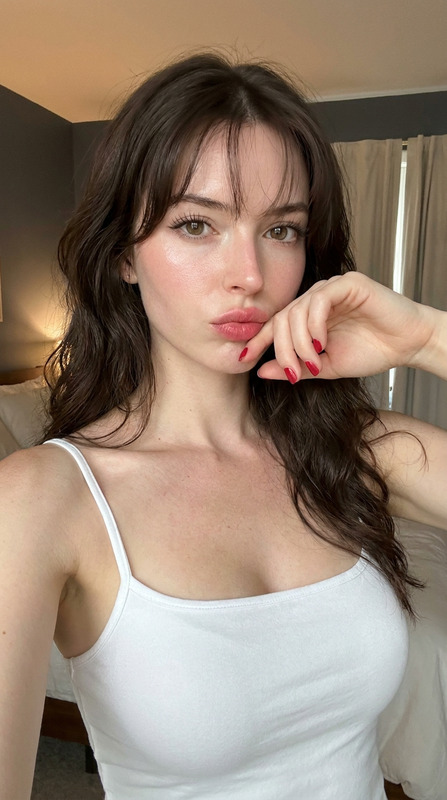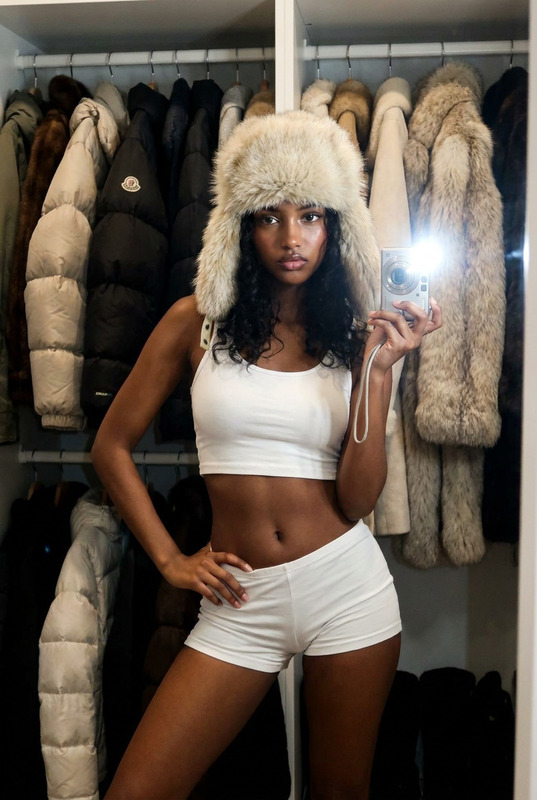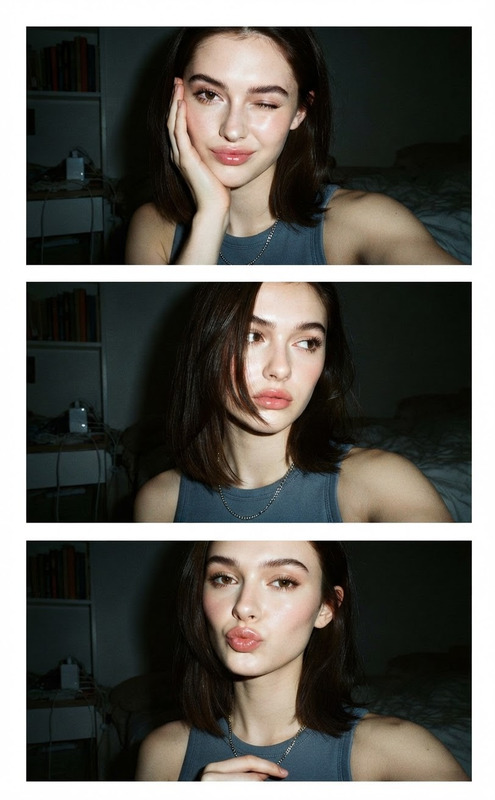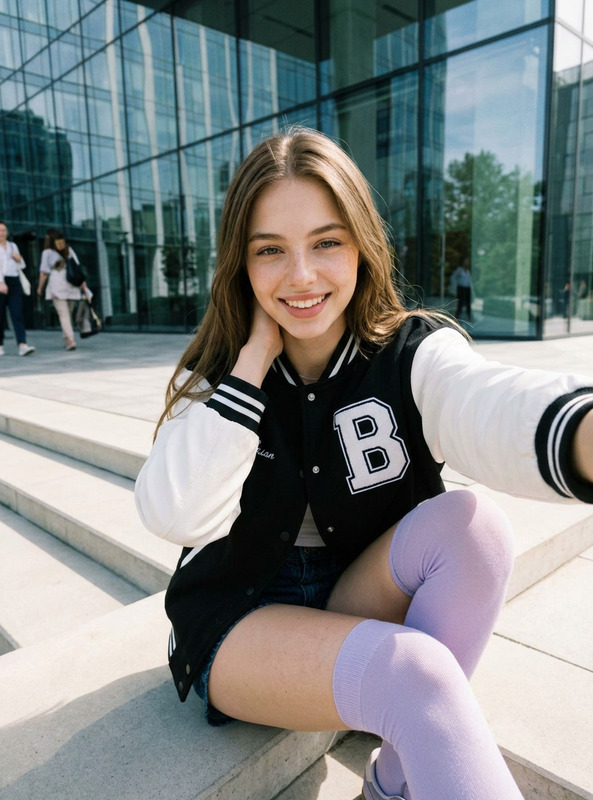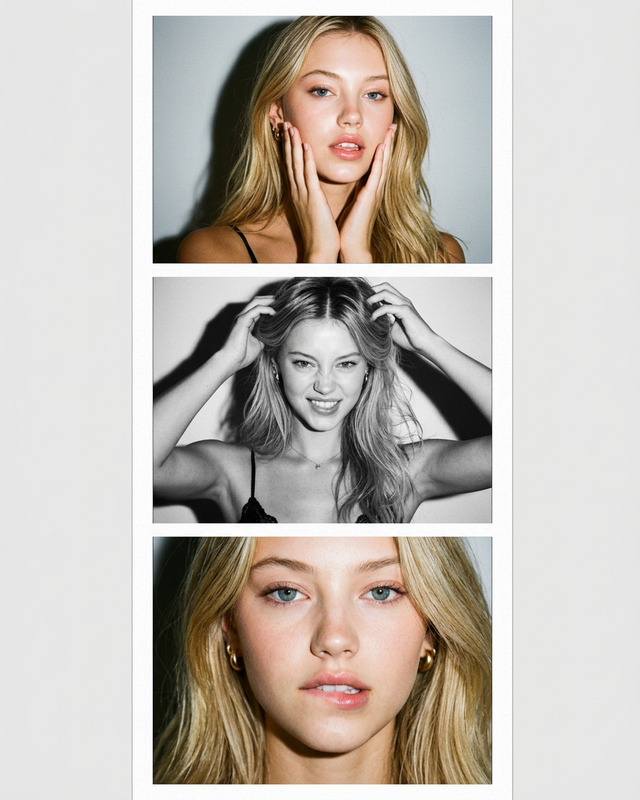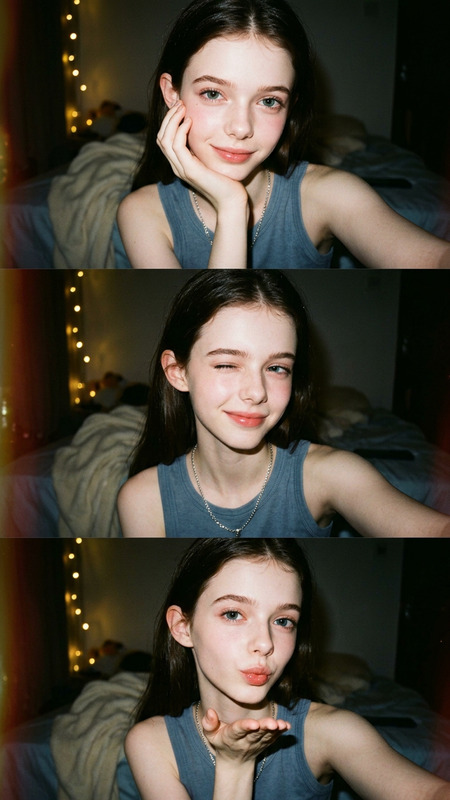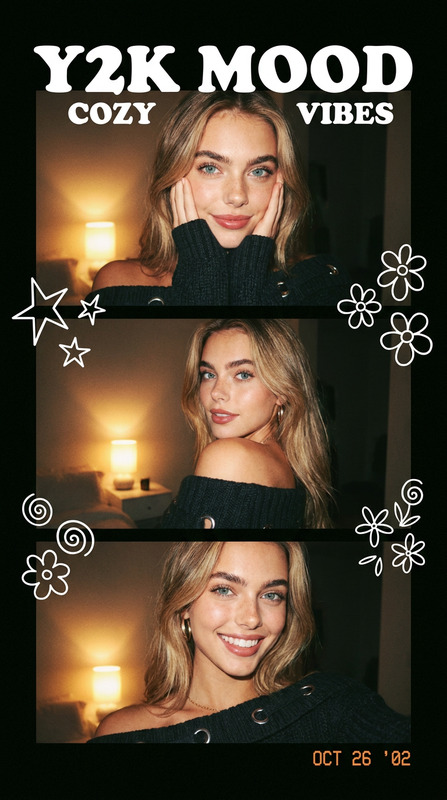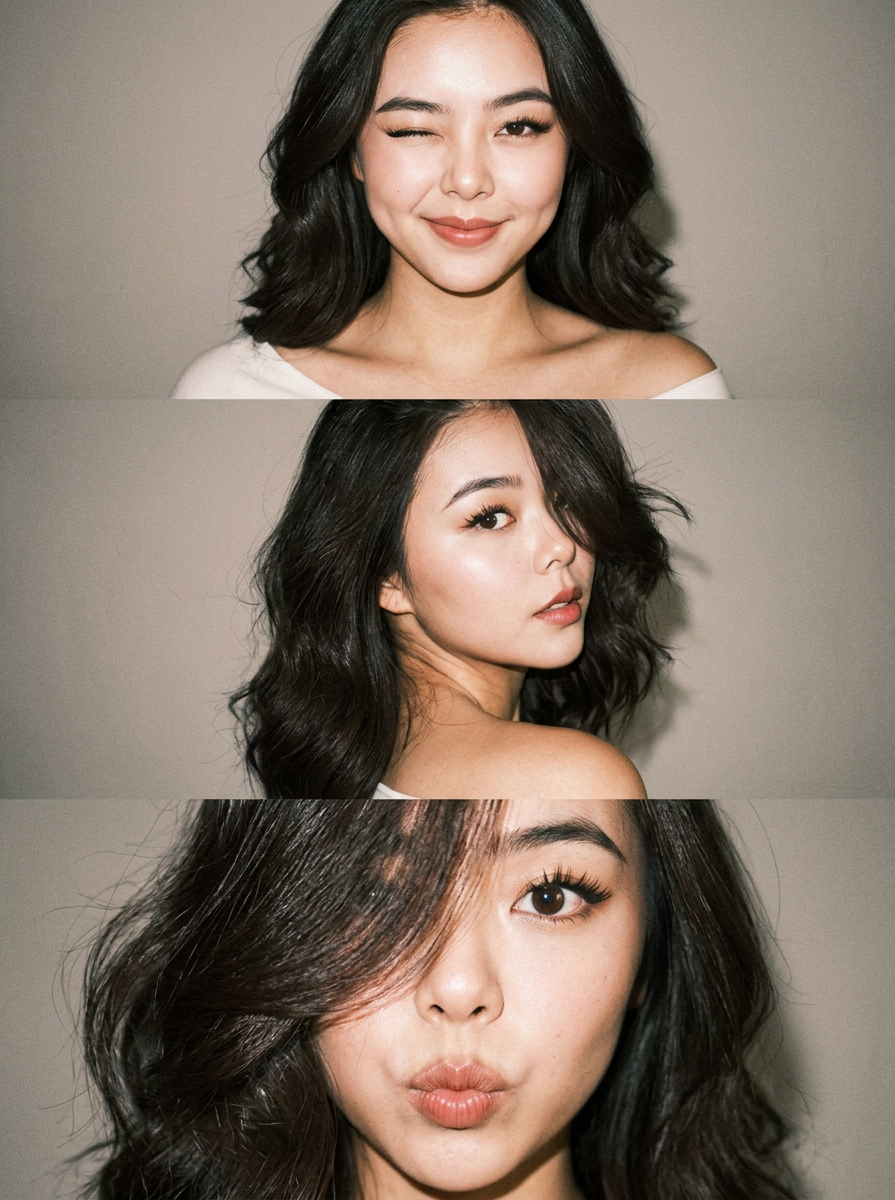
Triple YZK Collage
- Model
- Nano Banana 2
- Image
- 895 × 1200 px
Prompt
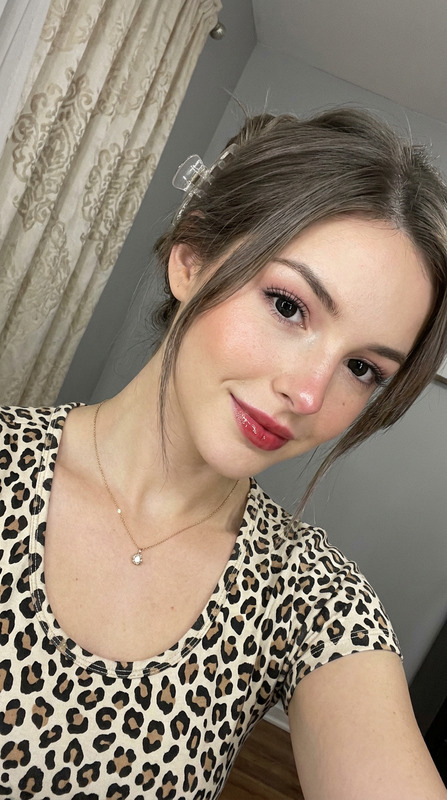
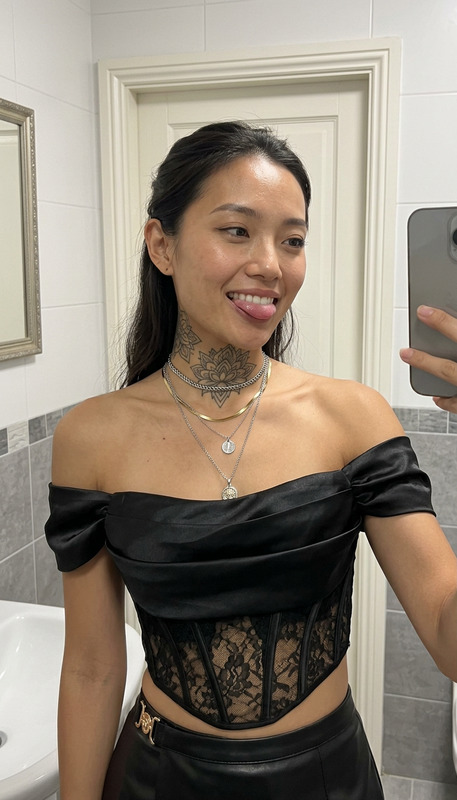
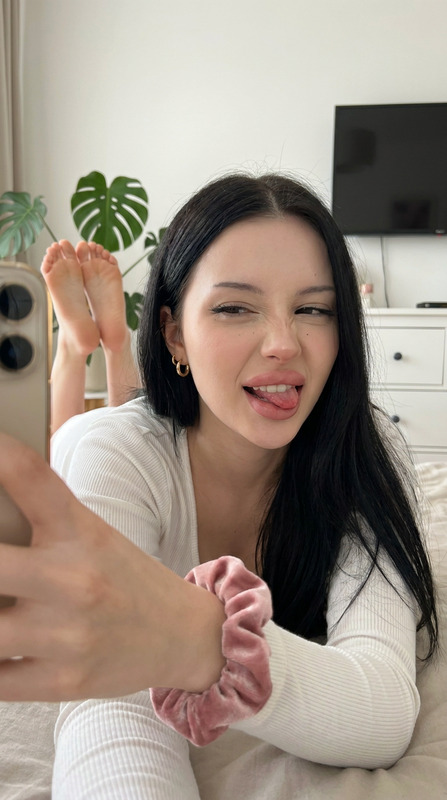
A vertical collage of three YZK photos. Using the uploaded selfie as the ONLY and exclusive face reference, keep the facial features, and facial structure exactly the same as the reference image. The character poses against a neutral light background. A girl with a beautiful, voluminous hairstyle, seemingly styled with a brush, wearing foxy makeup and pronounced, angled lashes. In the first photo, she's very close to the camera, looking at it with one eye and winking. In the second photo, she's turned away, her head coquettishly turned toward the lens, her hairstyle slightly covering her face, but not too much. In the third photo, she's looking very close to the lens, her hair to the side, thus covering her left eye, pouting and looking forward. Close-up and medium shot, minimalist composition, vintage digital texture, slight blur, glamorous atmosphere. Photo taken on iPhone 17 Pro Max with flash.
Any aspect ratio
Overview
The Triple YZK Collage template offers creators the chance to craft a sophisticated vertical collage using AI Image Editor models. Focusing on delivering detailed, stylized images, this template is an excellent choice for anyone looking to highlight unique facets of facial features.
What It Does
This AI-powered template transforms your selfie into a stunning photo collage using the nano-banana-2 model. It creates three distinct images, each capturing a different pose and expression, while maintaining the original facial features of your uploaded image. The end result is a glamorous collage with a vintage digital texture and a minimalist composition.
Who It's For
Designed for photographers, social media influencers, and creative professionals, the Triple YZK Collage template is perfect for those seeking to showcase their style in new and interesting ways. It's an excellent option for those who already use tools like the AI Image Editor or the AI Image Upscaler to enhance their visuals.
Summary
The Triple YZK Collage template at Magic Hour elevates your selfies to art. Seamlessly integrate it with your existing photo-editing workflows, including the AI Face Editor, to emphasize facial beauty with stylish flair. Ideal for artists looking to add a glamorous touch to their photographs.
How To
Choose Your Template

Upload and Customize

Generate Your Collage

Use Cases
Social Media Transformation
- Engaging Instagram posts
- Unique TikTok thumbnails
Personal Branding
- Create unique press shots
- Enhance portraits for brand consistency
Creative Portfolios
- Showcase versatility in portrait styles
- Highlight photo-editing skills
Best Practices
Select High-Quality Selfies
Use high-resolution selfies to ensure that facial features are accurately captured and preserved.Experiment with Expressions
Try different facial expressions and poses to find the most compelling combinations for your collage.Consider Lighting
Ensure good lighting when taking your selfie; natural light works best to avoid shadows that could obscure your features.