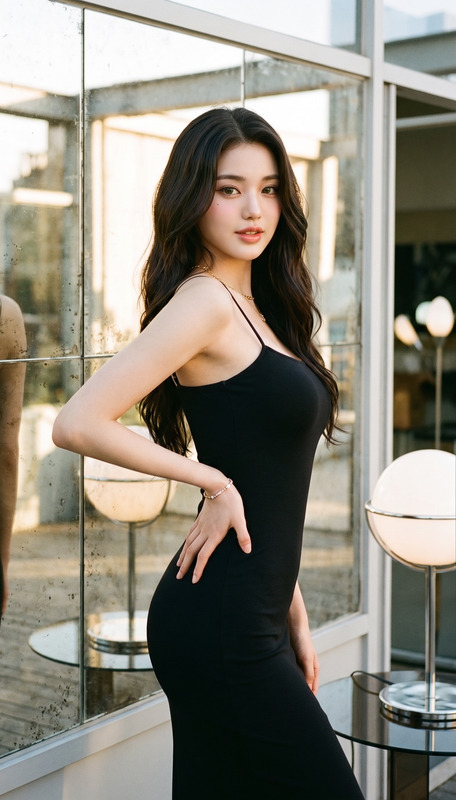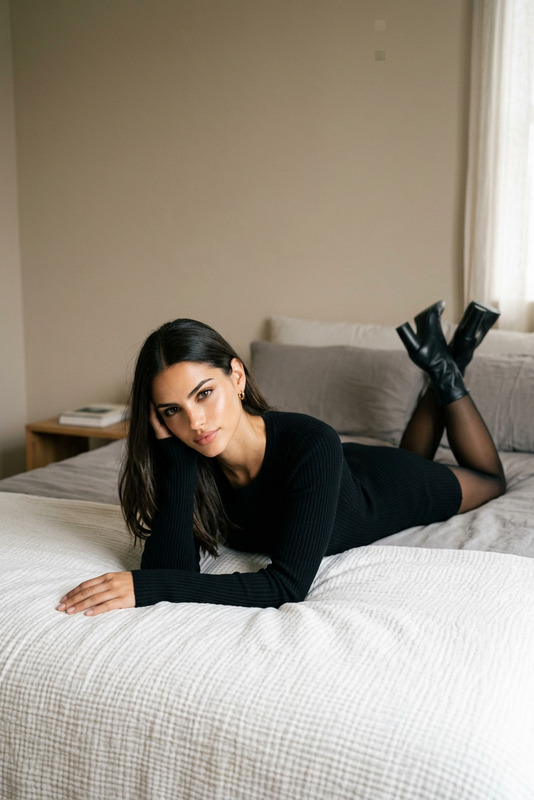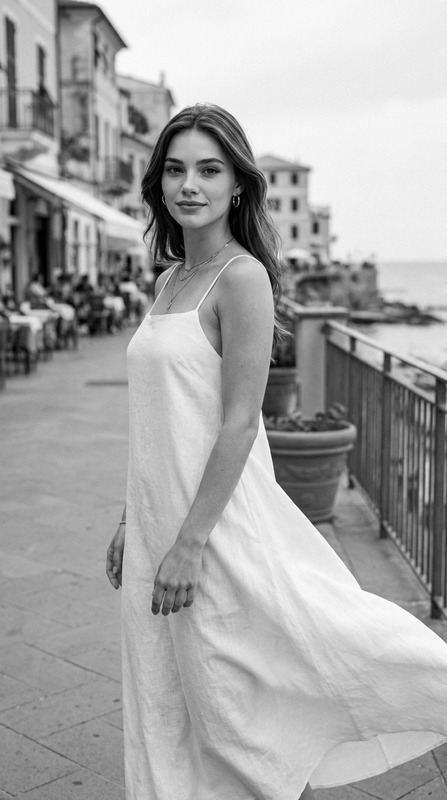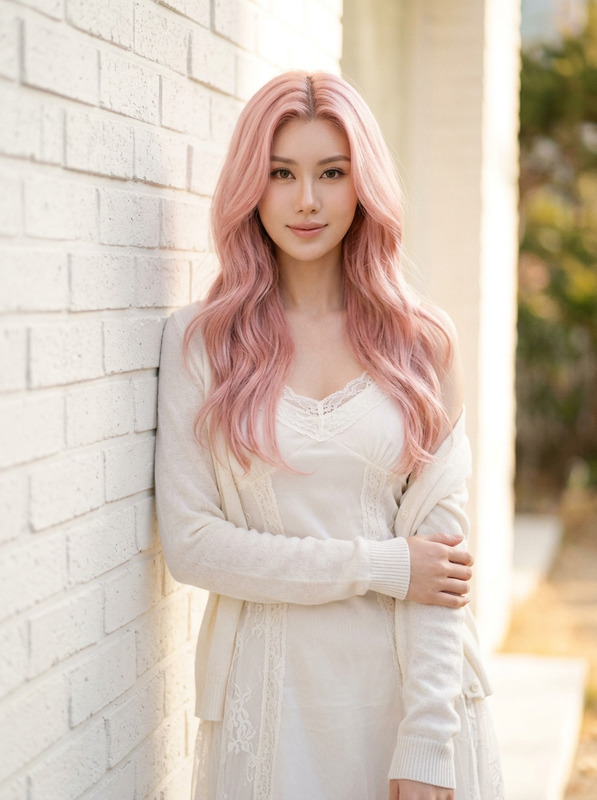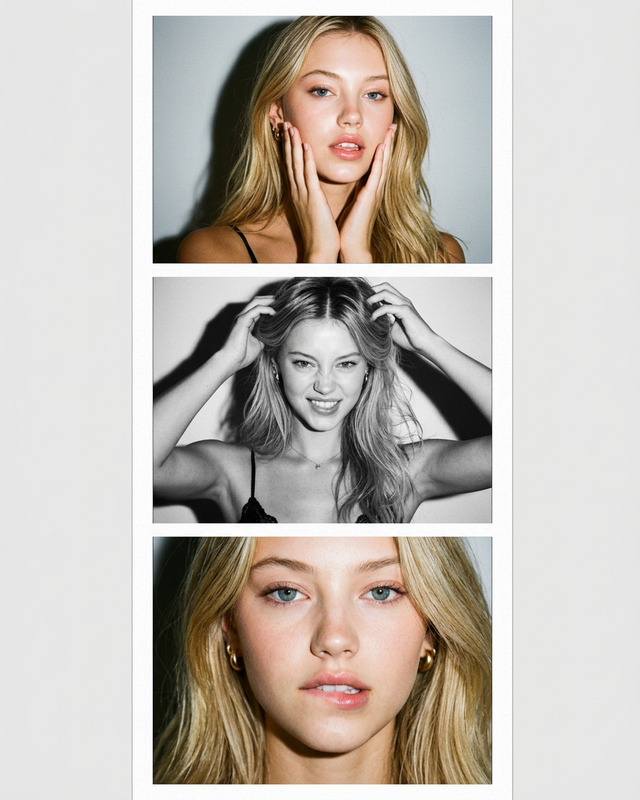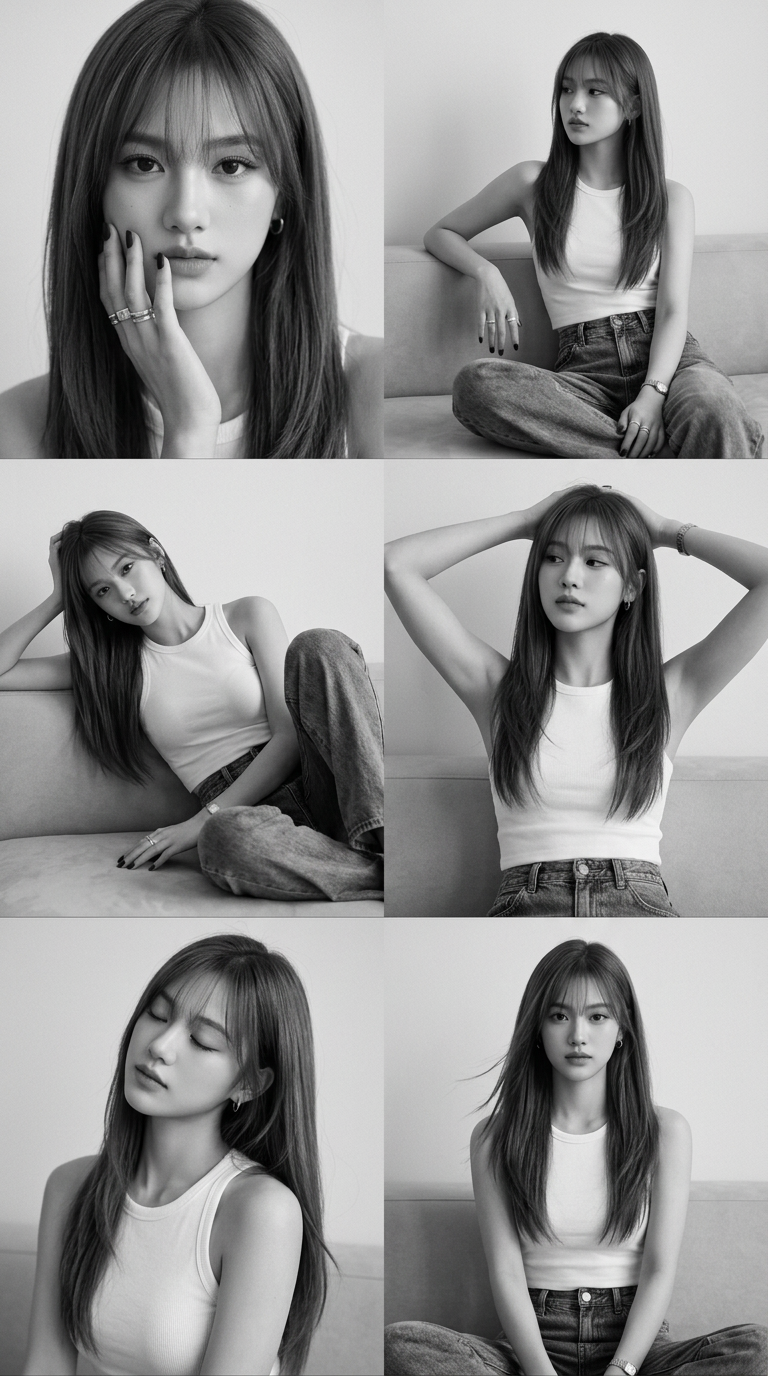
BW Editorial Collage
- Model
- Nano Banana 2
- Image
- 768 × 1376 px
Prompt
Edit the uploaded photo and don't change the face, portrait 9:16, no blur, HD, 8K. A monochrome editorial-style portrait collage featuring a young woman in a minimalist indoor studio setting. The composition is arranged as a 2x3 grid of six frames, each capturing different intimate, relaxed, and fashion-forward poses. The overall mood is sensual, cinematic, and timeless, inspired by classic black-and-white magazine portrait photography with soft natural light and subtle film grain. Her hair is waist length, deep ash gray brown. Korean long hush layers cut. Thin bangs see-through long bangs. Soft face framing front layer. Hair is made straight and sleek with a slight flip at the ends. Silky glossy texture with a little natural flyaway hair. Dewy clean skin. Natural fluffy brows. Soft brown eyeliner, mascara. Nude matte lips. Minimal blush. Fresh understated beauty look. She wears white ribbed fitted tank top. High-waisted baggy vintage washed jeans (partially shown in some frames). Black matte nail art. Accessories include multiple silver rings, silver thin watch, and small hoop earrings, adding an edgy editorial touch. Poses (Collage Breakdown) : 1. Close-up portrait with hand gently touching cheek, direct eye contact, soft intense gaze 2. Relaxed seated pose on a sofa, body slightly angled, looking away thoughtfully 3. Reclining pose with one knee raised, leaning into arm, sensual editorial posture 4. Hands raised behind head, relaxed confident expression, slightly leaning back 5. Soft portrait with head tilted, eyes closed, calm emotional mood 6. Straight-on seated pose, composed expression, subtle movement in hair for natural feel. Minimal indoor studio setting. Plain light-colored wall. Neutral sofa partially visible in some frames. Soft shadows adding depth without distraction. Shot with Canon EOS R5 / Sony A7R IV (or similar professional mirrorless camera). Mostly eye-level portrait angles. Occasional slight high-angle for softness and intimacy.
Any aspect ratio
Overview
The BW Editorial Collage template in our AI Image Editor series empowers photographers and creators to transform ordinary photos into cinematic black-and-white collages. Inspired by classic magazine photography, this template features a 2x3 grid layout that spotlights different poses in an editorial-style setting. Enhance your image portfolio with timeless, sensual visuals that capture the essence of minimalist studio portraiture.
What It Does
This template guides you through creating a striking editorial-style collage using high-definition, 8K images. Each frame within the 2x3 grid emphasizes varied poses and expressions, providing a visual story that is both dynamic and cohesive. With elements like monochrome tones, soft natural lights, and subtle film grain, the AI Image Generator enhances every image while keeping the subject's facial features intact.
Who It's For
Ideal for fashion photographers, editorial artists, and digital content creators, the BW Editorial Collage template is designed for those who appreciate classic portraiture aesthetics. Whether you're developing a portfolio or simply exploring creative photography styles, this template allows you to produce professional-grade collages effortlessly. Visit AI Product Photography for more tools that enhance your visual storytelling.
Summary
The BW Editorial Collage template offers a seamless process to generate editorial-quality, black-and-white collages from standard photos. Its sophisticated design captures a range of emotions and fashion-forward poses set in a minimal indoor studio, emphasizing the beauty of nuanced lighting and elegant presentations. Explore more capabilities with our AI Photo Relighting tool for enhanced lighting effects.
How To
Choose Your Template

Customize Your Project

Generate and Download

Use Cases
Fashion Photography
- Perfect for magazine submissions
- Enhance model portfolios
Editorial Content
- Add depth to articles and blogs
- Engage audience with visually rich imagery
Social Media Curations
- Boost engagement rates
- Provide cohesive visual narratives
Best Practices
Focus on Light and Shadow
Ensure your original photo has good lighting. Utilize AI Photo Relighting to adjust lighting conditions for more depth.Maintain Subject Focus
Choose images where the subject's expressions and poses are clear and expressive, as this is central to creating a compelling collage.Embrace Monochrome Depth
Lean into black-and-white aspects by experimenting with contrast and film grain, which can be further enhanced using AI Image Upscaler.