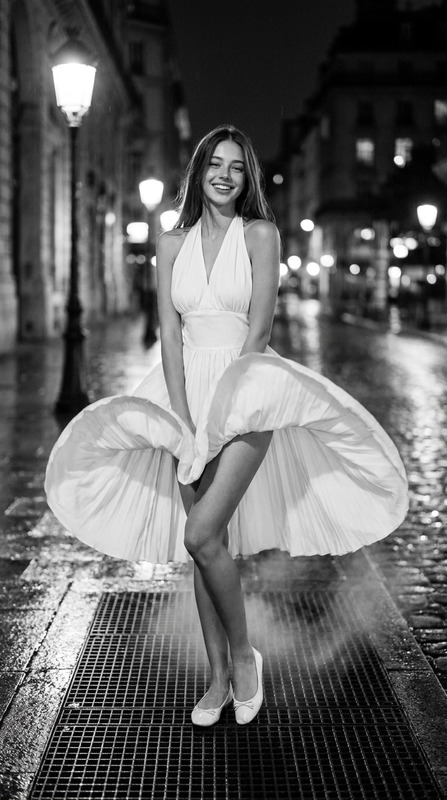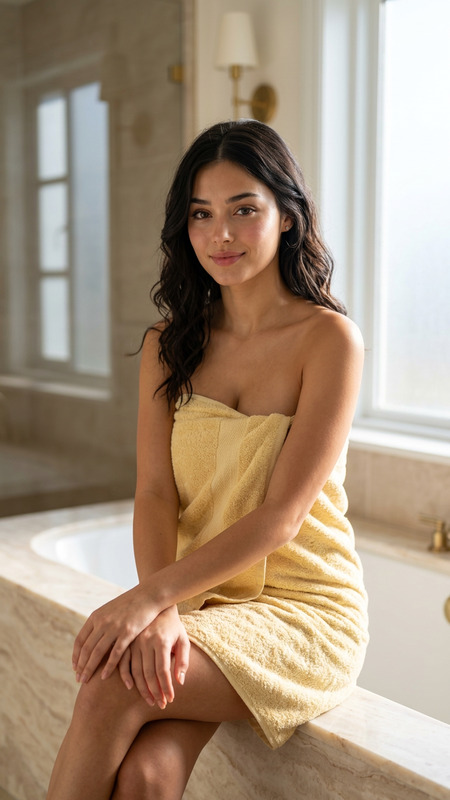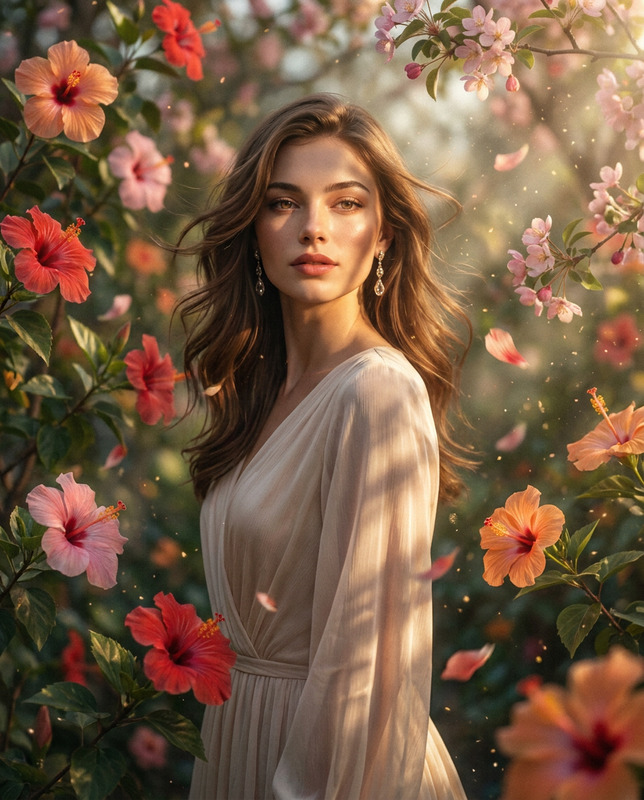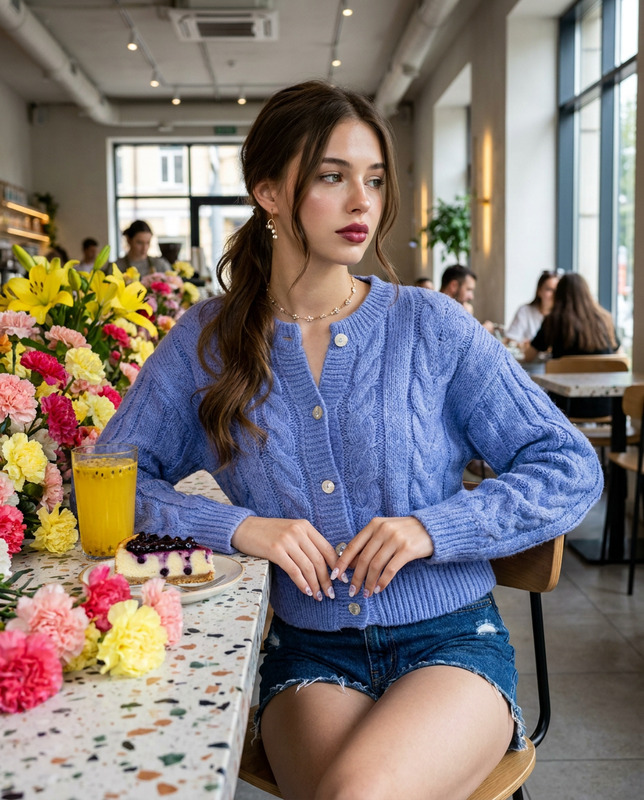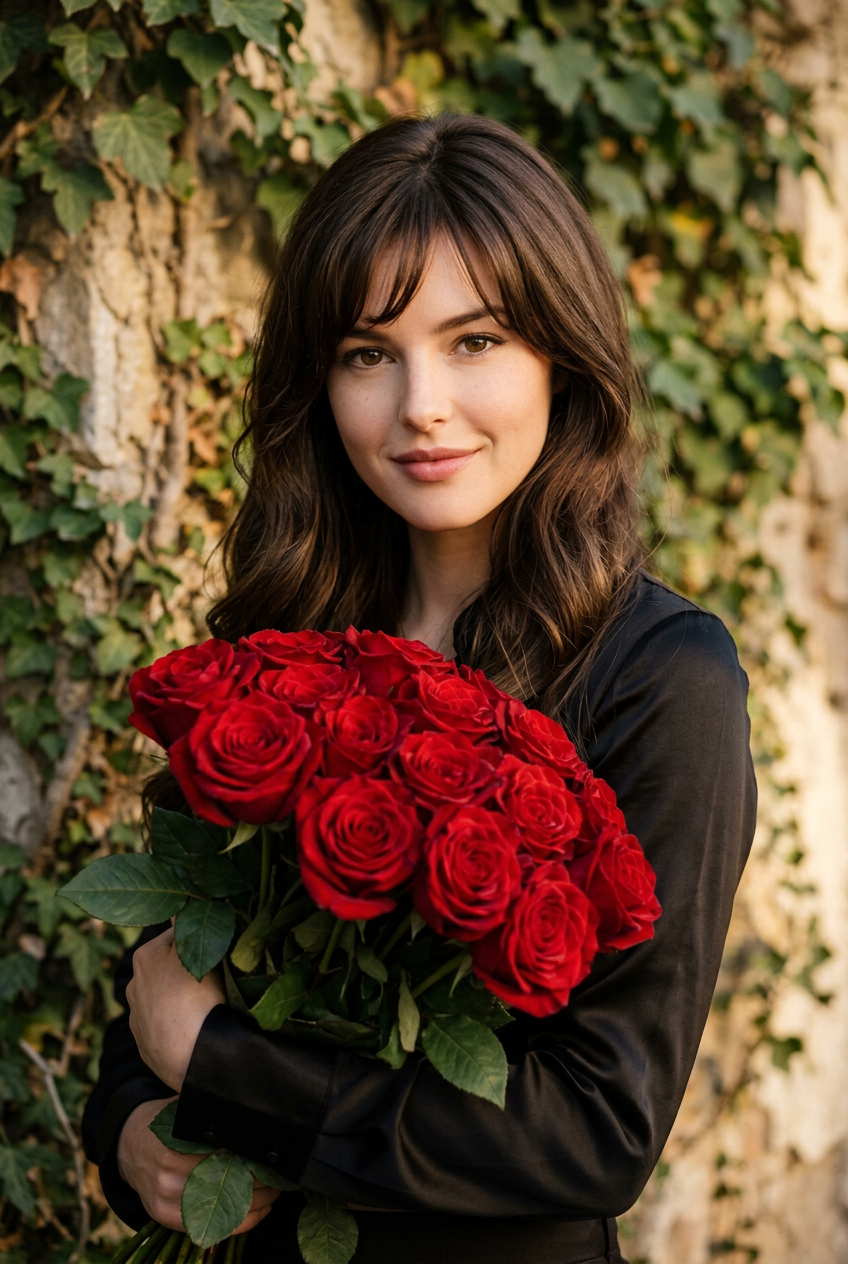
Crimson Roses
- Model
- Nano Banana 2
- Image
- 848 × 1264 px
Prompt
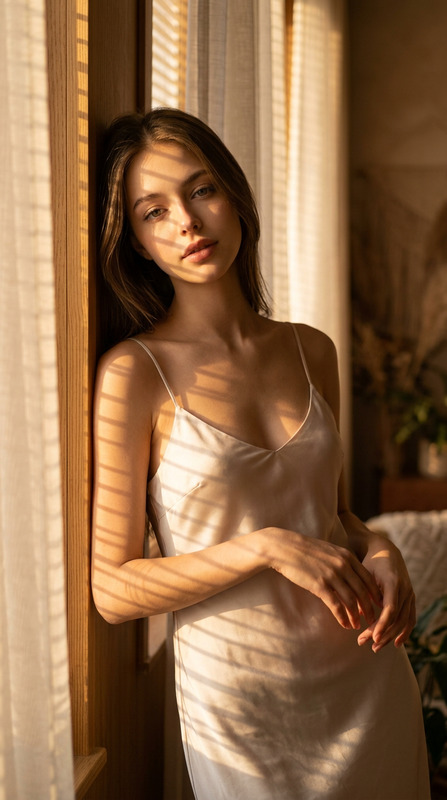
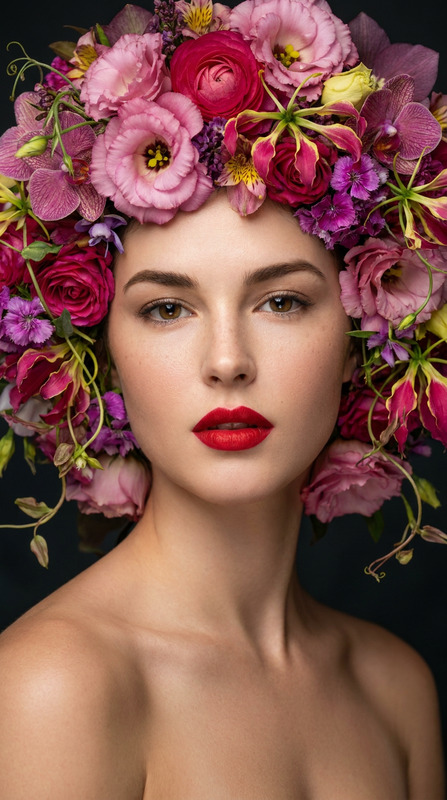
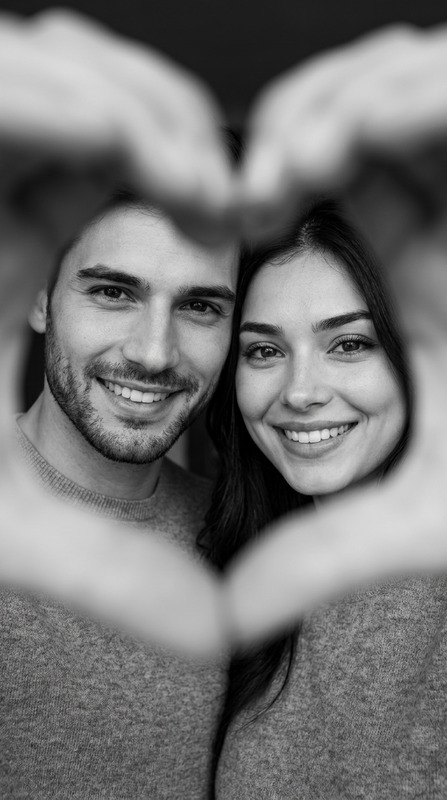
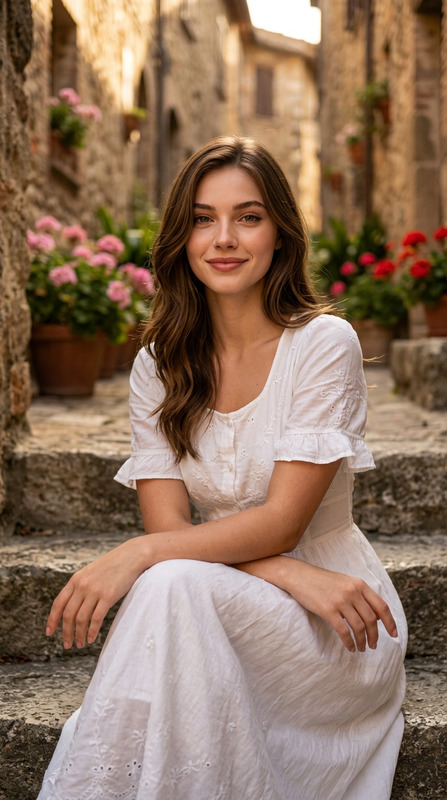
Preserve 100% of the original face from the reference photo. The facial identity, proportions, skin tone, hairstyle, eye shape, eyebrows, nose, lips, jawline, and all distinctive features must remain completely unchanged. Modify only the clothing, pose, accessories, lighting, and environment."A cinematic portrait photograph of a beautiful young woman with a sophisticated,confident expression, smiling gently ,looking at the camera,holding a large, dense bouquet of deep red roses against a crumbling, ivy-draped stone wall. The image is a medium close-up shot, vertically oriented, focusing on her upper body. She possesses flawless, natural skin texture with subtle warm undertones; her eyes are warm brown with a soft catchlight, and her lips are naturally defined.She wears a black satin fitted long sleeved shirt. Her pose is graceful, with her body angled slightly right and her head turned in a three-quarter profile to the left, looking out of frame. The scene is lit by soft, directional, golden natural light, creating subtle shadows and a romantic, warm atmosphere. The texture of the stone wall, the fabric of the dress, and the individual petals of the roses are rendered with ultra-high fidelity, showing macro-level detail. The depth of field is shallow, with a pleasing bokeh on the background ivy, while the rose bouquet and her face remain tack-sharp. The image exhibits film-like grain, rich color grading, and is rendered with photorealistic quality using a full-frame camera, 85mm lens at f/1.8.Negative Prompt ComponentAI artifacts, watermarks, text, signature, distorted hands, missing fingers, extra limbs, blurry face, poor skin texture, mismatched eye size, distorted facial features, cartoonish style, overly smooth skin, blown-out highlights, muddy shadows, incorrect perspective, low resolution, low quality, artifacts, distortion.
Any aspect ratio
Overview
The "Crimson Roses" template offers a specialized approach to AI-assisted image editing focused on maintaining the integrity of facial features while transforming other elements like clothing, pose, and settings. Utilizing the nano-banana-2 model, the template delivers striking cinematic portraits with a photorealistic quality.
What It Does
This template uses advanced AI Image Editor capabilities to preserve facial details while allowing creative changes in the environment and attire. It transforms the subject’s context such as clothing and background while keeping the facial identity intact. This makes it perfect for editorial or personal projects where facial authenticity is critical.
Who It's For
"Crimson Roses" is ideal for photographers, digital artists, and creatives who require a reliable tool for picture-perfect results. It suits those who work on portrait photography with an emphasis on maintaining facial accuracy, catering to both professional and enthusiasts looking to expand their creative toolkit.
Summary
With the "Crimson Roses" template, users can create stunning portraiture that preserves the subject's essence, utilizing our cutting-edge AI Image Editor features. It’s a versatile tool for those aiming to enhance their images with cinematic flair, supported by technologies like AI Image Editor and backed by top-tier AI models.
How-To
Choose Your Template

Customize Your Inputs

Generate Your Image

Use Cases
Professional Portrait Photography
- Perfect for editorials
- Maintain build authenticity
Creative Projects
- Enable rich visual storytelling
- Customize poses and settings
Social Media Content
- Enhance influencer portfolios
- Boost visual appeal of posts
Best Practices
Maintain Reference Quality
Ensure high-quality input photos to achieve the best results. This enhances the output’s realism and detail.Experiment with Lighting
Utilize the template's versatility to try different lighting situations, honing the image's atmosphere.Focus on Context
While the face remains unchanged, focus on creative changes in attire and setting for a cohesive look. Explore further editing with tools like the AI Talking Photo for dynamic results.