The Little Dreamer
- Model
- Nano Banana 2
- Image
- 2048 × 2048 px
Prompt
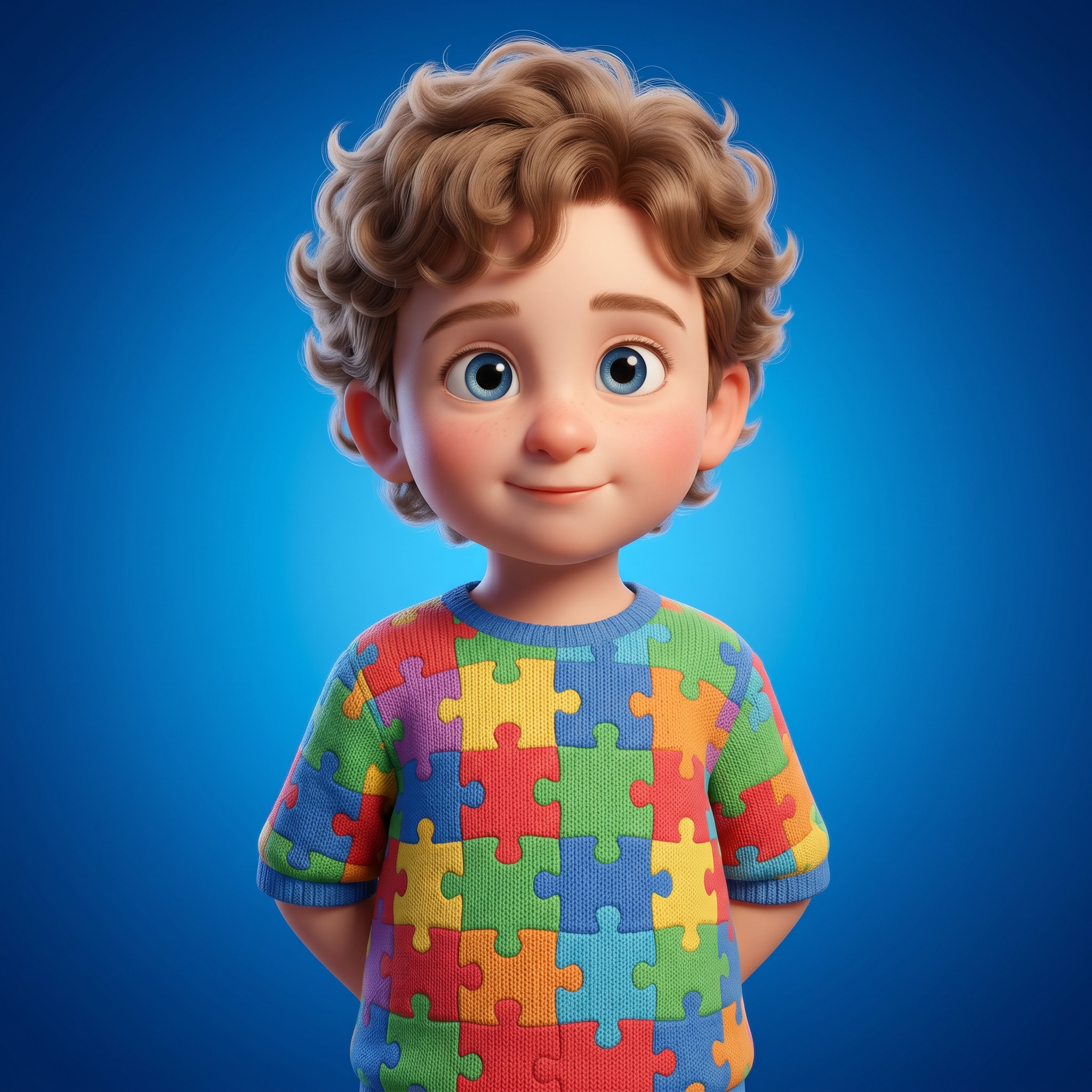
Use the uploaded image as the ONLY facial and identity reference. Preserve the same identity and facial features, but transform them into a stylized animated child version (not an adult). Create a high-quality 3D character render in a Pixar/DreamWorks-inspired style. The character must clearly appear as a young child (around 2–4 years old) with: soft, round face fuller cheeks small chin slightly larger, expressive eyes (but still identity-consistent) no beard, no sharp jawline, no adult features Expression should be innocent, warm, and slightly playful, with a gentle smile and direct eye contact. Body proportions should be cute and childlike (small, slightly chubby body, slightly larger head). Pose: relaxed standing with hands behind the back, with a subtle natural tilt in head and shoulders to avoid stiffness. Hair should match the reference but appear soft, slightly voluminous, and naturally styled, not overly sharp or artificial. Skin should be soft and stylized, with subtle subsurface scattering (SSS) for a warm glow, matte finish (no plastic shine), and gentle natural blush on cheeks. The character wears a half sleeves cotton sweater with a puzzle pattern, where: colors are soft but lively and slightly vibrant not oversaturated and not washed out The fabric shows a realistic knit texture and soft folds Lighting should be soft and cinematic: key light from upper-left gentle fill light subtle rim light on hair Background should be a rich blue gradient, brighter behind the subject and darker toward the edges, with smooth depth (not flat). Output should be: 1:1 aspect ratio mid-length framing (head to waist) high-detail, clean 3D render film-quality finish (not toy-like, not overly realistic)
Any aspect ratio
Overview
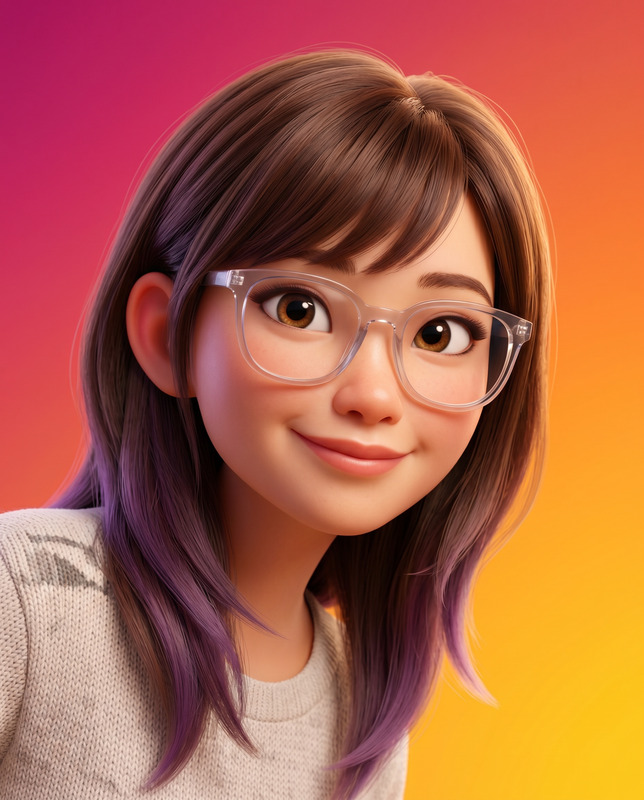
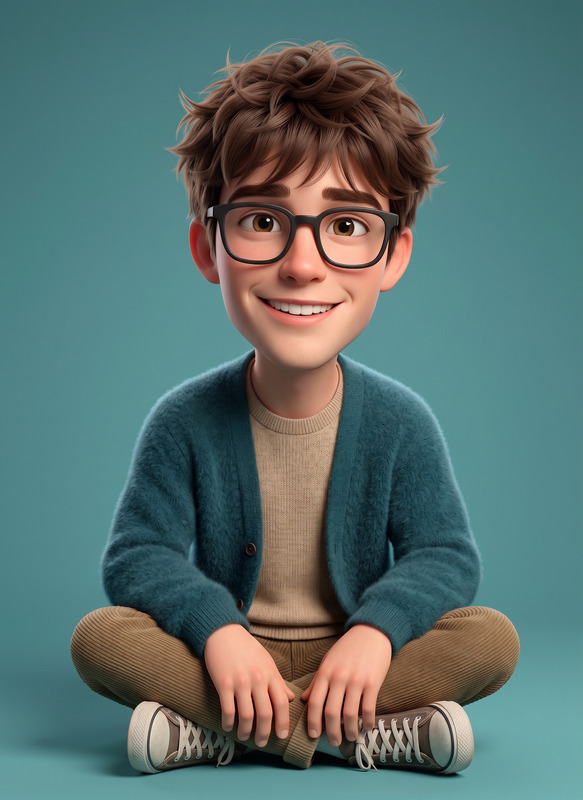
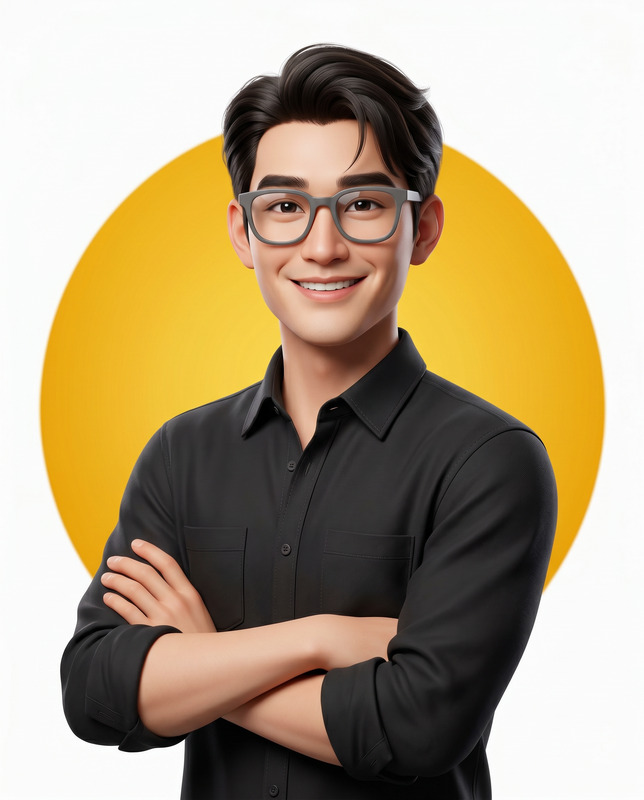
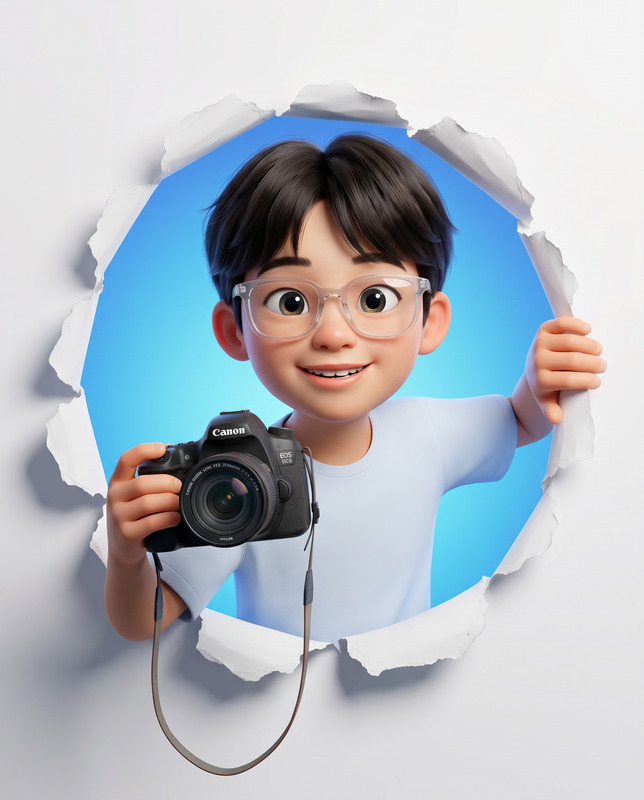
The Little Dreamer template merges the essence of AI magic with artistic creativity, crafting a young child character from your image input. Using the nano-banana-2 model, it takes personal identity traits and transforms them into an animated child form reminiscent of Pixar and DreamWorks styles.
What It Does
This AI Image Editor template turns your image into a high-quality 3D character render of a toddler. It maintains facial identity while adjusting the features to suit a child's likeness, including a round face, large expressive eyes, and a playful demeanor. Stylized lighting and a textured cotton sweater complete the look with a soft blue gradient in the background for a cinematic effect.
Who It's For
Designers and creative professionals who want to visualize characters in a unique style will find this tool incredibly useful. Additionally, it serves animators and publishers aiming for child-centric content with a warm, engaging appeal.
Summary
The Little Dreamer is a powerful tool for creating charming, animated child characters with a rich, detailed finish. With AI-driven editing, your images are transformed while preserving the identity integrity, offering designers a fresh canvas for storytelling.
How To
Choose Your Template

Customize Your Image

Generate and Download

Use Cases
Children's Book Characters
- Consistent facial features with animated style
- Soft, inviting expressions
Animated Storyboarding
- Quick, identity-consistent swaps
- Seamless integration into storyboards
Character Design for Games
- 3D rendering for a dynamic game experience
- Compatibility with various animation styles
Best Practices
Ensure Image Quality
Start with a high-resolution image to maximize detail retention in the final render.Mind the Lighting
Leverage template lighting suggestions to enhance the character’s cinematic appearance.Stay True to the Character
Aim to preserve key identity traits while adapting them to the animated child style.