The Friendly Creative
- Model
- Nano Banana 2
- Image
- 1856 × 2304 px
Prompt
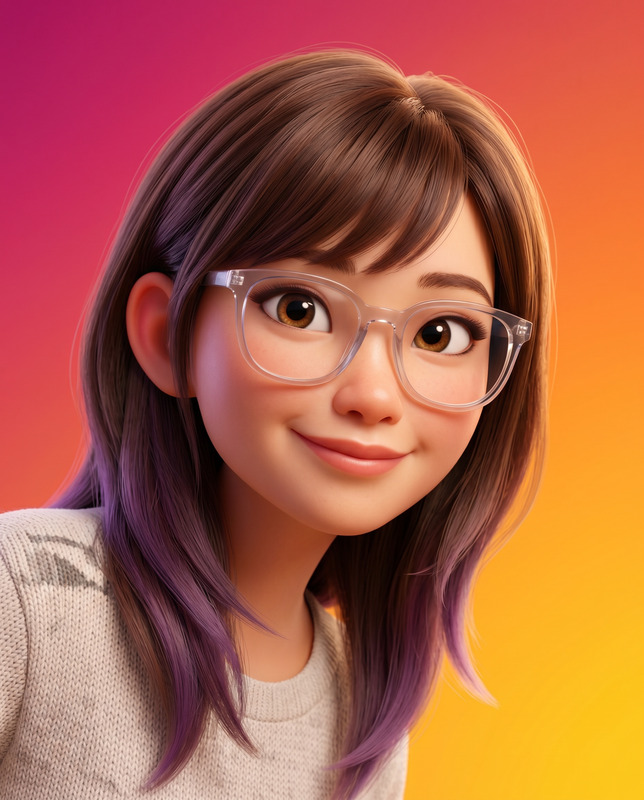
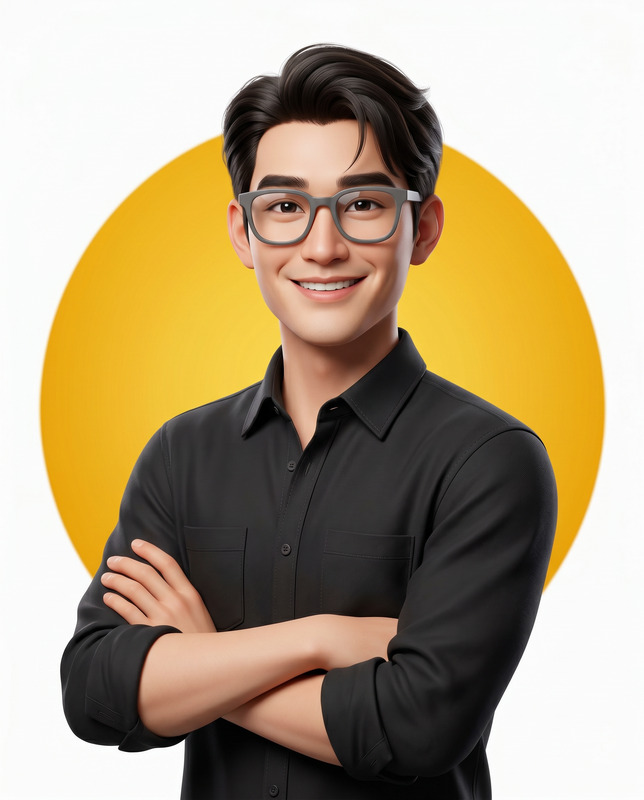
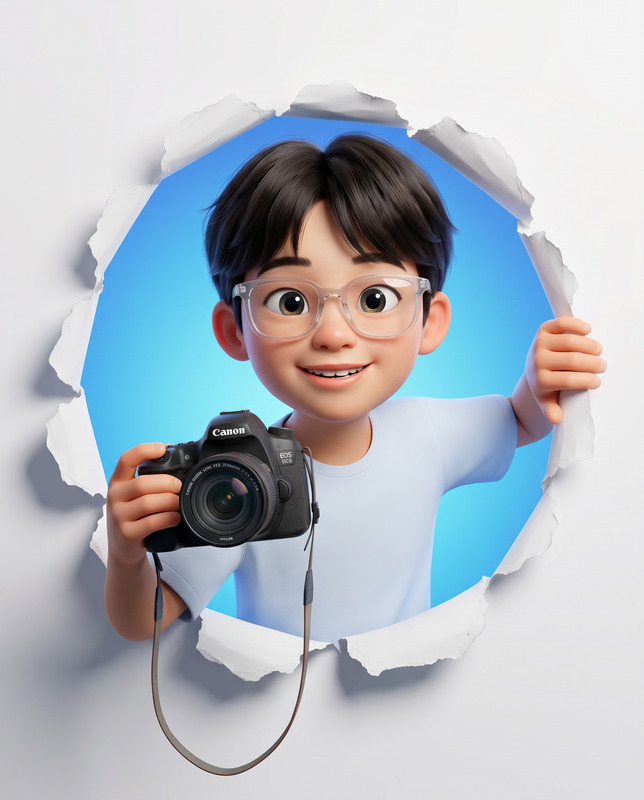
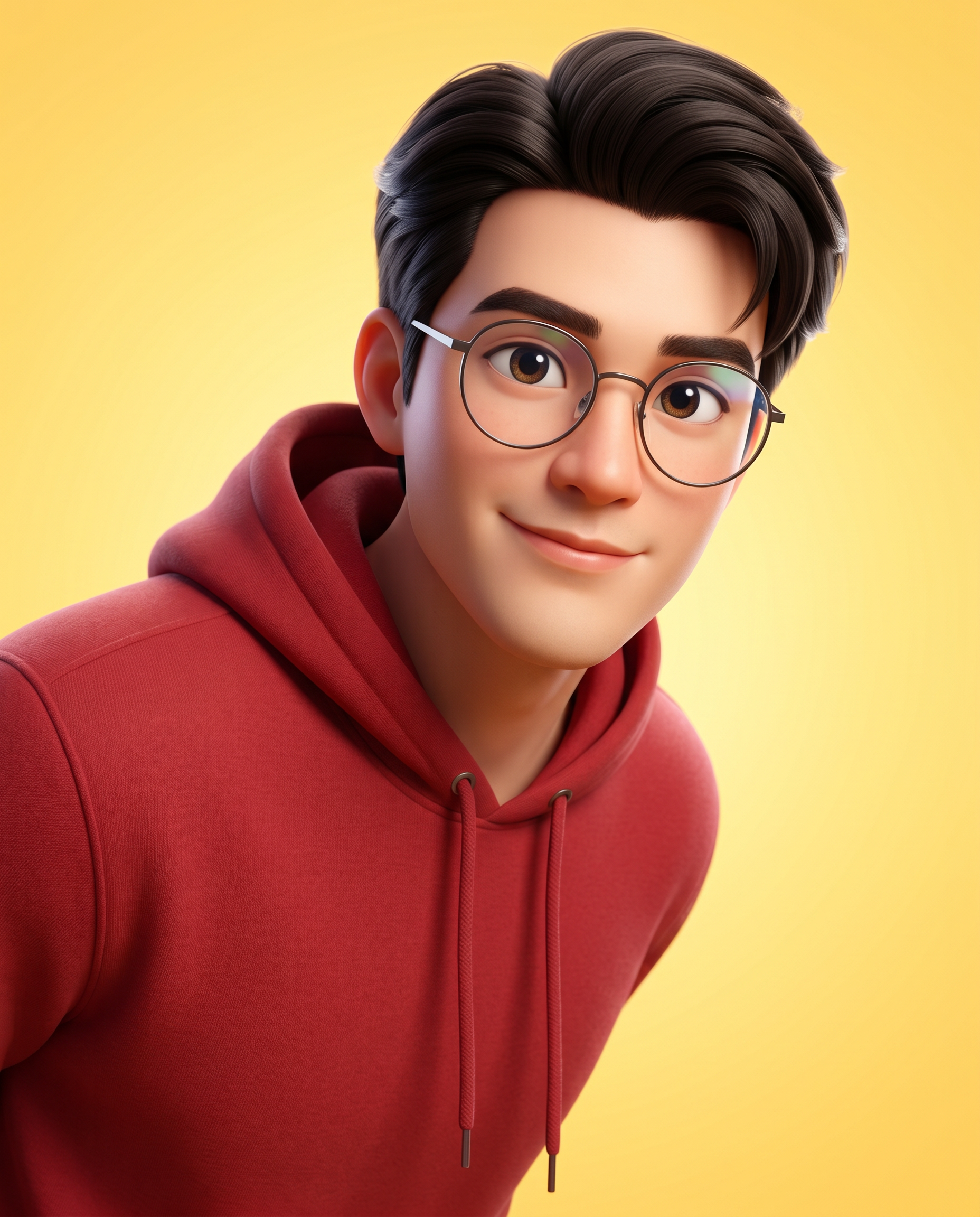
Create a high-quality 3D stylized character portrait rendered in a premium modern animation style similar to Pixar or DreamWorks, based on a provided reference image of the person. Identity Preservation Use the reference image strictly to match the subject’s identity, facial structure, hairstyle, beard, skin tone, and age. Maintain recognizable likeness while rendering in a stylized 3D animation form. Composition & Framing Close-up upper-torso portrait cropped from a standing pose. The subject enters the frame slightly from the right side, with the head positioned near the center of the frame. The left shoulder is mostly outside the frame, while the right shoulder is visible. The character appears as if leaning slightly into the frame toward the viewer. Camera Angle & Perspective Shot from a close camera distance with a slightly elevated angle, looking gently downward at the character. The perspective slightly enlarges the head compared to the shoulders to create a charming animated portrait feel. Pose & Expression Friendly warm smile with a curious, playful expression. Head slightly tilted, maintaining direct eye contact with the viewer. Accessories Thin-rim round eyeglasses with subtle reflections on the lenses. Clothing Red pullover hoodie with soft fabric texture, visible drawstrings, and natural cloth folds. Lighting Bright soft studio lighting illuminating the face clearly. Soft key light from the upper left and subtle rim lighting to separate the character from the background. Background Clean yellow gradient background with minimal texture to keep full focus on the subject. Rendering Quality Ultra-clean high-resolution 3D render with smooth surfaces, soft ambient occlusion, cinematic lighting, and shallow depth of field focused on the face. Aspect Ratio 4:5 vertical portrait composition.
Any aspect ratio
Overview
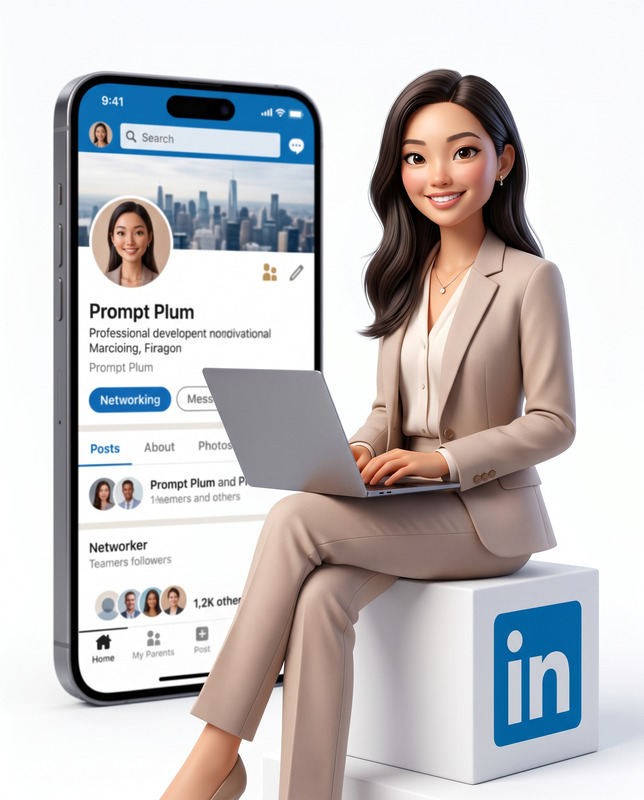
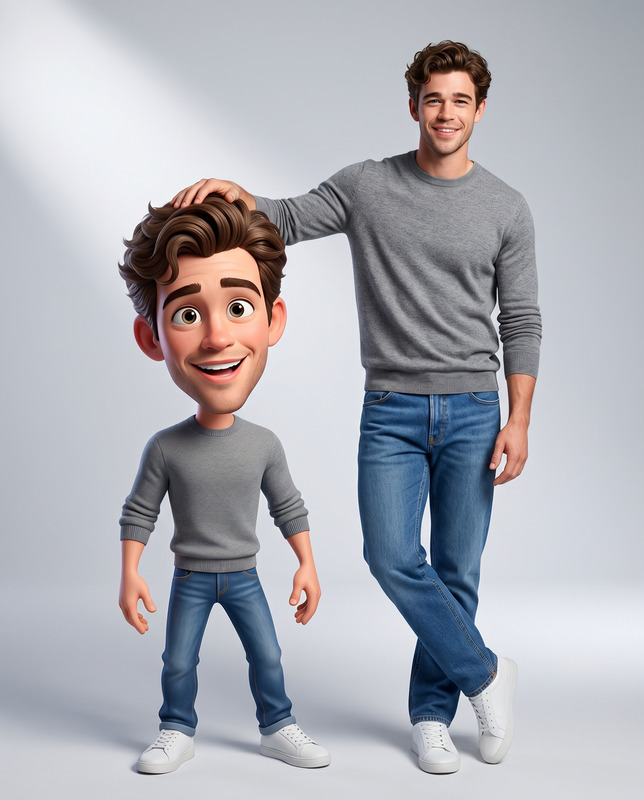
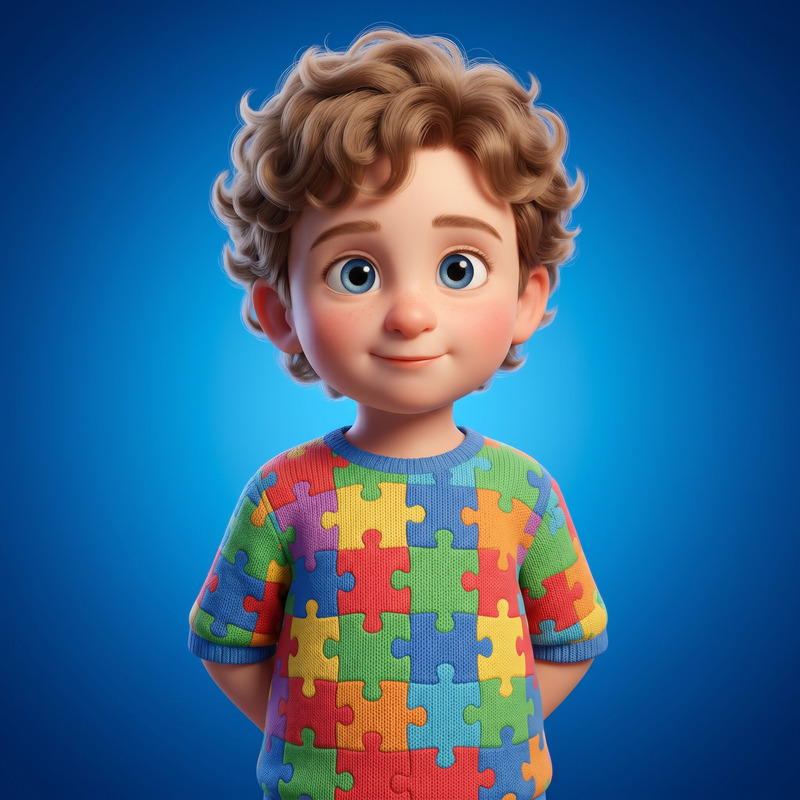
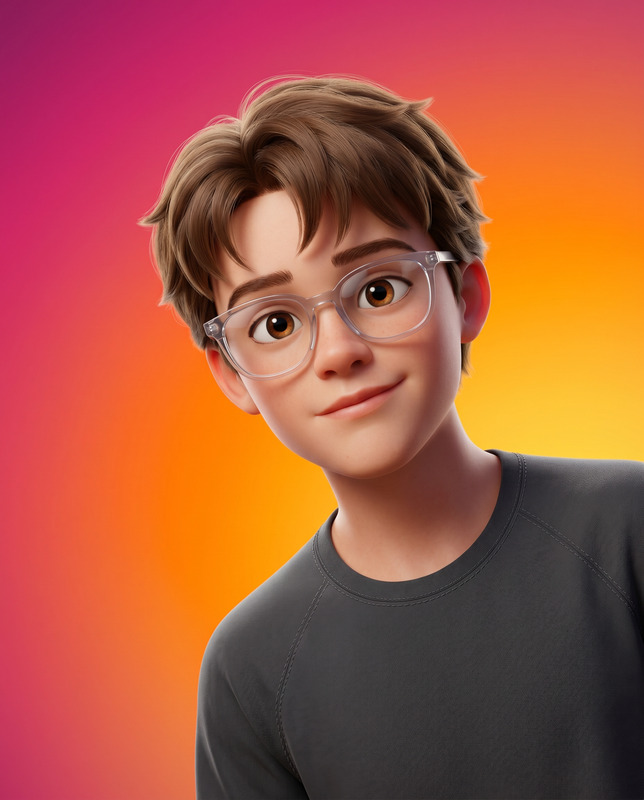
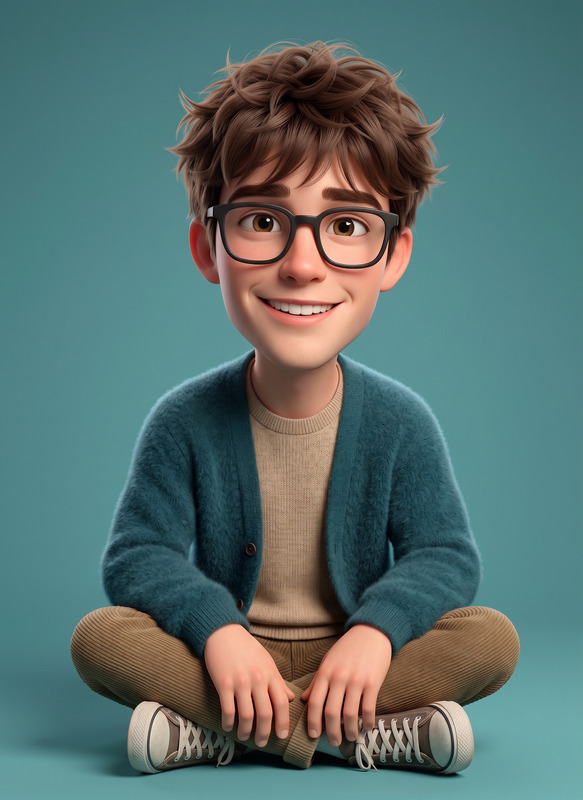
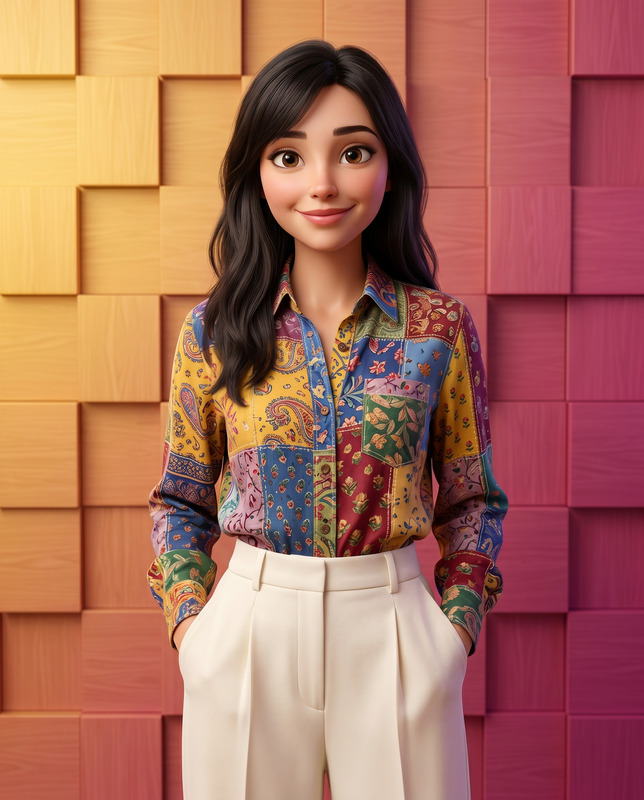
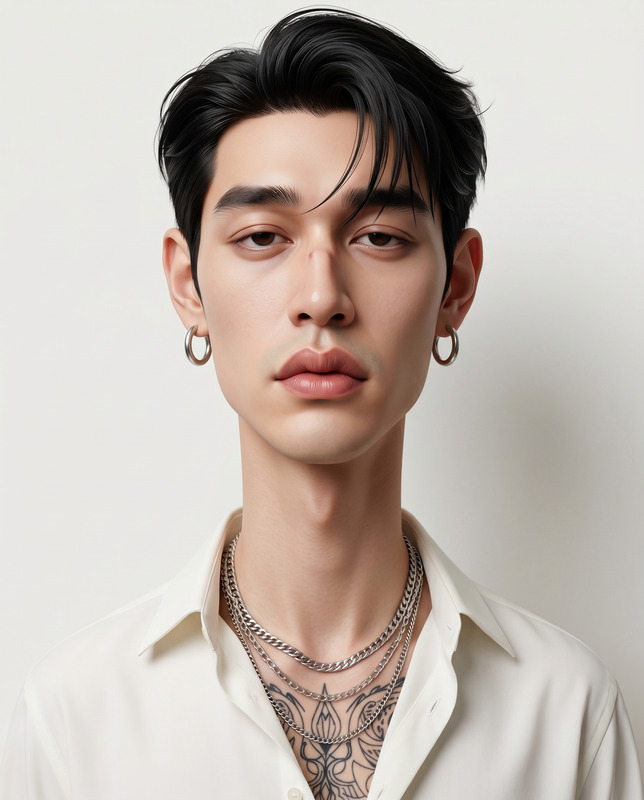
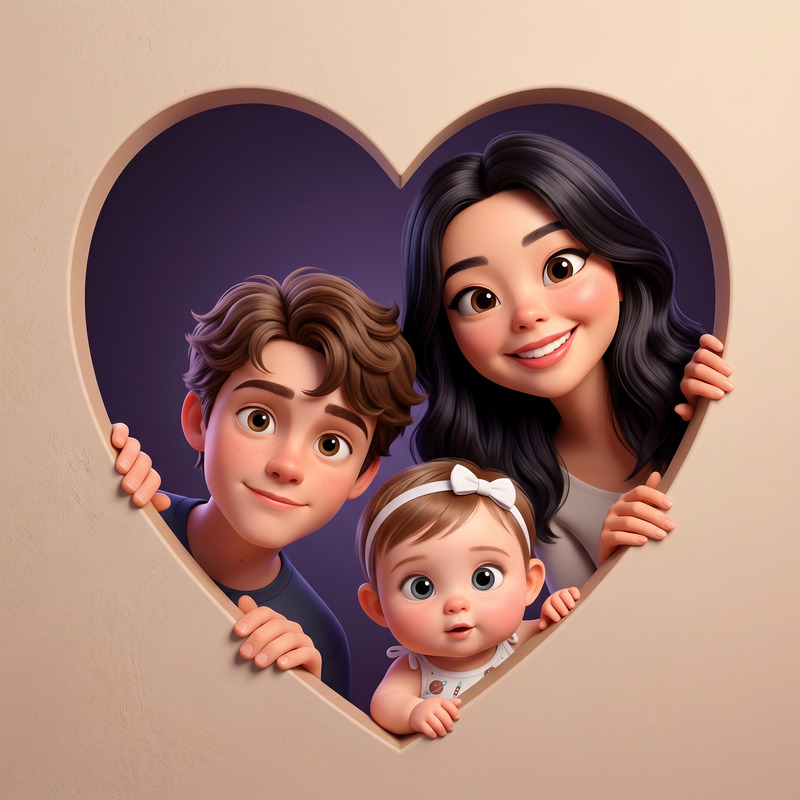
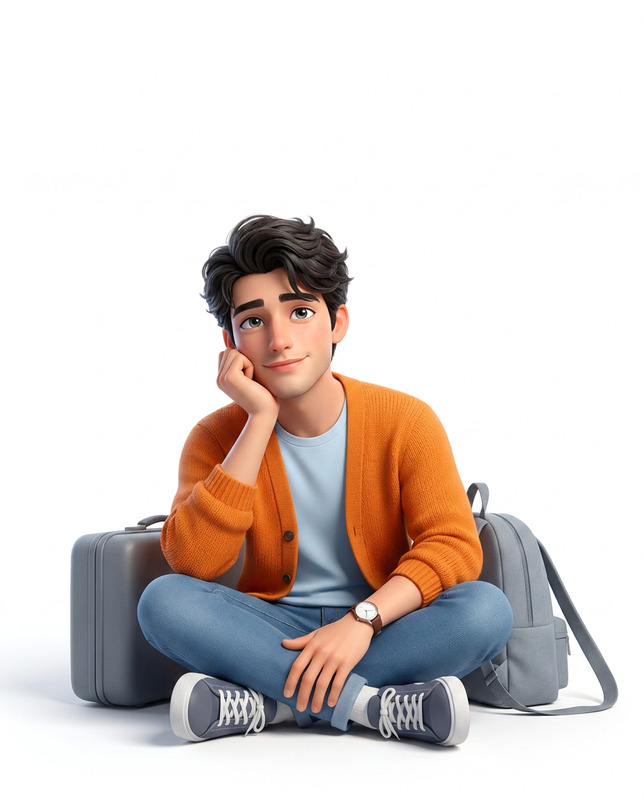
The Friendly Creative template leverages the power of AI to transform a reference image of a person into a high-quality, 3D stylized character portrait. Designed with influences from Pixar and DreamWorks, it captures a playful and inviting demeanor while maintaining the individual's essential facial features and likeness. This template is perfect for creators looking to dive into AI image editing with a touch of artistic flair.
What It Does
The template uses a provided reference image to generate a 3D animation-style portrait, preserving key identity features such as facial structure, hairstyle, and skin tone. It frames the character in a charming pose, with a curious expression and direct eye contact. Accessories like thin-rim glasses and a textured red hoodie enhance the visual appeal, while subtle lighting effects bring the subject to life.
Who It's For
This template is ideal for artists, animators, and storyboard creators looking to produce high-fidelity character portraits. It's also a great fit for marketing professionals who need engaging visuals for campaigns, or game developers at VFX previs stages. If your projects require distinctive and recognizable character depictions, this tool is for you.
Summary
The Friendly Creative provides an intuitive way to create personalized 3D character portraits using the nano-banana-2 model. Emphasizing identity preservation and artistic expression, it seamlessly combines technical precision with cinematic styles to deliver polished results. From promotional materials to personal art projects, this template adds a unique flair to creative works.
How To

Customize

Generate

Use Cases
Animated Marketing Content
- Engage viewers with character-driven content
- Enhance brand storytelling with unique avatars
Character Concept Art
- Rapid prototyping for character design
- Influence artistic direction with AI-generated art
Social Media Avatars
- Distinctive look for online presence
- Customizable styles for various platforms
Best Practices
Use High-Quality Reference Images
Ensure your reference image is clear and well-lit for the best results.Choose Complementary Colors
Select background and clothing colors that enhance the overall aesthetic.Experiment with Light Settings
Adjust lighting options to achieve the desired mood and focus.