Framed in Love
- Model
- Nano Banana 2
- Image
- 2048 × 2048 px
Prompt
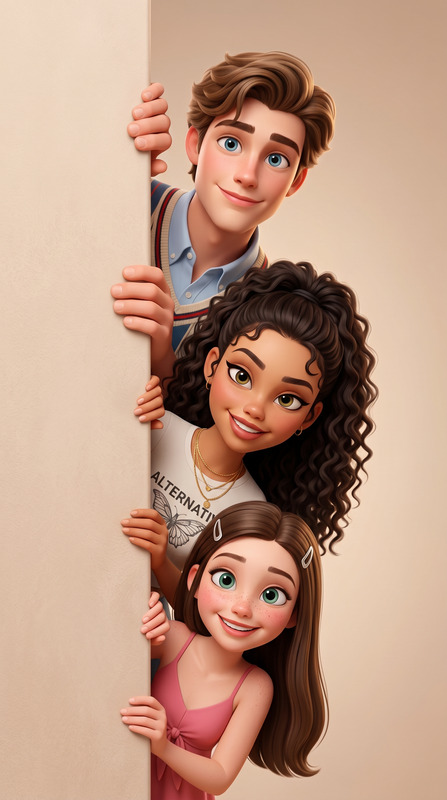
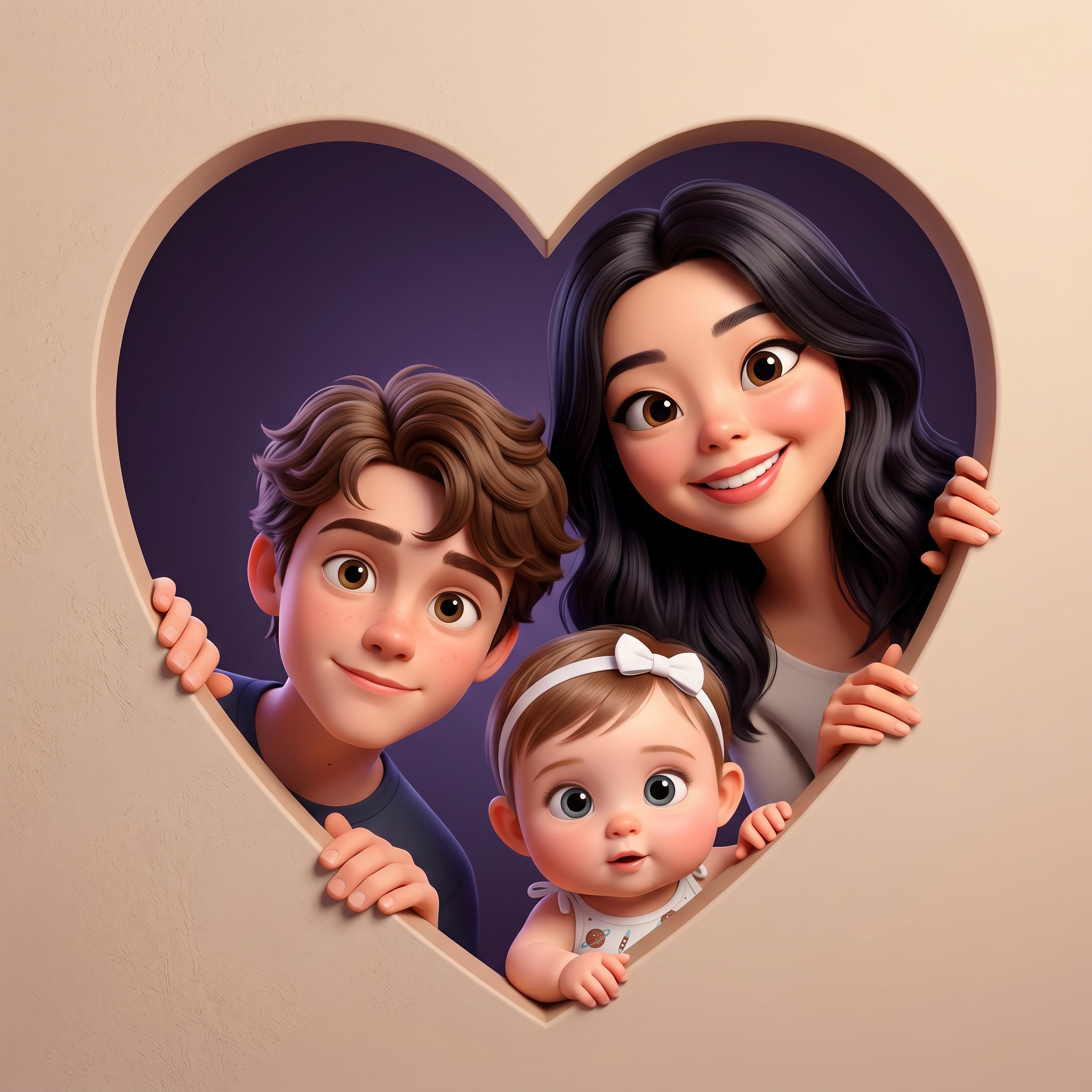
Create a high-quality 3D stylized cartoon illustration based on submitted references of family members, all peeking out from behind a matte heart-shaped opening. Only their heads, hands (where applicable), and upper torsos should be visible, looking playful and hiding. Subjects must be arranged in descending age order. The composition should feature a soft, textured beige. The entire outer background is a beige gradient; the heart-shaped opening borders are the same colour but slightly darker; the inner background is a dark violet gradient, creating a contrast that highlights the brightness of the characters. The style must have a soft Pixar/Disney animation look, with large expressive eyes, smooth skin, and slightly enlarged head proportions for cinematic charm, while retaining the recognizable facial features, hairstyles, and age from the reference photos. Everyone is gently holding the edges with small hands/paws and leaning slightly forward with curious, playful expressions. The lighting should be soft studio light with warm, gentle highlights and no harsh shadows. The image must be a 1:1 aspect ratio portrait with centralized framing and shallow depth of field. The final render should be ultra-sharp 4K, in an Octane/Unreal/Disney rendering style.
Any aspect ratio
Overview
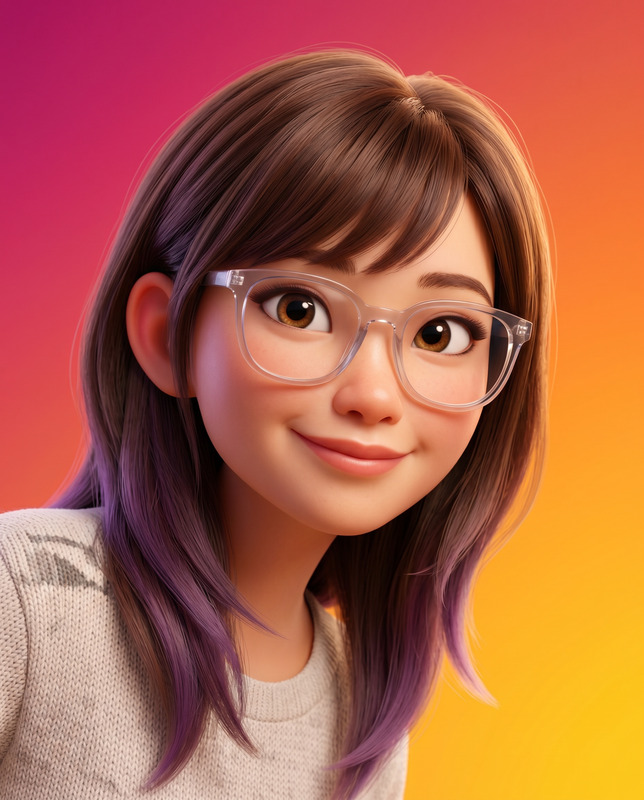
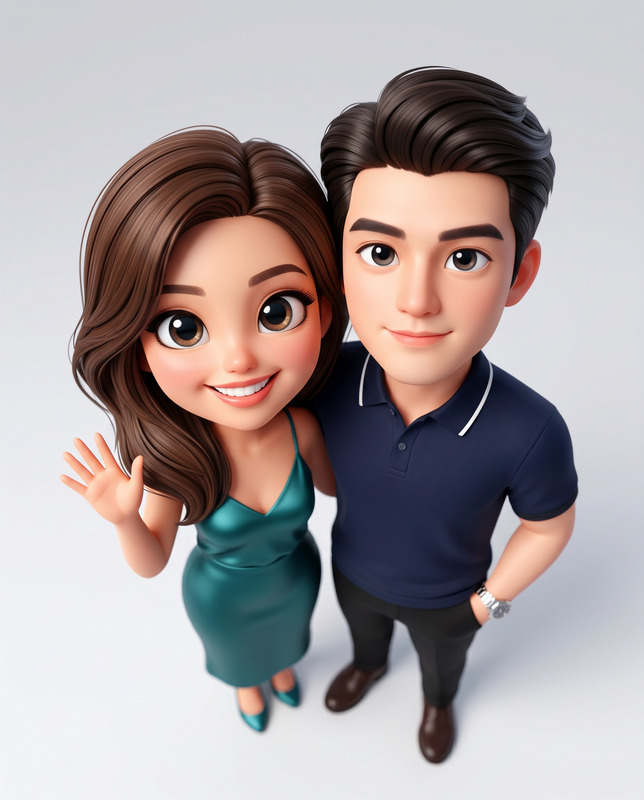
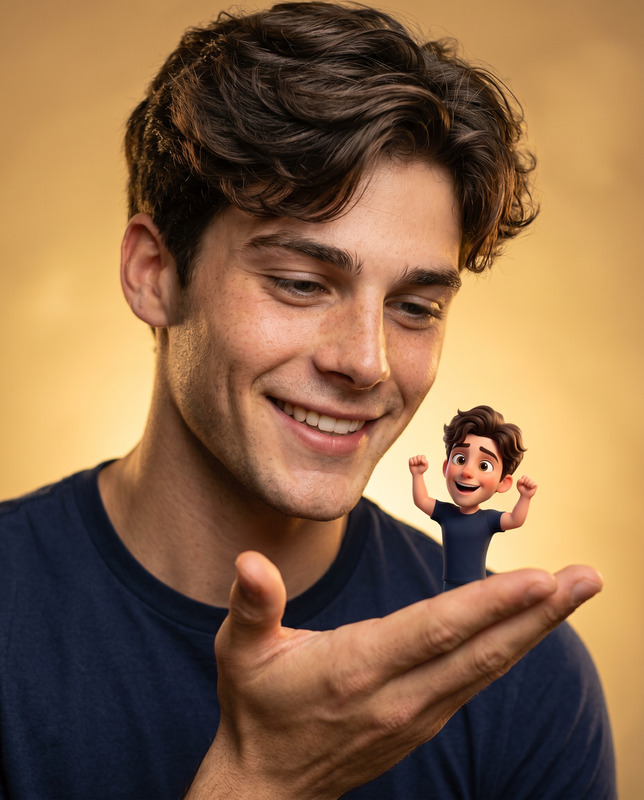
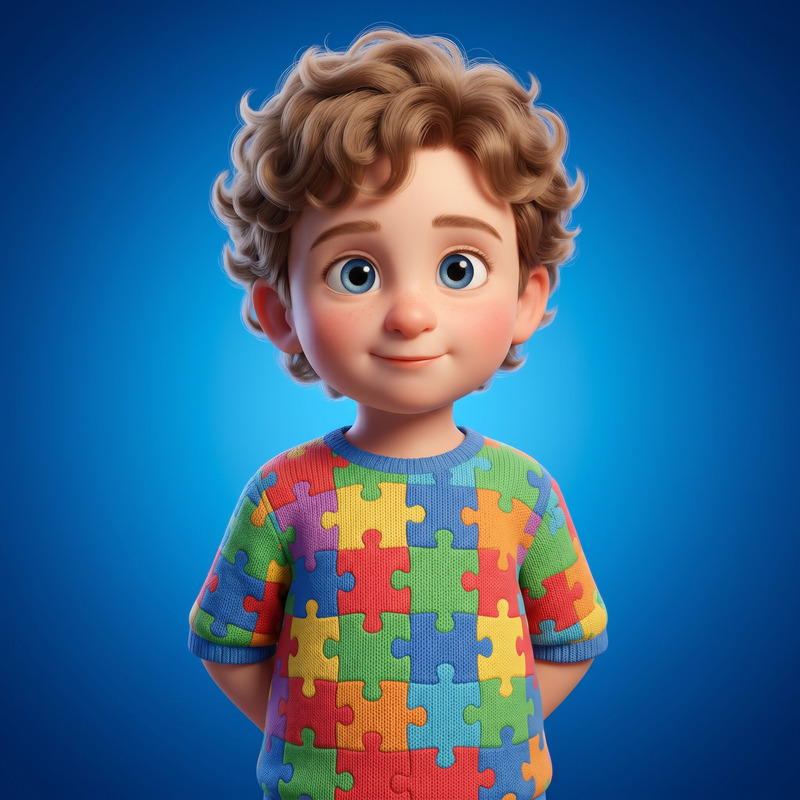
Framed in Love is an AI Image Editor template designed to transform your family photos into whimsical 3D cartoon illustrations. By leveraging the power of the nano-banana-2 model, this template converts ordinary pictures into stylized depictions featuring a playful, Disney/Pixar-like animation quality. Ideal for family portraits, these edited images create heartwarming art pieces that capture the essence of your loved ones.
What It Does
This template allows you to create visually striking cartoon illustrations of family members using reference photos. It arranges subjects in descending age order, with each character peeking from behind a matte heart-shaped opening. The result is a beautiful composition that emphasizes expressive facial features and playful poses. It's perfect to accompany pieces created using the AI Image Editor or integrated into broader multimedia projects.
Who It's For
The Framed in Love template is tailored for individuals looking to create unique and personalized family art. Photographers wanting to offer clients additional creative options, families seeking special keepsakes, and small businesses aiming to produce illustrative content will all find this tool invaluable. It pairs well with AI Image Generator for creating accompanying pieces.
Summary
With Framed in Love, crafting enchanting family illustrations is straightforward and engaging. This template seamlessly integrates with AI GIF Generator for added dynamic results, producing visually rich outputs that preserve the charm and personality of your subjects. Ideal for home display or as heartfelt gifts, this tool encapsulates memories in artistic fashion.
How-To Structure
Choose

Customize

Generate

Use Cases
Family Portrait Art
- Engage children with playful art featuring them.
- Create anniversary or birthday gifts with personal flair.
Custom Gifts
- Frame the illustrations as a memorable home decor item.
- Offer customized illustrations as part of a gift service.
Digital Content Creation
- Use illustrations to enhance blog posts.
- Create engaging social media content showcasing family themes.
Best Practices
Use High-Quality Photos
For the best results, ensure that the reference photos are clear, well-lit, and reflect the desired expressions.Maintain Age Order
When uploading photos, follow the template guidelines to keep subjects organized in descending age order for a coherent layout.Consider Lighting
Enhance the outcome by using reference images with soft lighting to echo the template's warm, studio-lit style.