The Canon Creator
- Model
- Nano Banana 2
- Image
- 1856 × 2304 px
Prompt
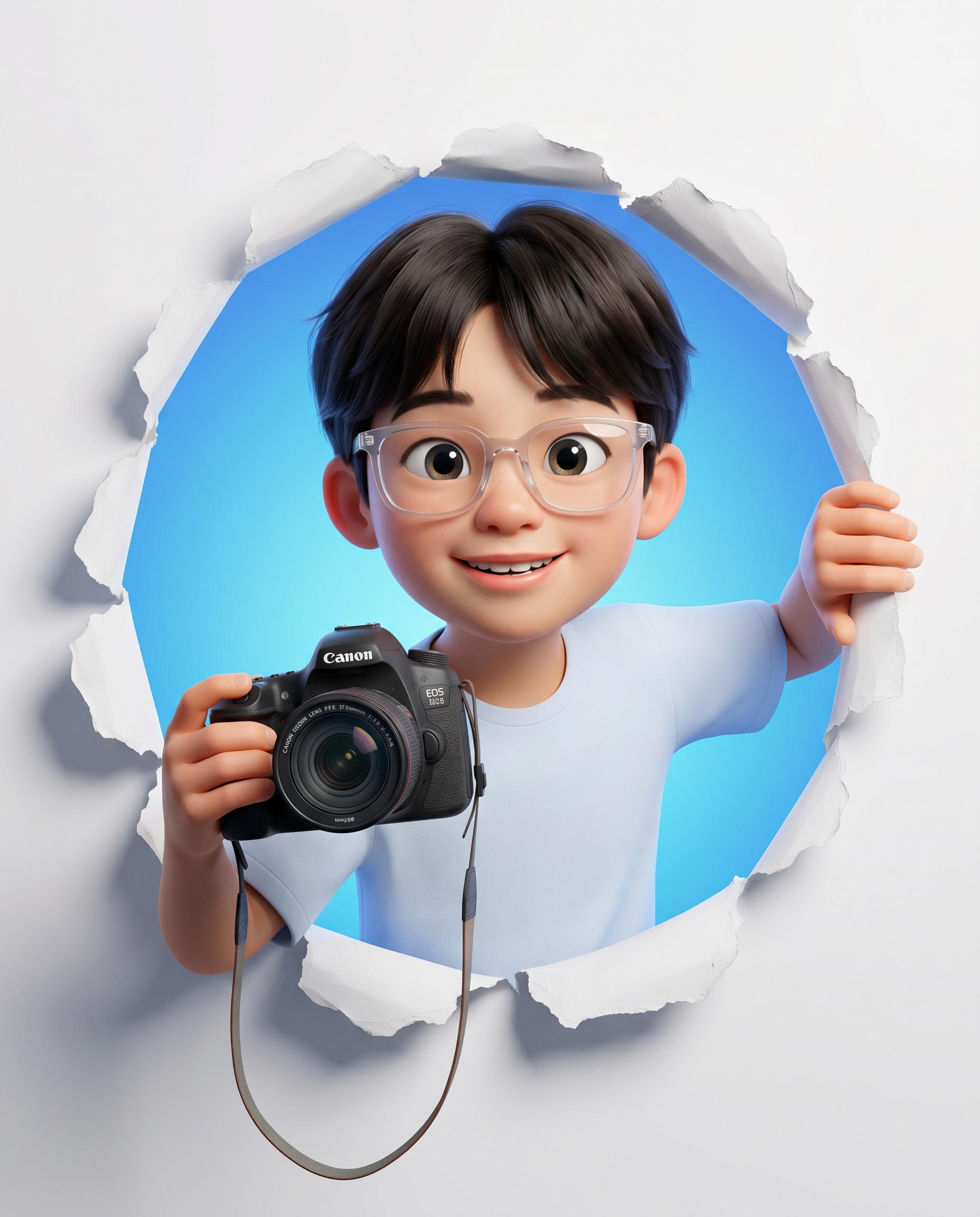
Use the uploaded image ONLY for face and identity reference. Do not change facial structure, eye shape, or proportions. Keep identity 100% accurate. Create a high-quality 3D animated character portrait in a modern Pixar/DreamWorks-style rendering. Composition & Pose: Character is emerging through a torn paper hole in a clean white surface. The tear is circular with rough, realistic ripped paper edges. The subject leans slightly forward through the hole, engaging directly with the viewer. Upper body visible (waist-up framing), centered composition. Expression: Bright, friendly smile with visible teeth. Wide, expressive eyes looking directly at the camera. Energetic, cheerful personality. Details (Important): One hand is holding a Canon DSLR camera toward the viewer (camera clearly visible, slightly forward perspective). Other hand is gripping the torn paper edge naturally. Camera strap hanging loosely. Appearance: Modern casual outfit (plain, solid white-blue t-shirt, minimal design). Hair should follow the reference image, but be styled slightly polished in animated form. Wearing Glasses accurately. Environment: Background inside the hole is a smooth, vibrant solid color (blue gradient preferred). Outer area remains clean white with soft shadows around the tear for depth. Rendering Style: High-end 3D animation, soft global illumination, smooth materials. Subtle skin texture but slightly stylized (not hyper-realistic). Rounded facial features, slightly exaggerated proportions typical of Pixar-style. Clean lighting, soft shadows, vibrant colors. Framing: Vertical composition, 4:5 aspect ratio. Subject occupies ~70% of the frame. Torn hole centered and clearly visible. Quality: Ultra-detailed, sharp focus, 8K render quality. No extra hands, bad anatomy.
Any aspect ratio
Overview
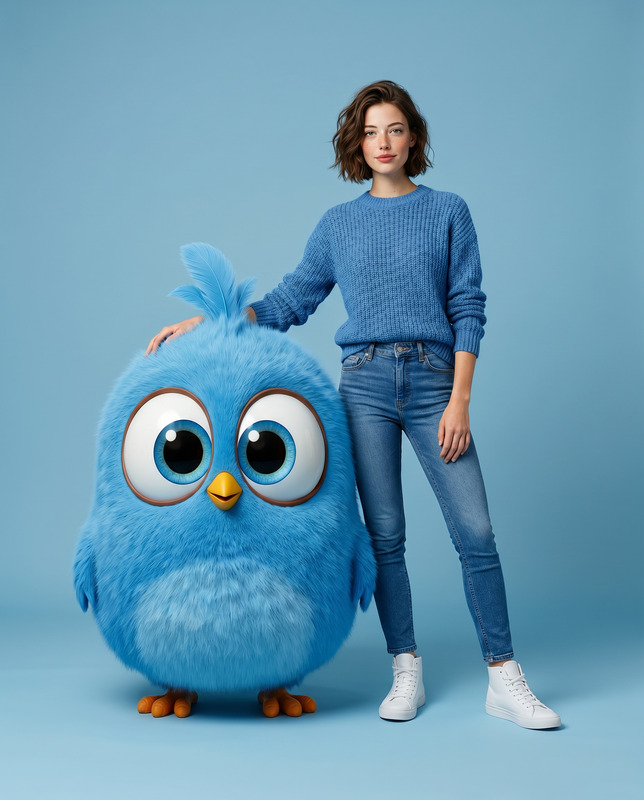
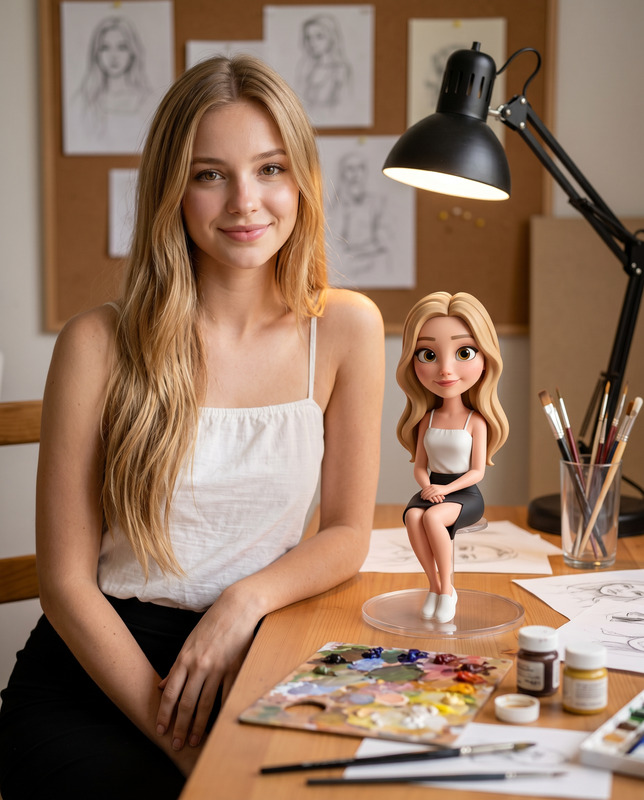
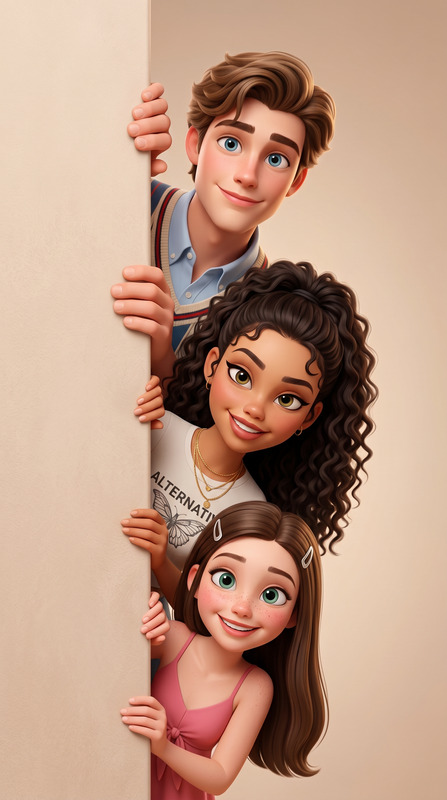
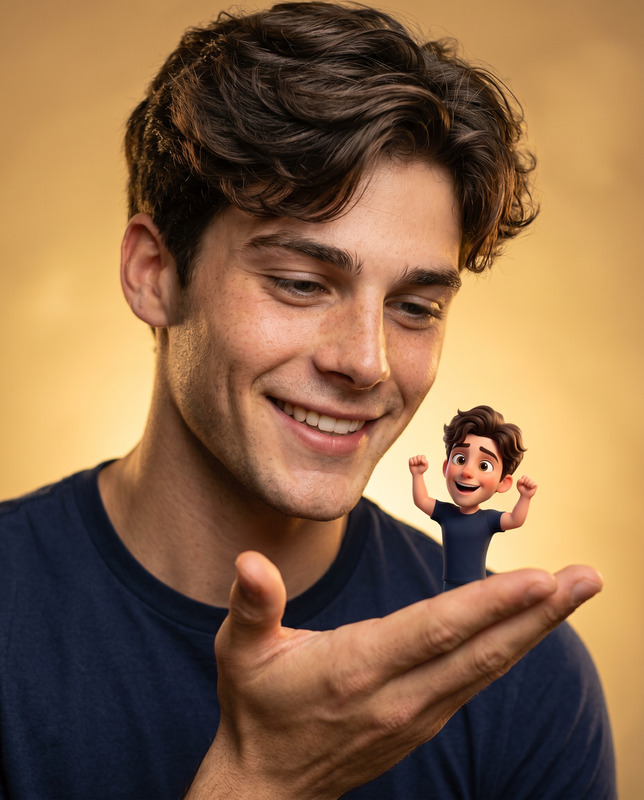
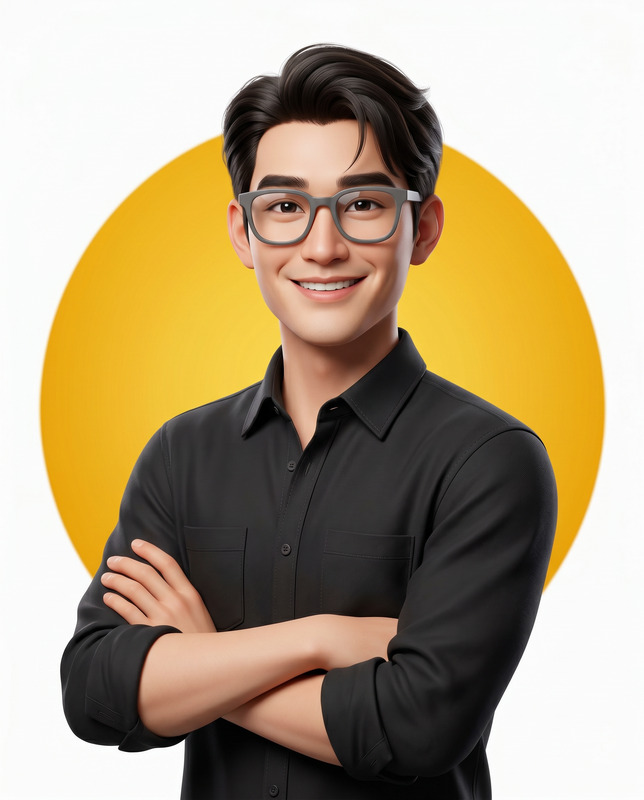
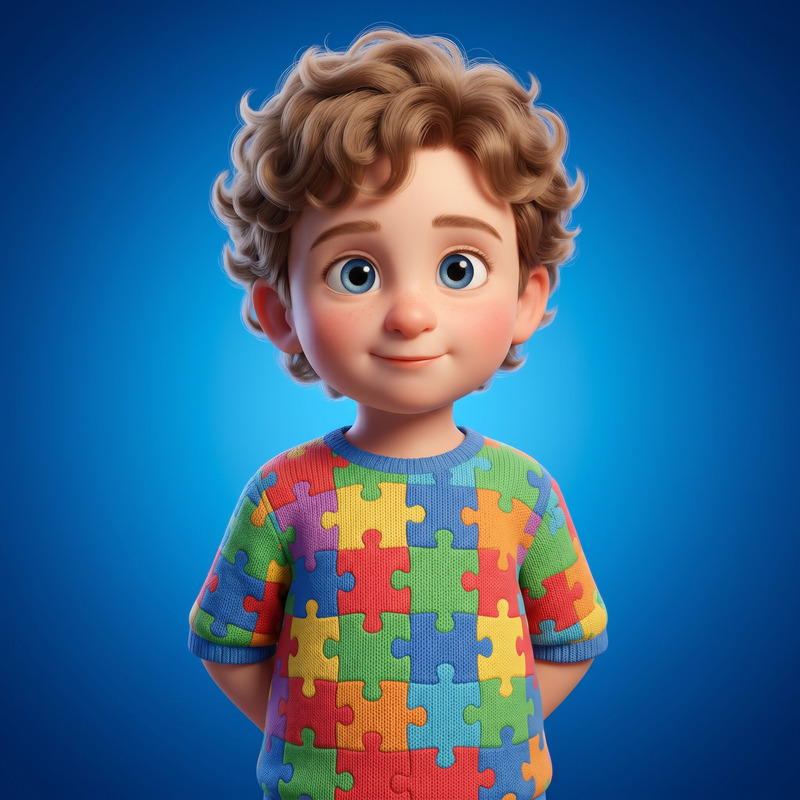
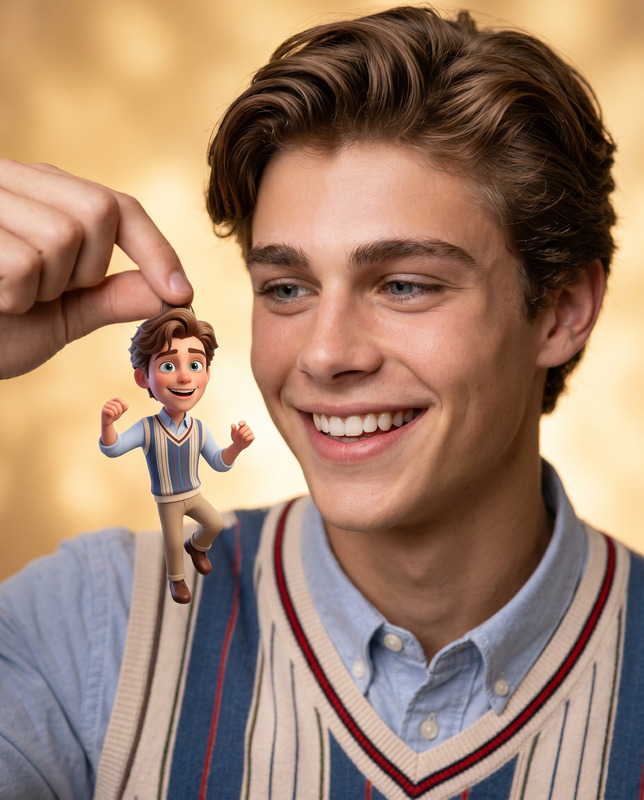
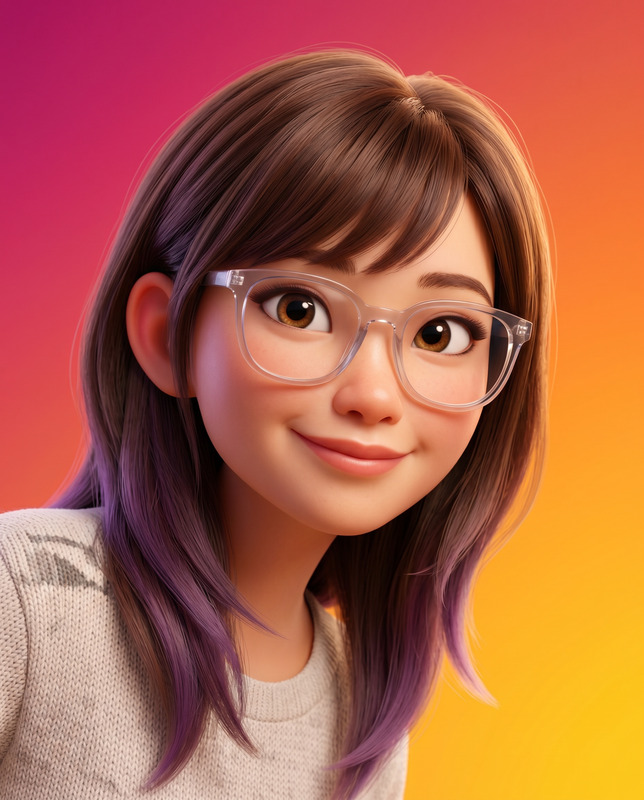
"The Canon Creator" template is a sophisticated AI Image Editor designed to transform face-reference images into high-quality 3D animated character portraits. Using the advanced nano-banana-2 model, this tool ensures accurate representation of facial features while crafting a vibrant and engaging Pixar/DreamWorks-style image. Perfect for creatives seeking to blend realism with animation in their projects.
What It Does
This template takes a reference image and generates a stunning, modern character portrait set in a unique scene where the subject appears to be emerging through a torn paper hole. With an emphasis on maintaining the identity and structural details of the original face, it enhances the image with stylized features typical of Pixar animations. The background uses a smooth, blue gradient to contrast against the clean white surface, adding depth and focus to the subject.
Who It's For
"The Canon Creator" is ideal for digital artists, animators, and content creators looking to visualize their concepts in a high-quality animated format. It's especially beneficial for those needing character portraits that capture personality and identity accurately. This template also serves well for creating engaging visuals for social media ads and personalized video ads, offering a creative edge to your promotional materials.
Summary
Bringing together the precision of AI editing with artistic flair, "The Canon Creator" template is a robust tool for generating animated character portraits from reference images. Its rich details, vibrant colors, and expert rendering style make it a top choice for projects demanding both creative expression and high fidelity. Explore its capabilities to elevate your brand or artistic projects.
How To
Choose Your Template

Customize the Template

Generate Your Portrait

Use Cases
Digital Art Projects
- Vibrant, engaging visuals
- Perfect for art exhibitions
Marketing and Branding
- Enhance brand storytelling
- Improved audience engagement
Game Development
- Seamless character integration
- Enhanced game graphics quality
Best Practices
Choose High-Quality Reference Images
Start with high-resolution photos to ensure the generated portrait retains facial details and accuracy.Adjust Lighting Considerations
Keep in mind how lighting in the reference affects the final render. Adjust shadows and highlights as needed within the prompt guidelines.Review Render Settings
Prior to generating, double-check render settings like resolution and aspect ratio to match your project's requirements. Consider using the AI Image Upscaler if needed.