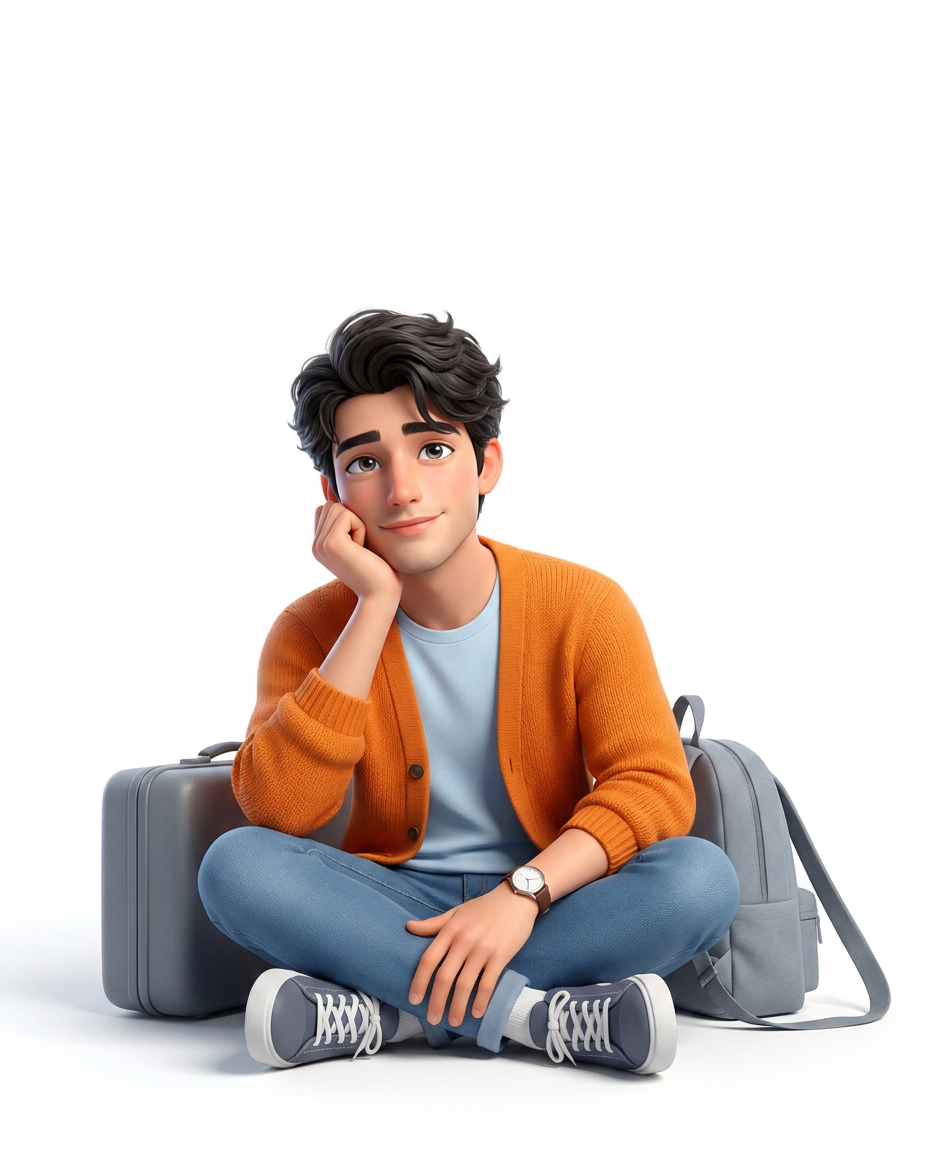
The Daydreaming Traveler
- Model
- Nano Banana Pro
- Image
- 928 × 1152 px
Prompt
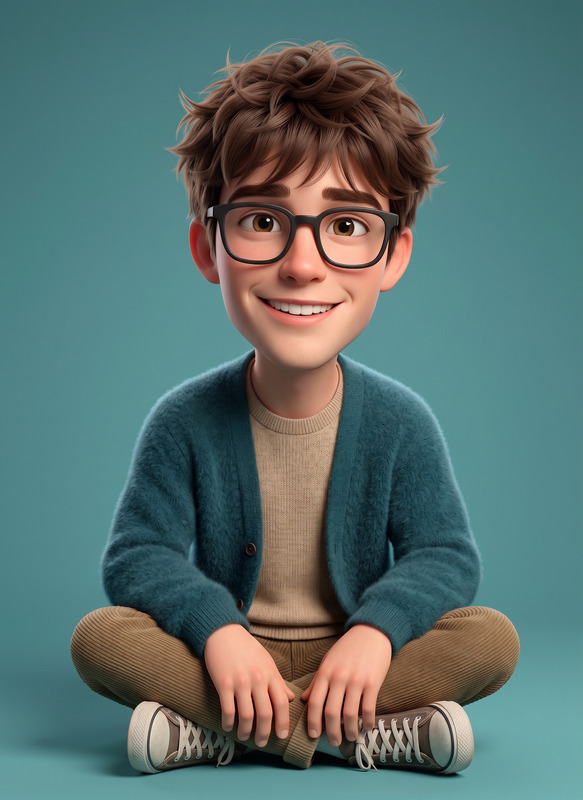
Use the uploaded image only for face and identity reference. Preserve the subject’s recognizable facial features and overall likeness with high accuracy. Create a high-quality 3D animated portrait in a vertical 4:5 aspect ratio. Show the subject as a stylized mini adult version of themselves, with a slightly smaller, shorter, more compact body and a slightly larger head relative to the body. The miniature effect should be clearly visible, but the subject must still look like an adult, not a child, baby, toy, or exaggerated chibi character. Show the subject sitting cross-legged on the floor in a relaxed, casual pose. One elbow rests on a knee, with that hand gently supporting the cheek. The other hand rests naturally near the ankle or lower leg. Keep the expression soft, pleasant, and thoughtful, with a gentle closed-mouth smile and eyes looking slightly upward to one side, creating a dreamy mood. Place the subject lower in the frame with generous empty space above the head, so the character feels smaller inside the composition. Keep the full body, full hair, shoes, suitcase, and backpack clearly visible without cropping too close. Outfit: vibrant orange knitted cardigan, light pastel blue T-shirt, medium blue jeans, navy-gray-and-white lace-up sneakers, and a simple wristwatch. Keep the colours clean and vibrant. Add two travel props: a compact gray suitcase placed on the floor beside the subject, and a soft gray backpack positioned behind one side of the body with a visible shoulder strap near the shoulder, so it looks like the subject is still loosely wearing or carrying it rather than it being placed separately. Use a clean pure white studio background with bright, soft, diffused high-key lighting and soft natural floor shadows only. Render the image in a premium polished 3D cartoon style with detailed hair strands, expressive glossy eyes, smooth natural skin shading, realistic knit texture, crisp clothing folds, and clean modern travel-bag details. No text, no border, and no extra objects.
Any aspect ratio
Overview
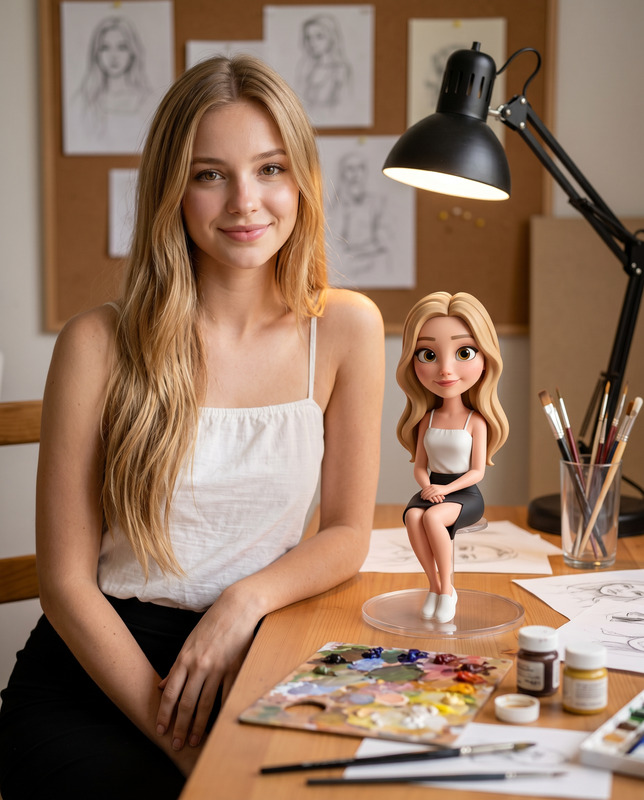
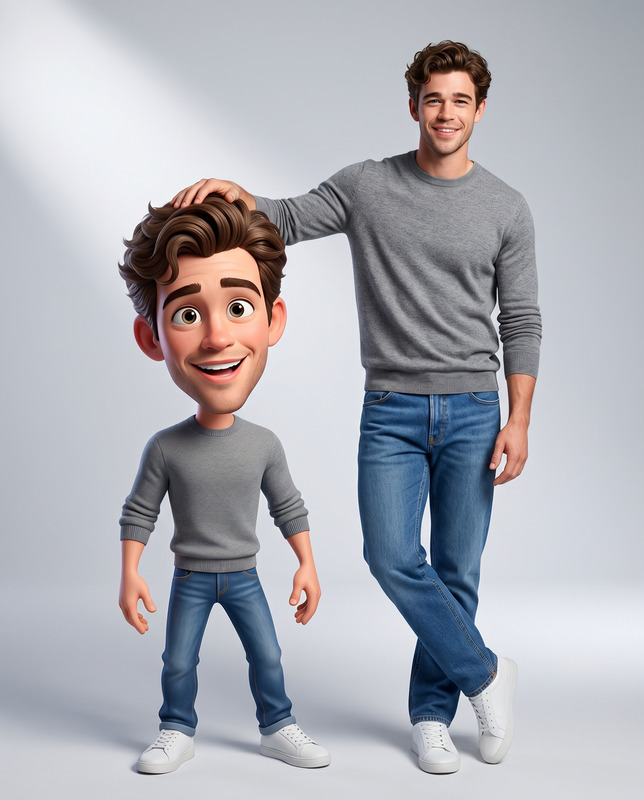
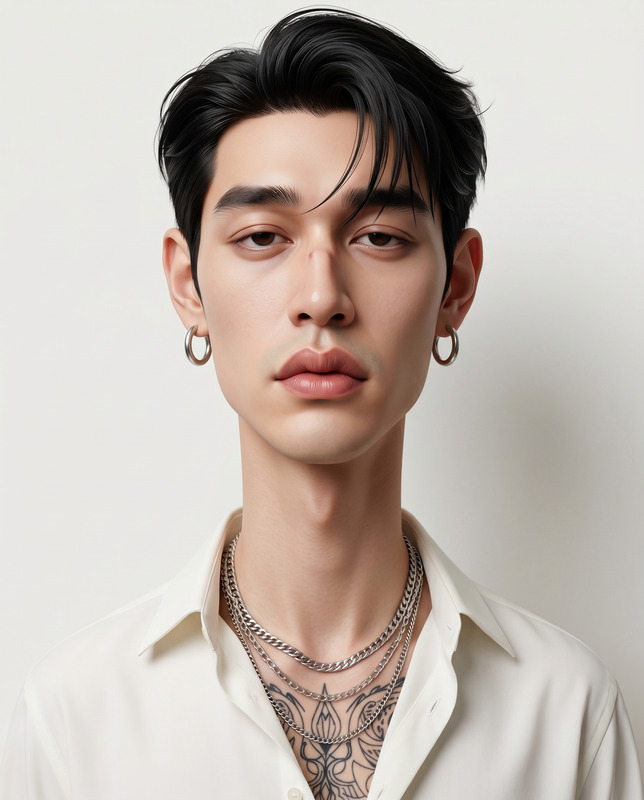
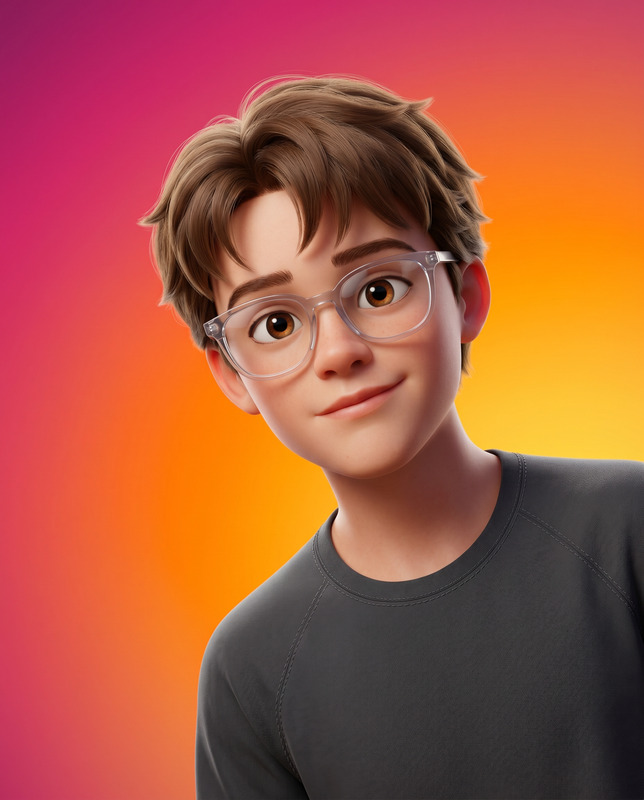
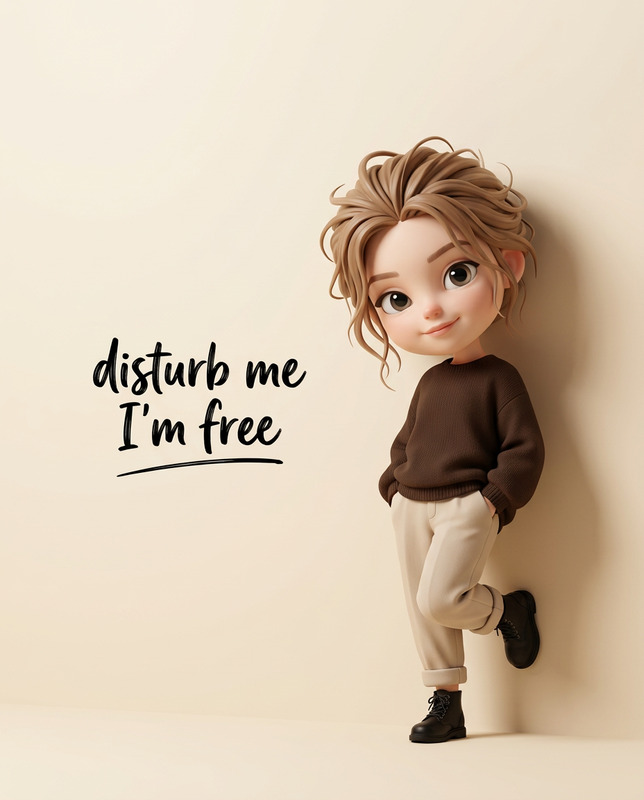
The Daydreaming Traveler is an advanced AI Image Editor template that transforms your uploaded image into a captivating 3D animated portrait. Powered by the nano-banana-pro model, it maintains the subject's identity while adopting a unique stylized mini-adult aesthetic.
What It Does
This template turns ordinary photos into high-quality, 3D cartoons. It captures the essence and likeness of the subject while presenting a playful and compact version, complete with a thoughtful pose and tranquil facial expression. Ideal for those who appreciate a fresh take on portraiture.
Who It's For
Perfect for storyboarding artists, digital creatives, and individuals seeking a whimsical touch in their visual projects. It appeals to those who want to experiment with AI Image Editor tools and push the boundaries of traditional imagery.
Summary
Capture your subject's charm with a stylized cartoon flair using The Daydreaming Traveler template. Achieve detailed, polished results with features like realistic textures, vibrant colors, and dynamic posing. This complements other creative projects and fits seamlessly with tools like AI Talking Photo for moving portraits.
How to Use
Choose Your Template

Customize Your Input

Generate Your Image

Use Cases
Social Media Content
- Ideal for Instagram, TikTok, and Facebook avatars.
Personalized Gifts
- Perfect for birthdays and special occasions.
Creative Projects
- Use in digital art, mood boards, or comics projects.
Best Practices
Choose a Clear Image
Use a high-resolution photo to ensure all features are accurately captured, enhancing the final 3D animated portrait.Consider Lighting
Ensure your original photo has good lighting to complement the high-key studio light setting.Customize Thoughtfully
While the template automates many aspects, carefully review your input to align with your artistic vision, especially for character-focused projects.