The Modern Avatar
- Model
- Nano Banana 2
- Image
- 1856 × 2304 px
Prompt
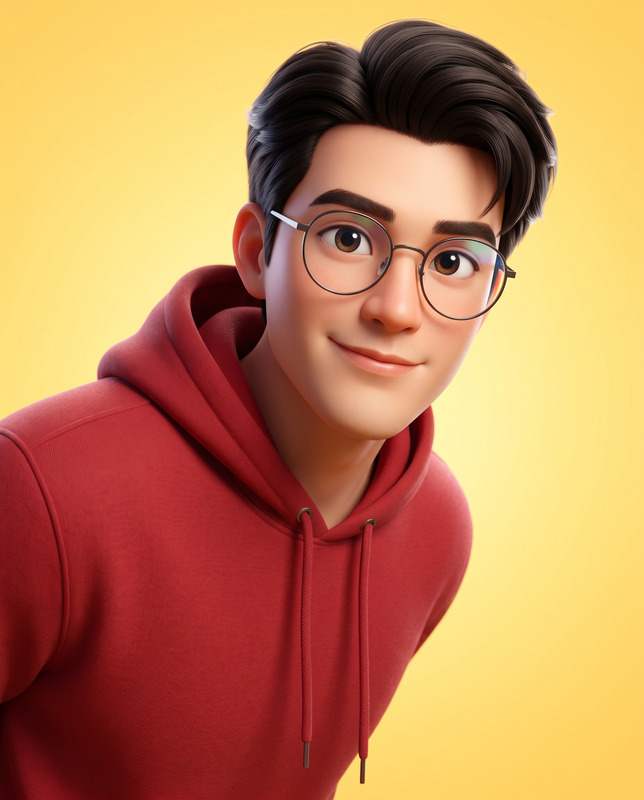
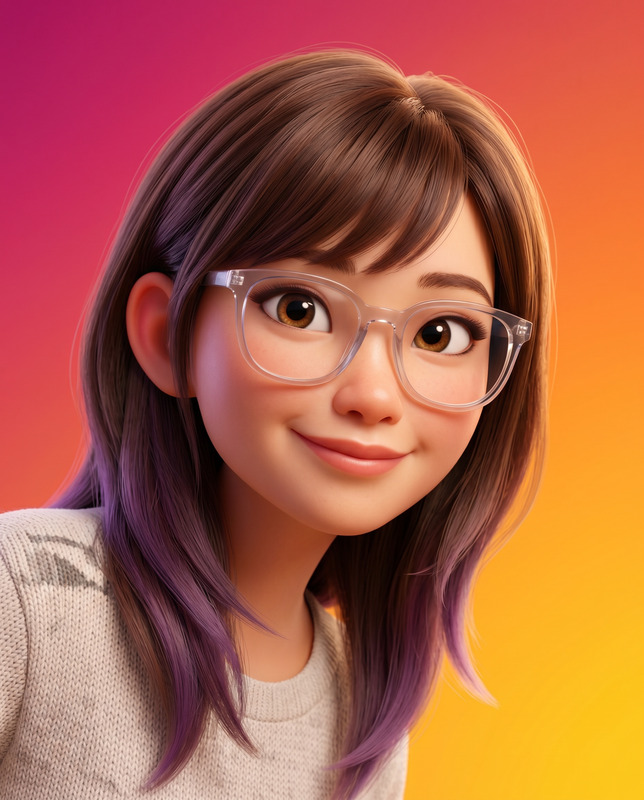
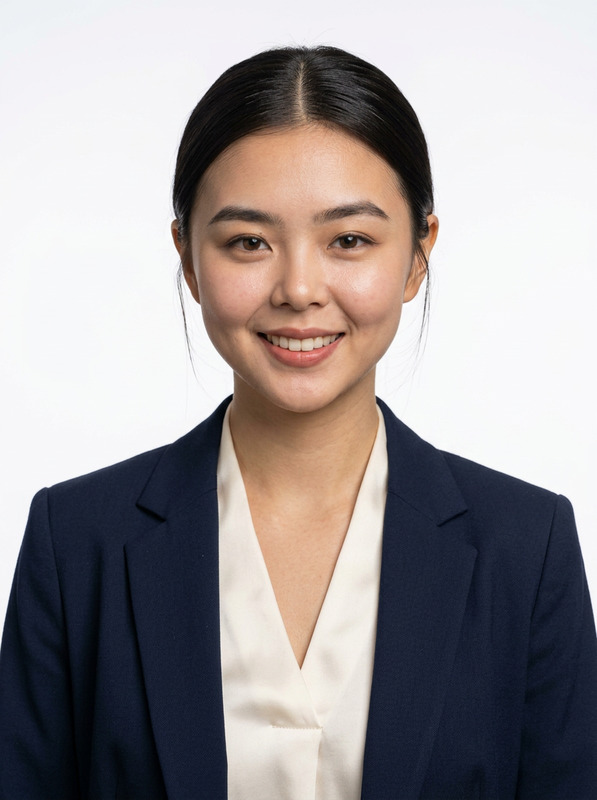
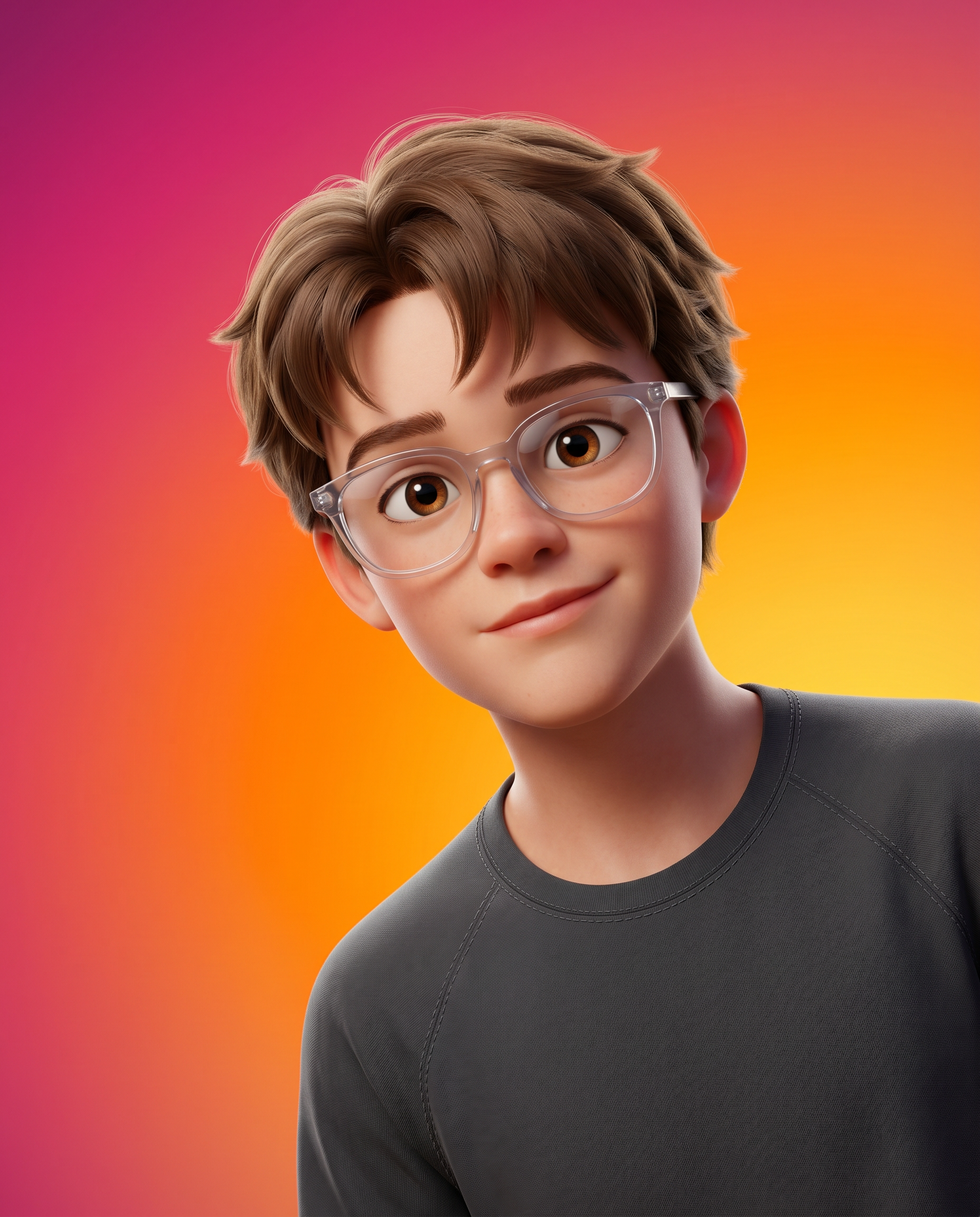
Create a high-fidelity, 3D-rendered character portrait in the style of modern feature-film animation (such as Pixar or DreamWorks). Use the uploaded image only for facial reference to preserve identity while maintaining a polished, cinematic animated aesthetic. Instruction (CRITICAL): Strictly IGNORE the pose details from the reference image. Composition & Framing The subject is positioned lower-right, as if peeking into view, with the chest up framing. Ooccupies approximately 60–70% of the area in the frame, ensuring strong visual presence. A head tilt for a friendly, approachable demeanour. Pose should be natural. Vertical aspect ratio (4:5). Shallow depth of field with the subject in sharp focus and the background perfectly smooth. Background A seamless, ultra-smooth gradient with no texture or noise. Diagonal color transition: Deep magenta/pink in the upper left, Vibrant orange in the center, Bright golden-yellow in the lower right. Soft, clean, and studio-like with a subtle bokeh-style finish. Appearance & Expression Stylized yet believable proportions typical of high-end animated films. Warm, friendly, and charismatic expression with a subtle, confident smile. Large, expressive eyes with natural catchlights. Natural skin shading with realistic subsurface scattering for a lifelike appearance. Expression should be natural. Attire & Accessories Modern, casual outfit (e.g, t-shirt, hoodie) with a clean, minimal design. Contemporary eyewear with realistic reflections and refraction. Physically accurate fabric textures with visible stitching and natural folds. Lighting Key Light: Soft, diffused light from the upper right, producing gentle highlights on the face. Fill Light: Subtle illumination from the left to maintain balanced shadows and a friendly mood. Global Illumination: Soft bounce lighting for realism. Subsurface Scattering: Visible in the skin, especially around the ears and nose. Soft reflections on accessories such as glasses. Technical Specifications High-end 3D CGI rendered using Physically Based Rendering (PBR). Ultra-detailed textures with high-resolution normal and bump maps. Clean topology and cinematic color grading. Smooth anti-aliasing and studio-quality rendering. 8K resolution, ultra-sharp details. Vibrant yet balanced color harmony. Identity Constraint Use the uploaded image strictly only for facial and identity reference. Preserve facial structure, proportions, and likeness with high accuracy. Do not alter ethnicity or introduce distortions. Negative Prompt Blurry, low resolution, noisy background, harsh shadows, flat lighting, distorted face, unnatural pose, exaggerated caricature, over-smoothing, plastic skin, dull colors, artifacts, incorrect anatomy, asymmetry, watermark, text, logo, cluttered background, grain, oversharpening.
Any aspect ratio
Overview
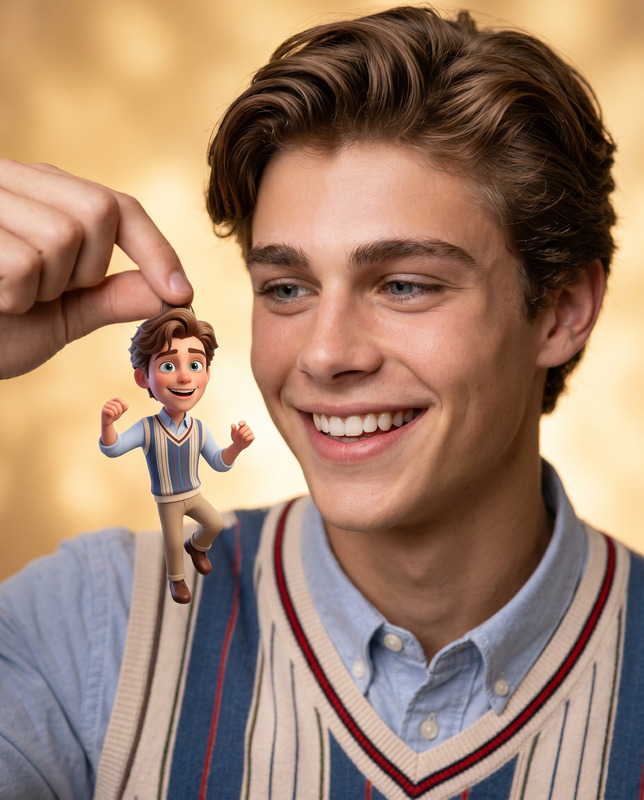
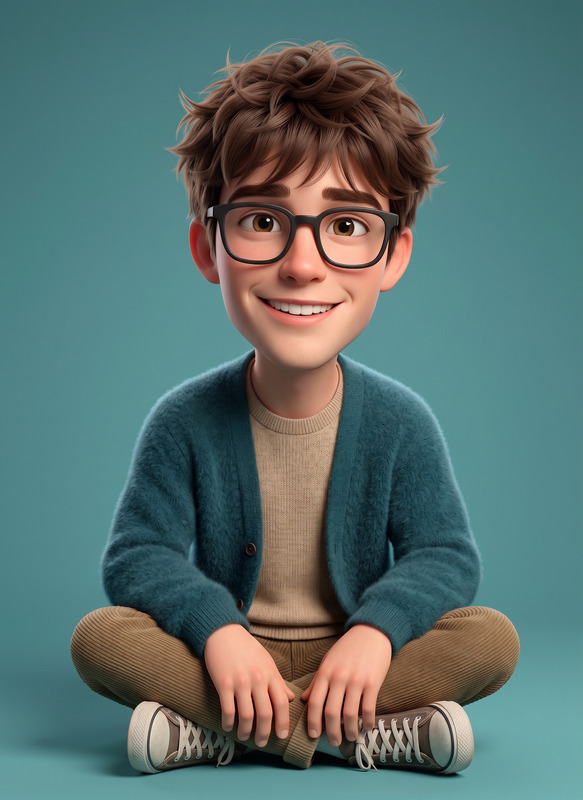
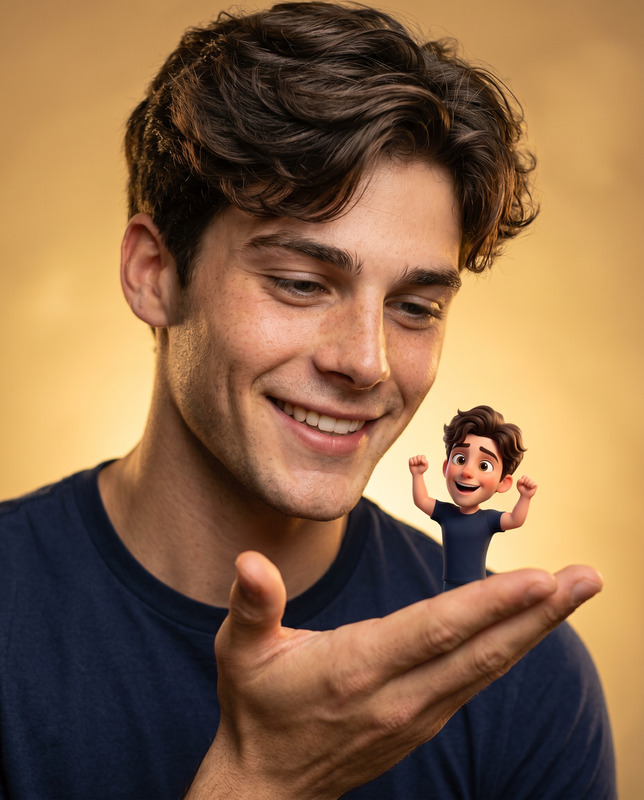
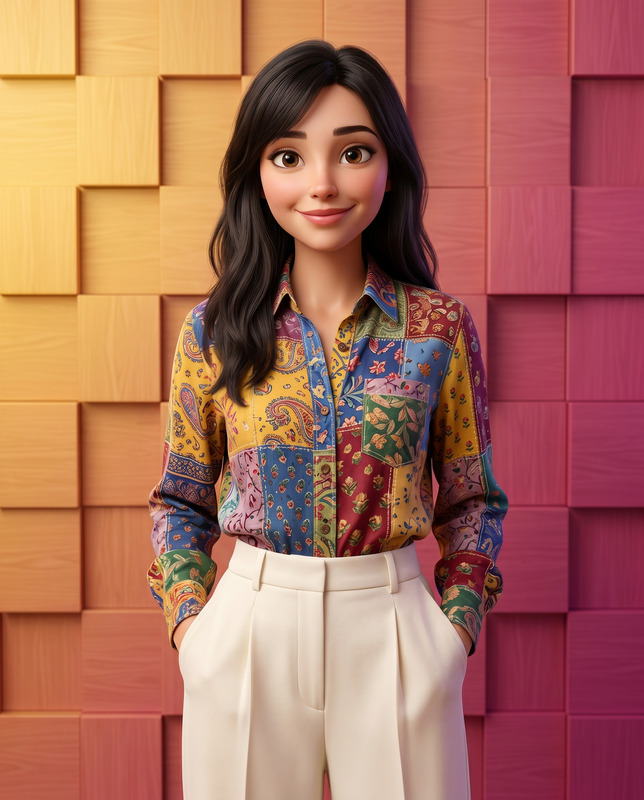
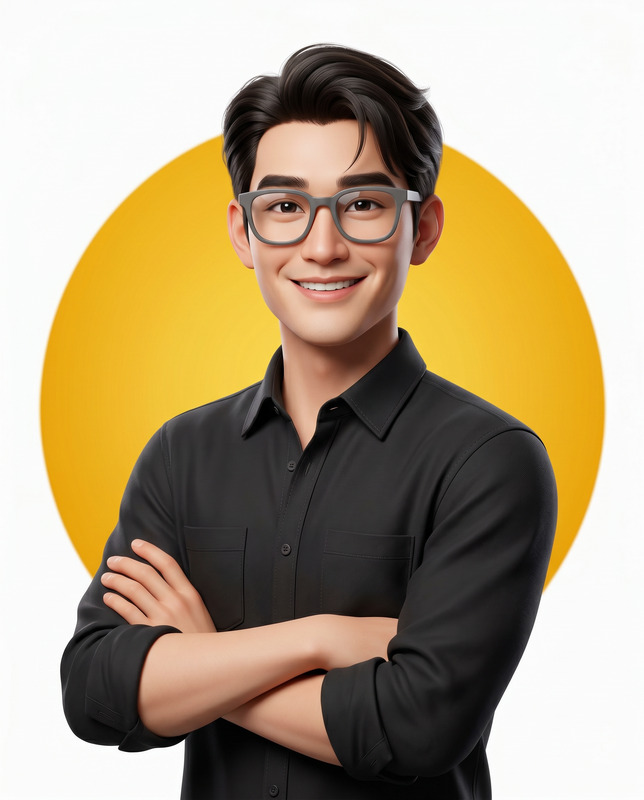
The Modern Avatar template harnesses the capabilities of the AI Image Editor to produce high-fidelity, 3D-rendered character portraits. Utilizing the nano-banana-2 model, this template creates visually stunning outputs akin to modern animated feature-film styles. It's designed to preserve the subject's facial identity while delivering a polished, cinematic look.
What It Does
This template generates a character portrait by combining advanced CGI rendering techniques with artistic styles inspired by giants like Pixar and DreamWorks. It positions the subject strategically within the frame and applies a shallow depth of field to ensure the portrait stands out. The gradient background transitions through vibrant colors to complement the friendly and charismatic subject's demeanor.
Who It's For
The Modern Avatar template is perfect for content creators, digital artists, and anyone looking to elevate personal or professional imagery with a feature-film quality look. It's especially beneficial for marketers, branding experts, and creative professionals requiring high-quality visual assets quickly. For more precise editing needs, AI Face Editor and Image to Video could be great complements.
Summary
Leverage The Modern Avatar template for top-tier 3D character portraits that maintain identity authenticity through detailed textures and professional lighting effects. Discover how this capability fits into your creative arsenal through our other offerings such as the AI Image Generator for broader artistic applications.
How To
Choose Your Template

Customize Your Inputs

Generate Your Portrait

Use Cases
Animated Film Previsualization
- Pitch visual ideas quickly
- Simulate final renders
Personal Branding
- Enhance social media profiles
- Stylize business presentations
Digital Portrait Art
- Expand your digital portfolio
- Attract clients with realistic preview images
Best Practices
Utilize High-Resolution Inputs
When uploading a facial reference, select a high-resolution image to maximize detail preservation.Adjust Visual Parameters Carefully
Fine-tune the prompt to balance stylistic elements and identity accuracy, avoiding overly abstract interpretations.Review Color Harmony
Ensure the color palette aligns with the intended emotional tone of your project, using the background gradient effectively.