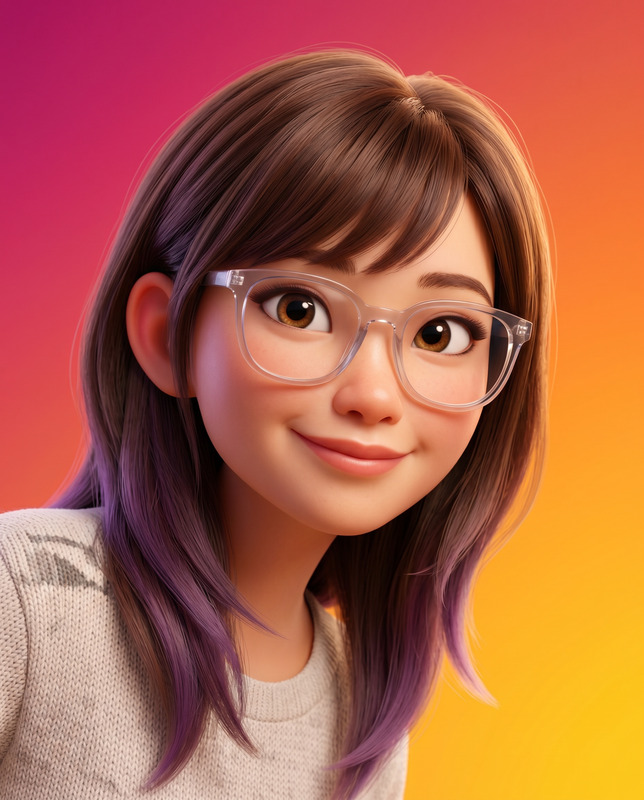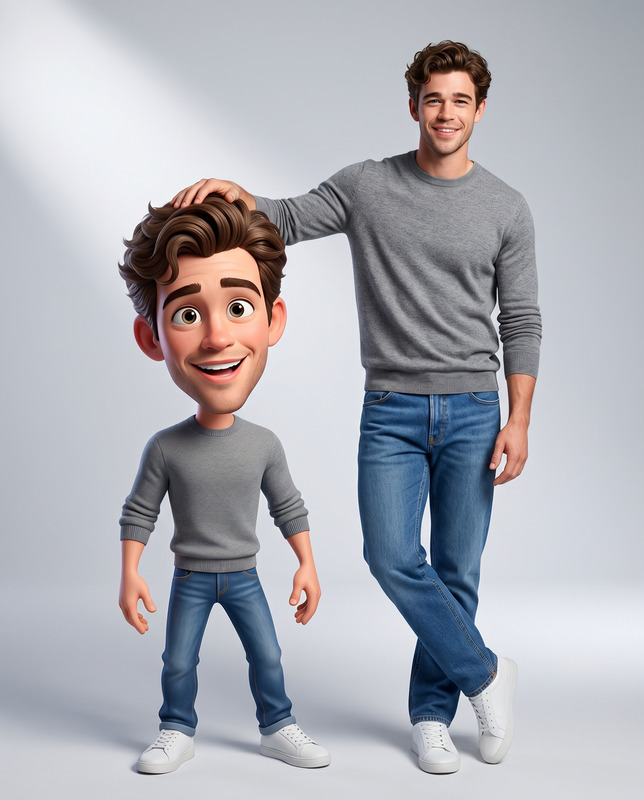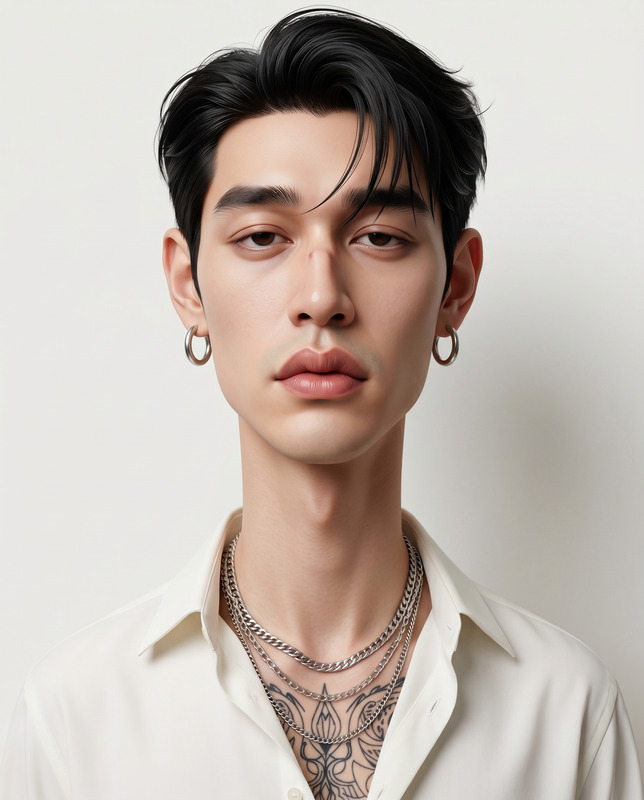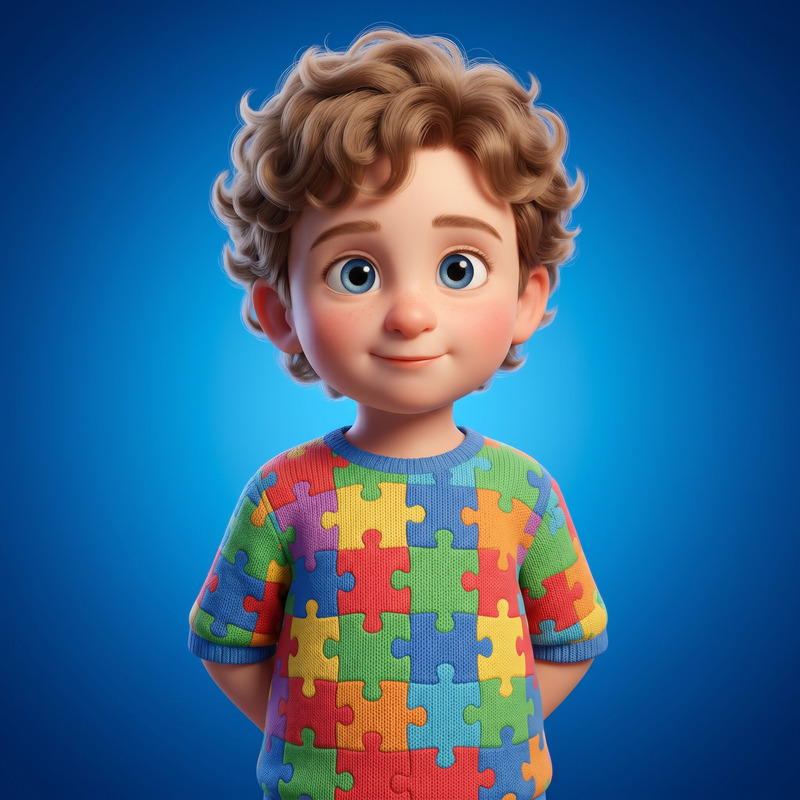
Stacked Smiles
- Model
- Nano Banana 2
- Image
- 1536 × 2752 px
Prompt
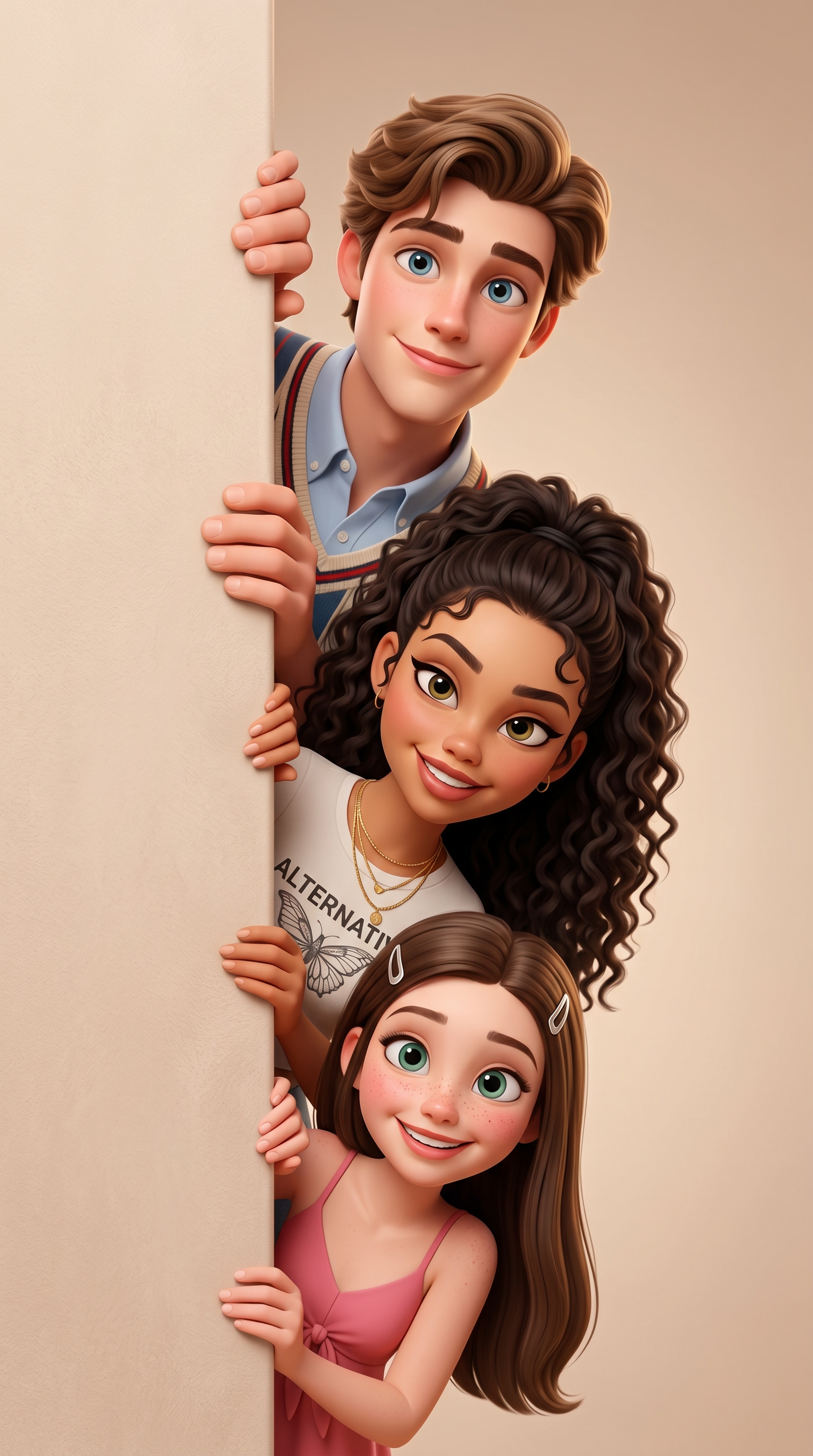
Create a high-quality 3D stylized cartoon illustration based on submitted references of family members, all peeking out from behind a matte vertical wall on the left side of the frame. Only their heads, hands (where applicable), and upper torsos should be visible, positioned vertically one below the other in an aligned row, looking playful and hiding. Subjects must be arranged in descending age order. The composition should feature a soft, textured beige pastel wall in the foreground on the left, and a soft studio gradient in a matching beige tone on the right. The style must have a soft Pixar/Disney animation look, with large expressive eyes, smooth skin, and slightly enlarged head proportions for cinematic charm, while retaining the recognizable facial features, hairstyles, and age from the reference photos. Everyone is gently holding the wall with small hands/paws and leaning slightly forward with curious, playful expressions. The lighting should be soft studio light with warm, gentle highlights and no harsh shadows. Materials include a matte, velvety wall texture and soft fabrics. The image must be a vertical portrait with centralized framing and shallow depth of field. The final render should be ultra-sharp 4K, in an Octane/Unreal/Disney rendering style.
Any aspect ratio
Overview
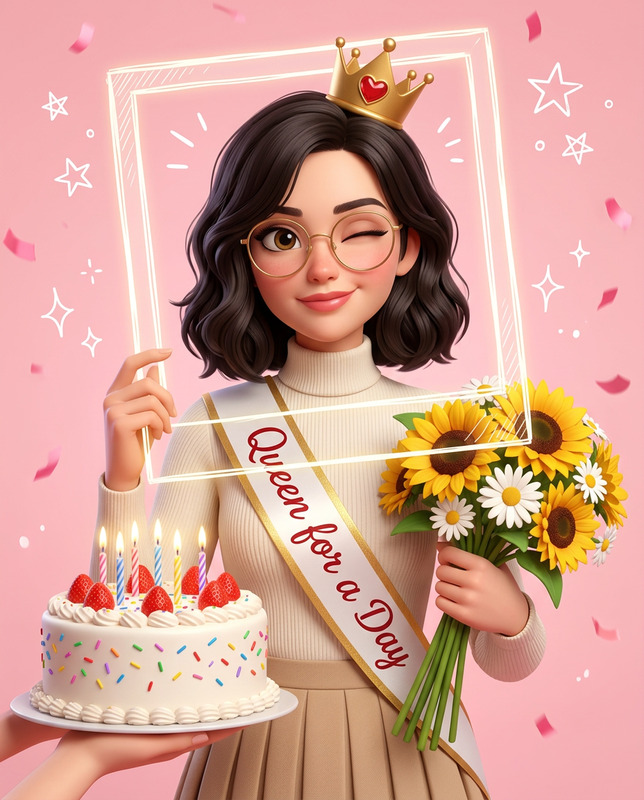
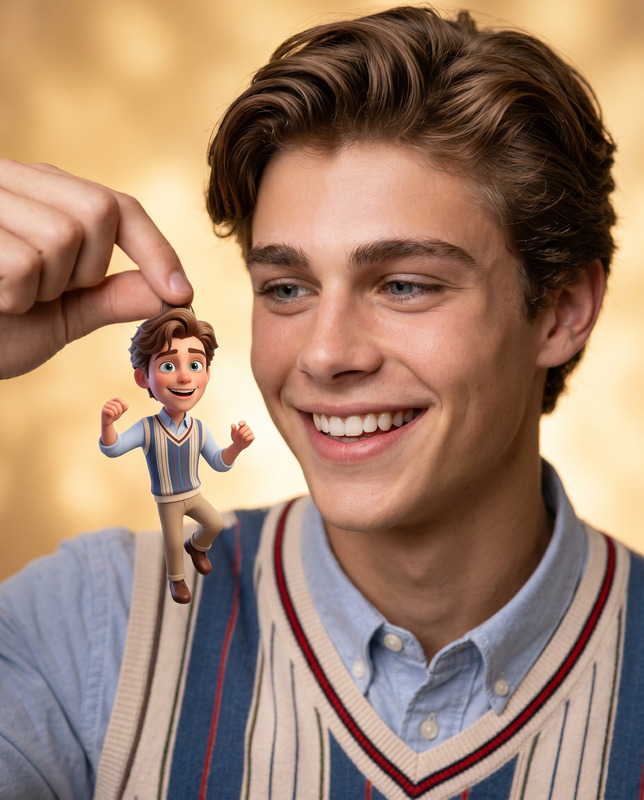
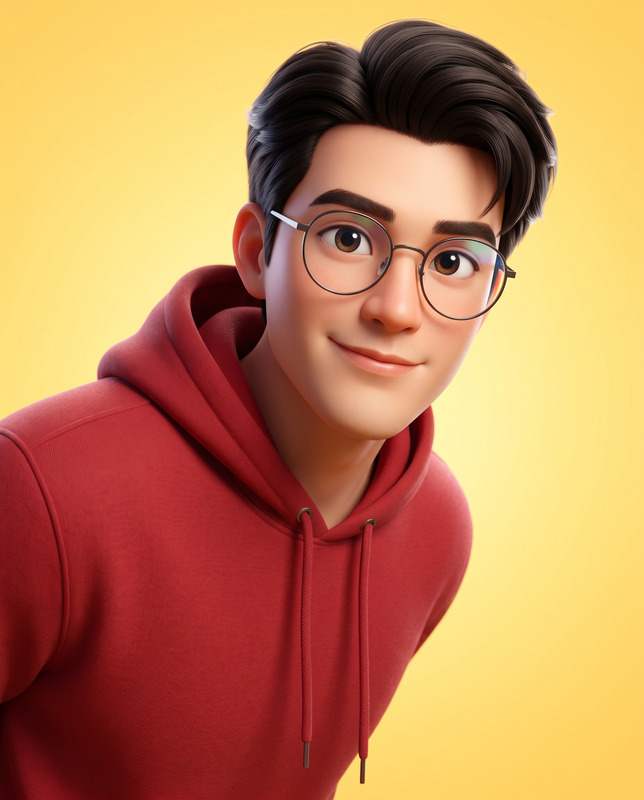
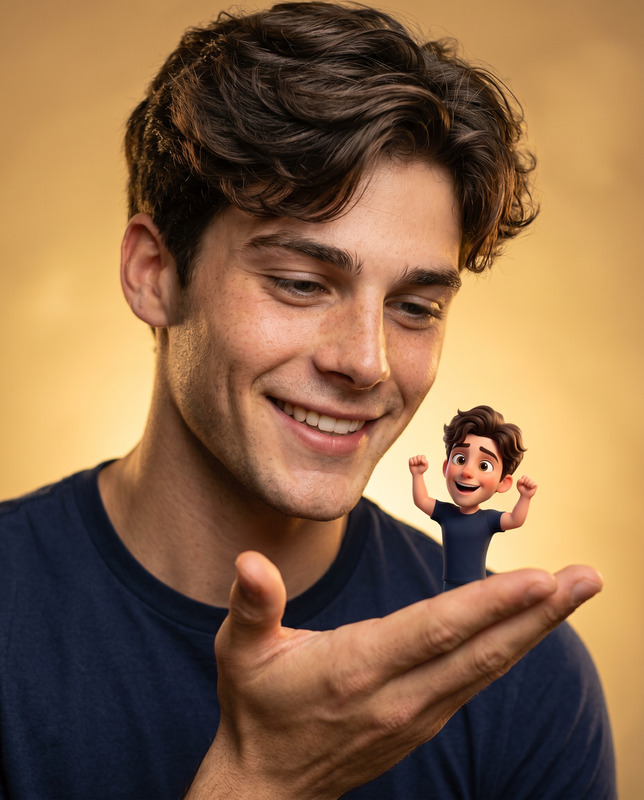
Transform family photos into captivating 3D stylized cartoon illustrations with the Stacked Smiles template, utilizing the nano-banana-2 model of our AI Image Editor. Perfect for creating memorable group portraits, this template captures the playful curiosity of each family member peeking out from behind a soft, textured wall.
What It Does
The Stacked Smiles template takes reference images of family members and arranges them in a vertical stack, peeking playfully from behind a matte wall. It renders them with a Pixar/Disney-inspired animation style, complete with large expressive eyes, smooth skin, and slightly exaggerated head proportions. The output is an ultra-sharp 4K cartoon illustration with a cinematic feel and personalized character details.
Who It's For
This template is ideal for families looking to create unique keepsakes, illustrators seeking inspiration for character design, and brands wanting to capture the essence of a playful family dynamic in their marketing materials. It is also suited for anyone interested in converting real-world photos into a stylized, animated look.
Summary
Bring your family portraits to life with the Stacked Smiles template, offering a beautiful blend of personalization and professional illustration quality. Ideal for a range of projects from personal keepsakes to marketing visuals, this tool delivers engaging 3D cartoon images with ease.
How-To
Choose

Customize

Generate

Use Cases
Family Keepsakes
Character Design Inspiration
Marketing Materials
Best Practices
Maintain Image Quality
Upload high-resolution reference images to ensure the best quality output.Use Consistent Light
Choose reference photos that have consistent lighting to match the template’s soft, studio-lit style.Adjust Age Order Thoughtfully
Place family members in the illustration thoughtfully, ensuring the age descending order reflects their actual ages for the intended dynamic.