Digital Glow
- Model
- Nano Banana 2
- Image
- 1856 × 2304 px
Prompt
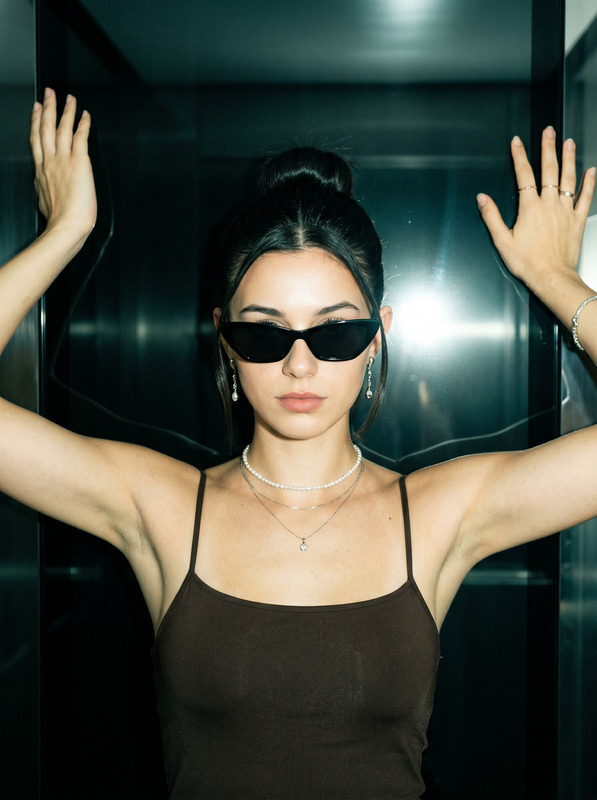
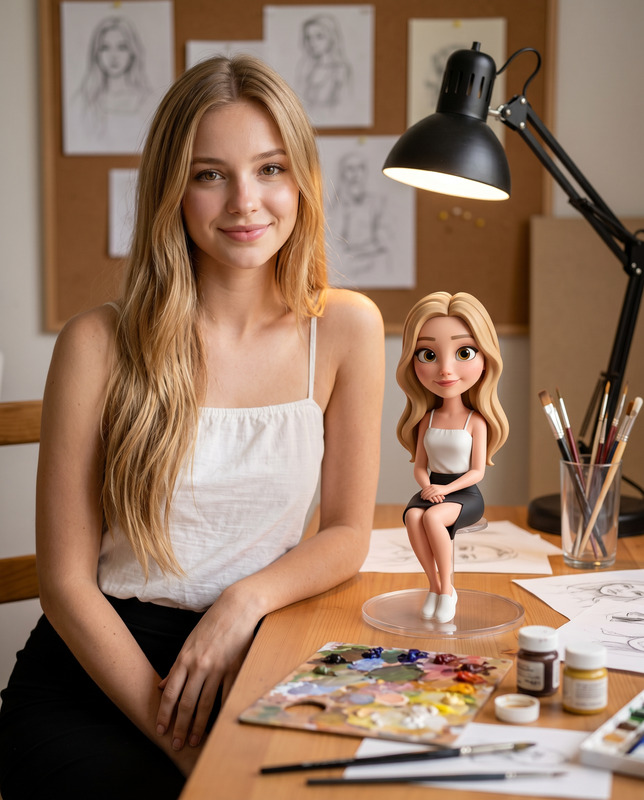
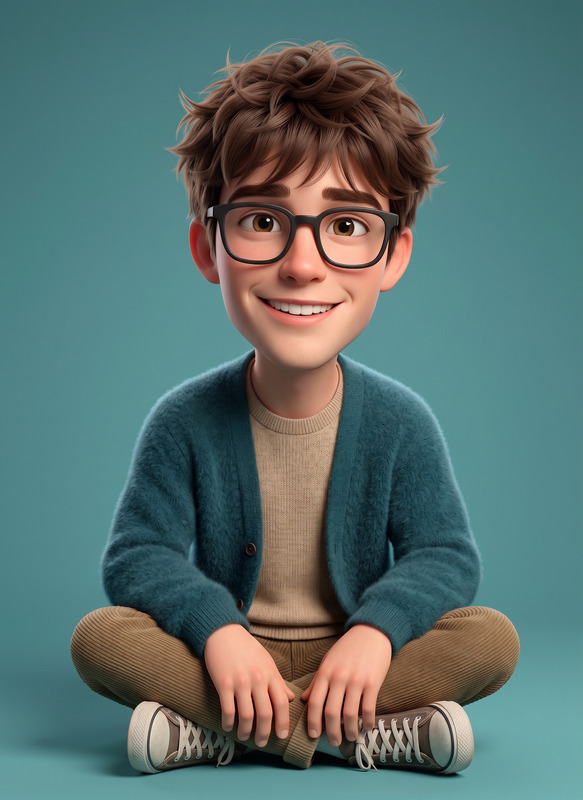
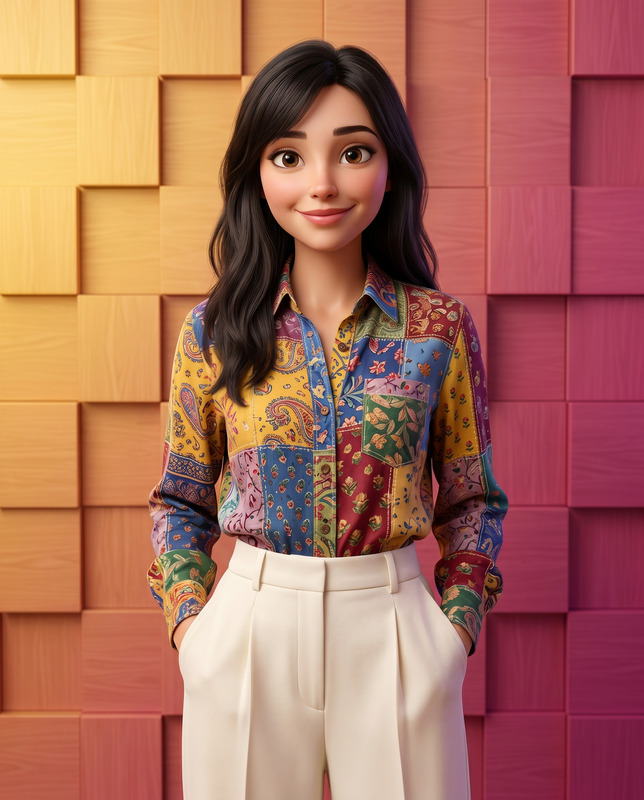
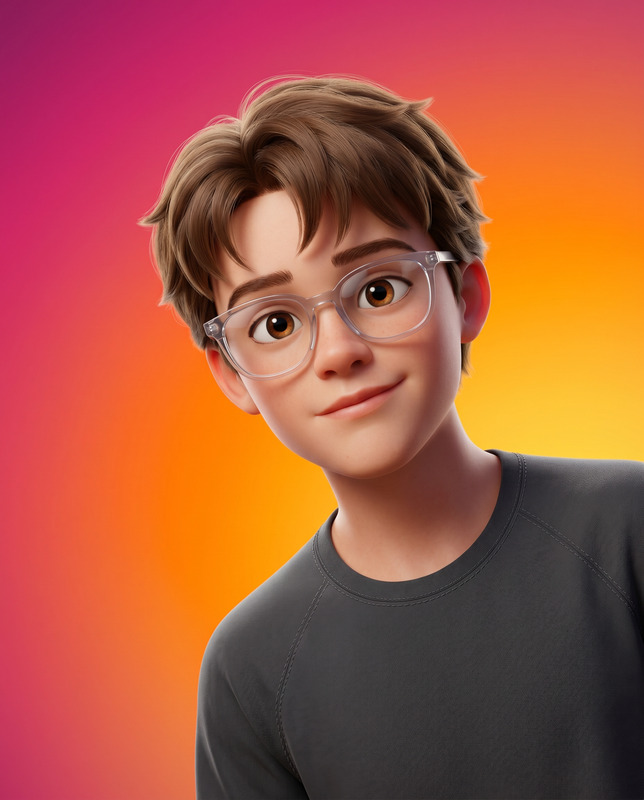
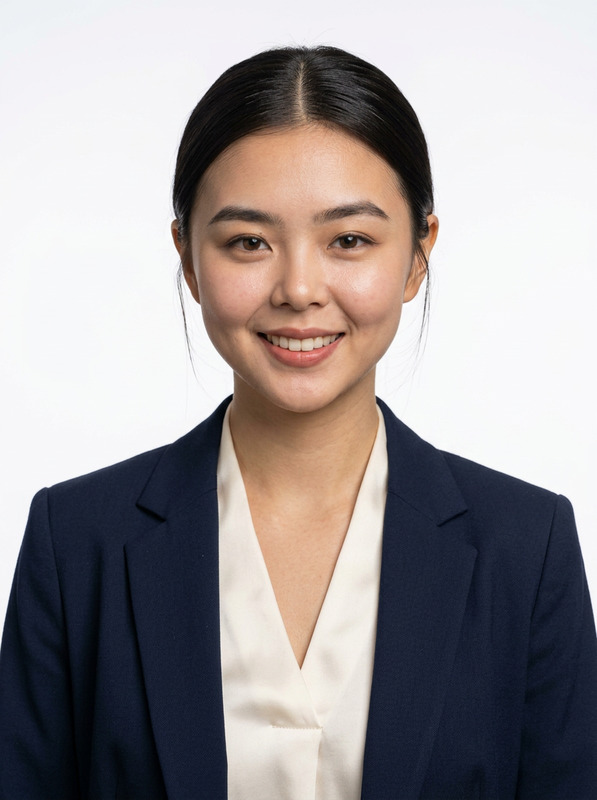
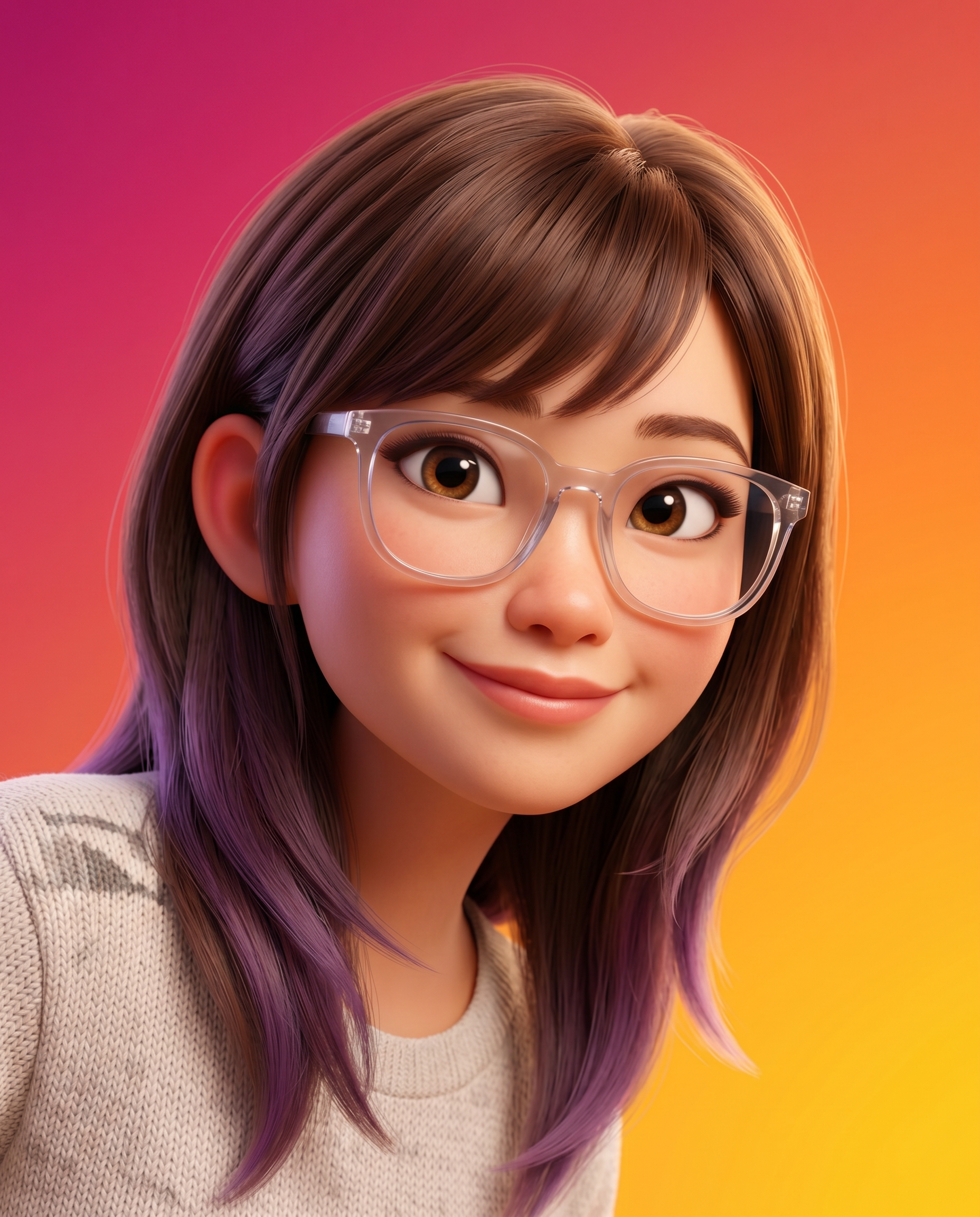
Create a high-fidelity, 3D-rendered character portrait in the style of modern feature-film animation (such as Pixar or DreamWorks). Use the uploaded image only for facial reference to preserve identity while maintaining a polished, cinematic animated aesthetic. Instruction (CRITICAL): Strictly IGNORE the pose details from the reference image. Composition & Framing The subject is positioned lower-right, as if peeking into view, with the chest up framing. Ooccupies approximately 60–70% of the area in the frame, ensuring strong visual presence. A head tilt for a friendly, approachable demeanour. Pose should be natural. Vertical aspect ratio (4:5). Shallow depth of field with the subject in sharp focus and the background perfectly smooth. Background A seamless, ultra-smooth gradient with no texture or noise. Diagonal color transition: Deep magenta/pink in the upper left, Vibrant orange in the center, Bright golden-yellow in the lower right. Soft, clean, and studio-like with a subtle bokeh-style finish. Appearance & Expression Stylized yet believable proportions typical of high-end animated films. Warm, friendly, and charismatic expression with a confident smile. Large, expressive eyes with natural catchlights. Natural skin shading with realistic subsurface scattering for a lifelike appearance. Expression should be natural. Attire & Accessories Premium, casual outfit with clean and minimal design. Contemporary eyewear with realistic reflections and refraction. Physically accurate fabric textures with visible stitching and natural folds. Lighting Key Light: Soft, diffused light from the upper right, producing gentle highlights on the face. Fill Light: Subtle illumination from the left to maintain balanced shadows and a friendly mood. Global Illumination: Soft bounce lighting for realism. Subsurface Scattering: Visible in the skin, especially around the ears and nose. Soft reflections on accessories such as glasses. Technical Specifications High-end 3D CGI rendered using Physically Based Rendering (PBR). Ultra-detailed textures with high-resolution normal and bump maps. Clean topology and cinematic color grading. Smooth anti-aliasing and studio-quality rendering. 8K resolution, ultra-sharp details. Vibrant yet balanced color harmony. Identity Constraint Use the uploaded image strictly only for facial and identity reference. Preserve facial structure, proportions, and likeness with high accuracy. Do not alter ethnicity or introduce distortions. Negative Prompt Blurry, low resolution, noisy background, harsh shadows, flat lighting, distorted face, unnatural pose, stuff pose, exaggerated caricature, over-smoothing, plastic skin, dull colors, artifacts, incorrect anatomy, asymmetry, watermark, text, logo, cluttered background, grain, oversharpening.
Any aspect ratio
Overview
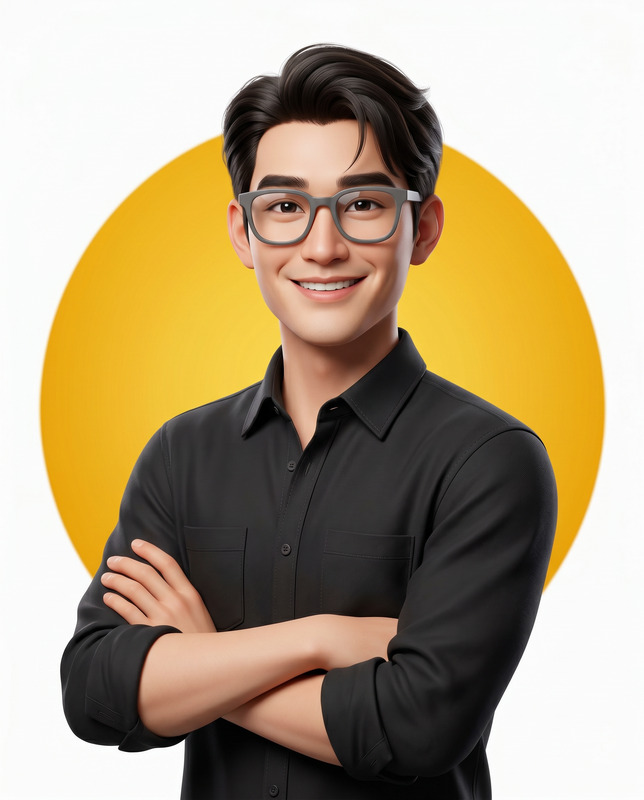
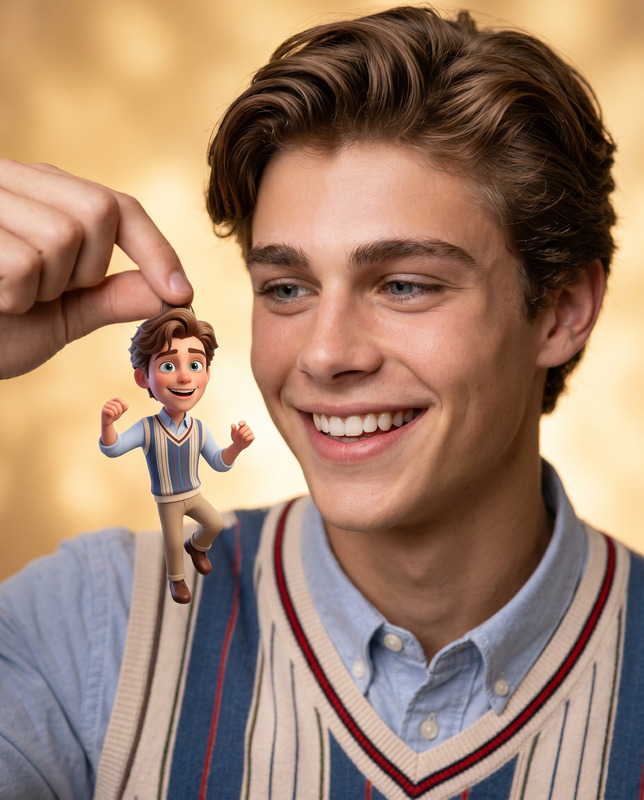
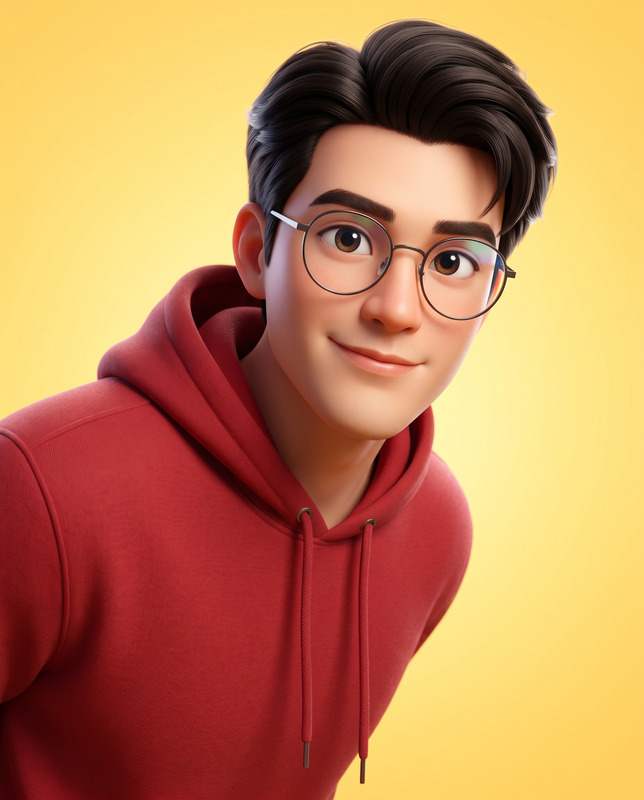
The Digital Glow AI Image Editor template is designed to transform ordinary photos into striking, high-fidelity 3D character portraits. Modeled after the aesthetics of modern feature-film animation, this template captivates with its detailed textures, soft lighting, and vibrant color transitions. Using the AI Image Editor, the focus is on preserving identity while rendering an animated and cinematic appearance.
What It Does
This template leverages the nano-banana-2 model to apply a 3D-rendered effect to portraits, emphasizing sharp focus on the subject while smoothing out the background. The design aligns subject and composition in a cinematic style, inspired by studios like Pixar and DreamWorks. It maintains the viewer's attention with a dynamic color palette and carefully calibrated lighting for realistic soft shadows and highlights.
Who It's For
Digital Glow is ideal for creators, animators, and designers looking to create professional-grade animated portraits. Whether you're an individual content creator aiming for social media content that stands out, or a professional in the animatics industry, this tool provides an artistic edge without prior rendering expertise. It's also perfect for marketing professionals in need of eye-catching visuals.
Summary
Transform your images into polished cinematic portraits with the Digital Glow AI Image Editor. By faithfully maintaining facial identity and adding a touch of feature-film magic, this template provides users with tools to create vibrant, professional-looking portraits. For more transformative image editing options, explore related products like the AI Image Generator and AI Clothes Changer.
How To
Choose Your Template

Customize Your Input

Generate Your Image

Use Cases
Animated Character Portraits
- Feature-film styled portraits
- Identity preservation
- Dynamic color transitions
Social Media Influencers
- Professional-looking profile pictures
- Increased engagement
- Unique content aesthetic
Marketing & Branding
- Stand out in promotional campaigns
- Consistent brand imagery
- Cinematic visuals
Best Practices
Leverage Key Features
Utilize all creative tools available to keep focus on face referencing while still meeting your artistic vision.Focus on Expression
Emphasize capturing a warm, charismatic expression for the subtlest character depictions.Understand Lighting
Ensure correct lighting by adjusting key and fill light settings, resulting in balanced shadows and highlights.