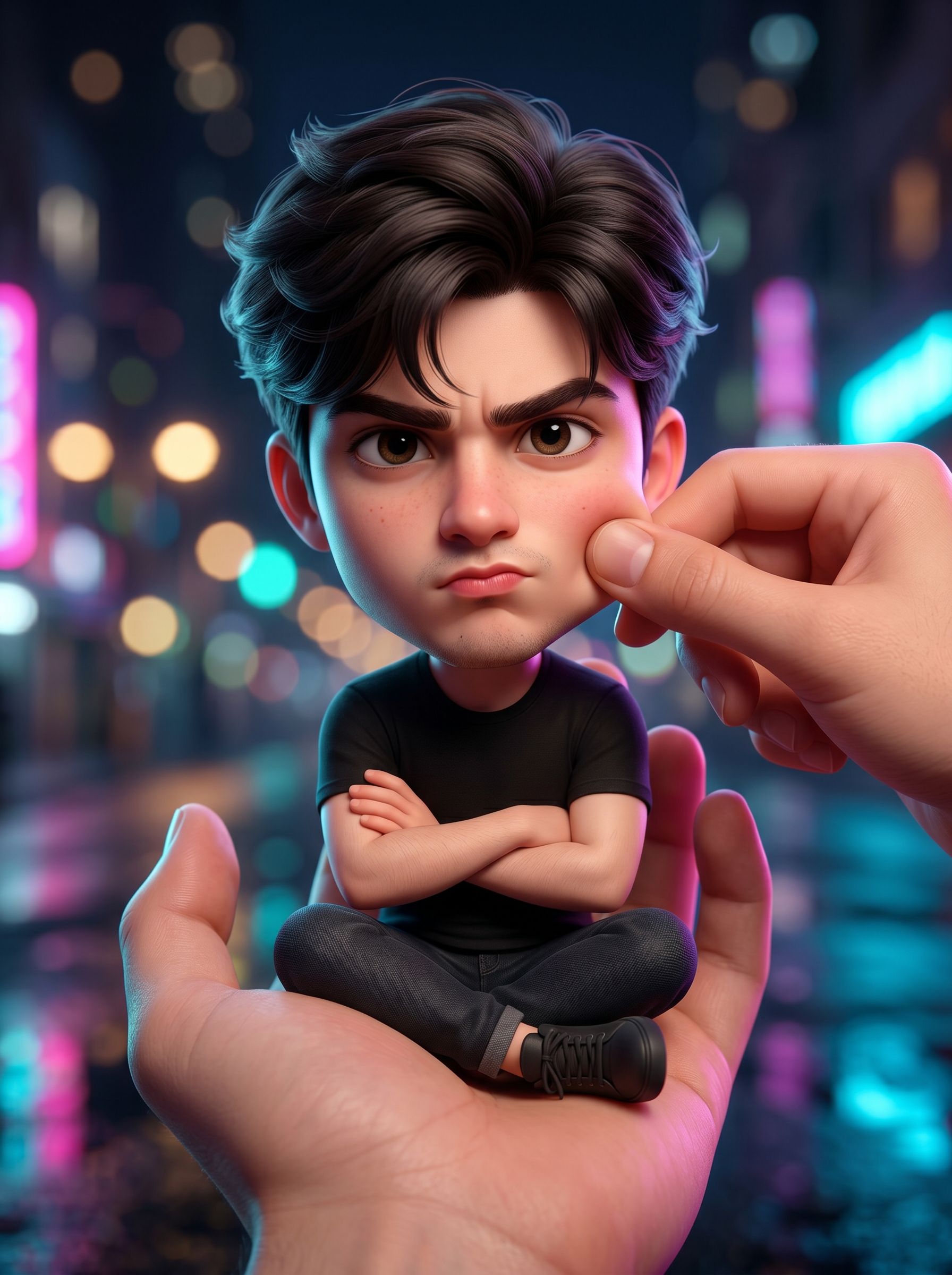
Mini Me In Hand
- Model
- Nano Banana 2
- Image
- 1792 × 2400 px
Prompt
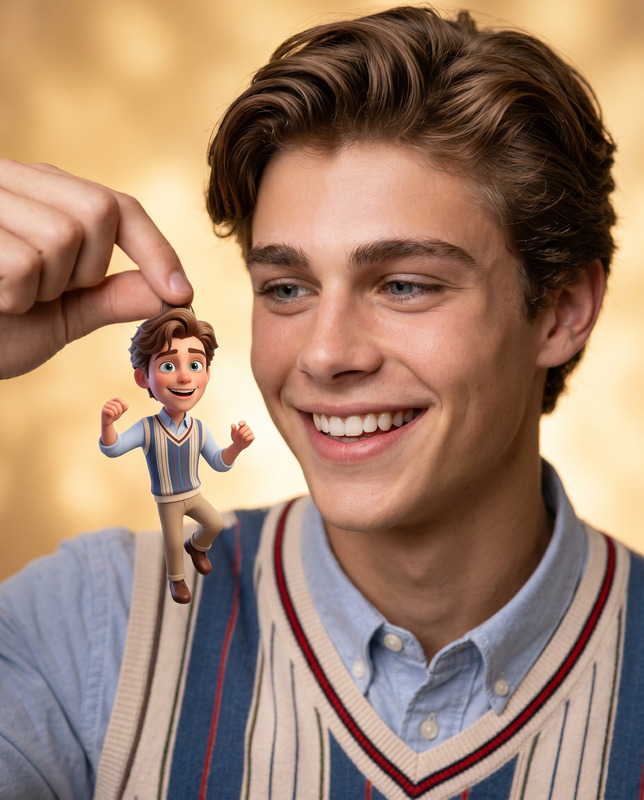
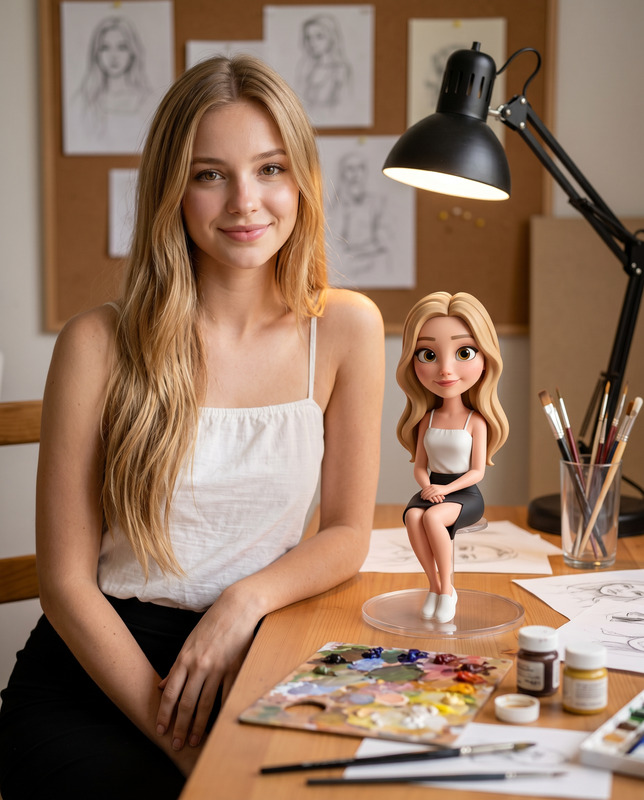
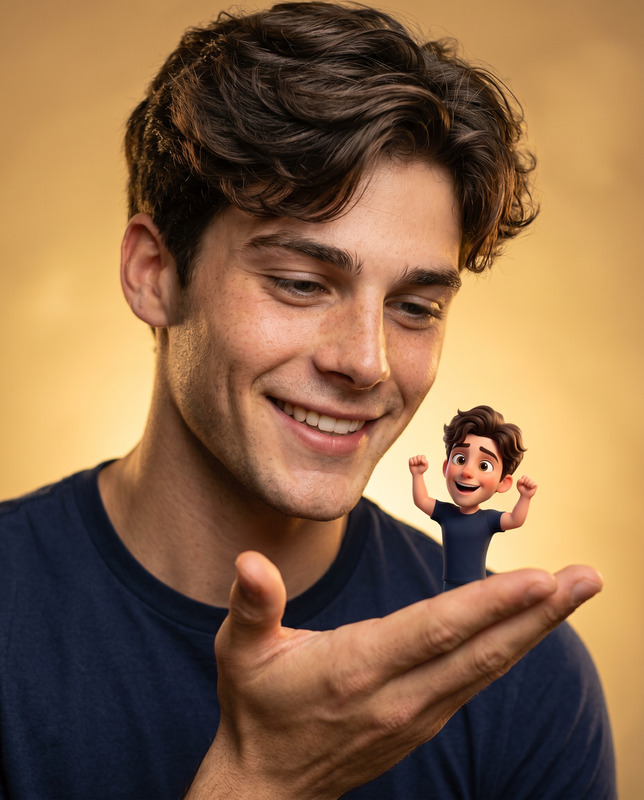
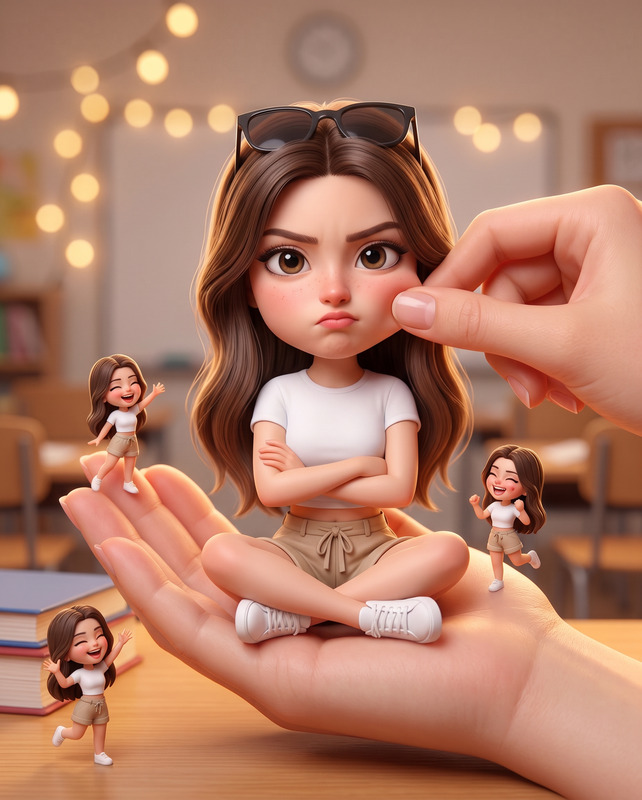
Use the uploaded reference image as the exact identity reference and preserve 100% facial accuracy, including identical face shape, eyes, eyebrows, nose, lips, jawline, skin tone, facial proportions, facial asymmetry, hairstyle characteristics, and all unique facial features. Maintain zero identity drift, no facial reconstruction, no beautification that changes facial structure, and no age modification. Create a stylized big-head miniature portrait in a 3:4 aspect ratio featuring the same person from the uploaded reference image. The character appears as an adorable tiny human with a slightly oversized head and a small compact body while remaining instantly recognizable. Sitting comfortably inside a large realistic human hand, cross-legged with arms folded across the chest, looking directly at the camera with a slightly pouty expression that appears playfully angry yet extremely cute and charming. A second realistic hand gently pinches or adjusts the character's cheek, creating a playful interaction. Outfit consists of a casual t-shirt, comfortable pants, and sandals with realistic fabric textures and folds. Background features a blurred city night environment filled with colorful bokeh lights, glowing street lamps, neon reflections, and cinematic urban atmosphere. Soft cinematic lighting illuminates the miniature character, with realistic skin texture, visible hair strands, expressive eyes, shallow depth of field, premium Pixar-style stylized realism, global illumination, soft shadows, warm color grading, ultra-clean rendering, hyper-detailed materials, sharp focus on the character, ultra-realistic 8K quality, masterpiece quality, cute viral social-media aesthetic. Important: the miniature character must remain instantly recognizable as the exact same person from the uploaded reference image with maximum identity preservation.
Any aspect ratio
Overview
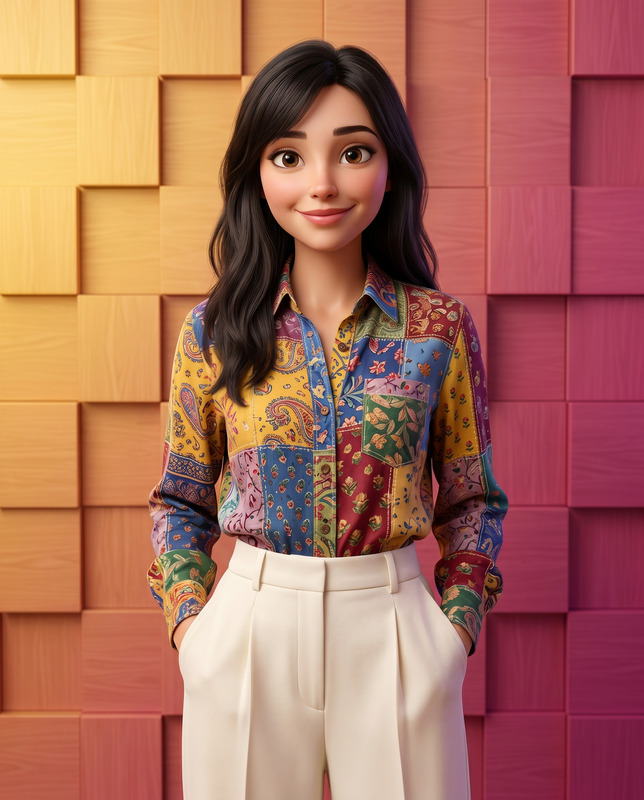
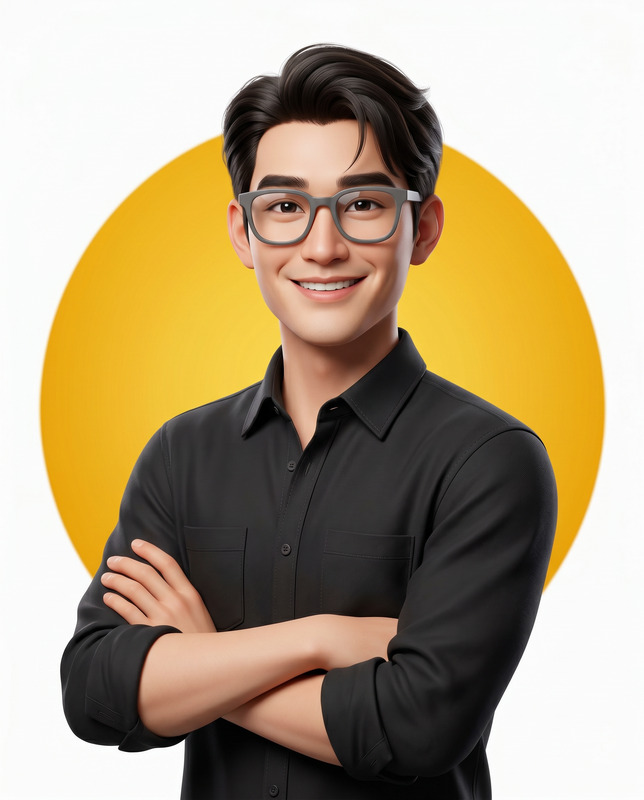
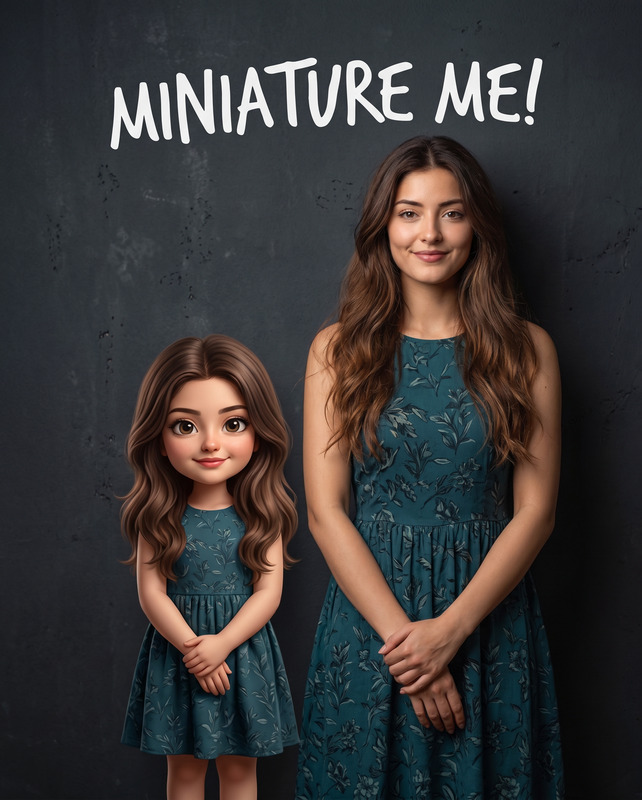
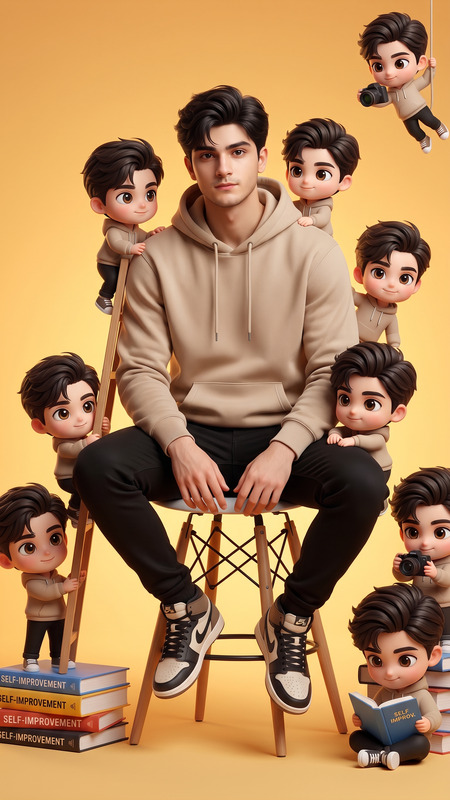
The Mini Me In Hand template is part of our AI Image Editor collection, utilizing the state-of-the-art Nano-Banana-2 model. This template is ideal for creating a unique and playful miniature portrait that maintains complete identity integrity. The output images are rendered in high-quality, combining realism with a touch of stylized whimsy, perfect for viral social media content.
What It Does
This template creates a stylized miniature portrait of a person, preserving their exact facial features and characteristics. The result is a playful yet hyper-realistic image where the subject appears as a small, charming character sitting in a human hand. The AI Image Editor ensures maximum identity preservation and high-quality output.
The background is a cinematic urban setting with vibrant bokeh effects, making the miniature stand out with its cute viral aesthetic.
Who It's For
Mini Me In Hand is perfect for creative professionals, social media influencers, and anyone looking to create eye-catching and engaging imagery. It's particularly suitable for those in the visual effects industry who want to experiment with photorealistic and stylized content. This template is a creative tool that pairs well with our AI Meme Generator for an expanded creative reach.
Summary
By combining realistic textures with a touch of whimsy, the Mini Me In Hand template allows you to craft personalized portraits with precision. It's an exciting tool for generating cute, high-quality images that catch the eye while fully preserving an individual's identity. Explore more possibilities with our AI Clothes Changer and create diverse stylistic variations.
How to Use
Choose Your Template

Customize Your Inputs

Generate Your Image

Use Cases
Social Media Content
- Increase engagement with unique and creative visuals
- Perfect for profile pictures and story updates
Marketing Campaigns
- Enhance brand differentiation
- Develop effective campaign imagery
Personalized Gifts
- Make unique gifts with emotional value
- Offer bespoke art prints to clients
Best Practices
Use High-Quality Images
Ensure the reference image is clear and well-lit to allow the AI to capture all necessary details.Experiment with Lighting
Play with different lighting conditions to see how they affect the final image, enhancing visual interest.Explore Complementary Tools
Combine this template with AI Background Changer to adjust environments for even more creativity.