The Creative Lead
- Model
- Nano Banana 2
- Image
- 1856 × 2304 px
Prompt
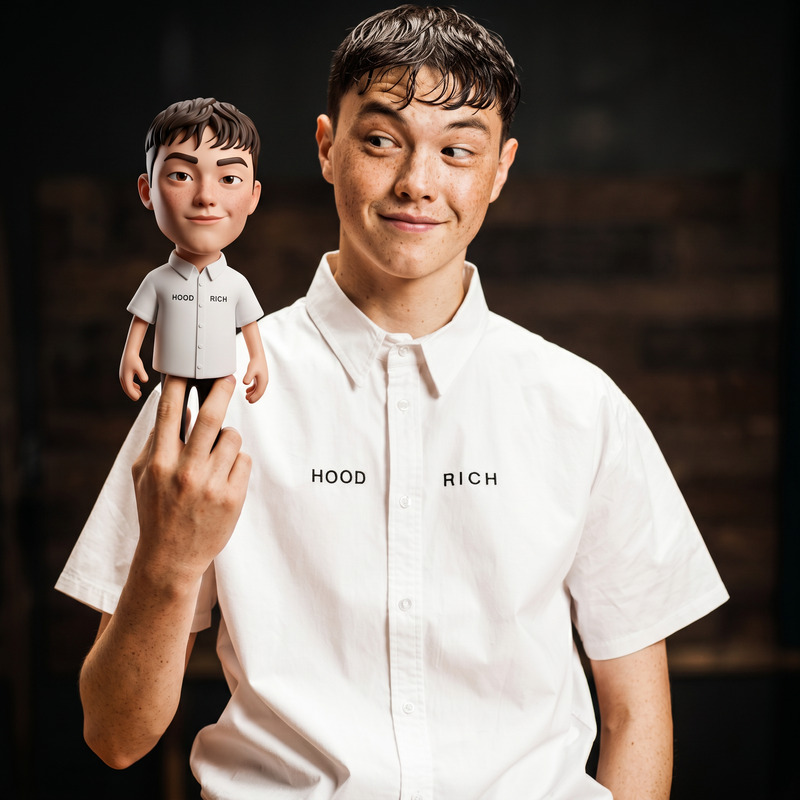
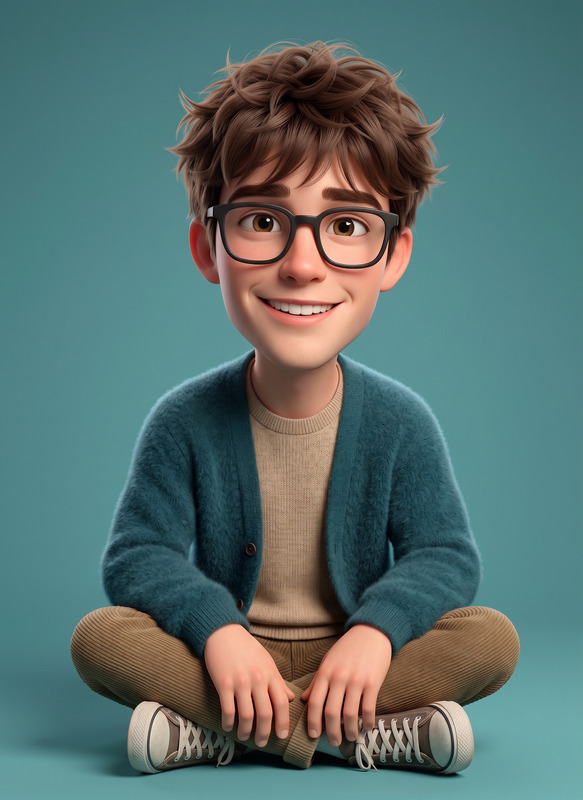
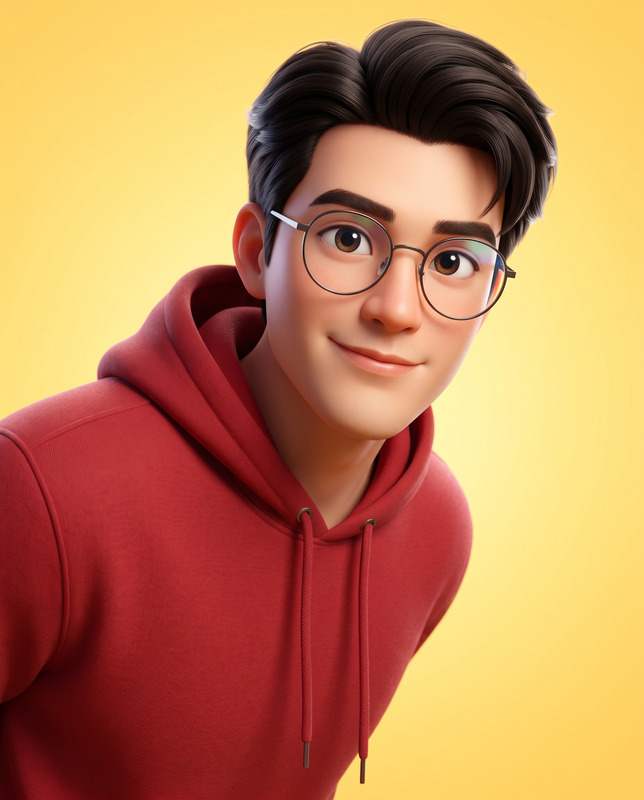
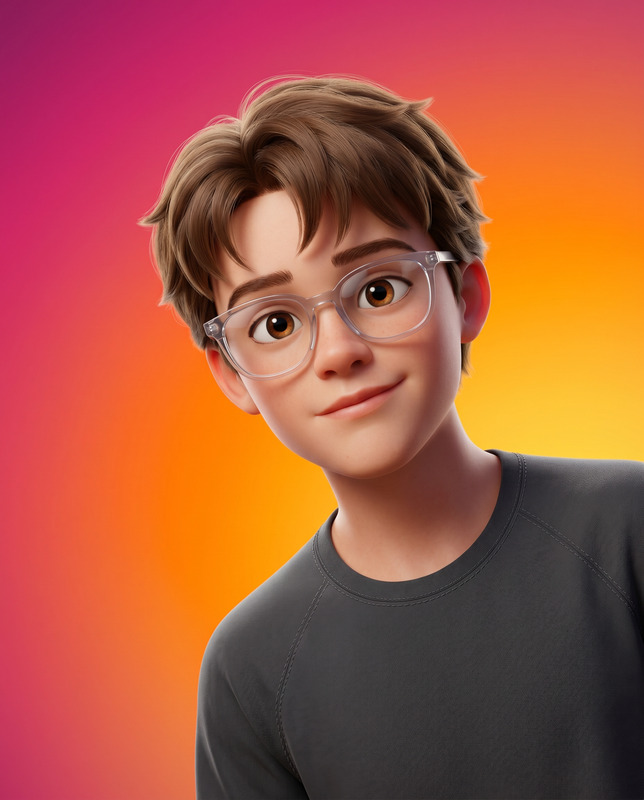
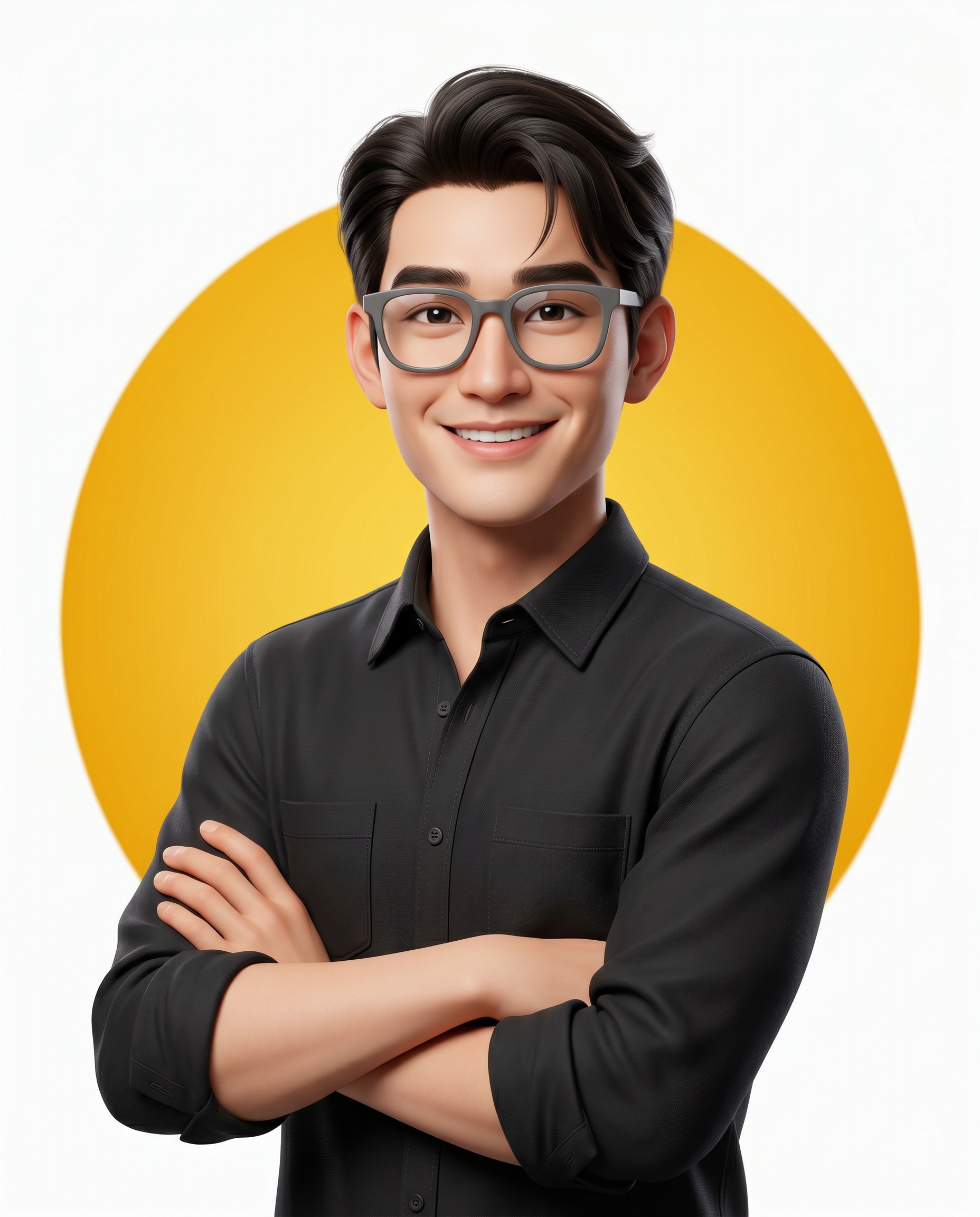
Use the uploaded reference image as the exact identity reference and preserve 100% facial accuracy, including identical face shape, eye shape, eyebrows, nose, lips, jawline, ears, skin tone, facial proportions, facial asymmetry, hairstyle characteristics, and all unique facial features. Maintain zero identity drift, no facial reconstruction, no beautification that changes facial structure, and no age modification. Create an ultra-high-detail 3D animated character portrait of the same man in a premium Disney/Pixar-inspired style designed to feel highly appealing, expressive, and avatar-friendly. Medium portrait (waist-up), centered composition, body slightly turned to one side, eye-level camera angle, subject filling approximately 65–75% of the frame. Stylized male character with subtly chibi-influenced proportions, head approximately 10–15% larger than realistic proportions while maintaining an adult identity, clean facial structure, smooth but detailed skin, highly expressive large eyes without cartoon exaggeration. Neatly styled soft-volume hair with realistic strand detail, thick matte grey-rimmed premium eyeglasses. Wearing a matte black long-sleeve button-down shirt with collar and two chest pockets, sleeves rolled to mid-forearms. Fabric must appear premium and realistic with visible micro-texture, stitching, natural folds, soft cloth behavior, and subtle specular highlights. Arms confidently crossed, body angled approximately 15 degrees to the right, head turned toward the camera with strong natural posture. Expression is highly joyful, warm, engaging, friendly, and likable with a natural confident smile and lively eyes full of emotional presence. Background is a pure white seamless studio backdrop (#FFFFFF), perfectly clean and minimal. Behind the subject is a large circular shape with a rich yellow gradient, centered behind the head and upper torso, occupying approximately 50–70% of the background width, featuring smooth edges, flat matte finish, and no visible texture, creating strong contrast against the black outfit. No shadows are cast onto the white background, only a subtle soft separation shadow between the character and the yellow circle if needed. Soft high-key studio lighting with even facial illumination, gentle shadow depth, subtle rim light along the left side of the hair and shoulder for separation, bright crisp catchlights in the eyes. Unreal Engine 5 and Octane Render quality, 8K ultra-detailed rendering, PBR materials, realistic subsurface scattering for natural skin glow, high-resolution textures, razor-sharp focus, premium color grading, stylized realism, hyper-detailed hair strands, realistic eyeglass reflections, clean professional avatar aesthetic, no AI artifacts, no over-smoothing, no plastic skin, masterpiece quality, aspect ratio 4:5. Important: maintain exact identity match with the uploaded reference image and ensure the character remains instantly recognizable as the same person with zero identity drift.
Any aspect ratio
Overview
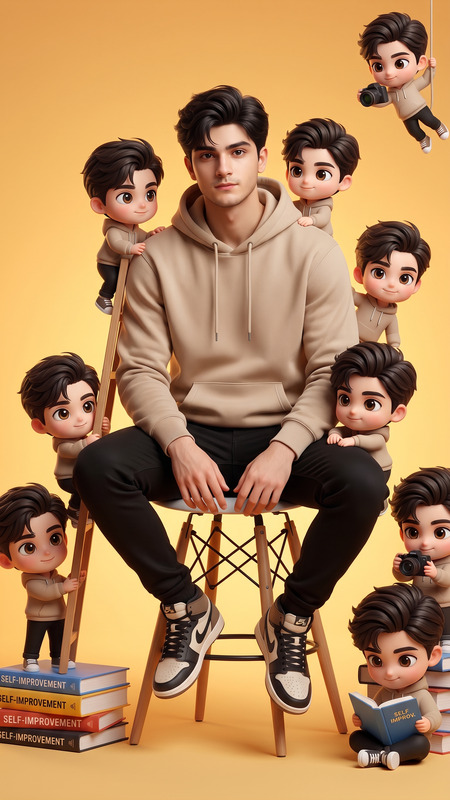
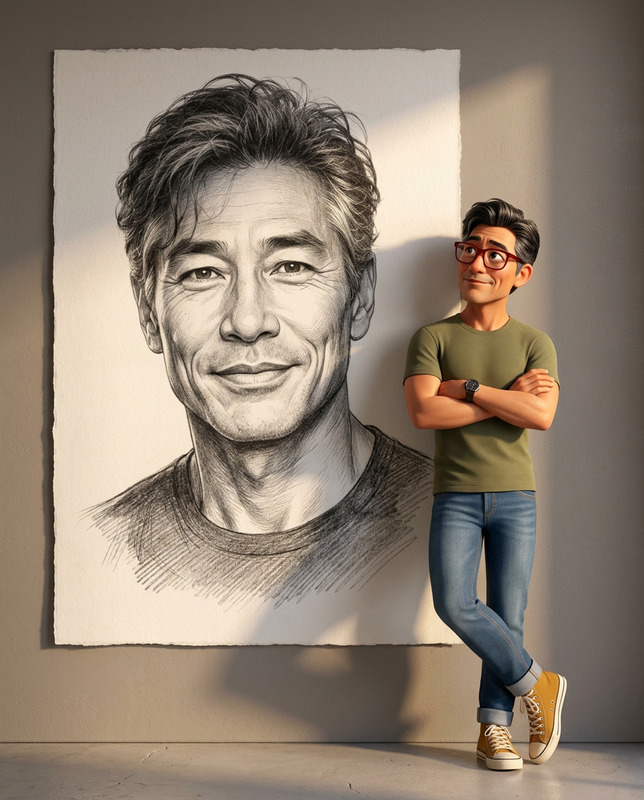
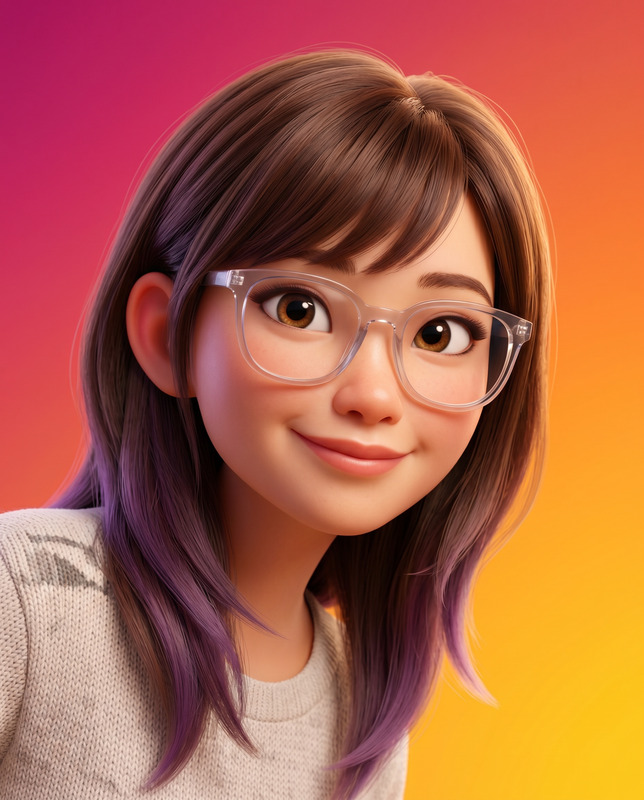
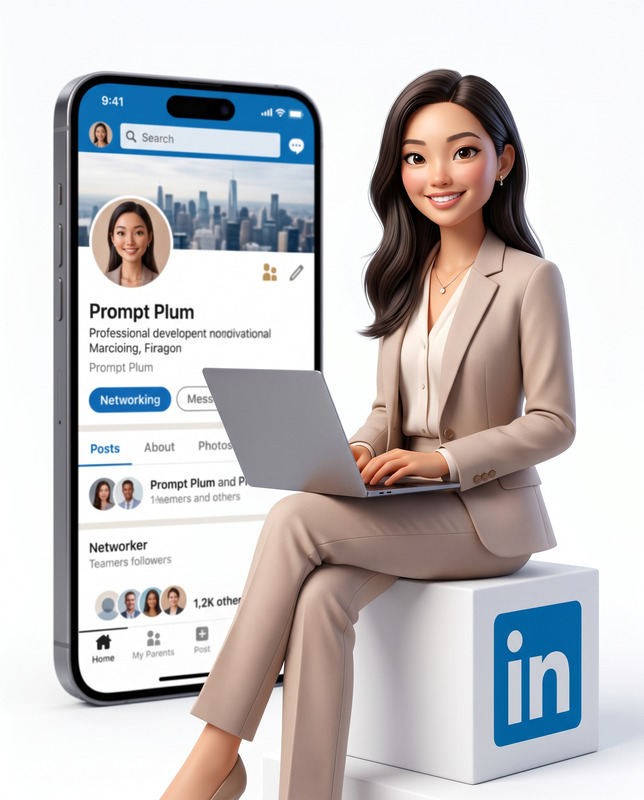
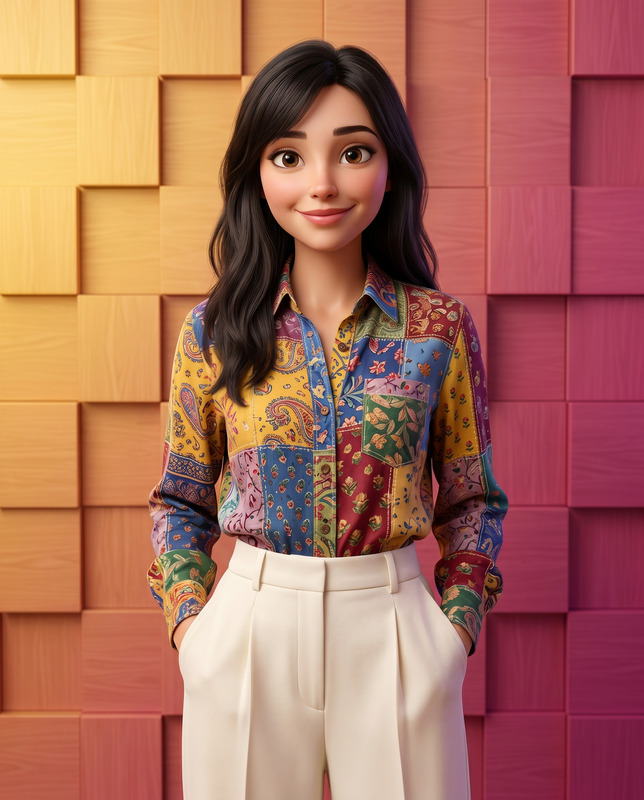
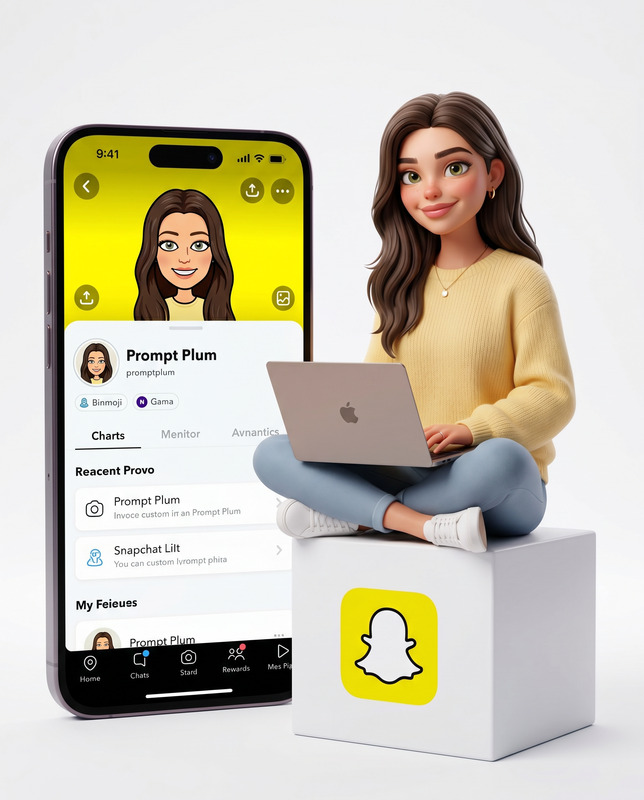
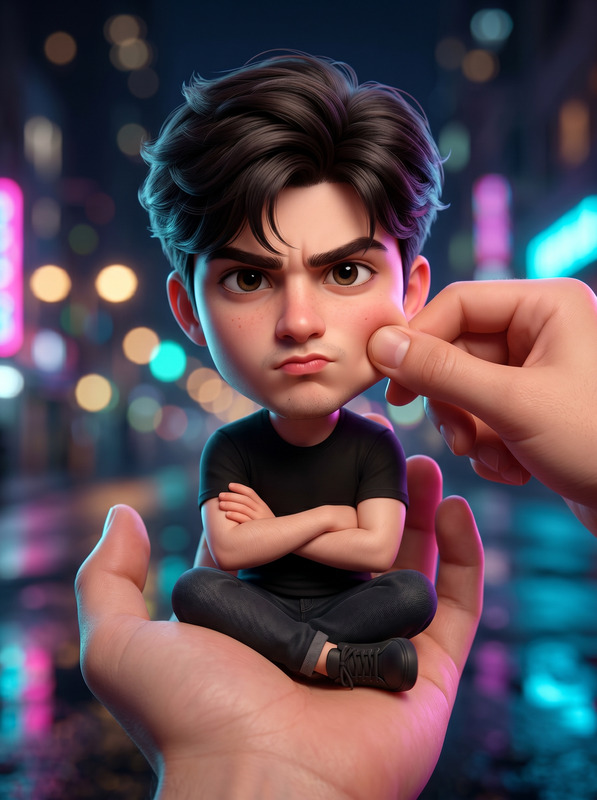
The Creative Lead template offers a cutting-edge solution for creating lifelike 3D animated character portraits using your reference photos. Designed with the nano-banana-2 model, this tool ensures facial accuracy and identity preservation with no drift, ideal for avatar creation and stylized animations.
What It Does
This template transforms your uploaded image into a premium Disney/Pixar-inspired 3D character portrait. It maintains exact facial features, creating a stylized yet realistic avatar. The output is a high-quality 8K render using Unreal Engine 5 and Octane Render technologies, ensuring professional-grade details and realistic textures.
Explore related features with our AI Image Editor and enhance images further using the AI Image Upscaler.
Who It's For
This template is perfect for creative professionals and developers working in character design, animation, and visual storytelling. Ideal for those needing precise identity preservation, it serves artists, game developers, and content creators looking for engaging character visuals.
It complements the Image-to-Video process, ensuring consistency in character portrayal across media formats.
Summary
With The Creative Lead template, create a 3D character portrait without losing the original facial identity. It's particularly suited for producing avatar-friendly art with high emotional presence and professional aesthetics. The template integrates seamlessly for use cases across animation and digital storytelling contexts.
How To Structure
Choose Your Template

Customize Your Inputs

Generate Your Portrait

Use Cases
Avatar Creation
- Game characters
- Virtual meeting avatars
- Digital storytelling visuals
Animated Films
- Disney/Pixar-styled animations
- Short animated clips
- Character-driven stories
Marketing & Advertising
- Advertising campaigns
- Social media content
- Brand visuals
Best Practices
Maintain Consistency
Ensure all character traits remain consistent with the reference image to avoid identity drift.Fine-tune Details
Leverage options in the AI Image Editor to refine textures and lighting for greater realism.Use High-Quality Images
Start with a high-resolution reference photo to optimize the detail in the final output.