Glossy Ribbon Surrealism
- Model
- GPT Image 2
- Image
- 928 × 1136 px
Prompt
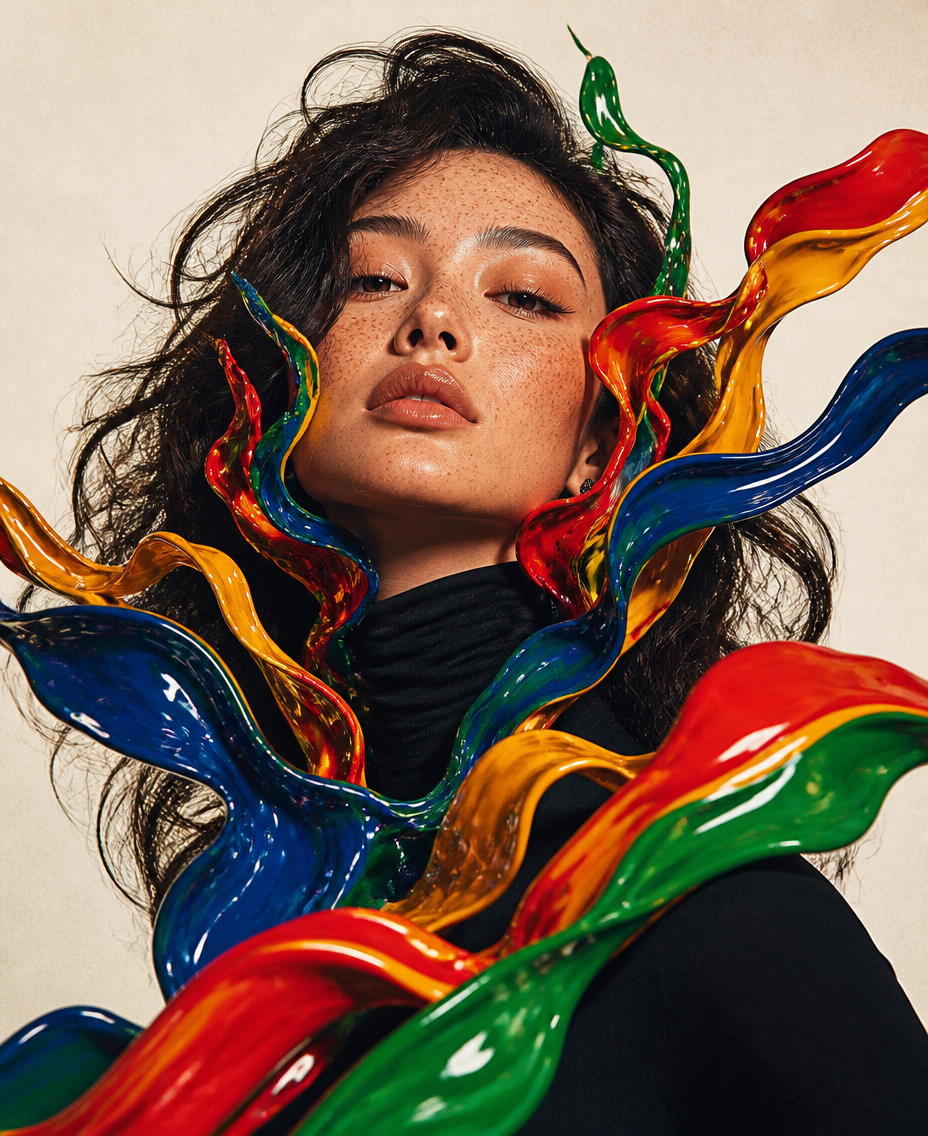
Low angle fashion editorial medium shot portrait of the subject with curly messy hair and freckles on face, head tilted upward, surreal distorted liquid glossy multicolored ribbon shapes splashing upward around face and neck, bold saturated primary colors red blue green yellow, chrome glossy plastic texture, black turtleneck top, studio shot, off-white plain background, experimental glitch collage aesthetic, high-end magazine photography, sharp details, film grain, retro 70s color grading, dramatic soft studio lighting, hyperrealistic, 8k
Any aspect ratio
Overview
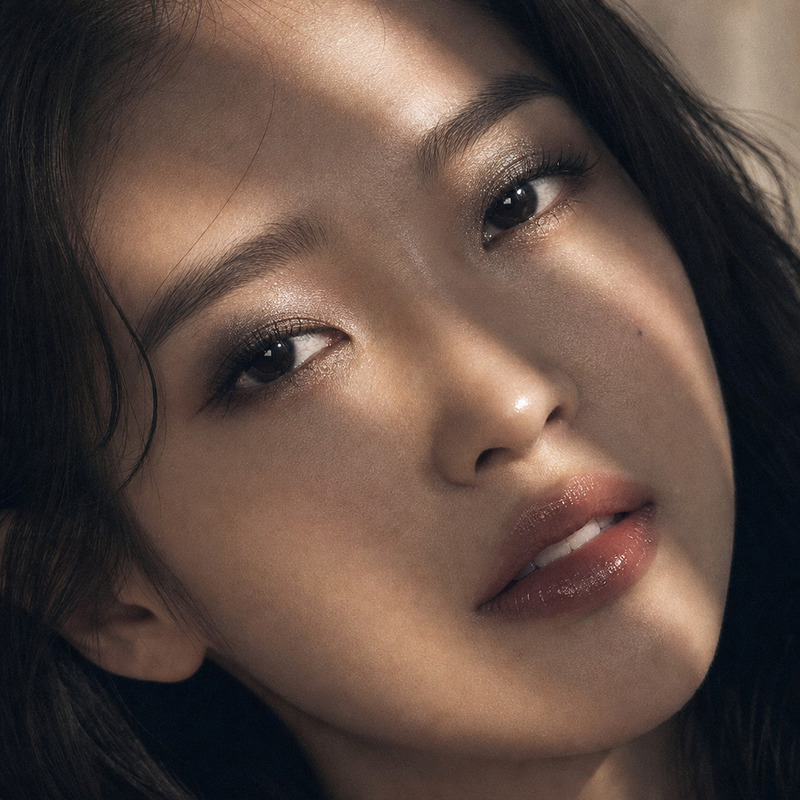
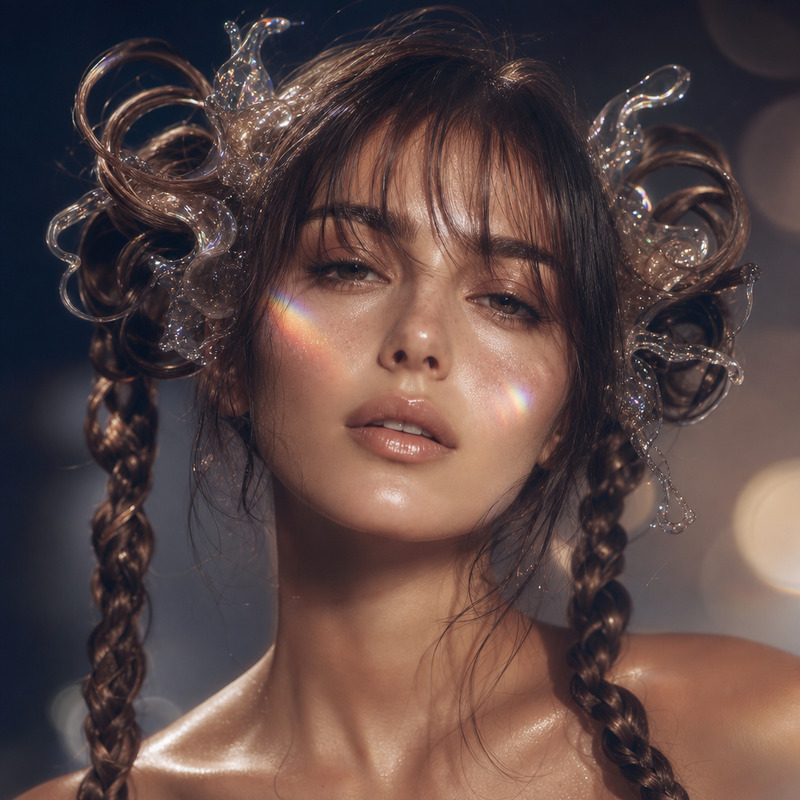
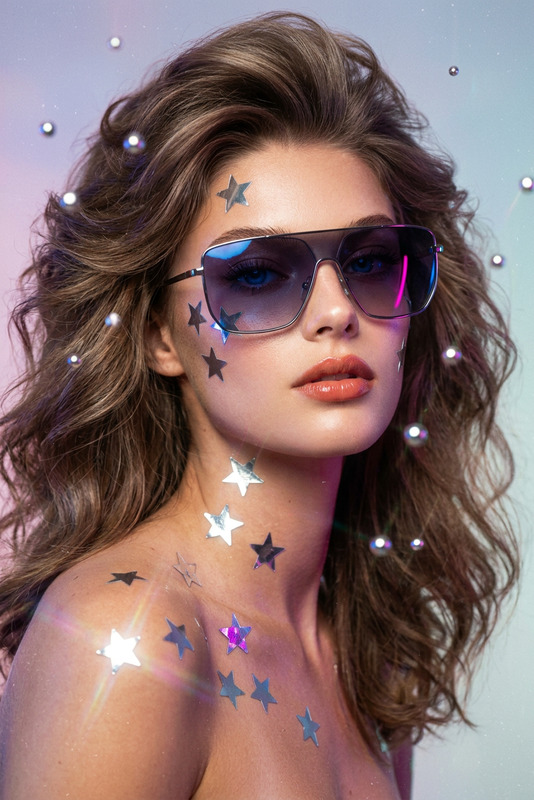
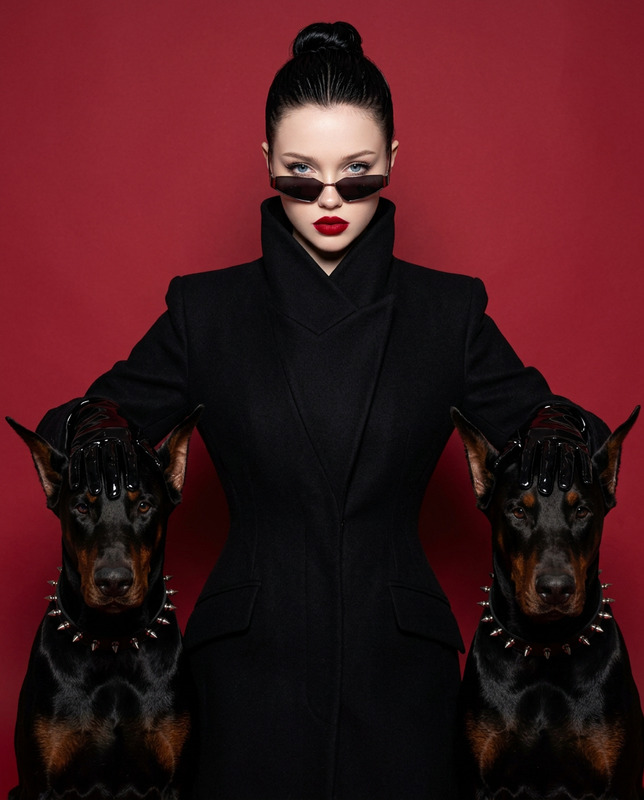
The Glossy Ribbon Surrealism template transforms your images into stunning editorial-style portraits. Leveraging the GPT-Image-2 model, this AI Image Editor injects vibrancy and texture, creating a fusion of retro aesthetics and futuristic elements.
What It Does
This template crafts high-end magazine photography with surreal, glossy multicolored ribbons enveloping the subject. The distortion creates a liquid-effect around the person's face and neck, resulting in a fashion-forward look perfect for creative projects.
Expect hyperrealistic, sharp details with a retro 70s color palette and detailed film grain effect.
Who It's For
Ideal for photographers and digital artists looking to push the boundaries of traditional portrait photography. This tool is perfect for freelance designers, social media influencers, and branding agencies in need of creative ad visuals.
Marketing teams will also find it useful for crafting unique campaign imagery that resonates with a modern audience.
Summary
Combine editorial finesse with experimental aesthetics using the Glossy Ribbon Surrealism template. It creates impactful images by blending retro influences with avant-garde visuals, suitable for a range of professional uses. For further enhancements, explore our AI Image Upscaler for even better clarity.
How to Use
Choose the Template

Customize Your Inputs

Generate and Download

Use Cases
Fashion Editorials
- Achieve high-impact visuals.
- Experiment with colors and textures.
Ad Campaigns
- Stand out in social media feeds.
- Engage audiences with surreal imagery.
Social Media Content
- Increase engagement with vibrant photos.
- Leverage unique aesthetics to grow your followers.
Best Practices
Select High-Quality Portraits
For best results, use high-resolution portraits to ensure sharpness and detail in the final image.Experiment with Colors
Try different ribbon colors to match the mood and tone of your project. Combining primary colors can add visual interest.Review and Adjust
Utilize the editing features to adjust elements and ensure the ribbons complement your subject effectively.