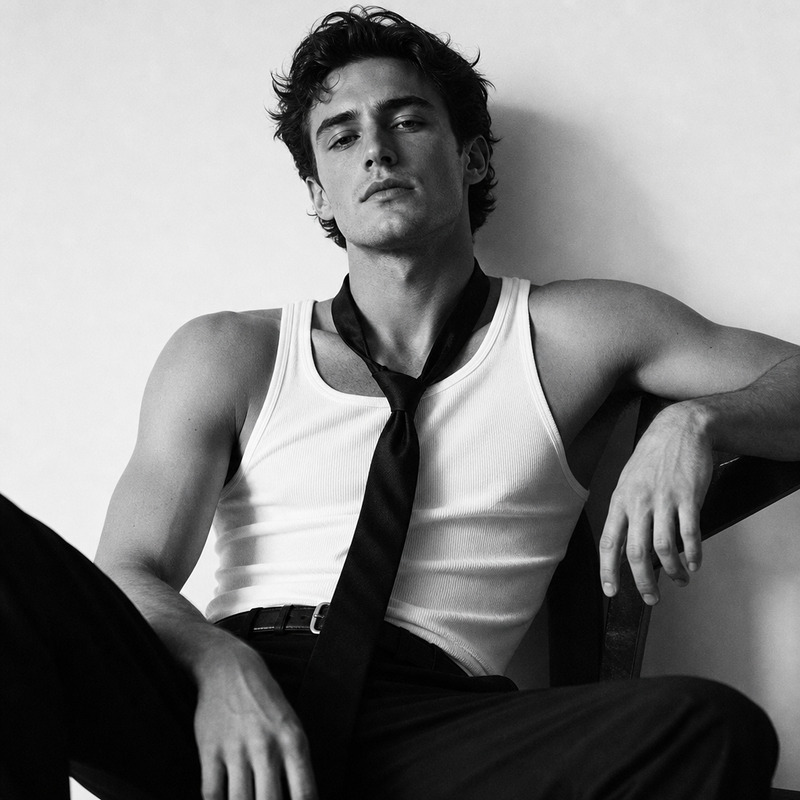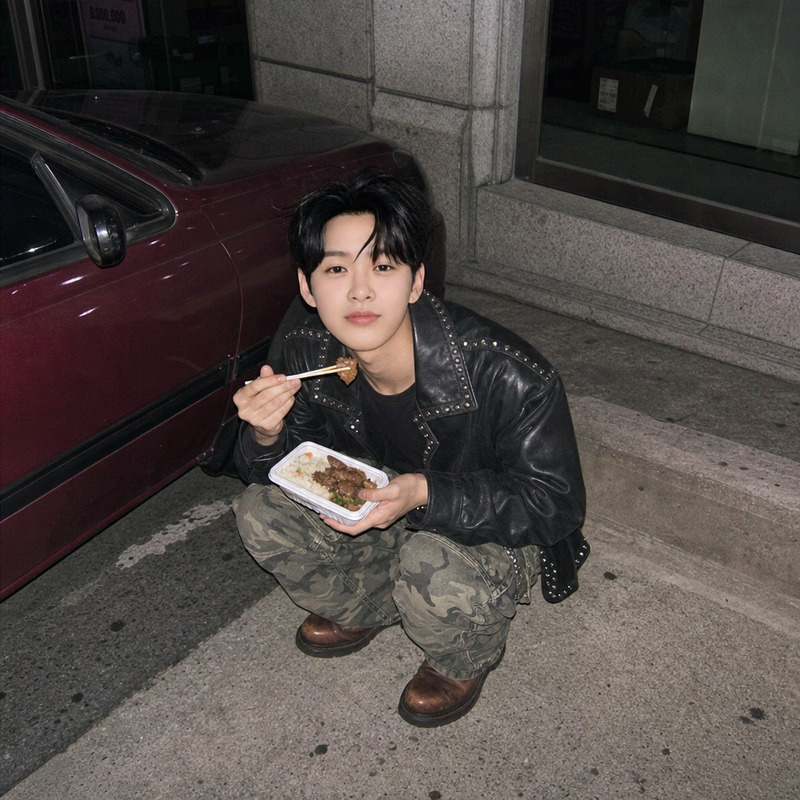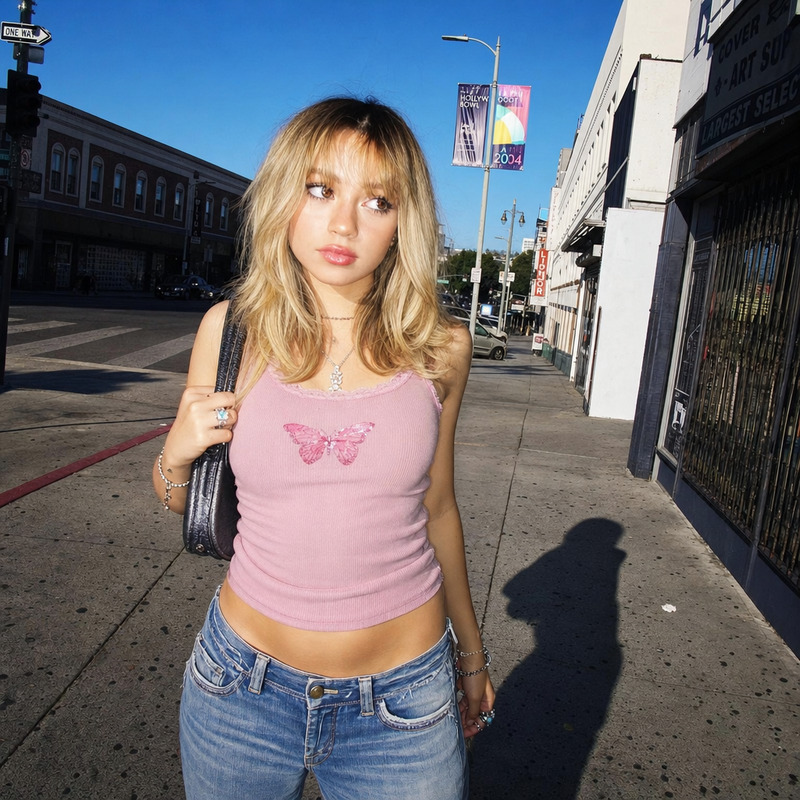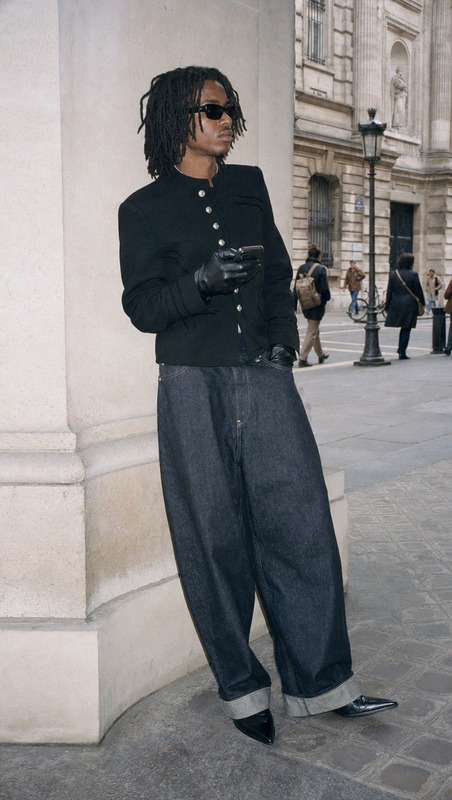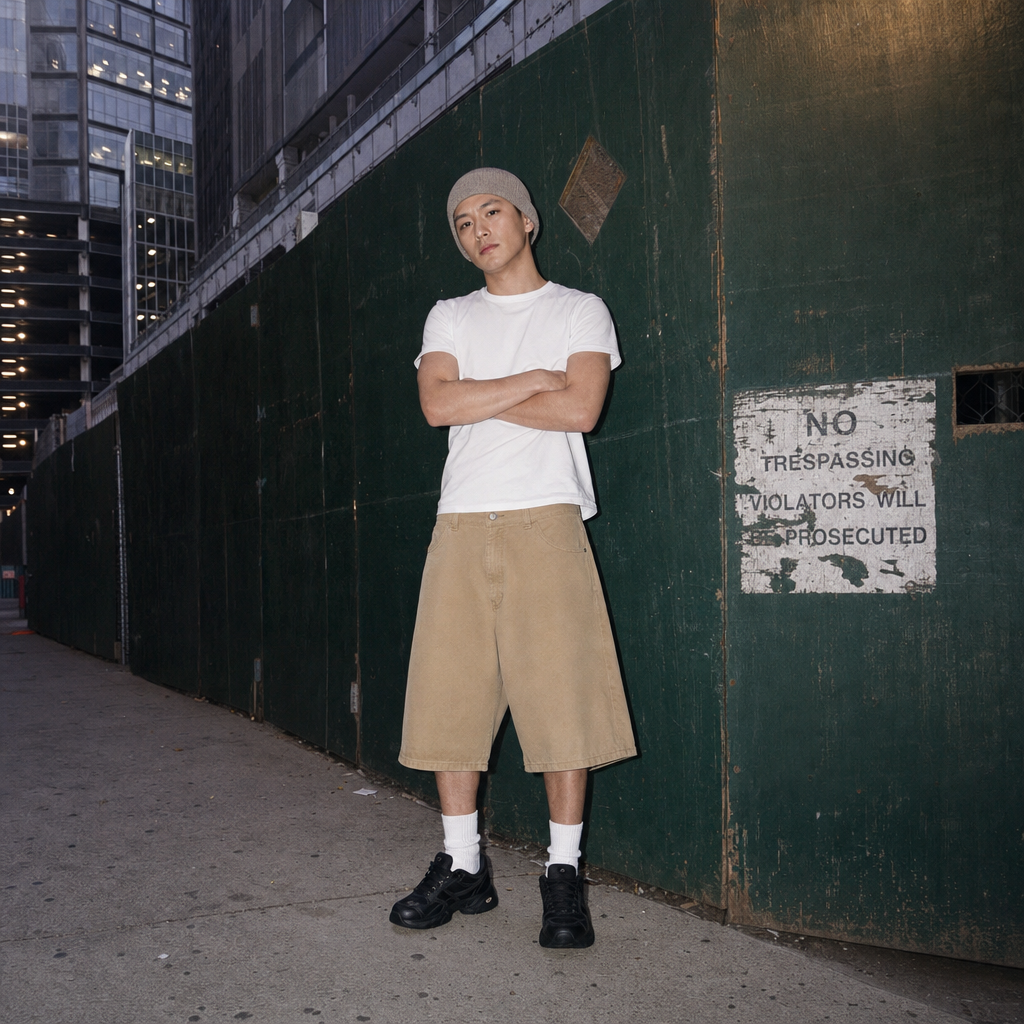
Dating tonight
- Model
- GPT Image 2
- Image
- 1024 × 1024 px
Prompt
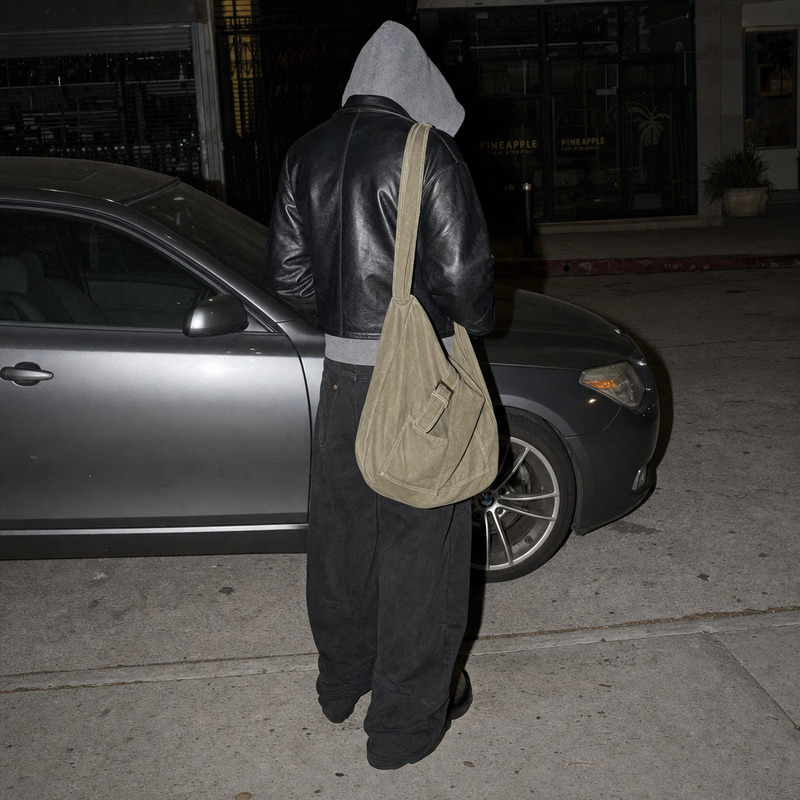
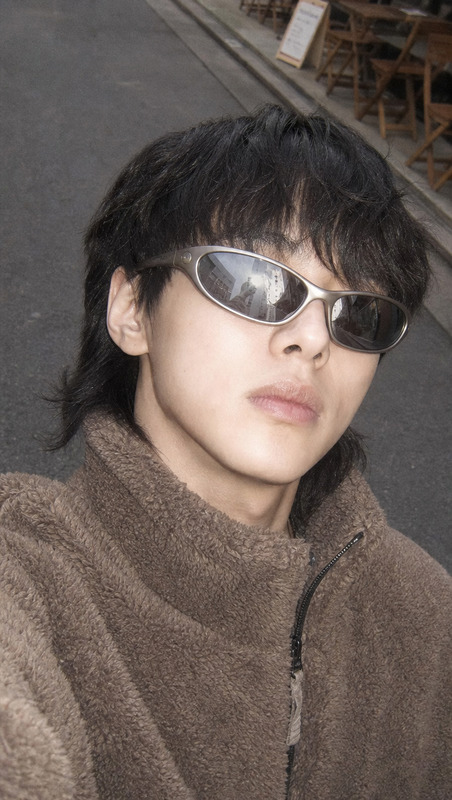
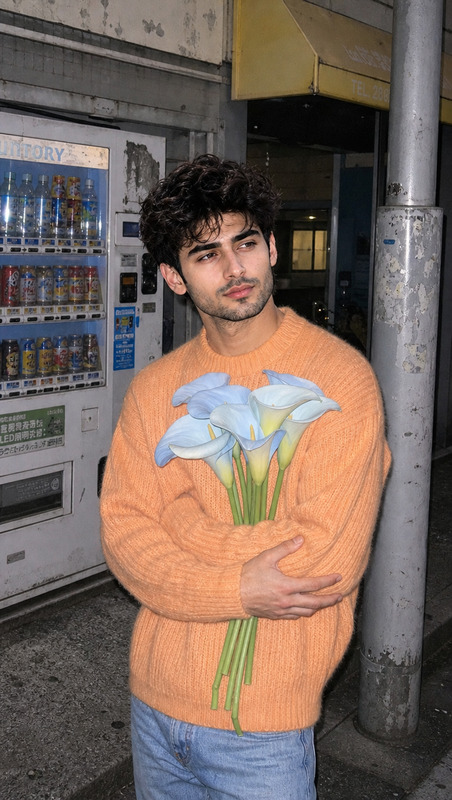
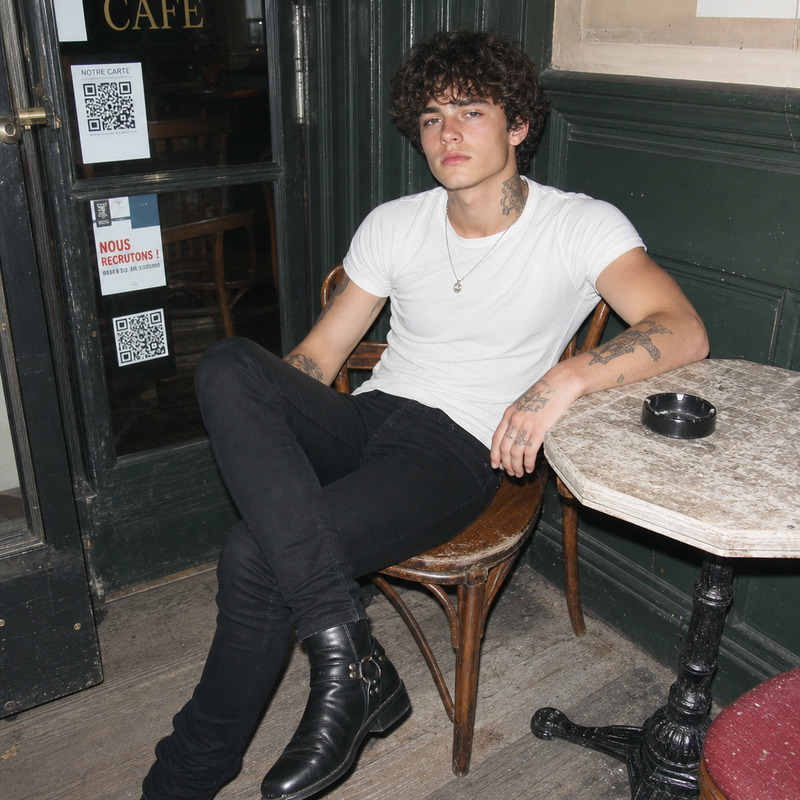
Full body shot of a young man in his early 20s standing slouched with arms crossed, wearing a fitted white t-shirt under oversized tan khaki canvas shorts, high white socks, black sneakers, and a neutral beanie. His expression is deadpan, with a slightly indifferent gaze. The photo is set in a cramped urban alley against green construction fencing with weathered signage, with tall glass and metal framed buildings in the background. The image emulates a lo-fi 2000s digicam with harsh direct on-camera flash, hard shadows, and uniform bright exposure throughout. The color palette features soft neutrals and desaturated skin tones, slightly cool, lo-fi editorial.
Any aspect ratio
Overview
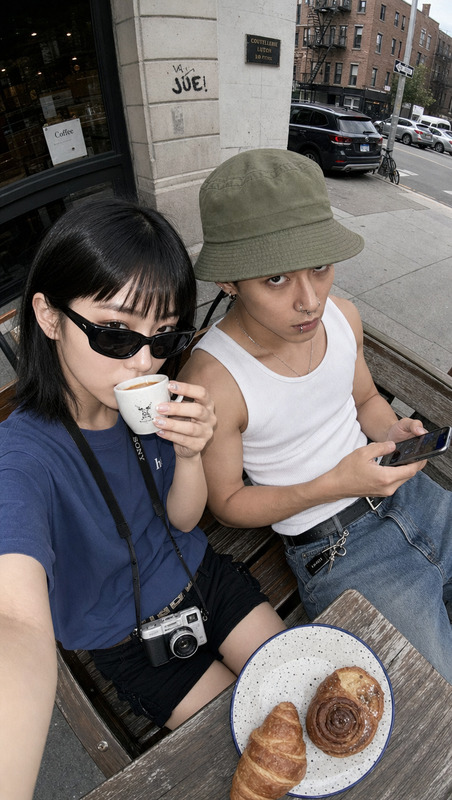
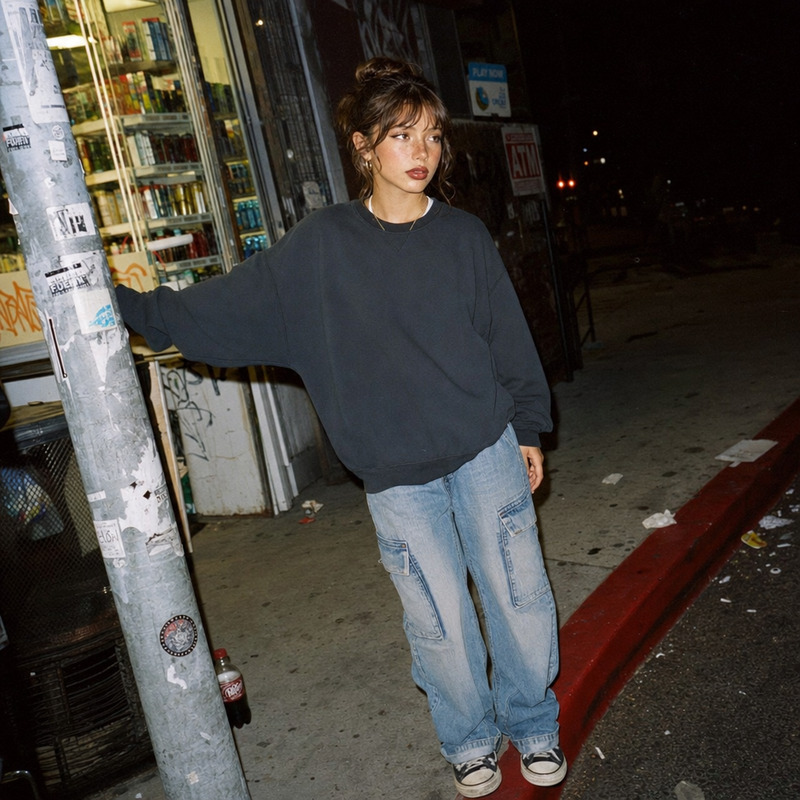
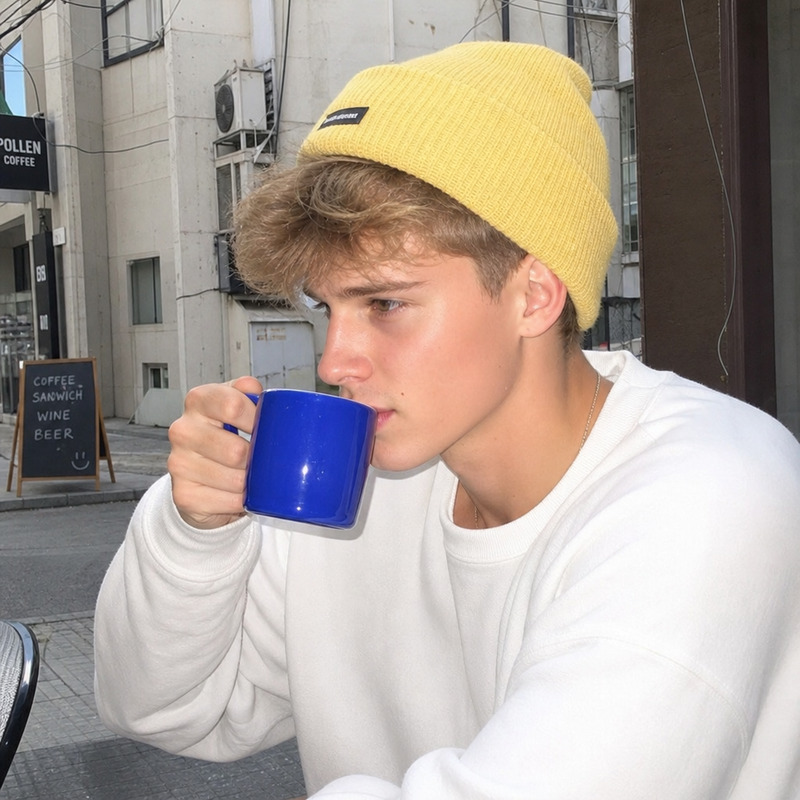
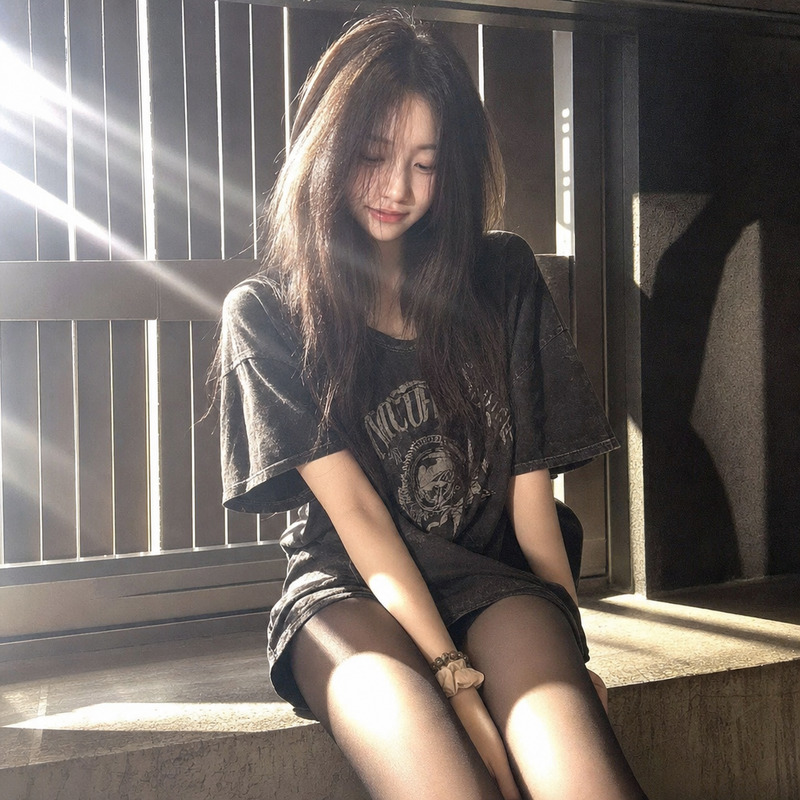
The "Dating Tonight" template offers a unique way to enhance and stylize images using the power of the AI Image Editor. Crafted using the gpt-image-2 model, this template focuses on capturing a nostalgic early 2000s vibe, perfect for creating lo-fi editorial content.
What It Does
This template transforms ordinary photos into compelling lo-fi images reminiscent of a 2000s digicam. By applying this template, you'll achieve a distinct look characterized by harsh direct flash, hard shadows, and a uniform bright exposure. The color palette leans towards soft neutrals and desaturated skin tones, providing a cool, editorial style.
Who It's For
"Dating Tonight" is ideal for photographers, social media influencers, and individuals looking to create nostalgic or editorial content. It's particularly suitable for those involved in fashion photography or content creation in urban environments, offering a vintage yet trendy aesthetic.
Summary
With the "Dating Tonight" template, you can easily transform your photos into stylized, lo-fi creations. By leveraging advanced features from the AI Image Editor, and applying a specific aesthetic through the gpt-image-2 model, you’ll be able to produce captivating images that stand out in any content feed. Explore more creative possibilities with related tools like the AI Photo Relighting and AI Background Changer.
How to Use
Choose the Template

Customize Your Details

Generate Your Image

Use Cases
Fashion Photography
- Achieve a vintage aesthetic
- Highlight urban fashion with a lo-fi touch
Social Media Content
- Enhance engagement with unique styles
- Set a distinctive tonal mood
Editorial Stories
- Perfect for magazine-style pages
- Match specific themes or eras
Best Practices
Choose the Right Background
Select a background that complements the lo-fi, urban aesthetic for the best results.Match Colors Appropriately
Ensure the attire and surroundings are in soft neutrals to maintain the desired color balance.Consider Lighting Conditions
Using photos with existing flash can enhance the lo-fi feel even more significantly.