Pinup Summer
- Model
- GPT Image 2
- Image
- 1024 × 1024 px
Prompt
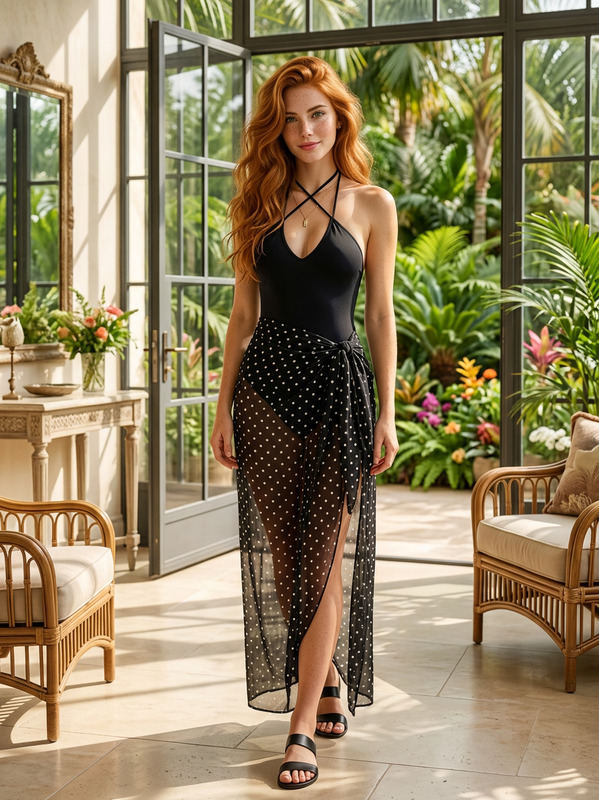
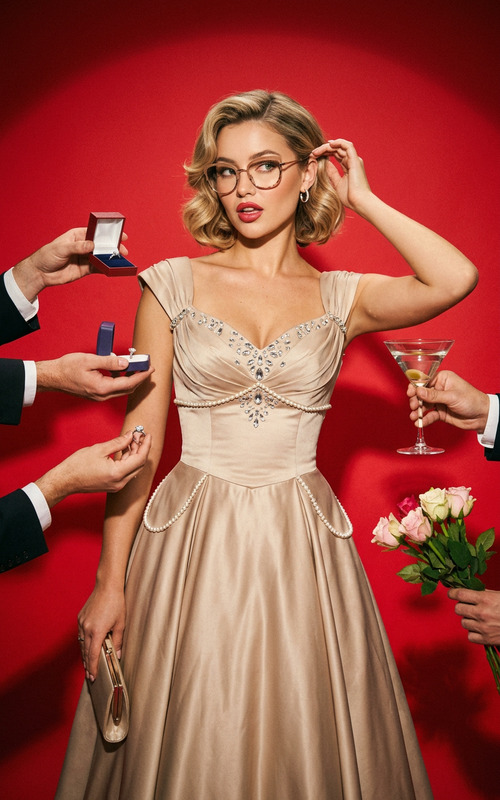
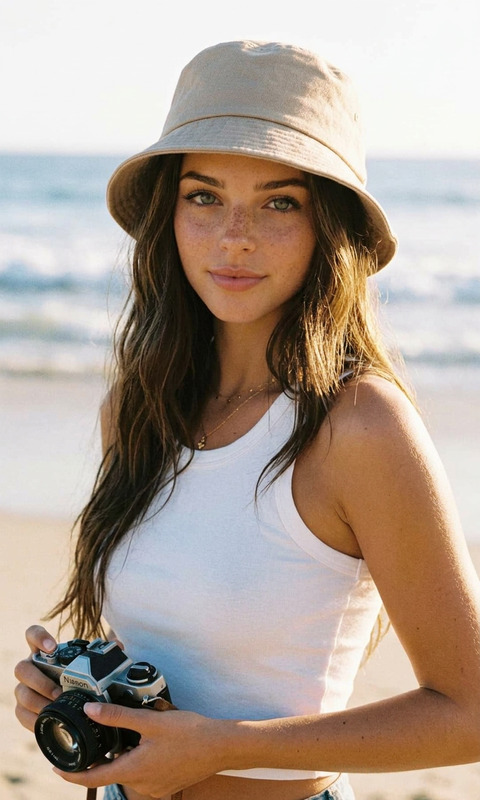
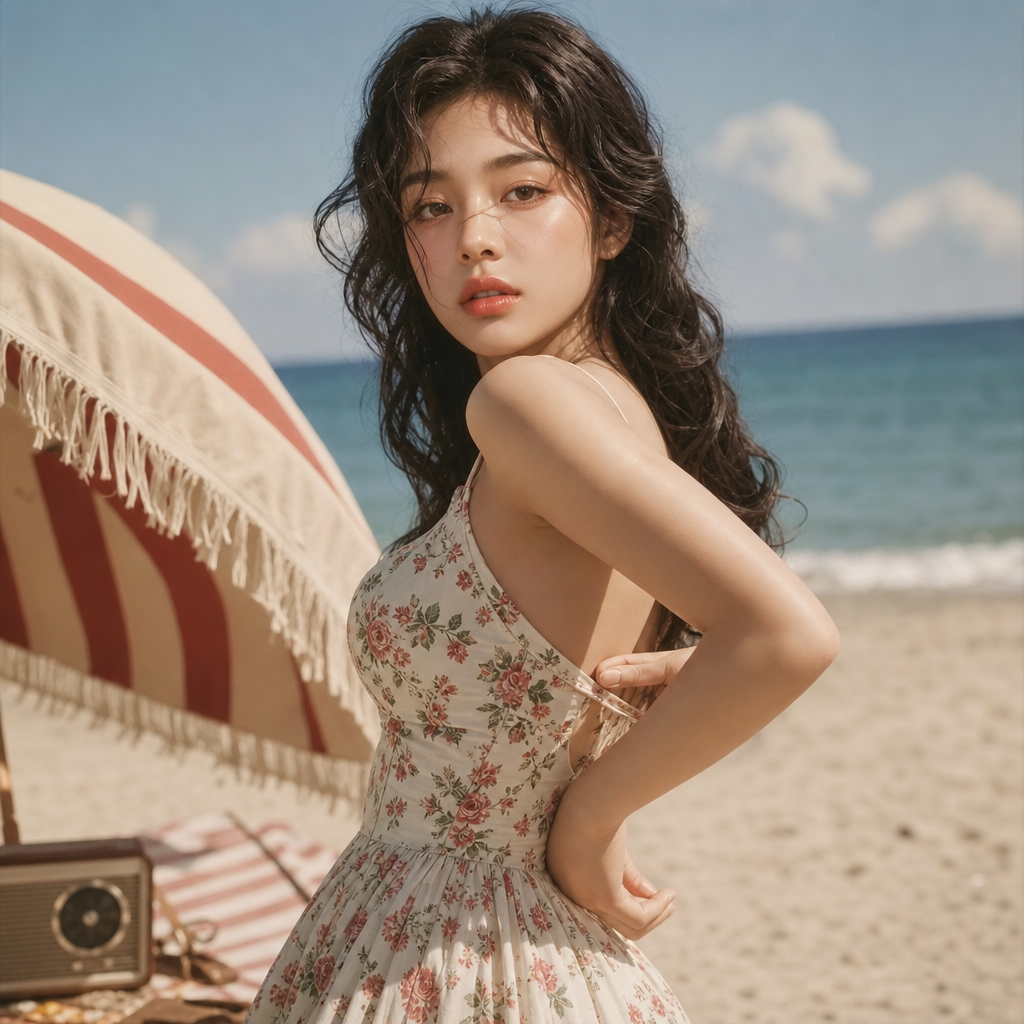
A high-quality, photorealistic portrait in the style of a vintage magazine shoot, inspired by the aesthetic fashion of the 1950s and classic retro pin-up, bathed in a soft summer sun. The subject is captured in a dynamic three-quarter pose, standing on a sandy beach. The body is gracefully curved, one hand coquettishly draped behind her back, adjusting the strap of her dress, creating a smooth and elegant silhouette.
Any aspect ratio
Overview
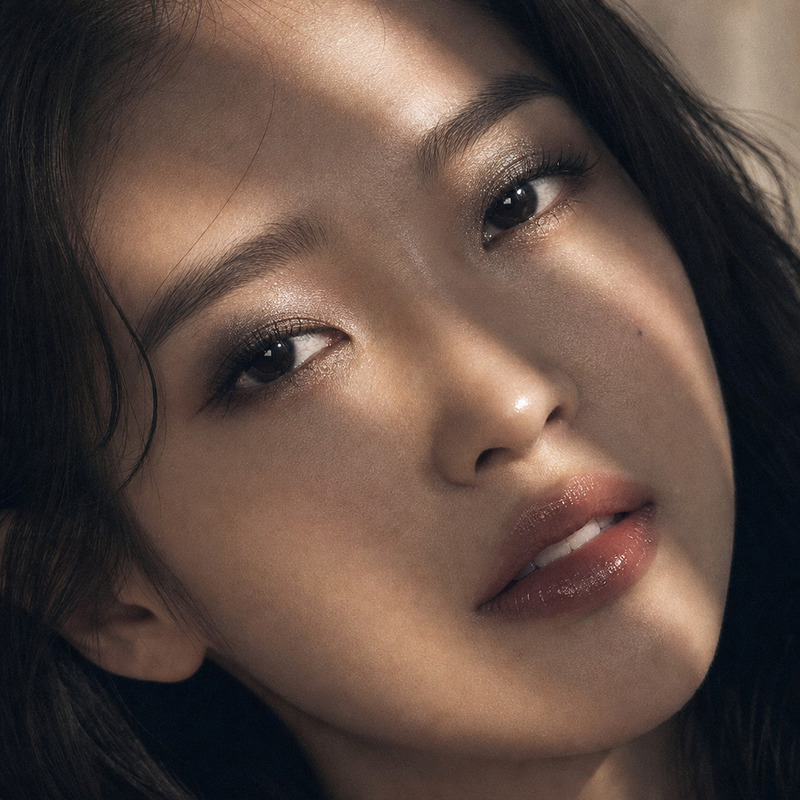
The Pinup Summer template transforms your images into stunning, photorealistic portraits with a vintage twist. Inspired by the classic 1950s pin-up style, this AI Image Editor template captures elegance and nostalgia, all within the vibrant setting of a sun-kissed beach.
What It Does
Using the gpt-image-2 model, Pinup Summer crafts detailed, high-quality images that resemble vintage magazine shoots. This template offers a photorealistic interpretation of retro fashion with precise attention to lighting and positioning, highlighting graceful body contours in a three-quarter pose.
Who It's For
Perfect for photographers, fashion designers, and vintage photo enthusiasts, the Pinup Summer template provides a powerful tool to create images with a nostalgic flair. It is ideal for those looking to incorporate a classic pin-up style into their modern projects or promotional materials such as ad creatives.
Summary
With Pinup Summer, easily adjust your images to reflect the timeless style of the 1950s pin-up culture. This tool integrates well with other Magic Hour offerings like the AI Talking Photo and AI Background Changer, giving users complementary tools for comprehensive image enhancement.
How-to
Choose Pinup Summer Template

Customize Your Image

Generate the Final Image

Use Cases
Fashion Photography
- Stylized shoots
- Editorial pieces
Marketing Material
- Ad campaigns
- Social media content
Creative Projects
- Galleries
- Personalized gifts
Best Practices
Focus on Lighting
Ensure your original image is well-lit to enhance the soft summer sun aesthetic.Enhance Poses
Use dynamic poses, like the three-quarter stance, to fully capture the retro essence.Pair with Other Tools
Combine with the AI Image Upscaler for even higher resolution outputs.