Retro Roller
- Model
- Nano Banana 2
- Image
- 843 × 1264 px
Prompt
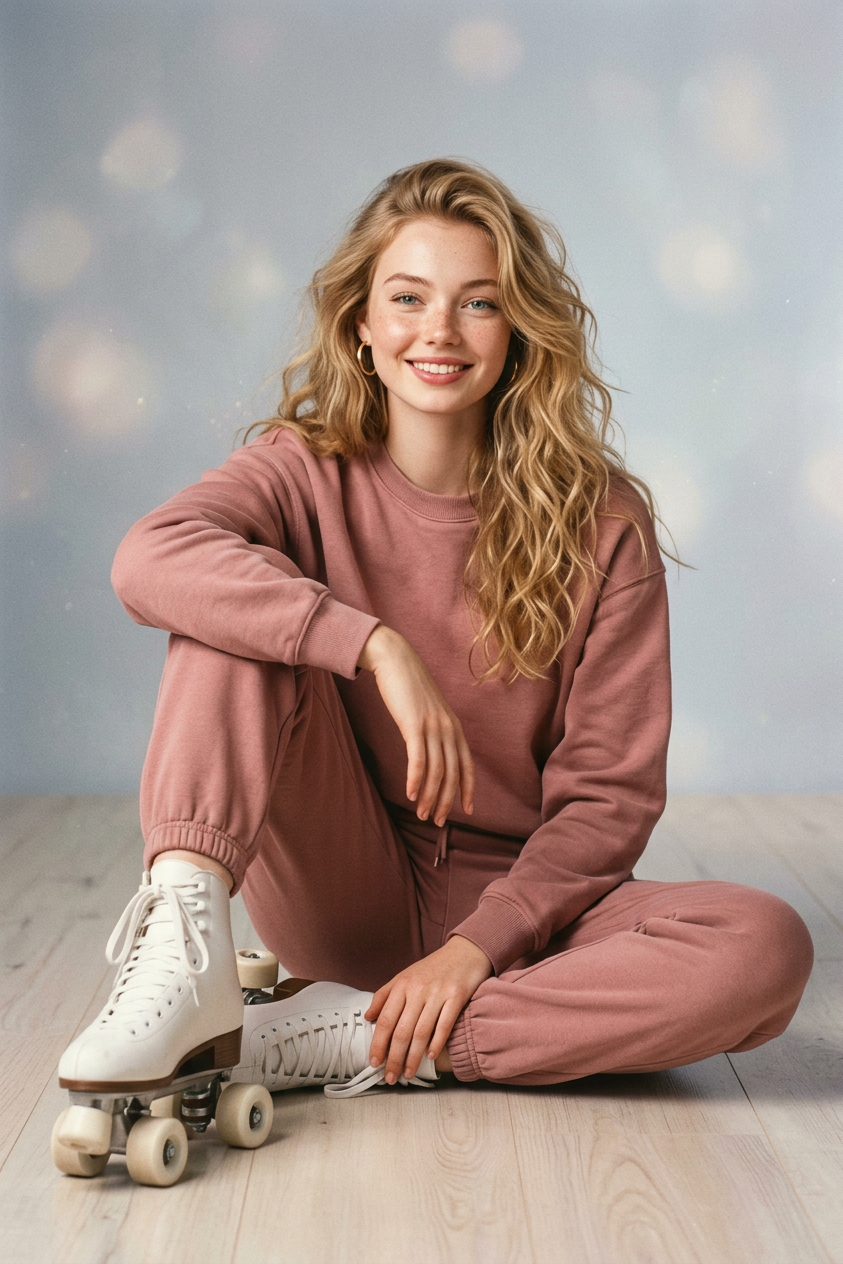
A studio portrait in the style of a vintage sports magazine from the late '80s and '90s: the subject sits on the floor in a relaxed, asymmetrical pose, wearing a light-colored tracksuit and white roller skates, with a natural, fashionable feel and soft, diffused lighting. The photo is edited to resemble an old magazine print—light grain, muted retro colors, a matte texture, and a gray-blue gradient background with no text.
Any aspect ratio
Overview
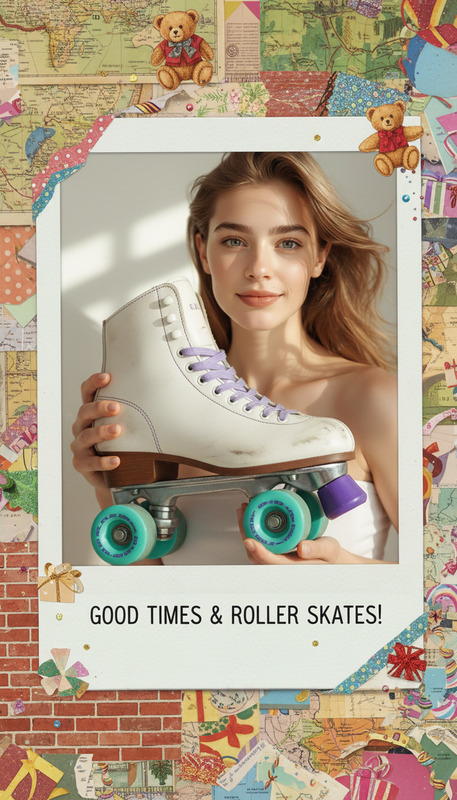
Recreate the nostalgic essence of vintage sports magazines with the Retro Roller template. This AI Image Editor template crafts a studio portrait reminiscent of late '80s and '90s aesthetics. Emphasizing a relaxed pose and fashionable attire, it replicates the classic look with grain and muted colors.
What It Does
The Retro Roller template makes it easy to transform modern images into vintage magazine-style portraits. By adjusting textures and colors to mimic the qualities of old magazine prints, this template adds light grain, muted retro tones, and a gray-blue gradient to photo backgrounds. Ideal for those using the AI Image Editor and seeking a fashionable, retro appearance.
Who It's For
This template is perfect for photographers, graphic designers, and content creators interested in evoking a vintage feel in their work. Whether creating personal photo projects or designing content for social media ads using Social Media Ads, Retro Roller is an excellent choice for those looking to incorporate retro flair.
Summary
The Retro Roller template offers a specialized AI-powered experience for creating vintage-inspired studio portraits. Using the nano-banana-2 model, it helps easily achieve unique magazine-style images that resonate with nostalgic themes and textures.
How to Use
Choose the Template

Customize Your Image

Generate and Download

Use Cases
Nostalgic Photo Collections
- Family photo albums with a throwback style
- Portfolio pieces that highlight graphic design skills
Social Media Campaigns
- Promoting fashion lines that echo past styles
- Evoking sentimentality in brand storytelling
Event Promotions
- Event flyers that capture attention
- Invitations that set the nostalgic mood
Best Practices
Focus on Authenticity
To achieve the most authentic vintage look, concentrate on details like pose and clothing. Ensure they align with the late '80s and '90s aesthetic.Balance Colors and Grain
While the retro style favors muted colors, don't overdo it. Maintain a balance to keep the image visually appealing.Leverage AI Tools
Consider using complementary tools such as the AI Clothes Changer to adjust attire digitally, enhancing the retro feel without having to reshoot.