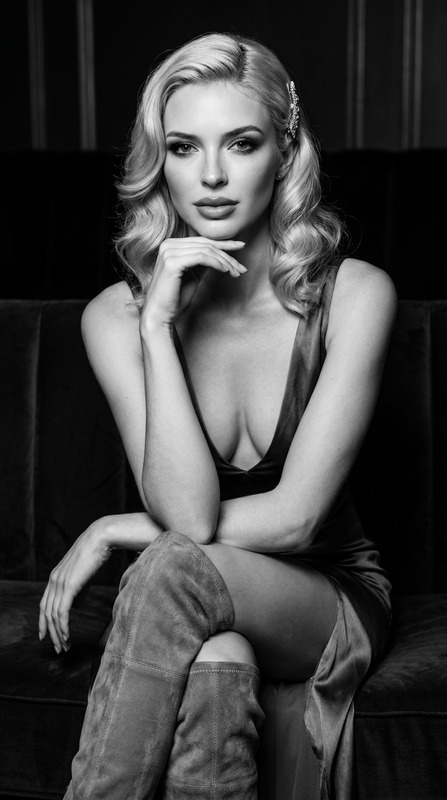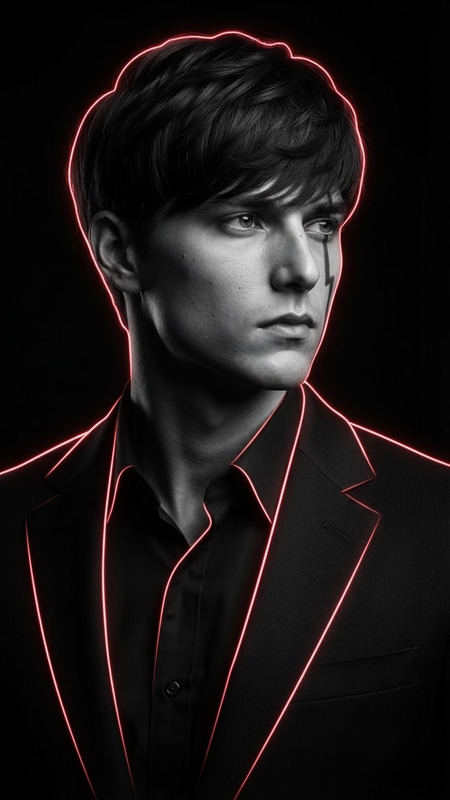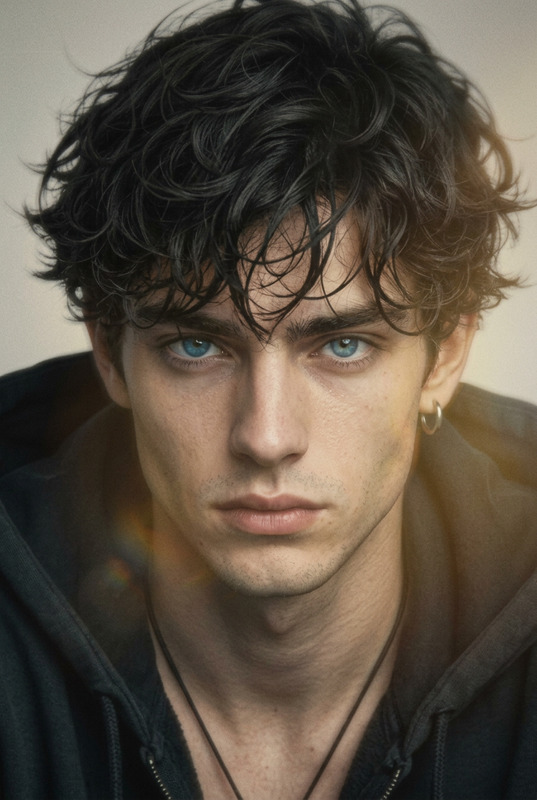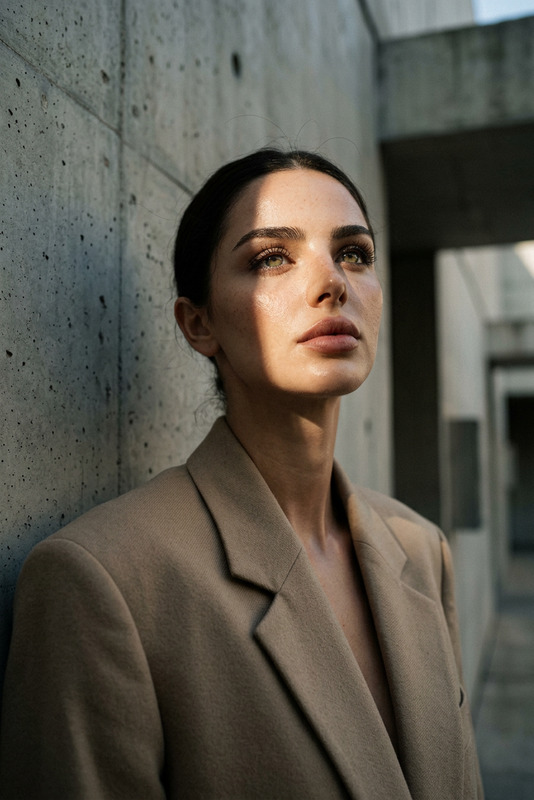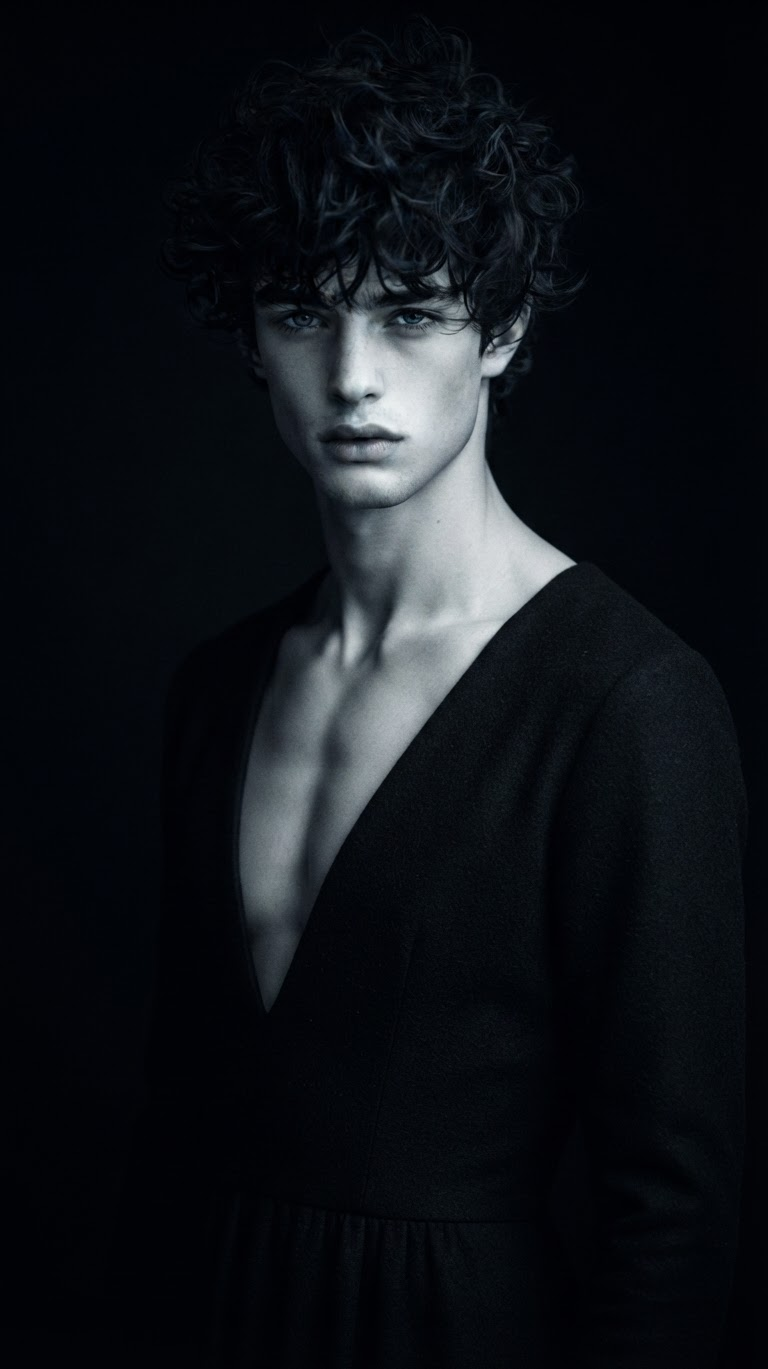
Dark Minimalist Cold-Light Fashion Portrait
- Model
- Nano Banana 2 Lite
- Image
- 768 × 1369 px
Prompt
Semi-realistic cinematic portrait of a subject @og a dark low-neck long dress, with a refined and striking appearance and a cool, distant gaze. Place the subject against a pure black minimalist background, allowing large areas of negative space to disappear into deep shadow. Use a hard cool-white key light from above and to the side, creating dramatic high-contrast separation where only parts of the face, body contours, and key highlights emerge from near-black shadows. Keep the palette highly desaturated with cold white, silver-gray, charcoal, and pure black tones. Add subtle soft focus, fine grain, restrained edge bloom, and low-light texture for a sophisticated dark-fashion-poster aesthetic that feels mysterious, detached, quiet, and slightly dangerous. No text, watermark, or logo.
Any aspect ratio
Overview
The Dark Minimalist Cold-Light Fashion Portrait template uses advanced AI-powered techniques to create a dramatic, cinematic image that emphasizes striking contrasts and minimalist aesthetics. Leveraging the capabilities of the AI Image Editor, this template transforms ordinary portraits into fashion-forward artwork, perfect for editorial layouts or social media branding.
What It Does
This template utilizes the power of the nano-banana-2-lite model to generate a semi-realistic cinematic portrait that features dramatic lighting and a minimalist design. With a focus on high-contrast separation and desaturated tones, it provides a mysterious and sophisticated aesthetic that fits the needs of modern fashion photography.
Who It's For
Geared towards photographers, fashion editors, and creative professionals, this template is ideal for anyone looking to enhance portraits with a moody, artistic touch. Whether you're crafting a product photography portfolio or creating visuals for a fashion magazine, this tool is designed to deliver exceptional results with minimal effort.
Summary
The Dark Minimalist Cold-Light Fashion Portrait template offers a powerful way to create uniquely evocative images with its high-contrast, cold-light setup that draws attention to the subject's dramatic features. Ideal for applications across fashion, art, and commercial photography, the template provides stunning visual results in line with current design trends.
How To
Choose Your Template

Customize The Settings

Generate Your Image

Use Cases
Editorial Fashion Shoots
- Create compelling editorials
- Achieve a cinematic look
Social Media Campaigns
- Engage followers with artistic images
- Amplify brand aesthetics
Album and Book Covers
- Evocative portraiture
- High-impact design elements
Brand Development
- Sophisticated brand images
- Memorable creative direction
Best Practices
Lighting Precision
Ensure that the lighting setup in your template reflects a hard, cool-white key light to maintain the atmospheric quality.Subject Focus
Choose subjects with distinct features to make the most of the template's dramatic lighting effects.Texture Details
Utilize the subtle textures like fine grain and soft focus to add depth to the final image, enhancing its sophisticated tone.