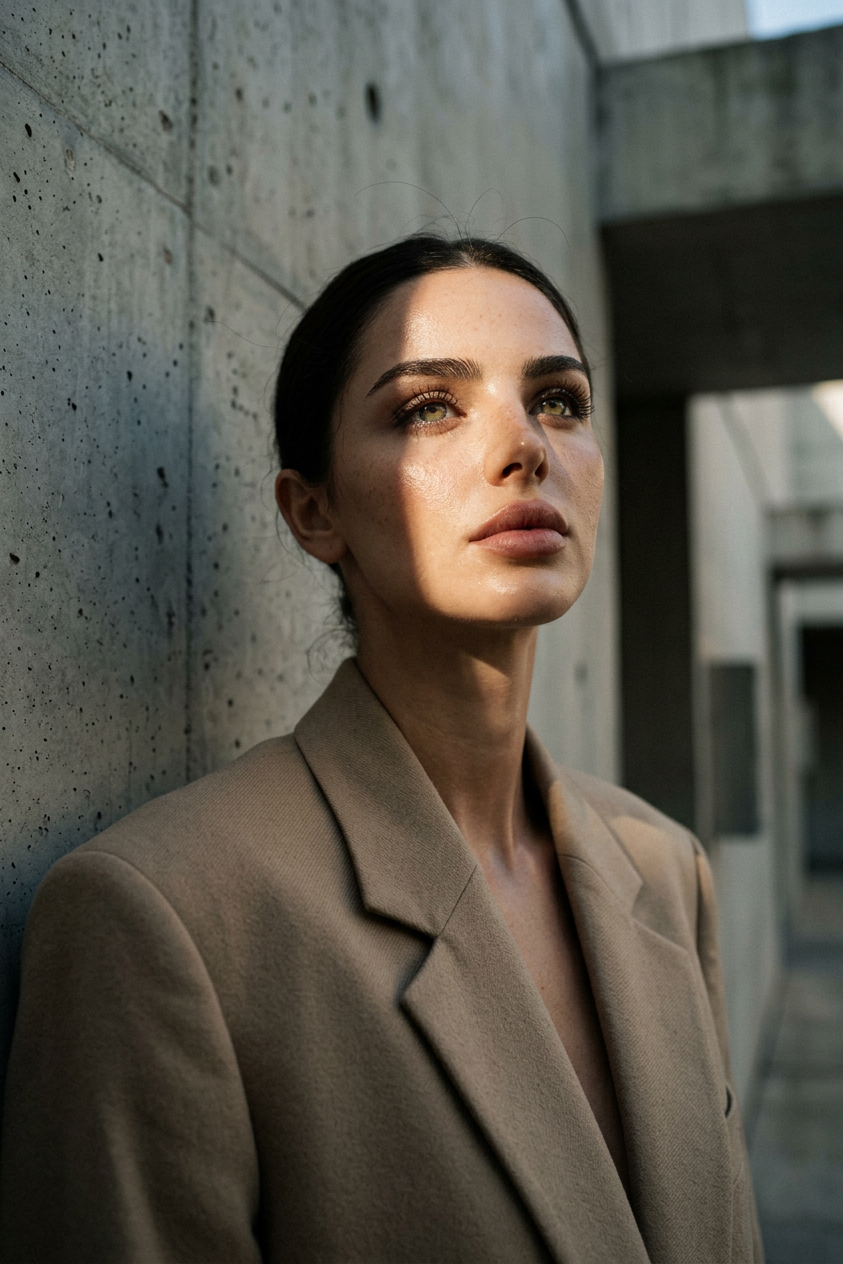
Brutalist Portrait
ai-image-editor
Any aspect ratio
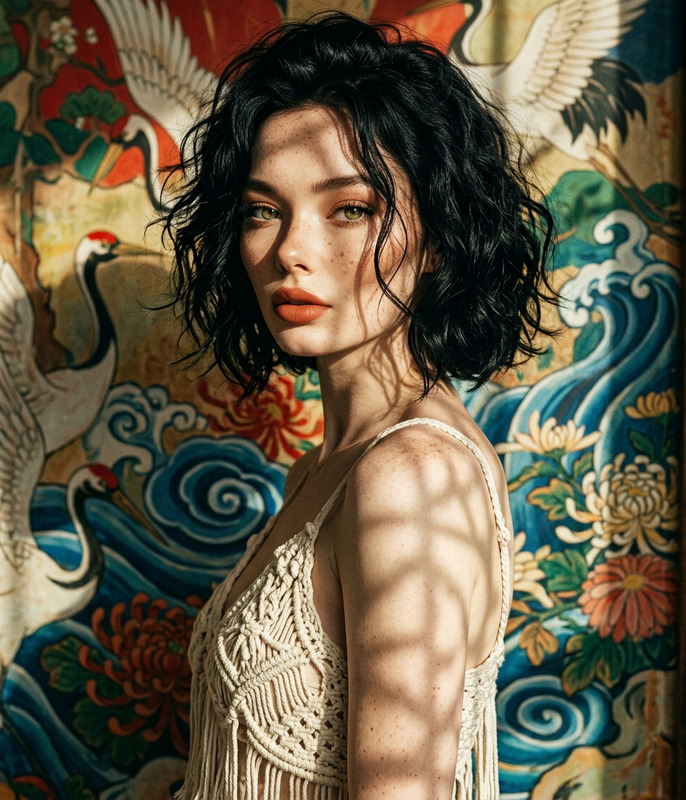
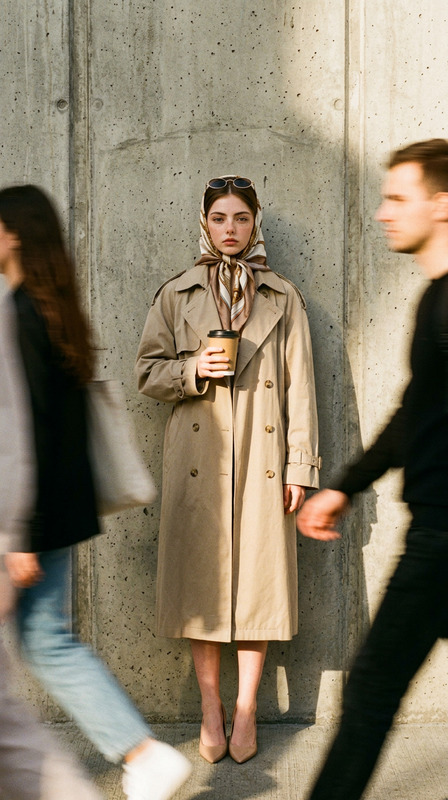
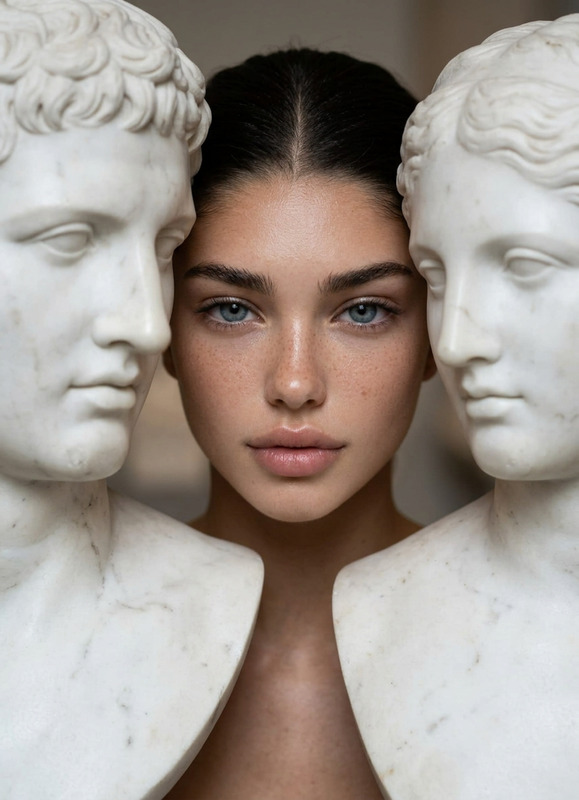
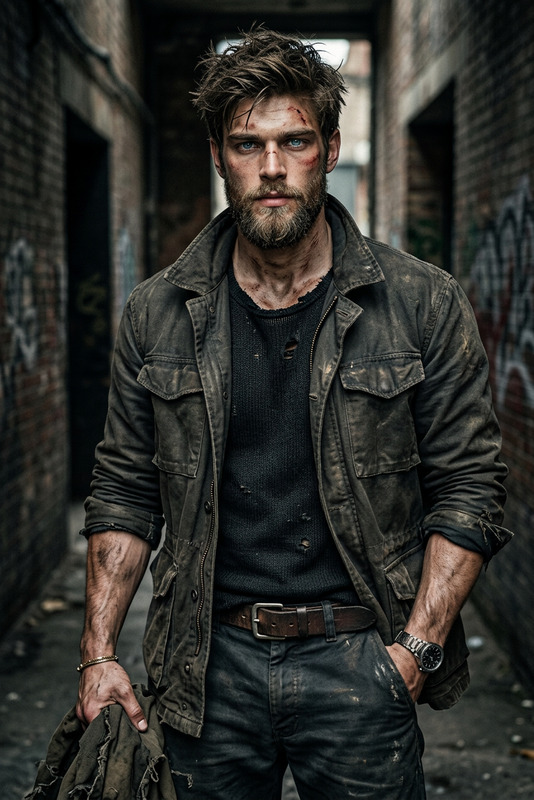
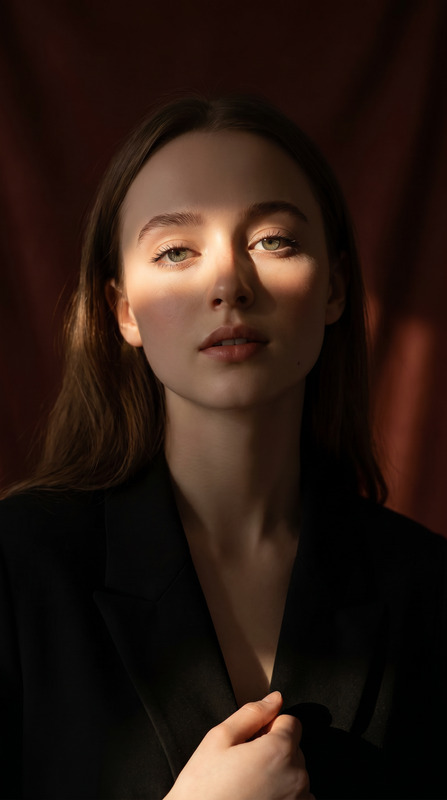
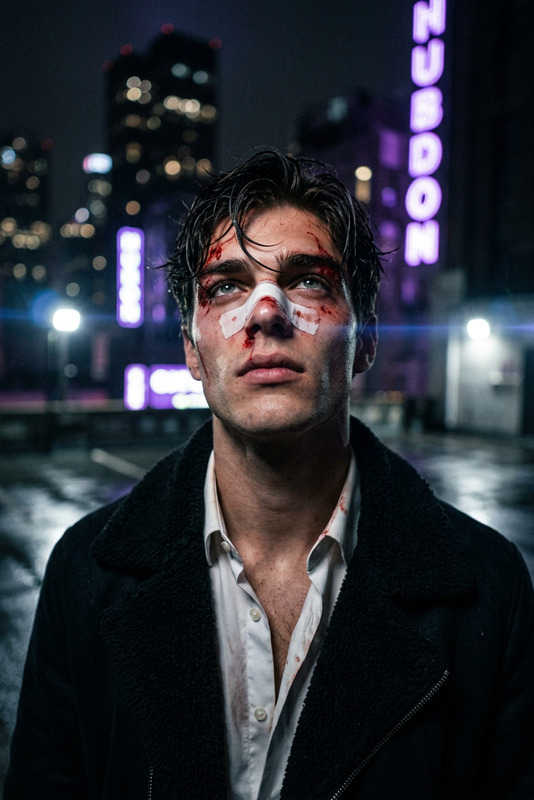
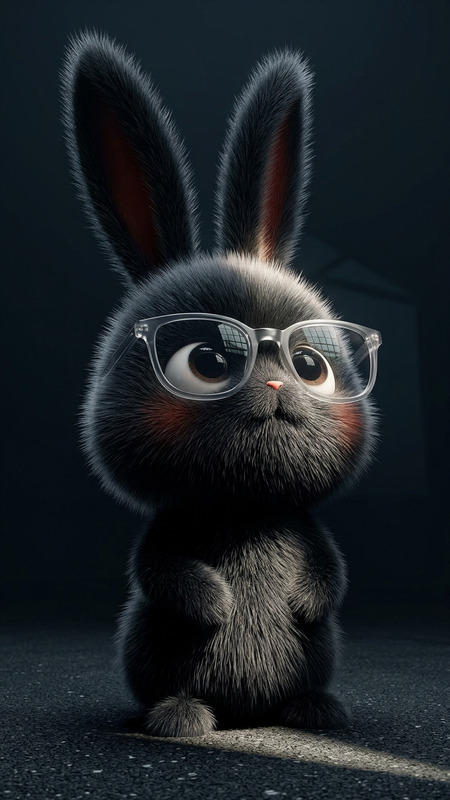
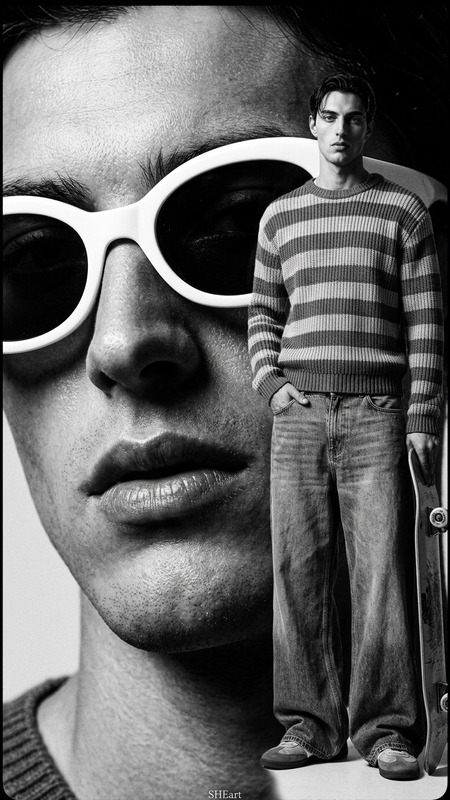
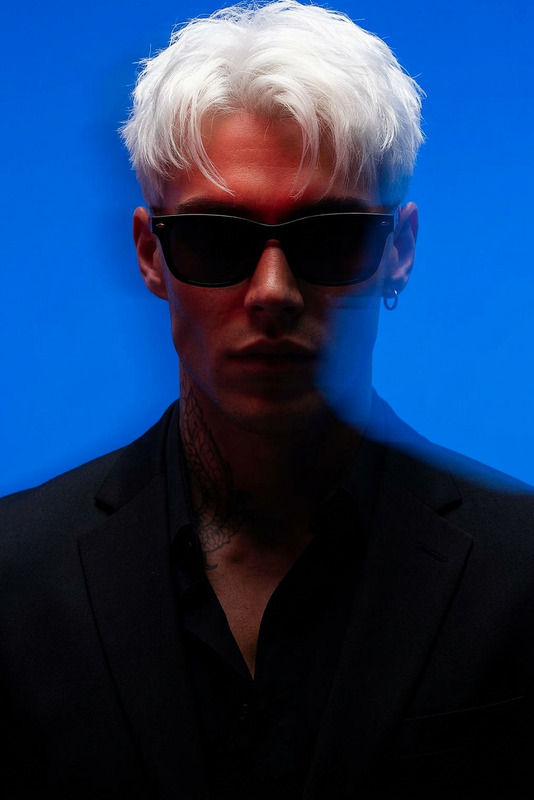
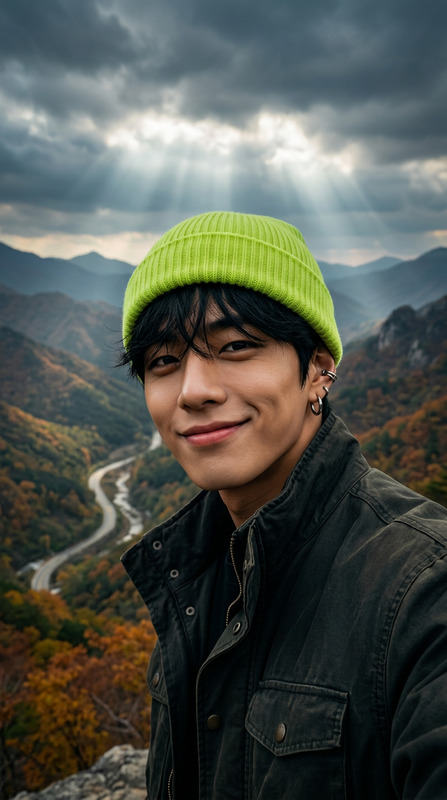
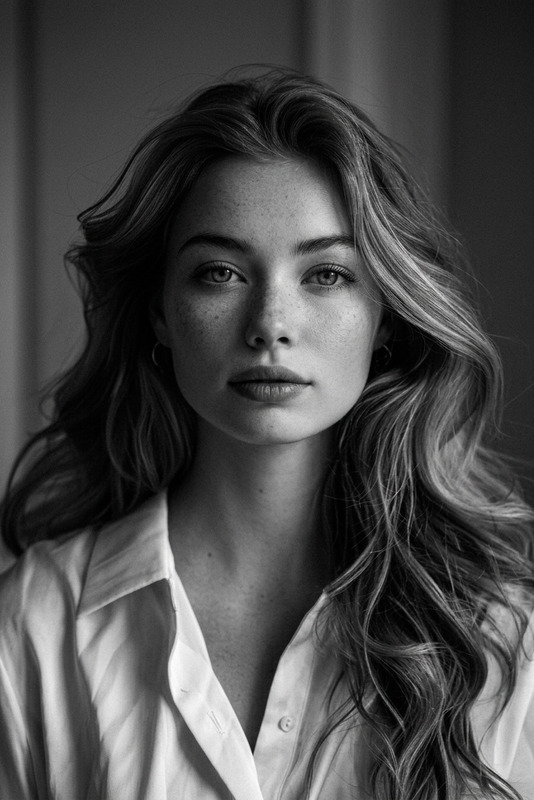
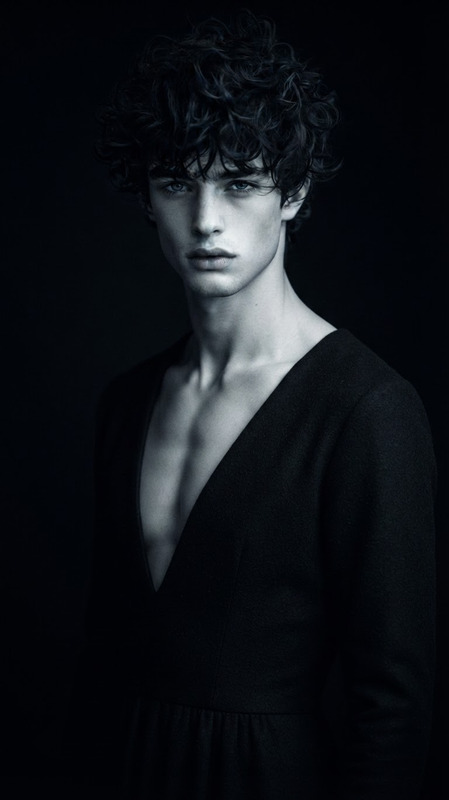
Generate a cinematic low-angle close-up portrait of a young androgynous model standing against a brutalist concrete wall, wearing an oversized sharp-cut beige blazer, captured with a 28mm digital cinema lens at f/2.0, emphasizing the jawline and upward gaze to blend strength and vulnerability; harsh late-afternoon sunlight slices across half the face, creating strong light-shadow contrast, while fine natural details such as sweat, stray hairs, and faint freckles are rendered in sharp clarity for realism; the background recedes into blurred geometric architectural lines with shallow depth of field, and the image is finished with subtle cinematic grain, muted tones, and refined color grading, evoking a high-end editorial magazine cover with raw authenticity.
AI Image Editor Template: Instantly Clean Up & Enhance Any Photo
Use this AI Image Editor–powered template to remove unwanted objects, fix backgrounds, and polish your images in seconds—without manual Photoshop work.
This template is built on the core AI Image Editor, so you can easily remix it, duplicate it, and adapt it to your own workflow inside Magic Hour.
What This Template Is Best For
This template is optimized for:
Removing distractions from photos
Quickly erase people, logos, text, and random clutter using AI-powered object removal. For more targeted removal tasks, you can also check out AI Remover and Remove Object From Photo.Cleaning up product and marketing images
Make e‑commerce, ad creatives, and social assets look polished by removing messy backgrounds, studio gear, or reflections. Combine it with:- Image Background Remover to isolate products
- AI Image Upscaler to sharpen low‑res photos
- Thumbnail Maker to turn cleaned images into scroll‑stopping thumbnails
Fixing backgrounds and composition
Quickly patch gaps where you deleted objects or expand your framing with AI-generated surroundings. If you need fully new scenes, use AI Background Generator or AI Art Generator.Quick visual experiments for campaigns
Test multiple ad concepts, landing images, and hero visuals without booking new shoots. For brand‑consistent new imagery, pair this with the AI Image Generator or AI Photo Generator.
This workflow is especially useful for:
- Performance marketers optimizing ad creatives
- Startup teams creating fast, on‑brand visuals
- Designers who want a “first pass” before fine‑tuning
- Developers building internal tools or automation around creative assets
How to Remix This Template in Magic Hour
You can treat this page as a “recipe” and build your own variant of the template in a few minutes.
Start from the AI Image Editor
- Open the base product: AI Image Editor.
- Upload a source image (product shot, portrait, social post, etc.).
Define the core task for your version
- Decide what your remix should specialize in:
- “Remove people from background shots”
- “Clean up product photos for marketplaces”
- “Erase logos or text for reuse in new contexts”
- “Fix old photos by removing damage or blemishes” (you can also reference Old Photo Restoration and Photo Colorizer for more advanced restoration flows)
- Decide what your remix should specialize in:
Combine with other Magic Hour tools for a full workflow Depending on your use case, chain this template with:
For product & brand imagery
- Image Background Remover – isolate subjects
- AI Background Generator – create clean, on‑brand backdrops
- AI Image Upscaler – output marketplace‑ready resolution
- AI Logo Generator and Album Cover Generator – turn cleaned assets into polished designs
For social and content marketing
- Thumbnail Maker – YouTube and social thumbnails
- AI Meme Generator – rapid creative testing for engagement
- AI GIF Generator – convert edited stills to eye‑catching GIFs
For portraits & headshots
- AI Face Editor – subtle facial retouching
- AI Headshot Generator – upgrade casual photos into professional portraits
- AI Selfie Generator – social‑ready images at scale
- Gender Swap and AI Face Generator – explorations and variations
For UGC, content, and motion
- Turn edited images into short clips with Image to Video or Text to Video.
- Animate characters, avatars, or illustrations using:
- Sync voice or lip movements later with:
Give your remix a clear, specific purpose When you save or reuse this flow inside Magic Hour, define it for a single job like:
- “Marketplace Product Cleanup Template”
- “LinkedIn Headshot Polish Template”
- “UGC Ad Background Fix Template”
Purpose‑built templates perform better and are easier for teams to adopt and standardize around.
Example Use Cases and Workflows
1. E‑commerce product cleanup
- Start with: AI Image Editor
Remove props, hands, or studio gear. - Clean the edges: Remove Object From Photo for precise fixes.
- Isolate and finish:
- Image Background Remover
- AI Background Generator for branded or seasonal backgrounds
- AI Image Upscaler for final export
2. Founder / team headshots for a startup site
- Clean the source: AI Image Editor to remove clutter and distractions.
- Upgrade the look:
- AI Headshot Generator
- AI Outfit Generator for consistent wardrobe styling
- Extend into content:
- Turn headshots into talking avatars with AI Talking Photo
- Overlay subtitles later using Auto Subtitle Generator
3. UGC ads and short‑form content
- Start with a real customer photo: clean it using AI Image Editor.
- Convert to dynamic content:
- Image to Video for short clips
- Animation Templates for animated characters
- Lip Sync Templates plus AI Voice Generator for voiceovers
- Export and upscale for distribution with Video Upscaler.
Related Templates and Tools to Explore
If you like this AI Image Editor template, you can extend your stack with:
Face & identity workflows
Creative campaigns & visuals
Niche generators for specific concepts
Utility tools for asset quality and reuse
Why Use AI Image Editing for Production Workflows?
For creators, marketers, and startups, AI editing shortens common workflows:
- Less dependence on reshoots – Fix backgrounds, props, or branding errors in existing photos instead of scheduling new sessions.
- Faster experimentation – Test multiple visual directions in parallel (different backgrounds, crops, or character variations).
- Consistent quality at scale – Turn this template into a repeatable flow your team can use across campaigns and channels.
By starting from this AI Image Editor template and remixing it with related Magic Hour tools, you can build a tailored, production‑grade pipeline for your specific use case—whether that’s performance marketing, product imagery, personal branding, or content creation.