Dark Pair
- Model
- Nano Banana 2
- Image
- 843 × 1264 px
Prompt
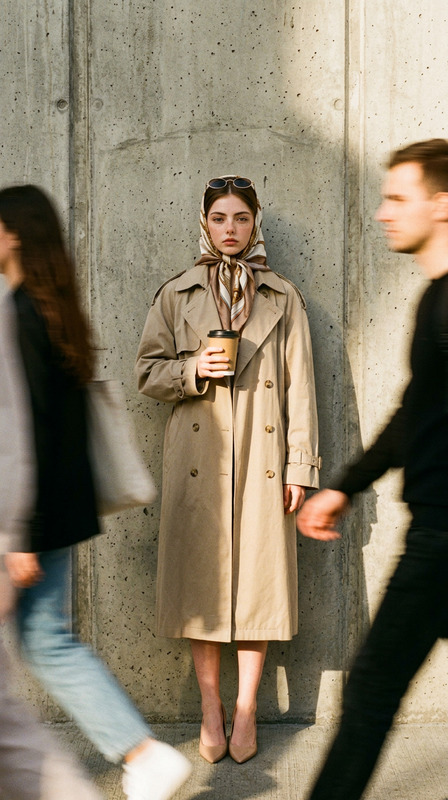
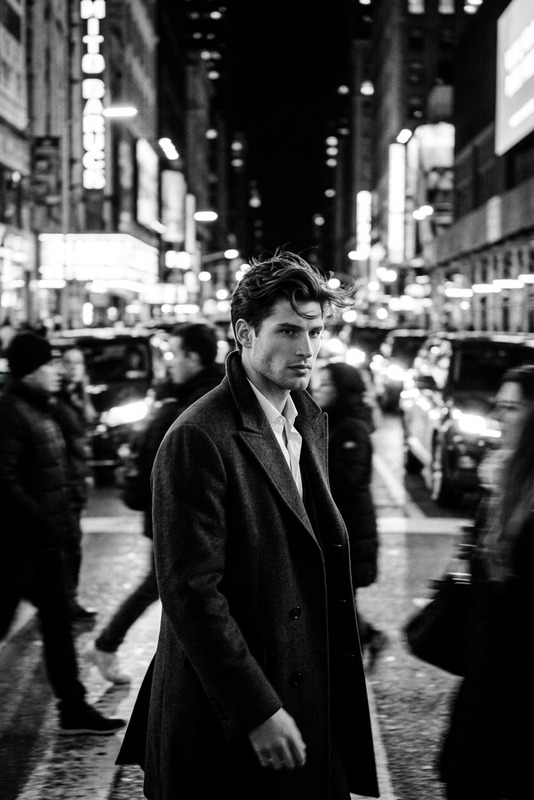
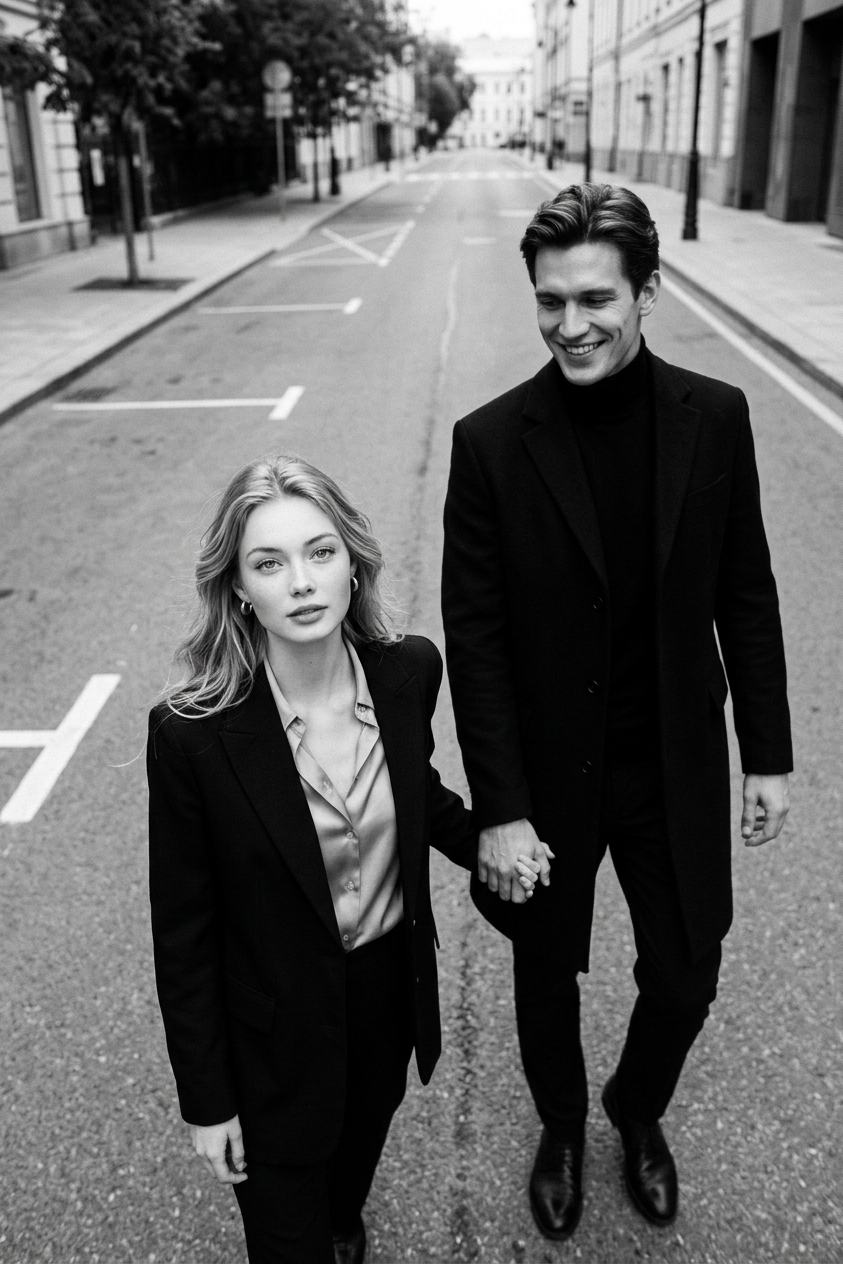
A black-and-white, ultra-realistic street photography in the style of paparazzi: a luxurious couple walks hand in hand, shot from above on an empty city road, with plenty of negative space and soft, diffused light. Both are dressed in stark black, looking up at the camera, the movement is natural, with a subtle blur and pronounced film grain, in keeping with the aesthetics of an upscale editorial.
Any aspect ratio
Overview
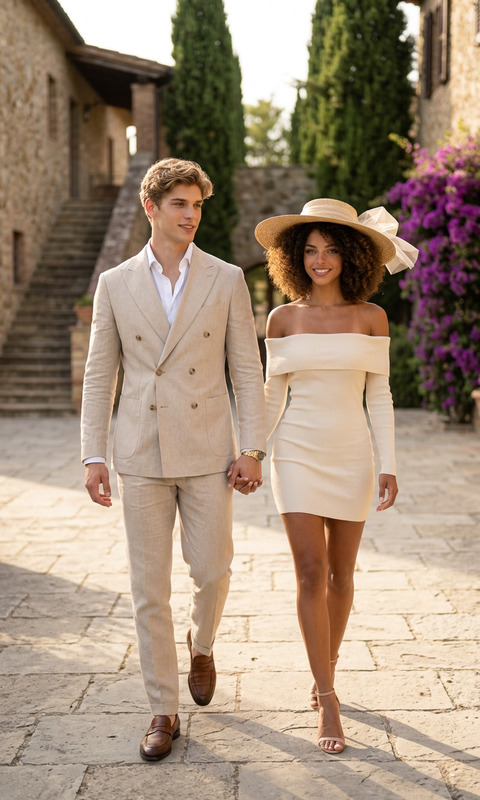
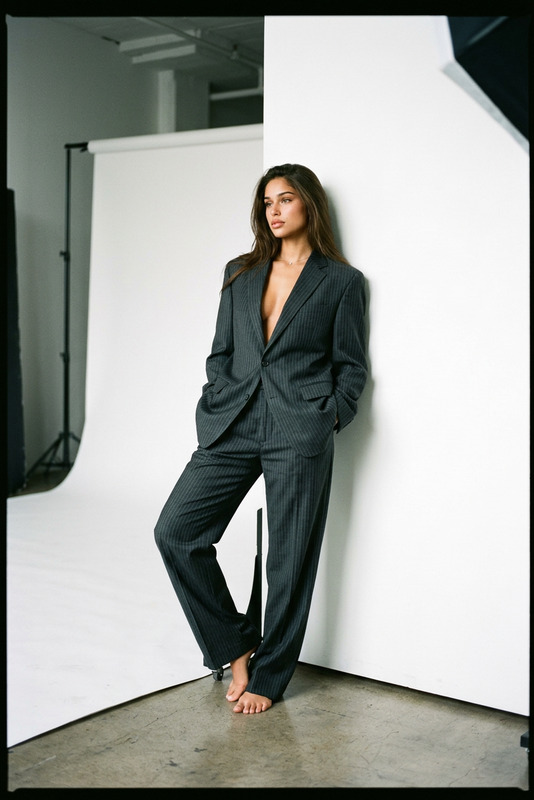
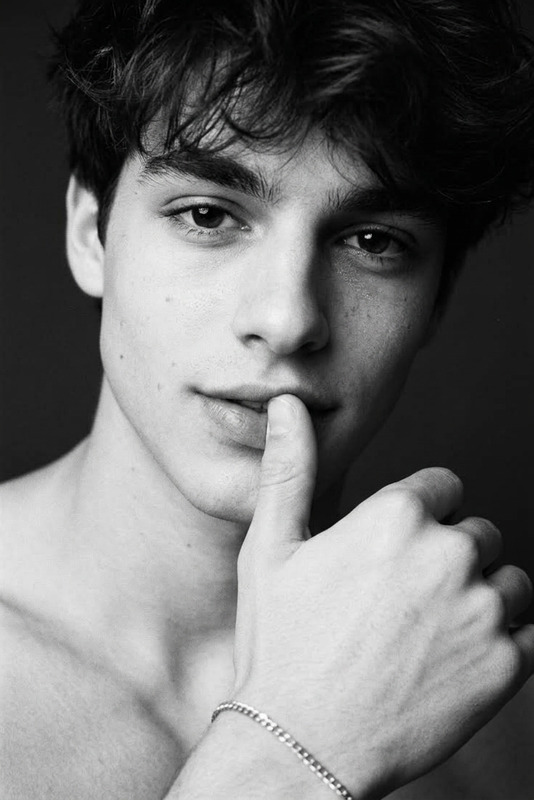
Dark Pair is an AI Image Editor template designed to transform your images into striking black-and-white pieces. Utilizing the nano-banana-2 model, it captures the essence of mobile street photography with an artistic touch of realism and editorial sophistication.
What It Does
This template allows you to create ultra-realistic, black-and-white street photography that feels like it was pulled from an upscale fashion magazine. The focus is on capturing natural movement with soft, diffused light, subtle blur, and pronounced film grain. The template can enhance images for a high-end look akin to celebrities caught in a candid moment.
For additional enhancements, consider pairing this with our AI Image Upscaler for increased detail.
Who It's For
Perfect for photographers, fashion retailers, and creative directors aiming to achieve a stylish and sophisticated aesthetic. If you're looking to produce content that aligns with social media ads or curated galleries, this template offers the ideal balance of elegance and modernity.
Summary
The Dark Pair template is your go-to choice for chic, high-quality black-and-white imagery. It emphasizes artistic blur and negative space, creating images that speak to luxury and style. Collaborate with other tools like our AI Photo Relighting to adjust lighting conditions and enhance the final output.
How to Use
Choose Your Template

Customize Your Inputs

Generate and Download

Use Cases
High Fashion Editorials
- Magazine covers
- Fashion spreads
- Bridal shoots
Social Media Campaigns
- Instagram Stories
- Facebook posts
- Pinterest boards
Luxury Brand Promotions
- Jewelry ads
- Designer clothing lines
- Premium cosmetics
Best Practices
Select High-Resolution Images
Higher quality images transform more effectively and maintain aesthetic appeal when upscaled.Experiment with Composition
Use the negative space creatively to highlight subjects within your frame.Consider Lighting Effects
Leverage AI Photo Relighting to augment light and shadow details for a dramatic effect.