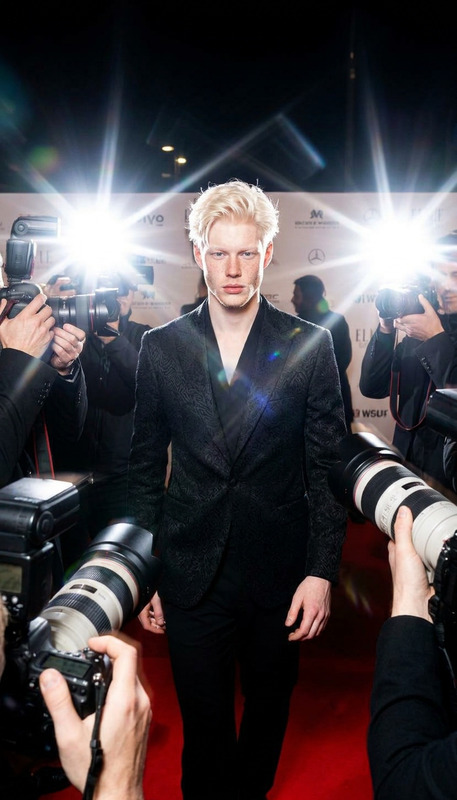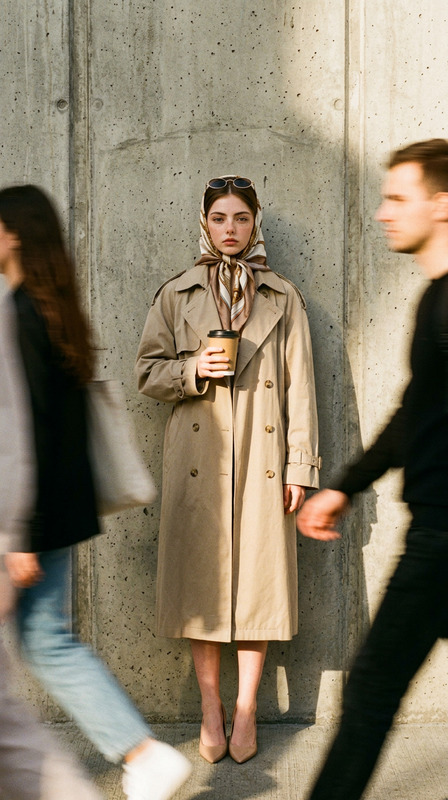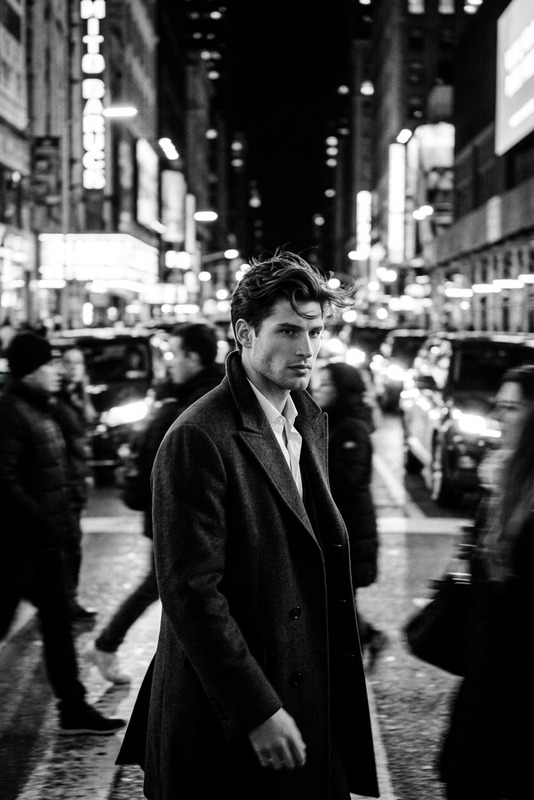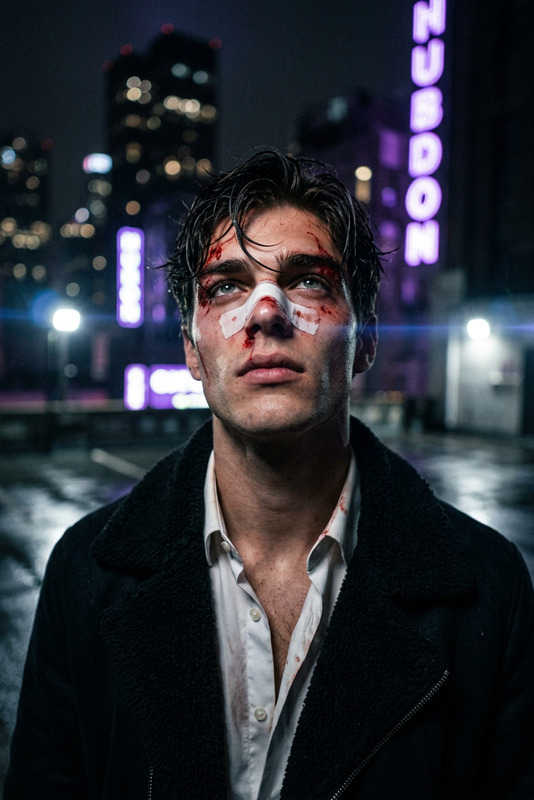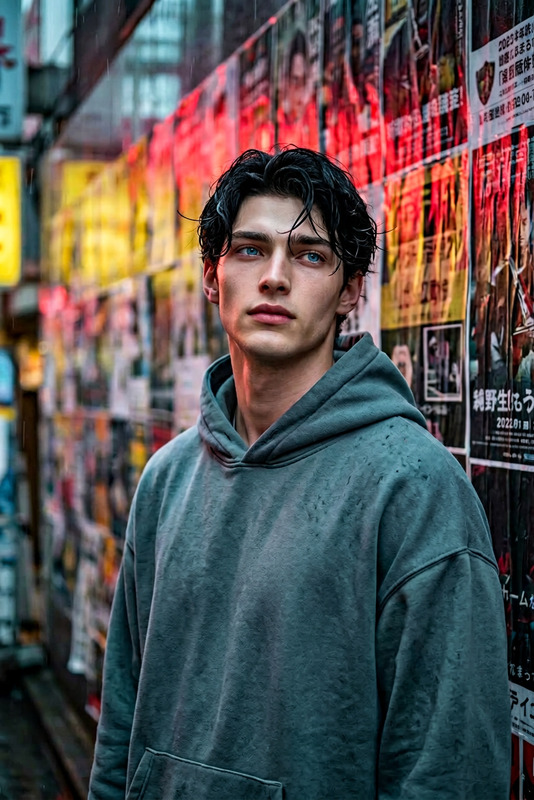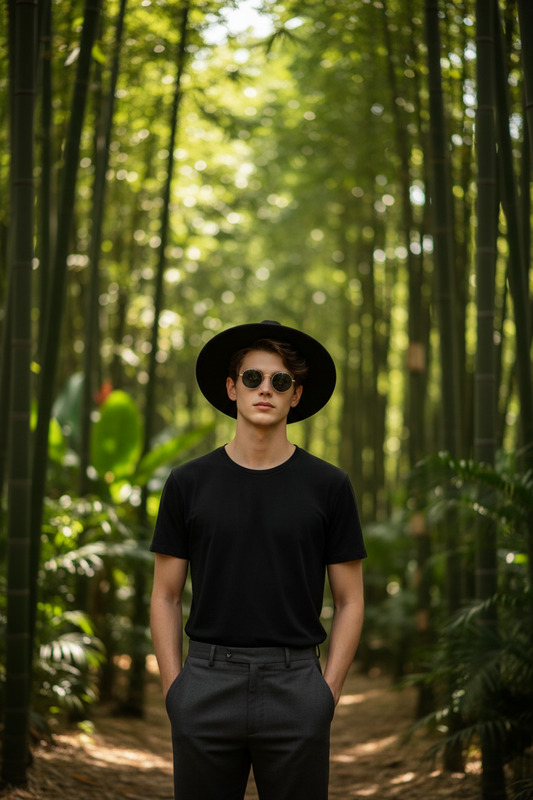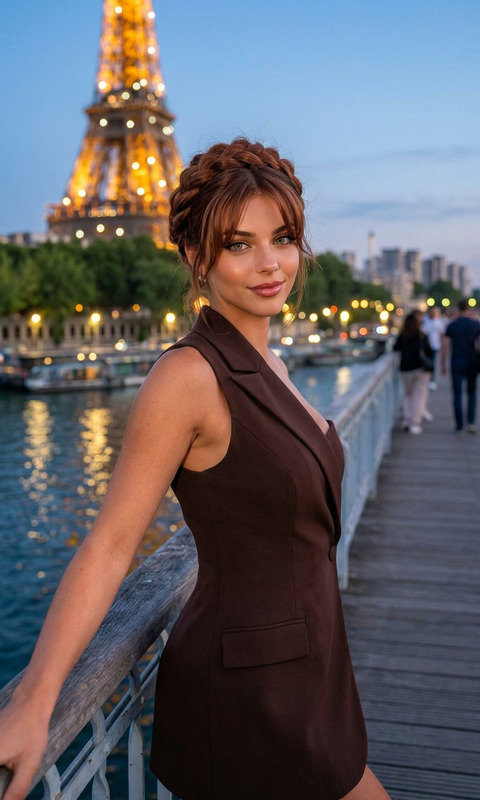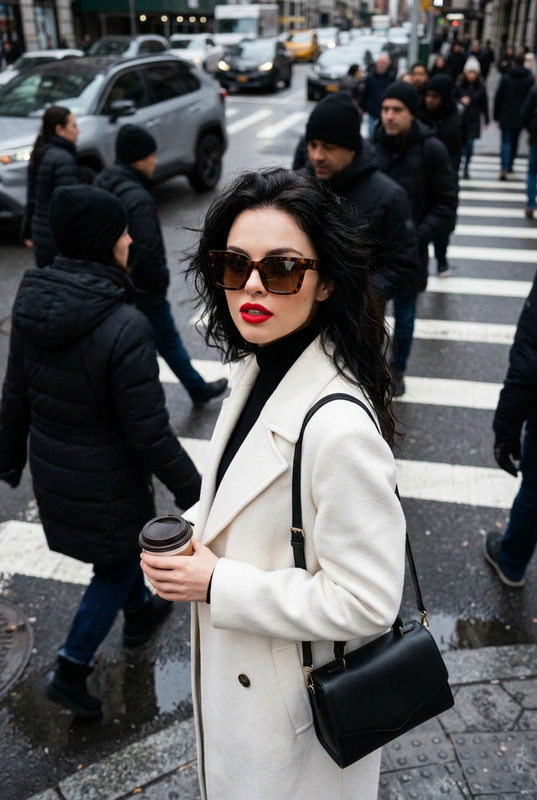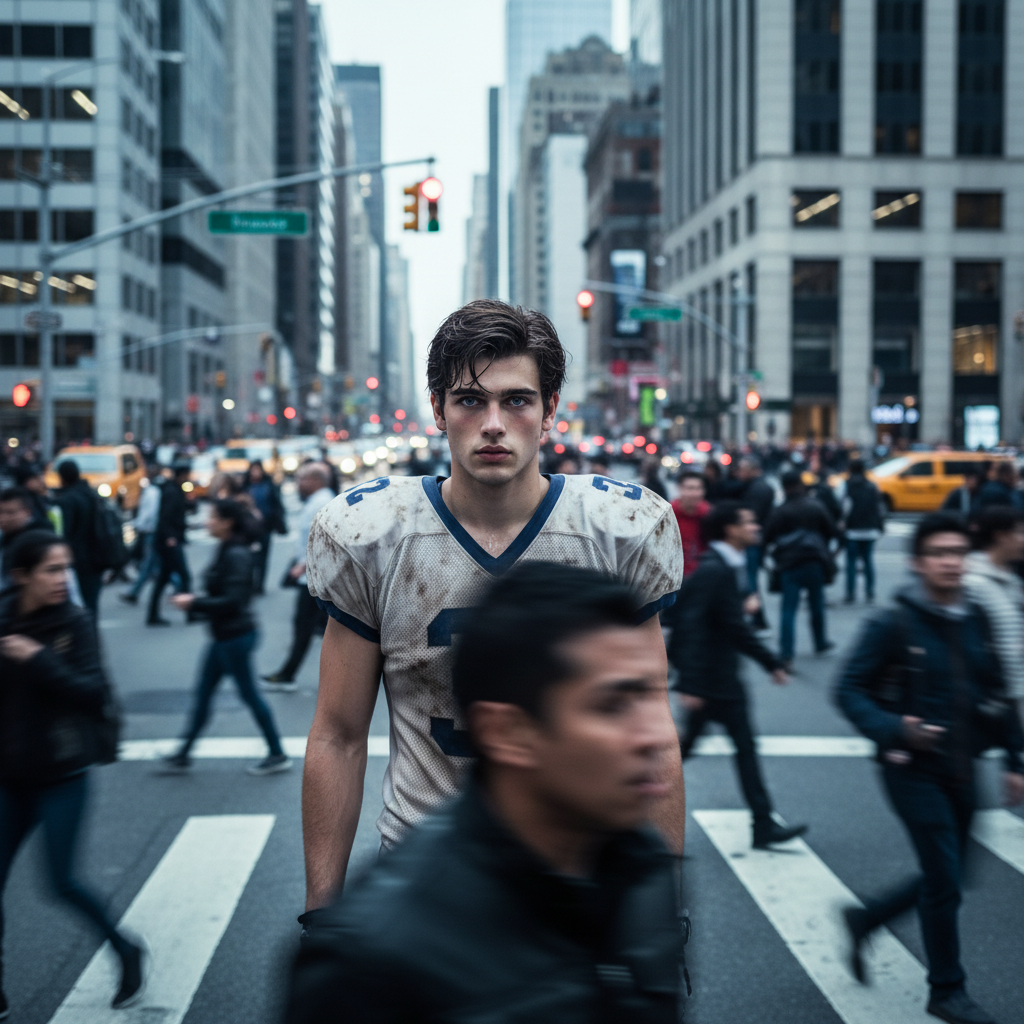
Street Portrait in New York
- Model
- Nano Banana
- Image
- 1024 × 1024 px
Prompt
Subject standing still in the middle of a busy city crowd, making intense eye contact with the camera. Motion-blurred pedestrians rushing around her, urban background with traffic lights and tall buildings. Shallow depth of field, 85mm lens, f/1.8, soft overcast lighting, cool color grading, natural skin tones. High detail, sharp focus on subject, dynamic motion blur, ultra-realistic cinematic street portrait, editorial photography, 8K.
Any aspect ratio
Overview
Discover the essence of New York City captured in a single, breathtaking image with our AI Image Editor template. 'Street Portrait in New York' combines urban dynamism with personal introspection, resulting in a cinematic street portrait that feels both alive and personal.
What It Does
This template uses the nano-banana model to create a hyper-realistic editorial style portrait. It captures the intense focus on a single subject while the surrounding city life continues in blurred motion. This juxtaposition highlights New York's unique energy, providing an 8K, ultra-detailed depiction with stunning depth of field and cool color grading.
Who It's For
The 'Street Portrait in New York' template is crafted for photographers, videographers, and content creators keen on transforming still subjects into lively characters against the bustling urban backdrop. It's perfect for anyone looking to enrich their portfolio with high-quality, editorial-grade images. Explore related imaging options like the AI Image Generator for more creative flexibility.
Summary
Unveil the vibrant pulse of New York with a single photo. This template offers a seamless way to blend still photography with the dynamic nature of city life, capturing every detail in cinematic quality. Elevate your photographic storytelling with our advanced AI tools designed for AI Video Generator workflows and more.
How To
Choose

Customize

Generate

Use Cases
Portrait Photography
- Editorial spreads
- Portfolio enhancement
- Social media content
Urban Storytelling
- Magazine features
- Art exhibitions
- Photojournalism
Digital Marketing
- Campaign imagery
- Blog posts
- Ad creatives
Best Practices
Focus on the Subject
Use high-detail inputs for your subject to ensure sharp focus and detailed rendering, enhancing the image's storytelling potential.Leverage Motion Blur
Adjust the motion blur settings to capture the dynamic nature of the city, giving your image a sense of life and movement.Experiment with Lighting
Soft overcast lighting often yields the best results. Adjust light intensity and angles for added depth and realism.