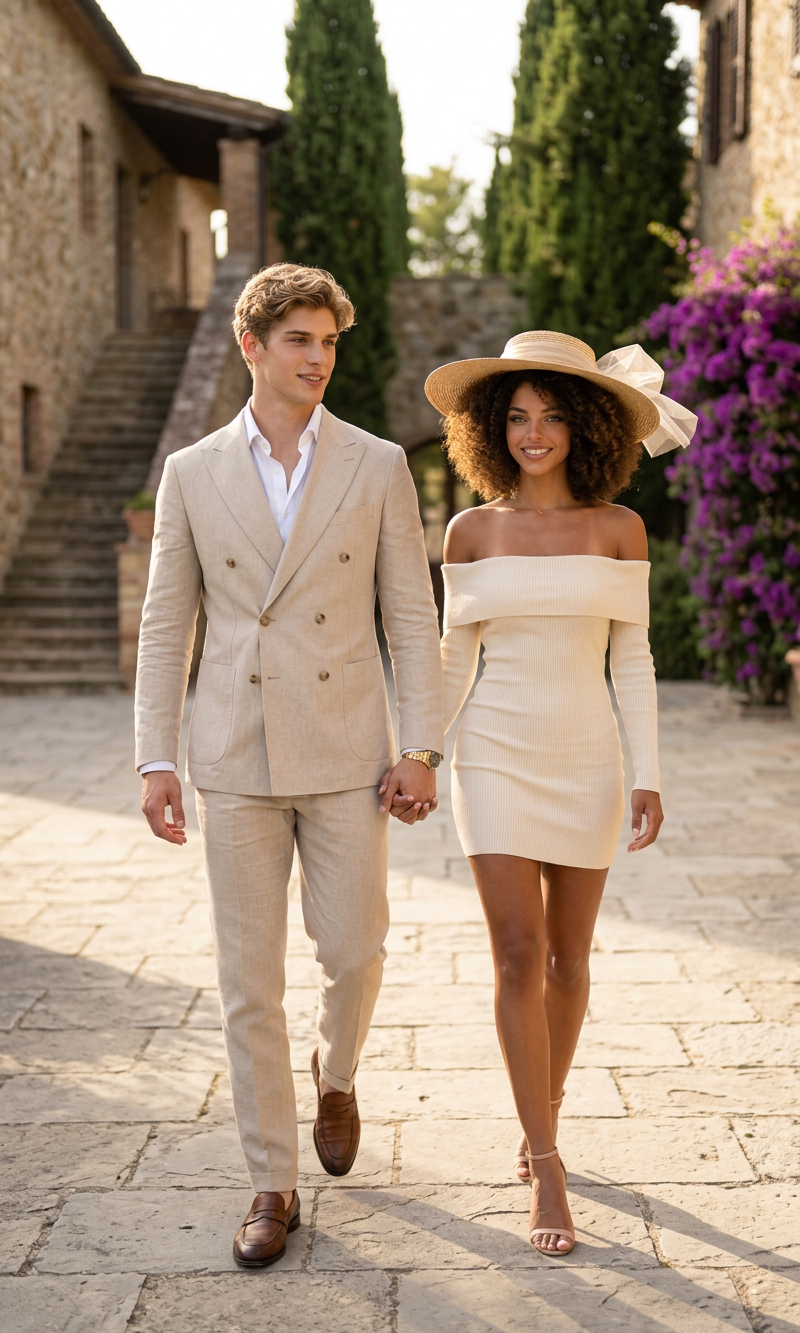
Golden Pair
- Model
- Nano Banana 2
- Image
- 800 × 1333 px
Prompt
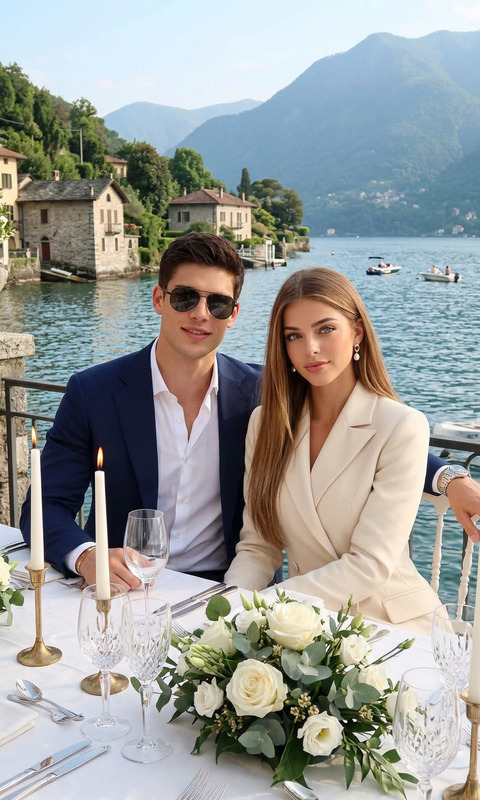
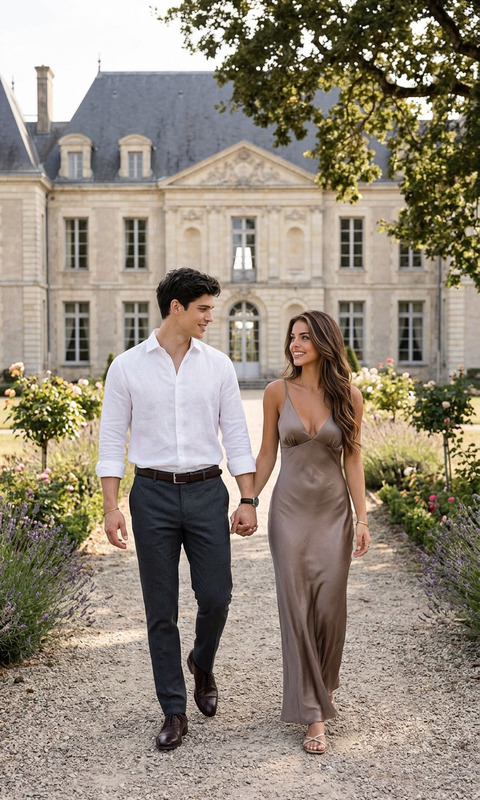
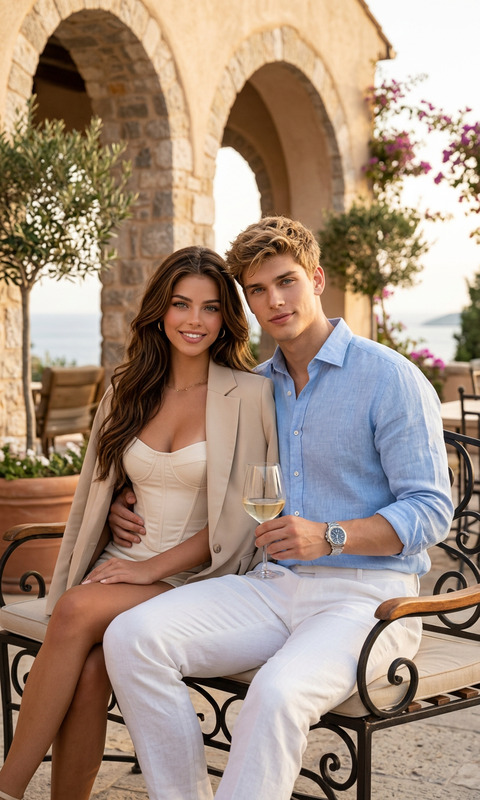
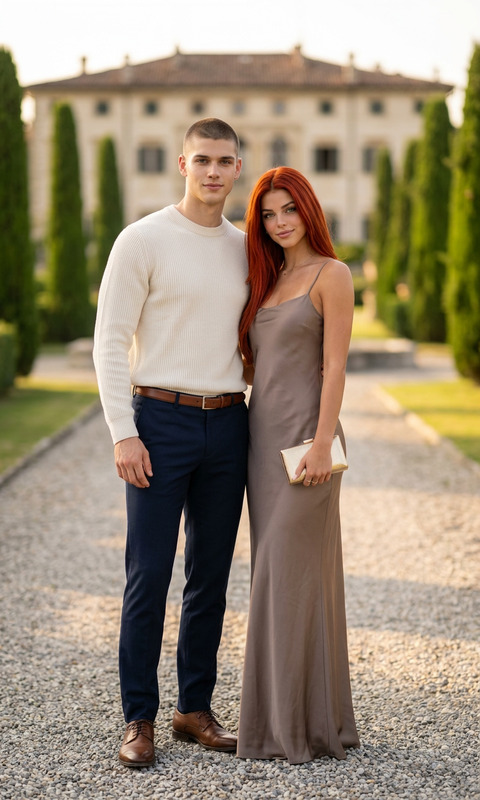
A full-length editorial fashion photograph of an elegant couple walking hand-in-hand down a sunlit stone courtyard. The man, a handsome Caucasian man with wavy sandy blond hair, wears a sophisticated beige double-breasted suit, a crisp white unbuttoned dress shirt, brown leather loafers, and a luxury gold wristwatch. The woman beside him, a beautiful Black woman with voluminous curly afro hair, wears a form-fitting, off-the-shoulder cream ribbed mini dress, a wide-brimmed straw hat with a sheer tulle accent, and elegant nude strappy heels. They are captured walking forward on a paved flagstone path, with a blurred background of a rustic European stone estate featuring an outdoor staircase, tall cypress trees, and vibrant purple bougainvillea flowers under soft, warm afternoon sunlight.
Any aspect ratio
Overview
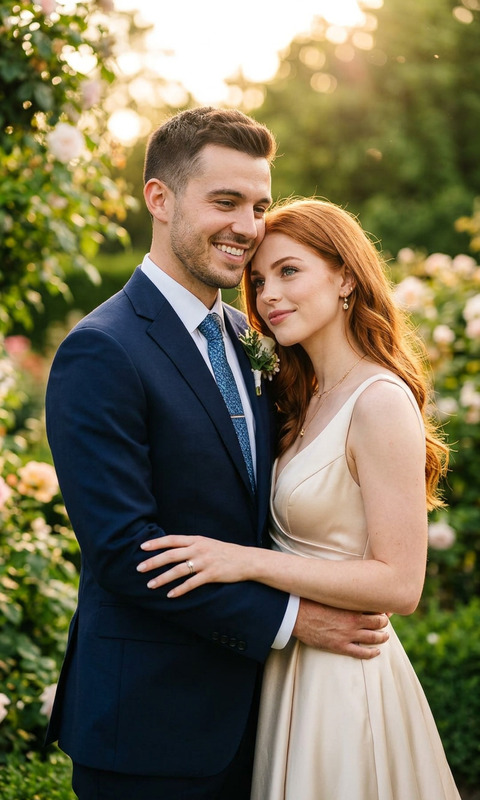
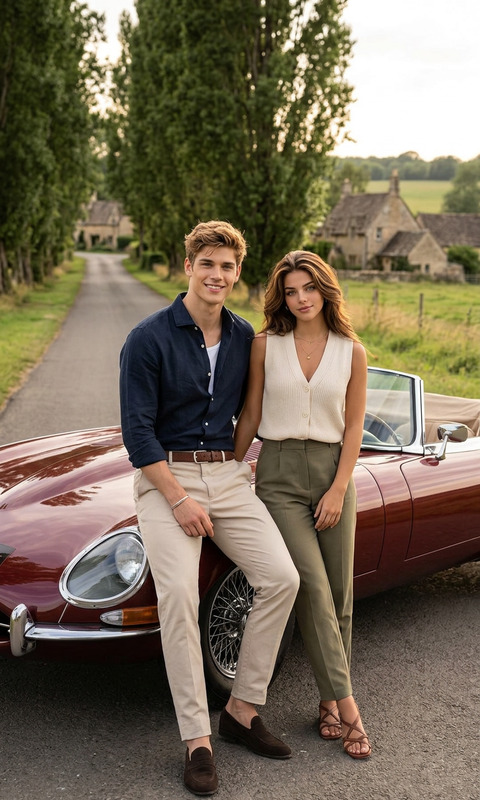
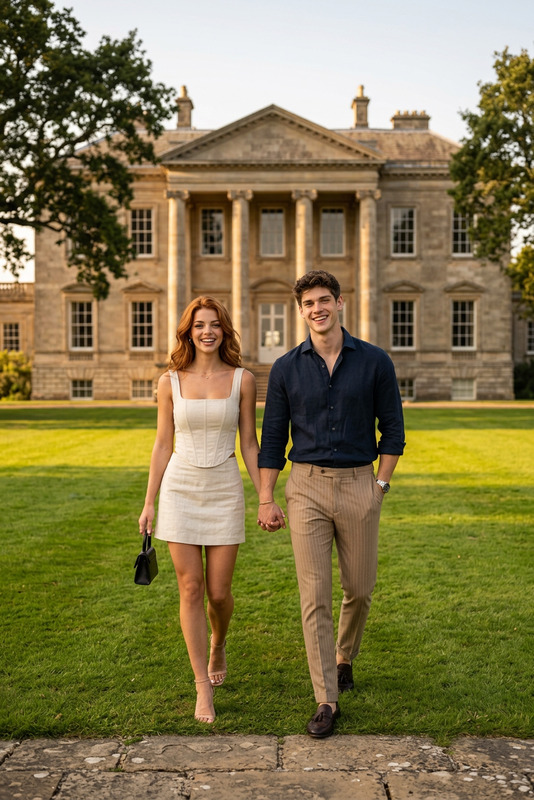
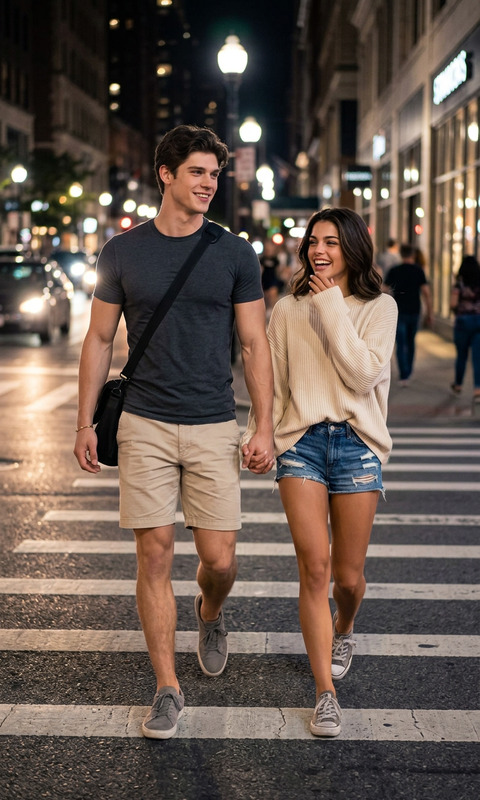
The Golden Pair template in our AI Image Editor offers you a sophisticated and artistic way to create stunning fashion imagery. Powered by the advanced nano-banana-2 model, this template ensures high-quality results that are sure to captivate your audience.
What It Does
This AI Image Editor template allows you to create high-end editorial-style images featuring a stylish couple in a sunlit courtyard setting. The generated image captures intricate details of fashion and ambiance, using the model's realistic and vivid rendering capabilities. Whether used for commercial projects or creative inspiration, it's ideal for high-impact visual storytelling.
Who It's For
Perfect for fashion designers, marketers, and content creators seeking to leverage AI for striking visual content, this template is a great fit. It's designed for users who need to produce eye-catching editorial imagery quickly and with precision, offering them the tools to enhance engagement and convey luxury.
Summary
Utilize the Golden Pair template to streamline your image creation process, producing editorial fashion photographs with ease. Benefit from the gender swap, AI Clothes Changer, and other tools for customization, ensuring that each image is perfectly tailored to your vision and requirements.
How to Use

Customize Your Inputs

Generate the Image

Use Cases
Fashion Marketing Campaigns
- Designer lookbooks
- Social media teasers
Content Creation for Blogs
- Fashion tips articles
- Lifestyle blog headers
E-commerce Product Listings
- Luxury brands promotion
- Fashion accessory showcases
Best Practices
Focus on Detail
Ensure all clothing details and accessories are correctly depicted by refining the prompt, targeting nuances in design and style.Maintain Consistency
When generating multiple images for a series, keep the style and lighting consistent to build a cohesive set.Utilize Enhancements
Leverage additional tools like the Background Remover for clearer subjects and refined compositions.