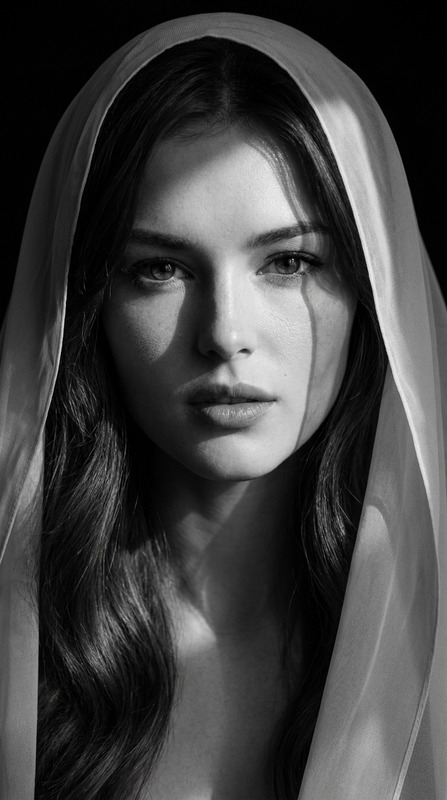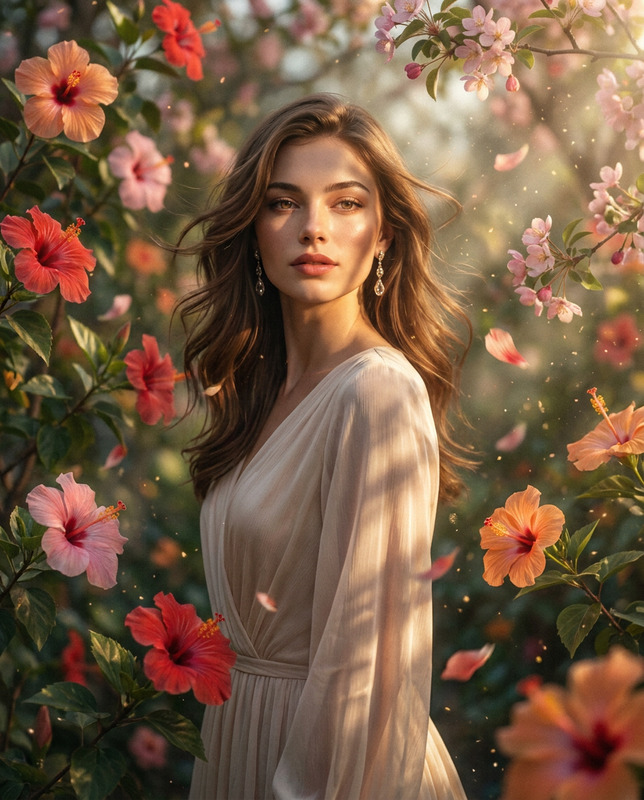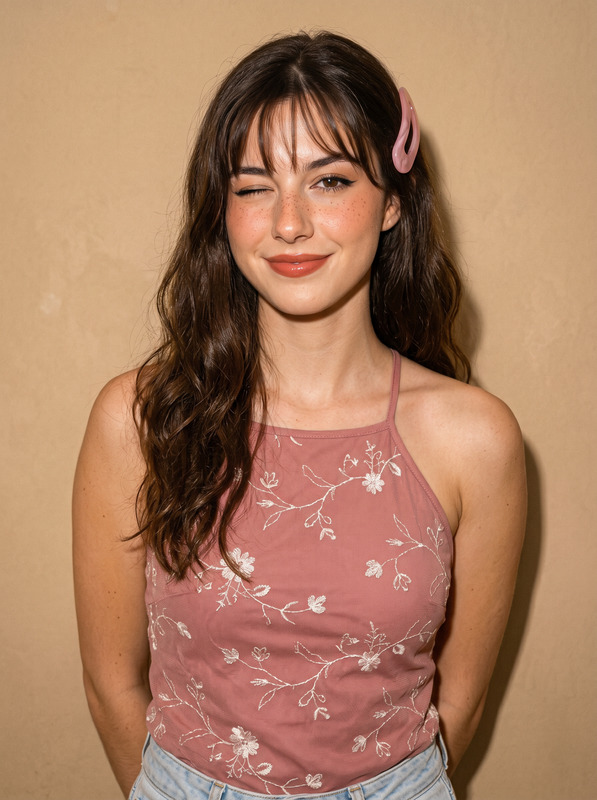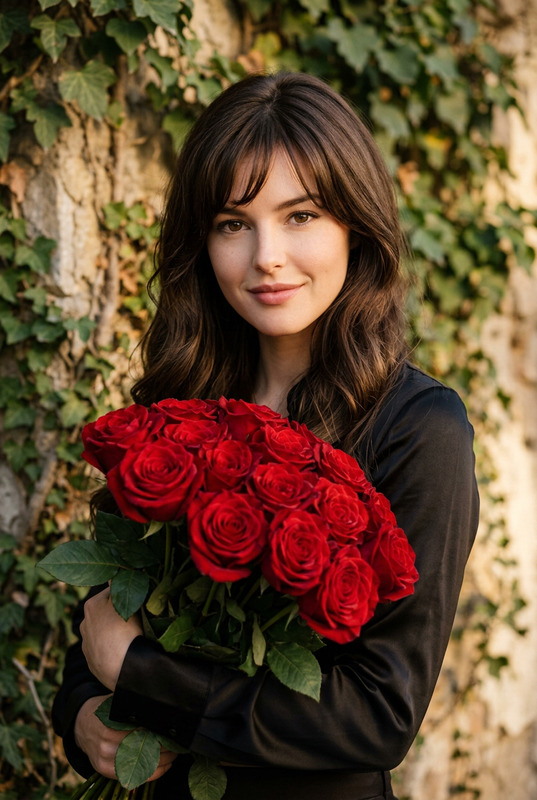
Over The Shoulder Flash
- Model
- Nano Banana 2
- Image
- 1792 × 2400 px
Prompt
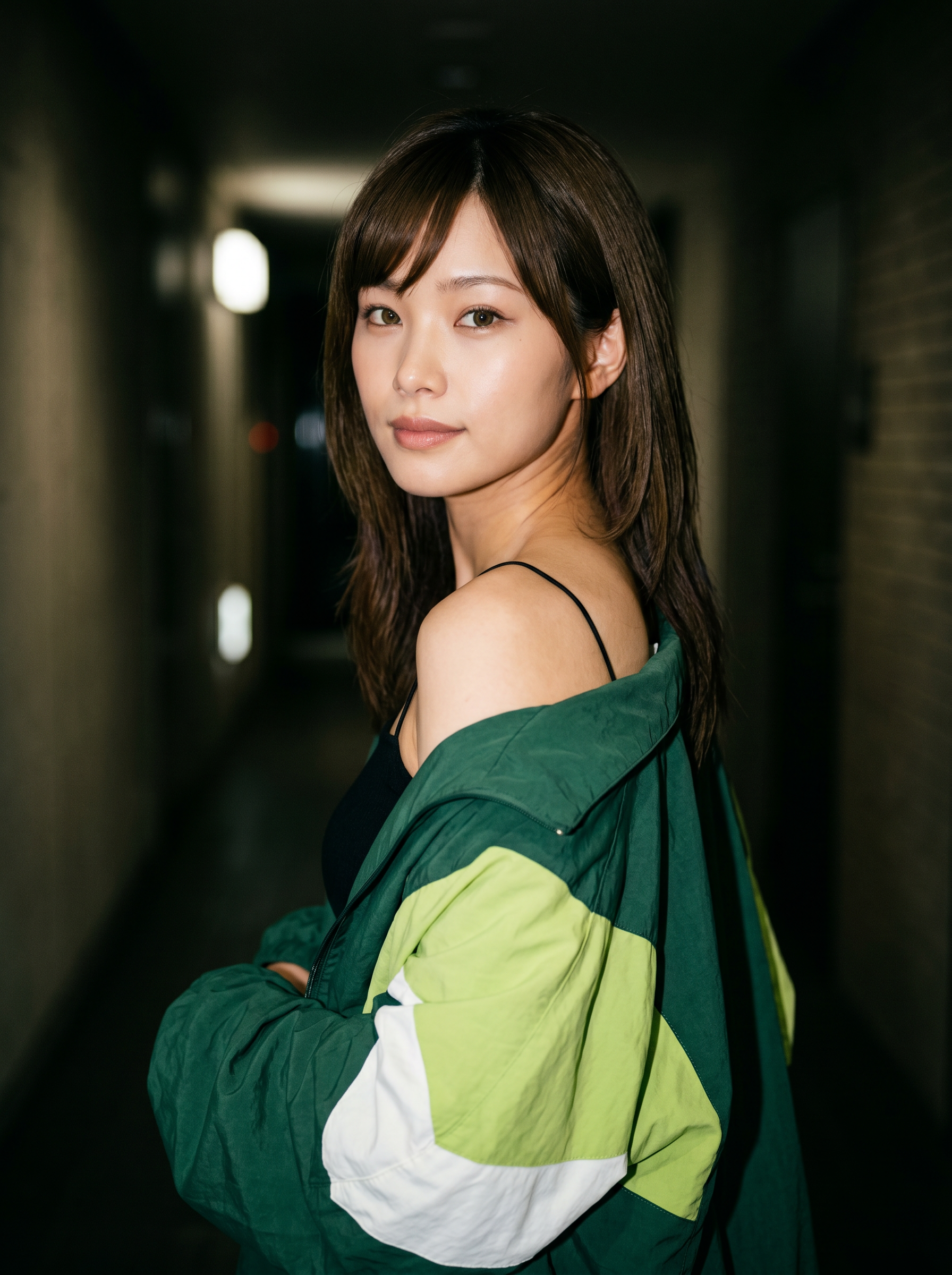
Based on the uploaded image, generate a true-to-life, 8K resolution portrait of me in a 3:4 aspect ratio. Ultra-realistic medium shot portrait captured with direct on-camera flash, young woman standing in a dimly lit indoor space, body turned away with back partially toward the camera, head twisted fully back over her shoulder to face the lens, gaze direct and engaging with soft, confident expression, lips slightly parted in a calm, subtle look; she has long, dark brown hair falling loosely in soft waves over her shoulders and back, fine strands framing her face, makeup is minimal and natural enhancing her features, skin showing fine pores, natural texture, and realistic tonal variation highlighted by bright flash illumination; she wears a thin black spaghetti-strap top layered beneath an oversized color-blocked jacket in rich forest green, bright lime green, and white panels, fabric draped loosely over her frame with one sleeve bunched and held near her neck; lighting features strong frontal camera flash creating bright illumination on her face and shoulder, deep dark shadows across the background, a distinct warm film grain texture, and small overhead lights glowing as soft out-of-point sources; composition centers the subject, framing from mid-thigh up, background consists of dark walls, rectangular illuminated panels, and ceiling fixtures suggesting a corridor or public space; color palette dominated by deep greens, bright lime accents, crisp white, dark black/brown, natural skin tones, and warm muted tones from flash and ambient lights; deep depth of field explicitly commanded to ensure absolute edge-to-edge sharpness, both subject and every background detail remain perfectly clear, crisp, and fully in focus; maximum optical sharpness, hyper-detailed rendering of fabric folds, hair texture, skin micro-details, and authentic analog flash-photography quality with natural anatomical proportions and true-to-life color balance. Core Constraint (Weight 1.5): Strictly preserve the reference image's exact facial structure, replicating the original bone structure and eye shape with absolute anatomical accuracy without deviation. Negative Prompt (Weight 1.5): shallow depth of field, background blur, bokeh, soft focus, out-of-focus elements, blurry edges, anatomical mutations, distorted facial features, altered bone structure, modified eye shape, skin smoothing, plastic-looking skin, over-smooth textures, airbrushed appearance, grain removal, color distortion, uneven flash lighting, overexposed or underexposed areas, missing fine details, unnatural skin tones, cartoonish or stylized rendering, incorrect proportions, digital artifacts, edited features, simplified fabric or hair texture, blurred background lights, distorted clothing shape.
Any aspect ratio
Overview
The "Over The Shoulder Flash" template is a powerful tool within the AI Image Editor category, designed with the nano-banana-2 model to craft ultra-realistic portraits.
This template uses your uploaded image to produce a vivid, 8K resolution portrait that mirrors professional photography in its detail and authenticity.
What It Does
This template focuses on generating lifelike characteristics from your image, producing a final product that's perfect for high-end portrait requirements. It leverages direct on-camera flash for bright illumination, ensuring sharpness and detail in both foreground and background.
Every output maintains the facial structure of the original image, providing remarkable anatomical accuracy. It excels in environments where maintaining the integrity of the subject's appearance is critical, such as in modeling or photo-realistic art.
Who It's For
This template is ideal for photographers, digital artists, and content creators who require a highly detailed and true-to-life image rendering. Professionals looking to replicate the nuanced detailing of traditional flash photography will find this tool invaluable for creating visuals that demand attention.
Whether you're designing content for fashion editorials or creating immersive product photos to video transformations, this technology provides the finesse and precision needed for standout results.
Summary
The "Over The Shoulder Flash" template transforms uploaded images into stunning, high-resolution portraits with striking detail and depth, preserving facial integrity with minimal deviation. Its use of advanced AI and models like nano-banana-2 ensures that every image feels authentic and meticulously detailed, making it a valuable tool for profile picture generation and more.
How To
Choose the Template

Customize Your Image Input

Generate Your Portrait

Use Cases
Professional Photography
Content Creation for Brands
Digital Art
Personal Projects
Social Media Influence
Educational Materials
Best Practices
Maintain Original Image Quality
Ensure that the uploaded image is high-quality to achieve the best possible portrait result.Adjust the Environment
Try modifying the background of your initial image to match the dark, indoor settings described in the template for more cohesive output.Check Composition Details
Match the pose and clothing style of the subject with the template description to ensure the new portrait feels natural and aligned.