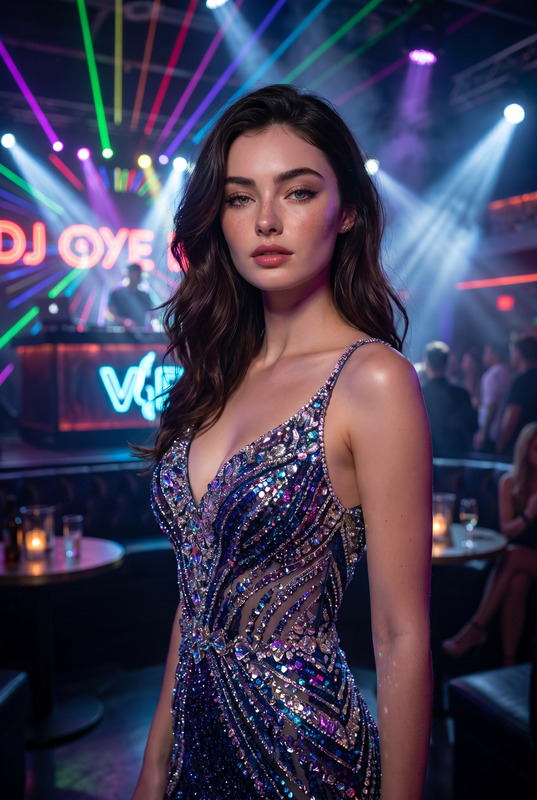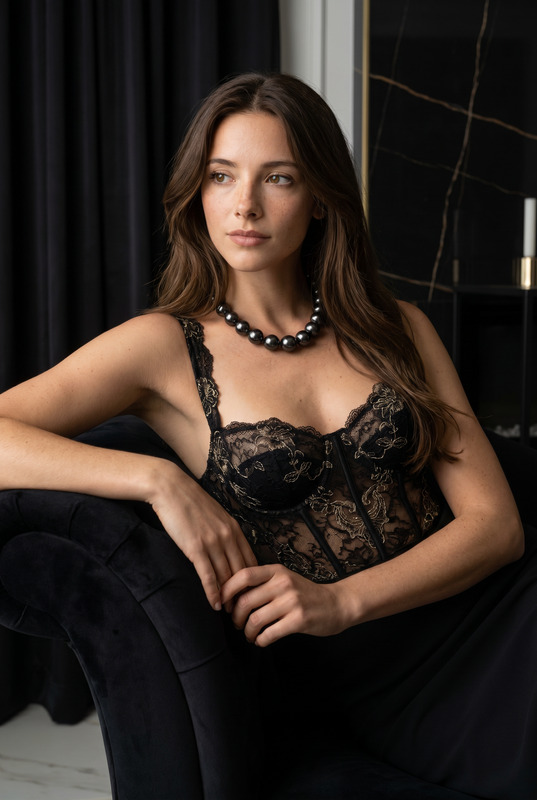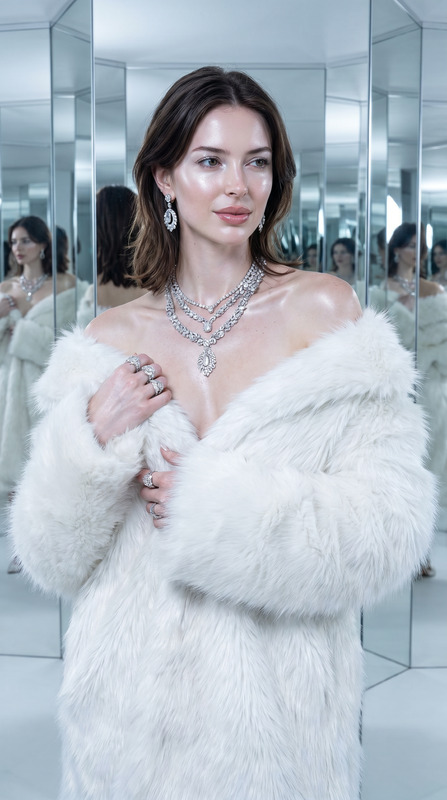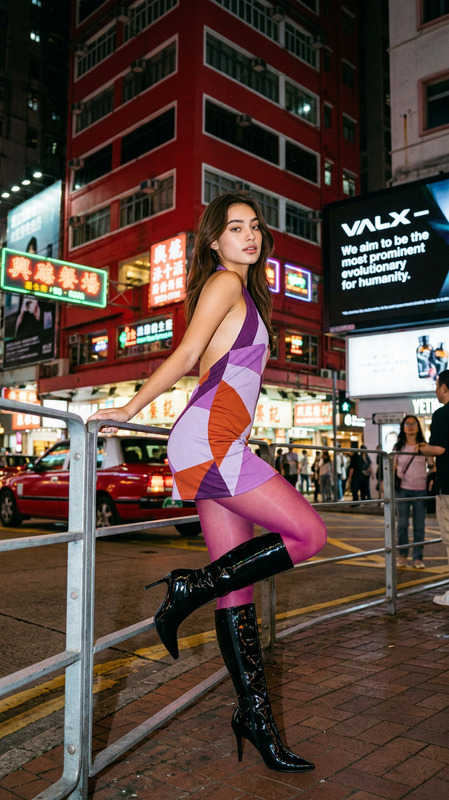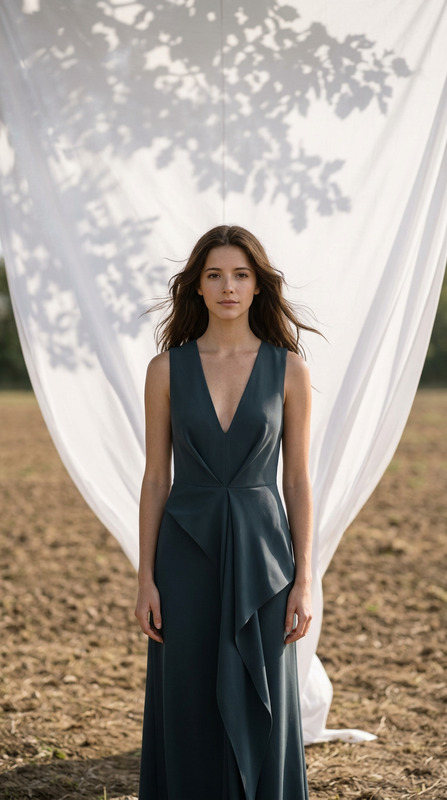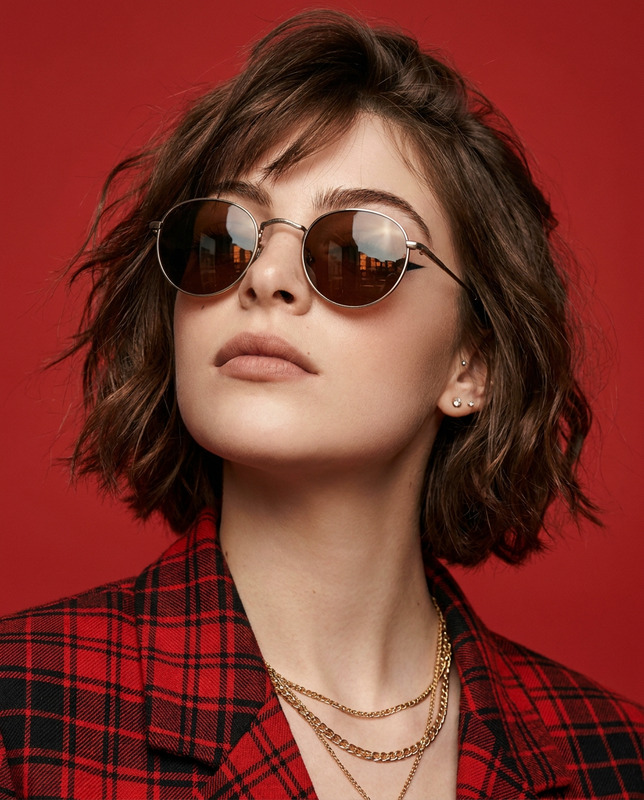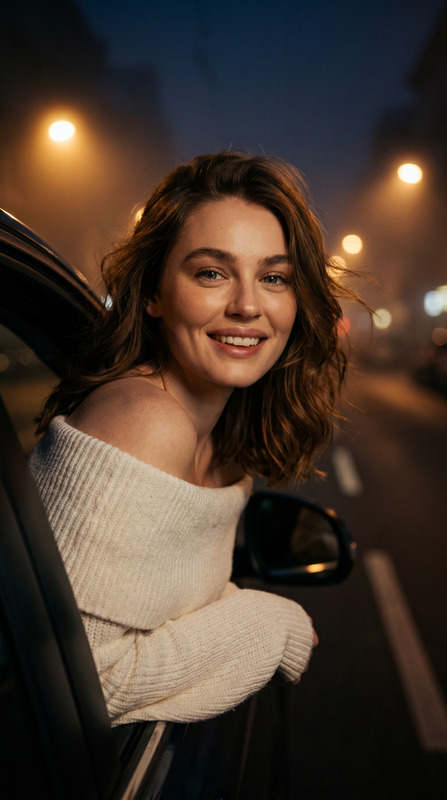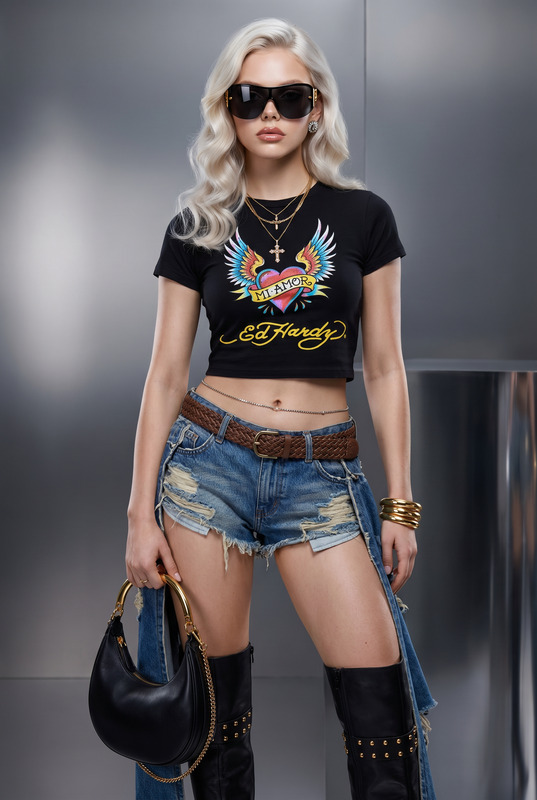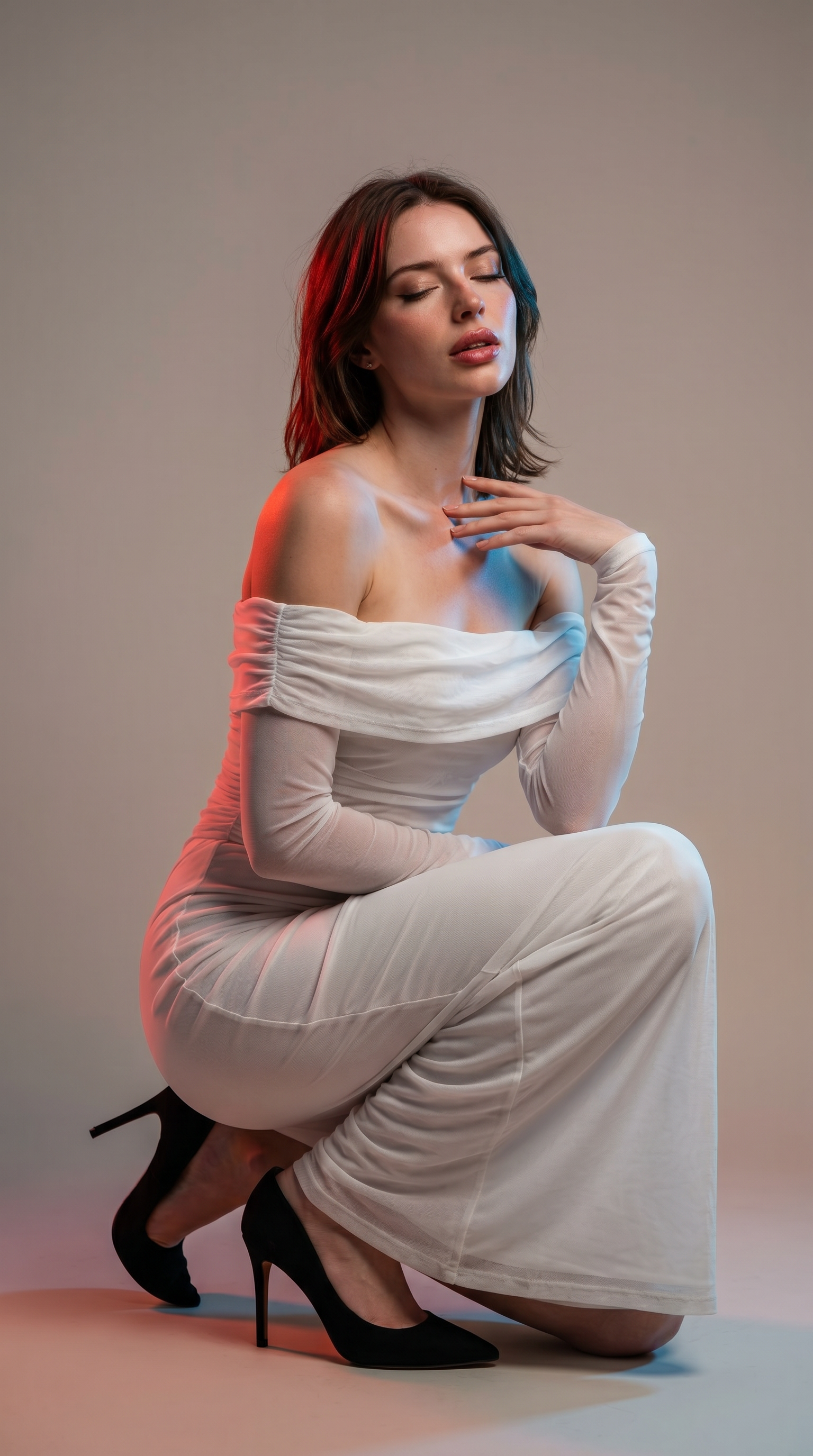
Dual Tone Editorial
- Model
- Nano Banana Pro
- Image
- 1536 × 2752 px
Prompt
Use the uploaded image as the exact facial reference. Preserve 100% facial identity, facial structure, eyes, nose, lips, jawline, skin tone, hairstyle, facial proportions, expression identity, and all unique facial characteristics. Strict face lock, no face reshaping, no beautification changes, no identity drift. The subject must remain instantly recognizable as the uploaded individual. Ultra-realistic cinematic high-fashion studio portrait. Medium full-body shot from a dramatic low angle, subject centered in frame. The subject kneels on one knee with the other leg bent naturally, one hand resting gracefully near the collarbone, head slightly tilted, eyes gently closed, lips slightly parted, conveying a calm, contemplative, editorial mood. The subject wears an elegant white off-shoulder mesh-inspired couture outfit with sophisticated fashion styling and black high heels. Hair remains based on the reference image while enhanced with subtle red and blue light reflections, creating a modern cinematic look. Bold luxury editorial makeup, defined eyes, refined lips, realistic skin texture with visible pores and natural highlights. Studio environment with a minimalist neutral background. Dramatic dual-tone lighting: warm red light from the left side and cool blue light from the right side, creating beautiful rim lighting, soft shadows, glowing contours, and cinematic depth. Deep red and teal-blue color palette with balanced neutral skin tones. Camera settings aesthetic: ISO 400, f/3.5, 1/125s. Slight vignette, subtle edge softness, shallow depth of field focused on the face and upper body, soft film grain, luxury magazine-quality photography. High-end fashion editorial, cinematic portrait, Vogue-style campaign, award-winning studio photography, photorealistic 8K, HDR, masterpiece quality. Negative prompt: different face, altered identity, face distortion, blurry face, bad anatomy, extra limbs, deformed hands, low quality, cartoon, anime, CGI skin, plastic skin, watermark, logo, text, oversaturated colors.
Any aspect ratio
Overview
The Dual Tone Editorial template in our AI Image Editor category brings forth a perfect blend of fashion and technology. This template is designed to maintain the authenticity of the subject's facial features while transforming the image into an editorial masterpiece. Utilizing the nano-banana-pro model, it delivers ultra-realistic, high-fashion portraiture with a dual-tone lighting effect.
What It Does
The template creates a cinematic, high-fashion portrait without altering the facial identity of the subject. It ensures 100% preservation of facial characteristics and identity, allowing the subject's unique features to shine in a dramatic studio setting. The dual-tone lighting adds depth and drama, enhancing the editorial quality of the output with photorealistic precision.
Who It's For
This template is ideal for photographers, fashion designers, and marketing teams aiming to create visually striking, magazine-quality images. It is perfect for those looking to add a professional touch to their photos without compromising the subject's natural look. Those in industries like fashion, advertising, and media will find this tool particularly useful.
Summary
Utilize the Dual Tone Editorial template to produce stunning fashion portraits with preserved facial identity and high-end styling. Integrating cutting-edge AI with meticulous design, the template is a powerful tool for creating captivating visuals. For those interested in exploring more about facial image manipulation, consider exploring other options like our Face Swap or AI Face Editor products.
How-To
Choose the Dual Tone Editorial Template

Customize the Template Inputs

Generate Your Image

Use Cases
Fashion Campaigns
- Vogue-style editorials
- Cinematic portraits
- Luxury campaign visuals
Media and Publishing
- Magazine-quality images
- Editorial stories
- Photographic narratives
Advertising Visuals
- Compelling promotional shots
- High-impact ads
- Visually engaging content
Best Practices
Focus on Lighting
Ensure your uploaded image is well-lit and clear to enhance the dual-tone lighting effects applied by the template.Maintain Facial Identity
Verify that the image maintains the entirety of the subject's facial features as the template does not permit facial modifications.Consider the Background
Use images with neutral backgrounds to maximize the subject-focused effects of this template.