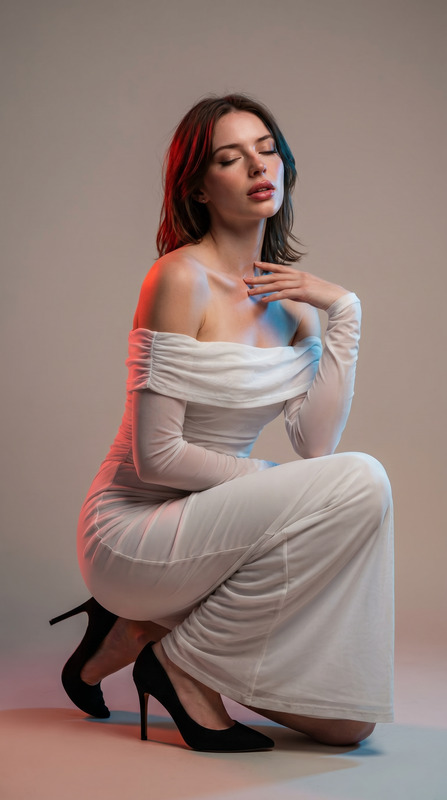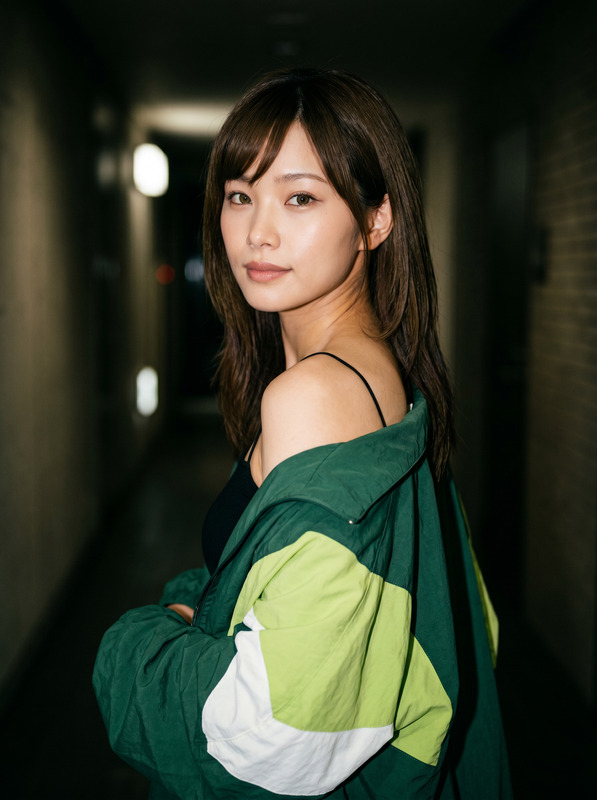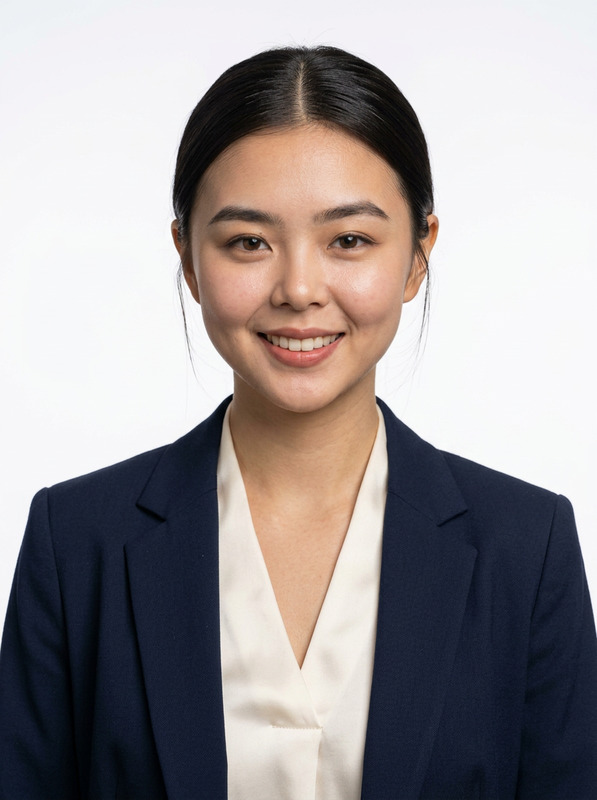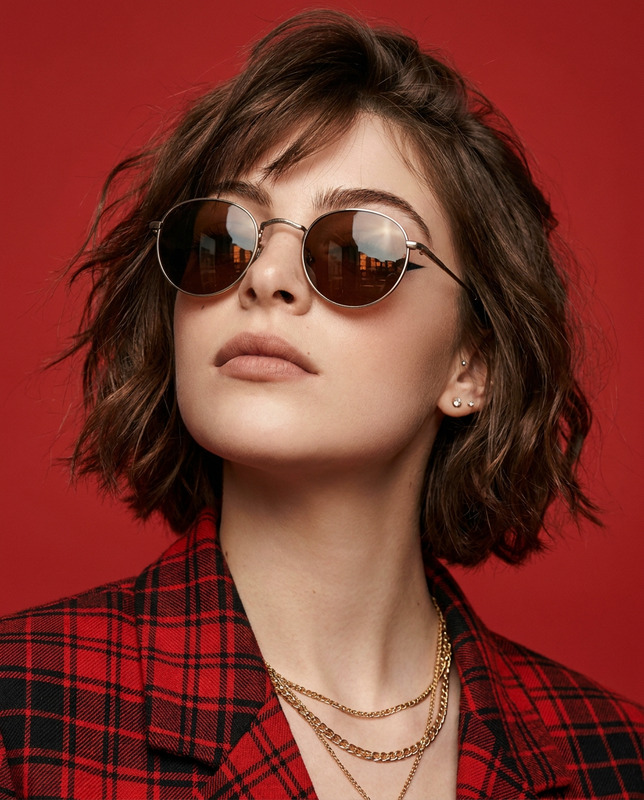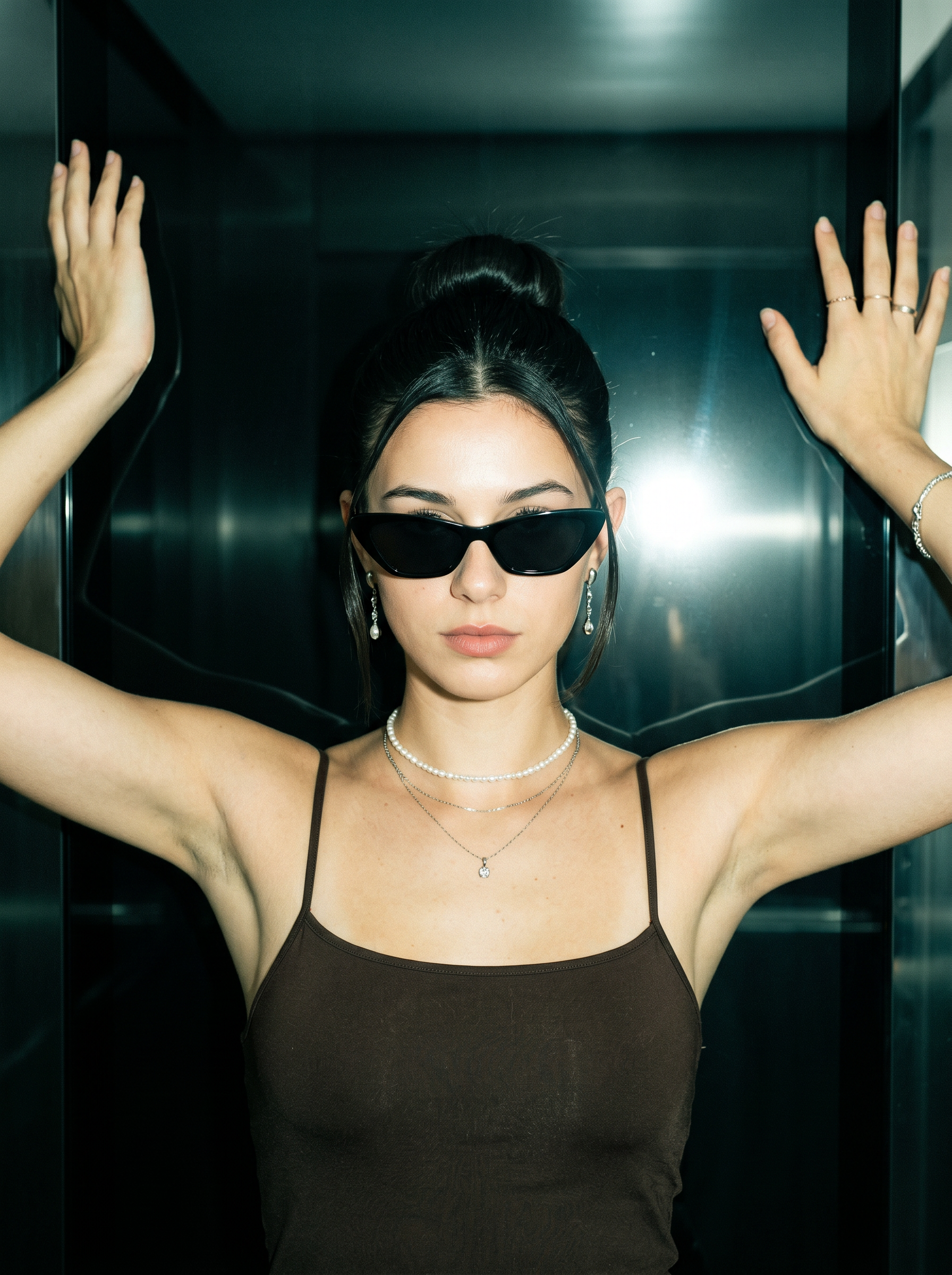
Dark Flash Editorial
- Model
- Nano Banana 2
- Image
- 1792 × 2400 px
Prompt
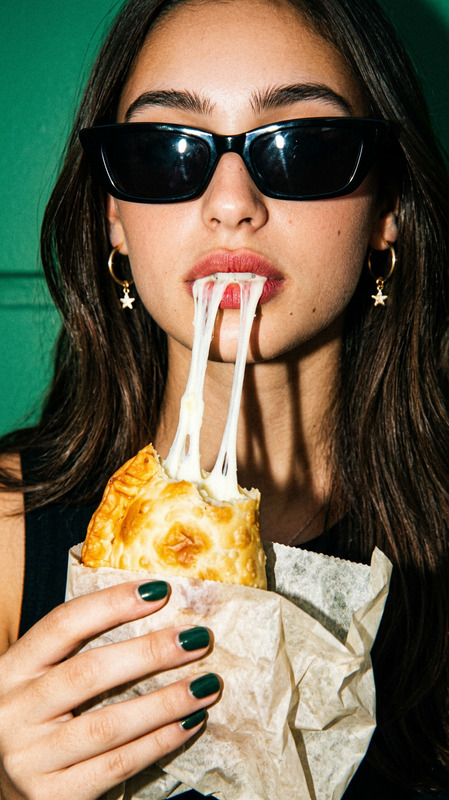
Based on the uploaded image, generate a true-to-life, 8K resolution portrait of me in a 3:4 aspect ratio. Ultra-realistic medium shot portrait captured with direct on-camera flash, young woman standing facing the camera with body straight and arms extended outward and upward, hands resting against a dark reflective surface, head aligned forward with neutral, confident posture; facial expression calm and composed, eyes concealed by sleek black cat-eye sunglasses, lips full and slightly defined with natural pinkish-nude tone, skin showing fine natural texture, pores, and subtle highlight from flash illumination; hair is dark black, styled in a smooth high bun with neat, pulled-back strands framing the face; makeup is polished and minimal, enhancing natural features without heavy coverage; accessories include dangling drop earrings with small pendants, a delicate single-strand pearl choker, a tiny fine-chain necklace with a small pendant layered beneath it, a thin silver bracelet on the right wrist, and simple thin rings on the right hand; she wears a form-fitting dark brown or black camisole top with thin spaghetti straps and a soft V-neckline, fabric fitting closely to the torso and ending above the waist; lighting is bright direct camera flash creating strong frontal illumination, distinct bright reflection/glare visible on the background surface, soft shadows defining body contours, and a cool, moody greenish tint across the entire scene with visible fine film grain; composition centers the subject, framing from mid-thigh up, background consists of dark glossy paneled surfaces with sharp straight lines and reflective quality, deep dark tones and subtle structural details; color palette dominated by deep black/brown, cool muted greens, pearly white, silver accents, and warm natural skin tones with cool flash-induced undertones; deep depth of field explicitly commanded to ensure absolute edge-to-edge sharpness, both subject and every background element remain perfectly clear, crisp, and fully in focus; maximum optical sharpness, hyper-detailed rendering of fabric texture, jewelry details, skin micro-texture, and authentic flash-photography quality with natural anatomical proportions and accurate color grading matching the cool greenish hue. Core Constraint (Weight 1.5): Strictly preserve the reference image's exact facial structure, replicating the original bone structure and eye shape with absolute anatomical accuracy without deviation. Negative Prompt (Weight 1.5): shallow depth of field, background blur, bokeh, soft focus, out-of-focus elements, blurry edges, anatomical mutations, distorted facial features, altered bone structure, modified eye shape, skin smoothing, plastic-looking skin, over-smooth textures, airbrushed appearance, grain removal, color distortion, uneven flash lighting, overexposed or underexposed areas, missing fine details, unnatural skin tones, cartoonish or stylized rendering, incorrect proportions, digital artifacts, edited features, simplified fabric texture, blurred jewelry details, distorted sunglasses shape, unclear background lines
Any aspect ratio
Overview
The "Dark Flash Editorial" AI Image Editor template on Magic Hour allows you to create ultra-realistic portraits with an editorial feel. Utilizing the advanced capabilities of the Nano-Banana-2 model, this template emphasizes fine details and high contrast inspired by flash photography. It’s perfect for enhancing images to 8K resolution while preserving authentic facial features and textures.
What It Does
This template uses AI to generate a hyper-detailed, true-to-life portrait based on an uploaded image. The focus is on maintaining the exact facial structure while enhancing the image to have a glossy, fashion-forward aesthetic. The final result is a portrait where every detail, from the texture of the fabric to the reflections on the background, is rendered with precision, thanks to the high resolution and extensive use of a direct flash effect.
Who It's For
The "Dark Flash Editorial" template is ideal for photographers and fashion professionals seeking to create striking editorial images, as well as individuals who want to enhance personal photos with a high-fashion look. It's also perfect for those in the content creation industry who require precise and detailed visual effects for advertising and social media. If you're interested in creating engaging content, this tool complements products like AI Image Editor and Image to Video.
Summary
In summary, the "Dark Flash Editorial" template provides a powerful tool for transforming ordinary images into stunning editorial-style portraits. With its ability to maintain true-to-life representation while adding a stylized flash effect, this template is a valuable addition to any creative project. It pairs well with other tools like the AI Face Editor to refine and perfect the facial details of your subjects.
How To
Choose the Template

Customize Your Image

Generate and Download

Use Cases
Fashion Photography
- Create captivating portraits for fashion magazines.
- Enhance social media presence with professional-quality images.
- Develop engaging content for advertising campaigns.
Personal Portraits
- Upgrade profile pictures for a professional look.
- Create art pieces for personal or commercial use.
- Add a refined touch to family photo albums.
Best Practices
Maintain Image Quality
Ensure the uploaded image is of high quality to begin with for the best results.Monitor Lighting Conditions
Consider the lighting conditions in the reference image to harmonize with the template's flash effect.Cross-Check the Features
Double-check that the template maintains the facial structure as expected, using tools like AI Profile Picture Generator for additional adjustments.