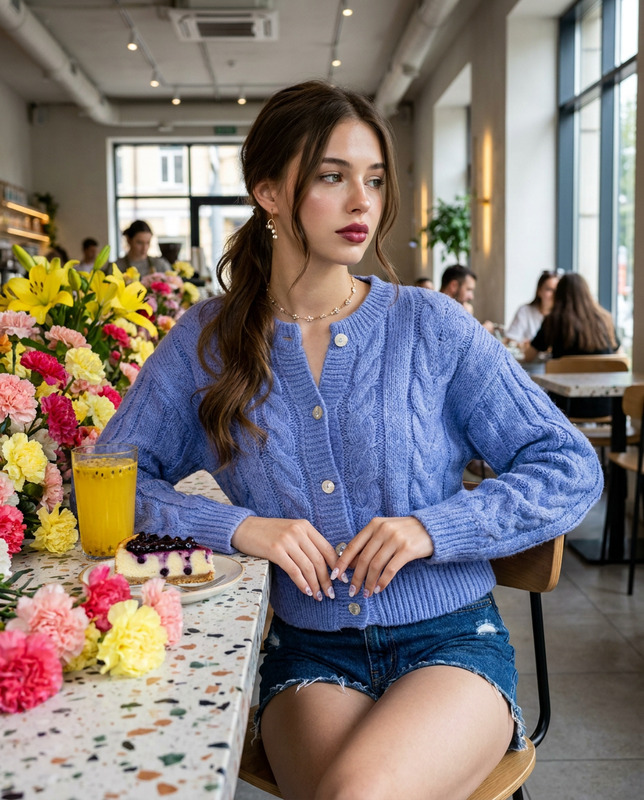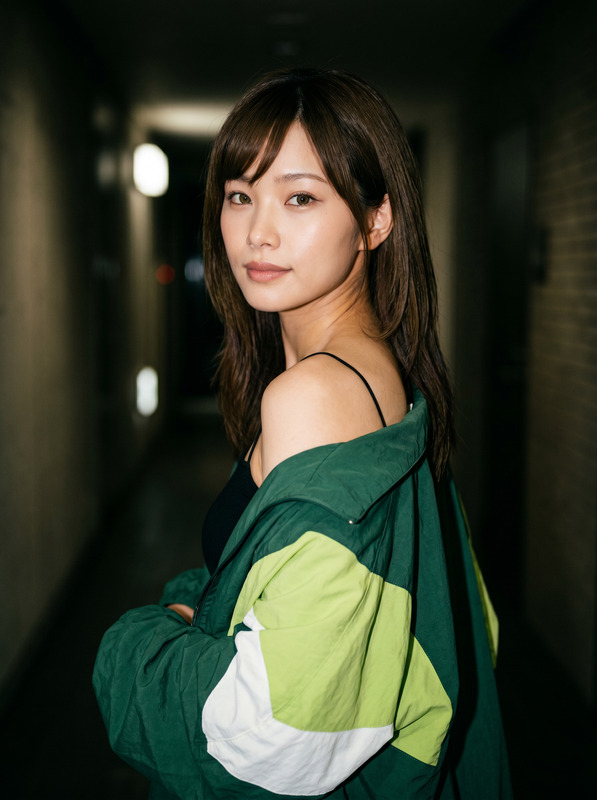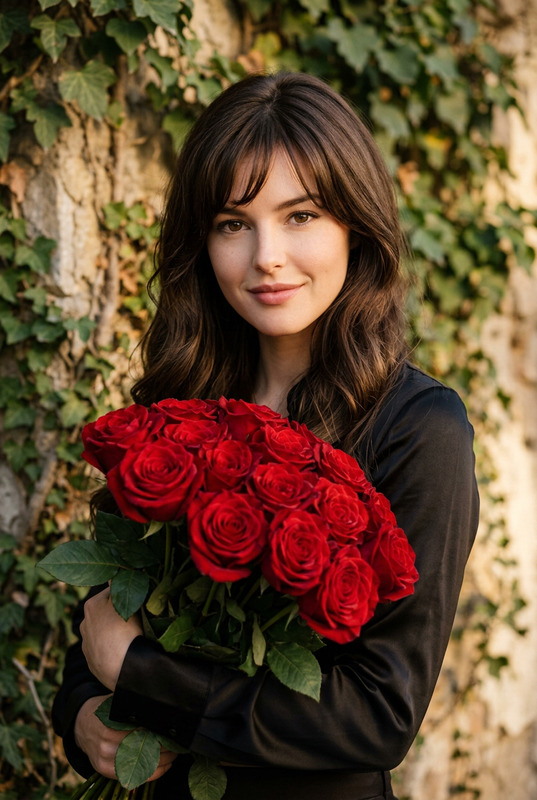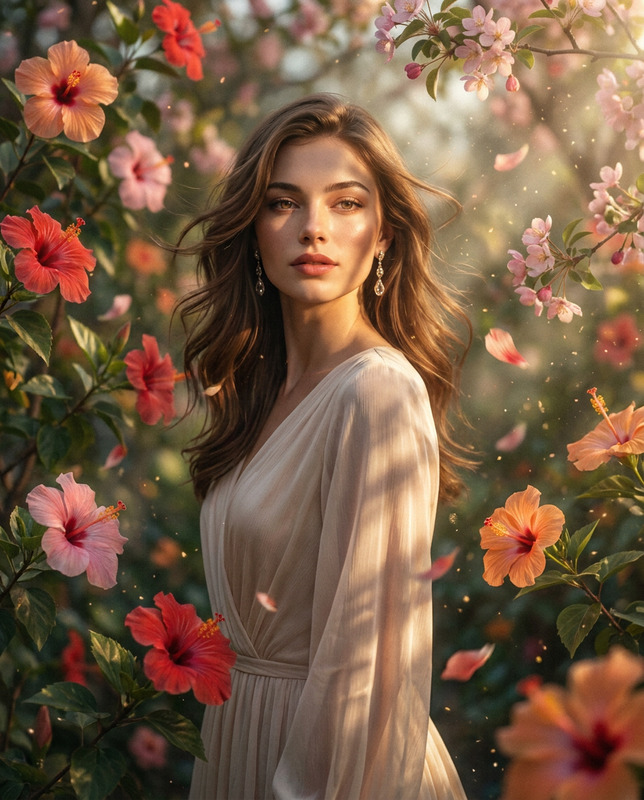
Wink Flash Portrait
- Model
- Nano Banana 2
- Image
- 1792 × 2400 px
Prompt
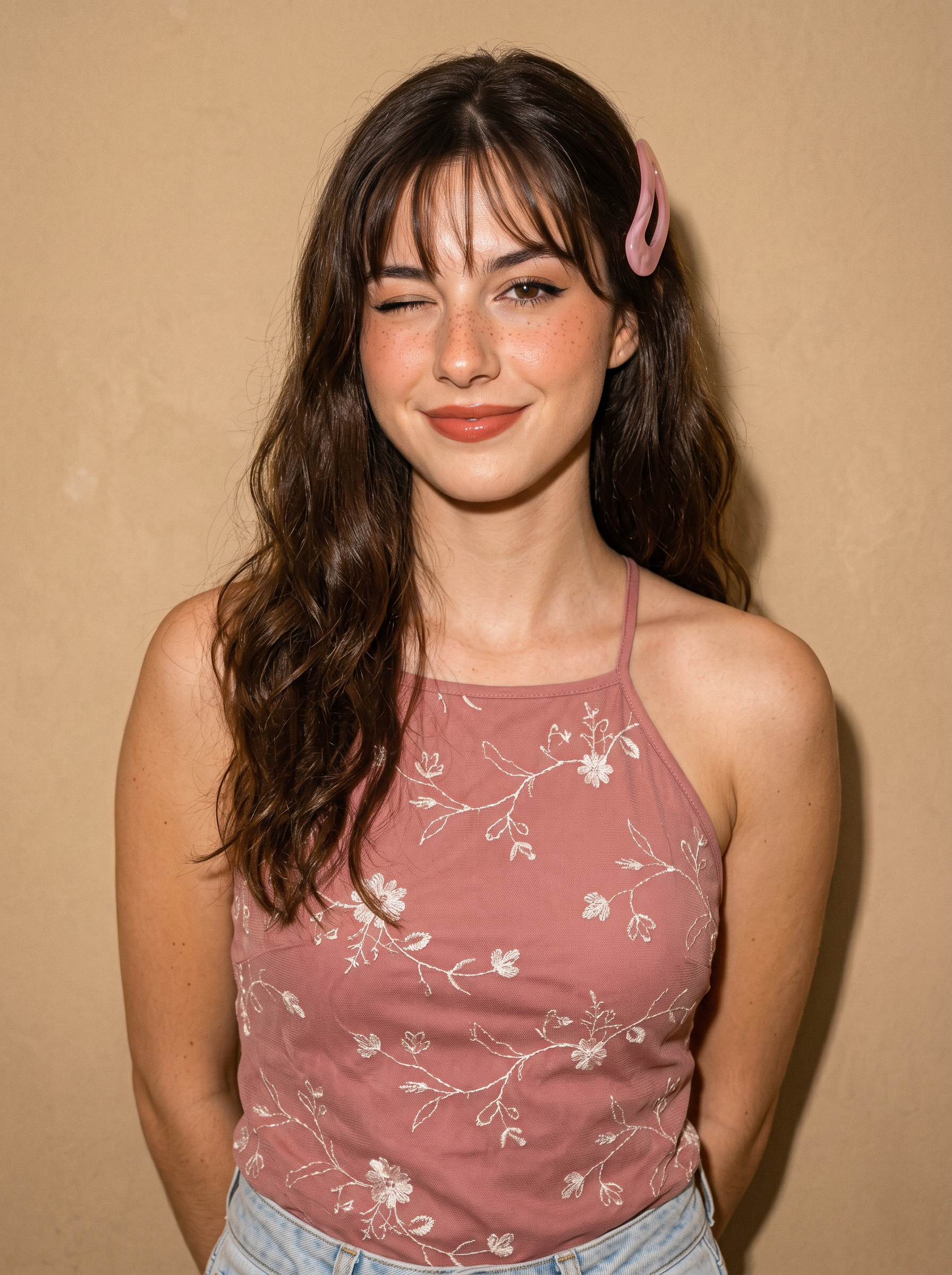
Based on the uploaded image, generate a true-to-life, 8K resolution portrait of me in a 3:4 aspect ratio. Ultra-realistic medium close-up portrait, young woman standing facing directly toward the camera with body straight and shoulders relaxed, arms positioned behind her back out of frame, head aligned forward with a slight gentle tilt, one eye closed in a playful wink and the other open and looking straight at the lens, lips full and curved into a soft sweet smile; she has long dark brown hair with soft natural waves, styled with thin wispy bangs across the forehead and a large translucent pink curved hair clip securing hair on her right side; makeup features bold defined dark eyeliner, warm peachy-pink blush across cheeks and nose bridge, natural-looking freckles scattered over the nose and cheeks, and glossy warm terracotta-pink lip color, skin showing fine pores, subtle texture, and realistic shine; she wears a dusty rose-colored halter-neck top with thin shoulder straps and delicate white floral and vine embroidery across the front, with faint light-wash denim visible at the lower edge; lighting is direct on-camera flash creating bright even illumination, soft catchlights in the open eye, gentle shadows behind the head and shoulders, and warm vintage-toned color cast with fine grain texture; composition centers the subject, framing from mid-torso up, background is a plain solid warm beige textured wall with no other details; color palette dominated by dusty rose, warm beige, soft browns, peachy-pink, and natural skin tones with warm undertones; deep depth of field explicitly commanded for absolute edge-to-edge sharpness, both subject and background remain perfectly clear and fully in focus; maximum optical sharpness, hyper-detailed rendering of individual hair strands, embroidery stitch details, skin micro-texture including freckles, and authentic flash-photography quality with natural anatomical proportions. Core Constraint (Weight 1.5): Strictly preserve the reference image's exact facial structure, replicating the original bone structure and eye shape with absolute anatomical accuracy without deviation. Negative Prompt (Weight 1.5): shallow depth of field, background blur, bokeh, soft focus, out-of-focus elements, blurry edges, anatomical mutations, distorted facial features, altered bone structure, modified eye shape, skin smoothing, plastic-looking skin, over-smooth textures, airbrushed appearance, grain removal, color distortion, uneven flash lighting, overexposed or underexposed areas, missing fine details, unnatural skin tones, cartoonish or stylized rendering, incorrect proportions, digital artifacts, edited features, simplified embroidery texture, blurred freckles, distorted hair clip shape.
Any aspect ratio
Overview
The Wink Flash Portrait template provides builders with a robust tool to transform everyday images into captivating, ultra-realistic portraits. Tailored for those seeking high-fidelity detail in portrait photography, it employs the Nano-Banana-2 model to deliver 8K resolution images with true-to-life rendering.
What It Does
This AI Image Editor template generates a hyper-detailed, medium close-up portrait from a reference photo, preserving exact facial structures and contours. The output is meticulously refined to showcase extreme sharpness and intricate details, from skin textures to embroidery on clothing.
Who It's For
Graphic designers, photographers, and digital content creators will find this tool immensely valuable. It's perfect for projects requiring AI-enhanced photography or when a high degree of realism and precision is necessary, such as in fashion and advertising.
Summary
Whether you're focusing on model portfolios or high-end product visuals, the Wink Flash Portrait template ensures you achieve precise, natural-looking results. Its anti-blur and anti-distortion capabilities make it indispensable for any professional setting seeking consistency and quality in image editing.
How-To
Choose Your Template

Customize Your Inputs

Generate the Portrait

Use Cases
Fashion Photography
- High-resolution images
- Accurate color rendering
- Perfect for lookbooks
Advertising Campaigns
- True-to-life modeling
- Realistic textures
- Sharp, vivid images
Editorials
- Engaging visual storytelling
- Realistic skin and clothing textures
- Consistent image quality
Best Practices
Leverage Lighting Features
Utilize the on-camera flash effect to emphasize your subject's facial features and avoid unwanted shadows.Optimize for Detail
Ensure all elements like freckles, hair strands, and embroidery are highlighted by choosing a high-quality input image.Maintain Original Face Structure
Upload high-resolution images to guarantee precise replication of facial structures.