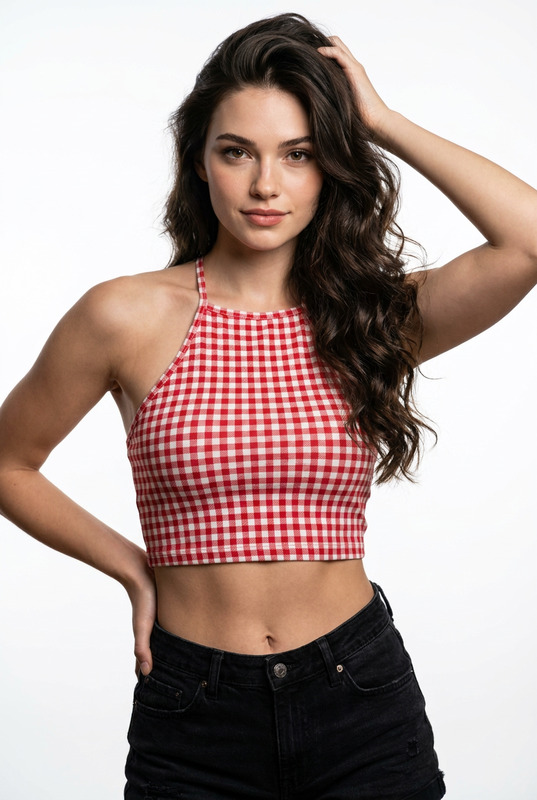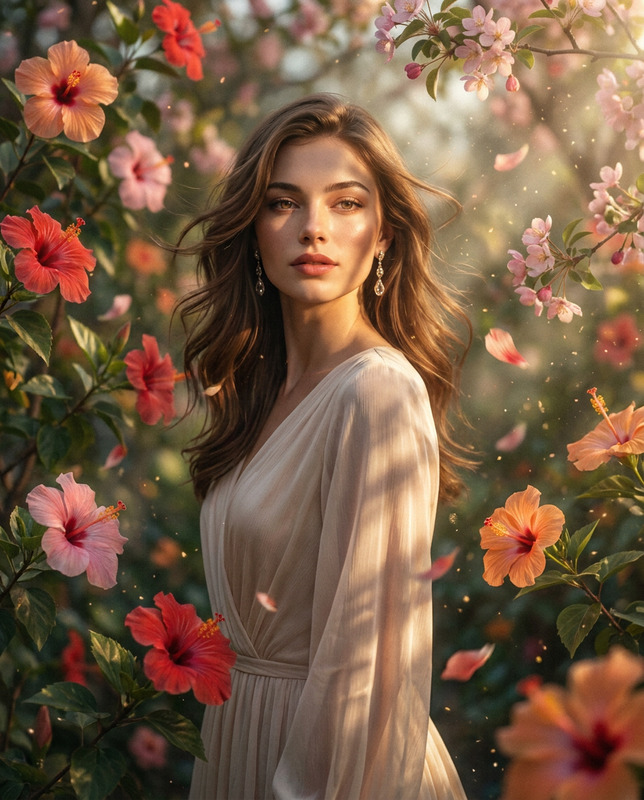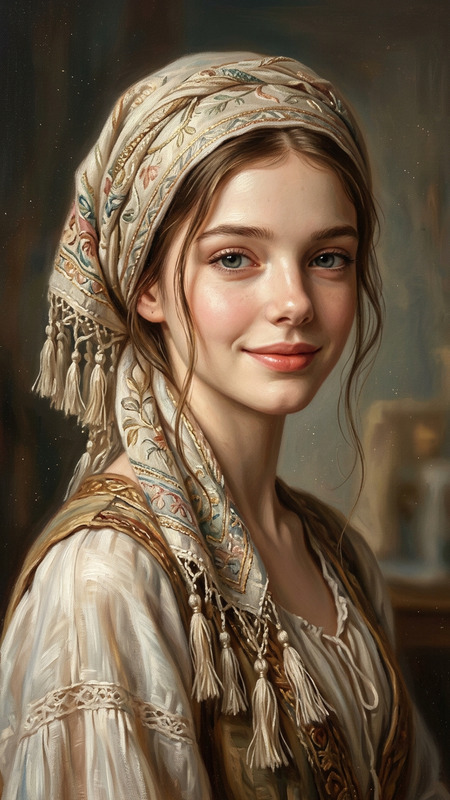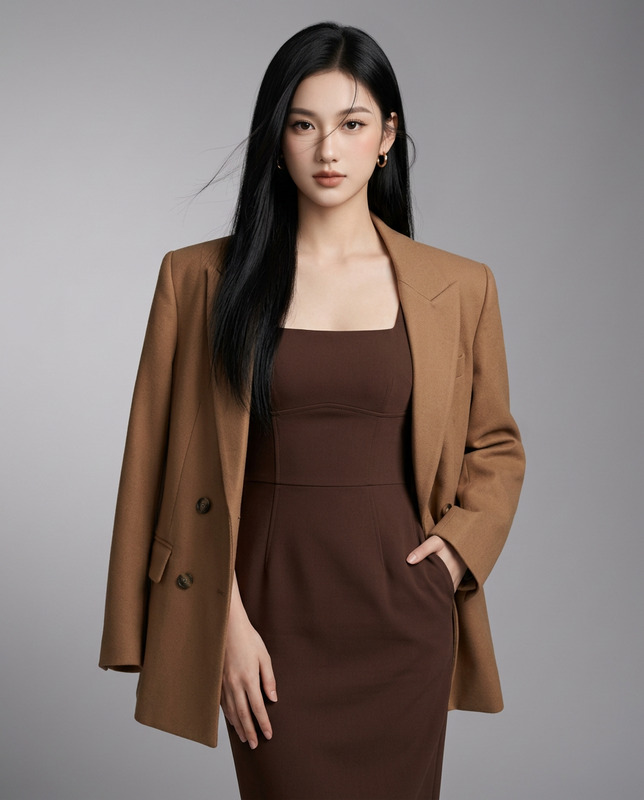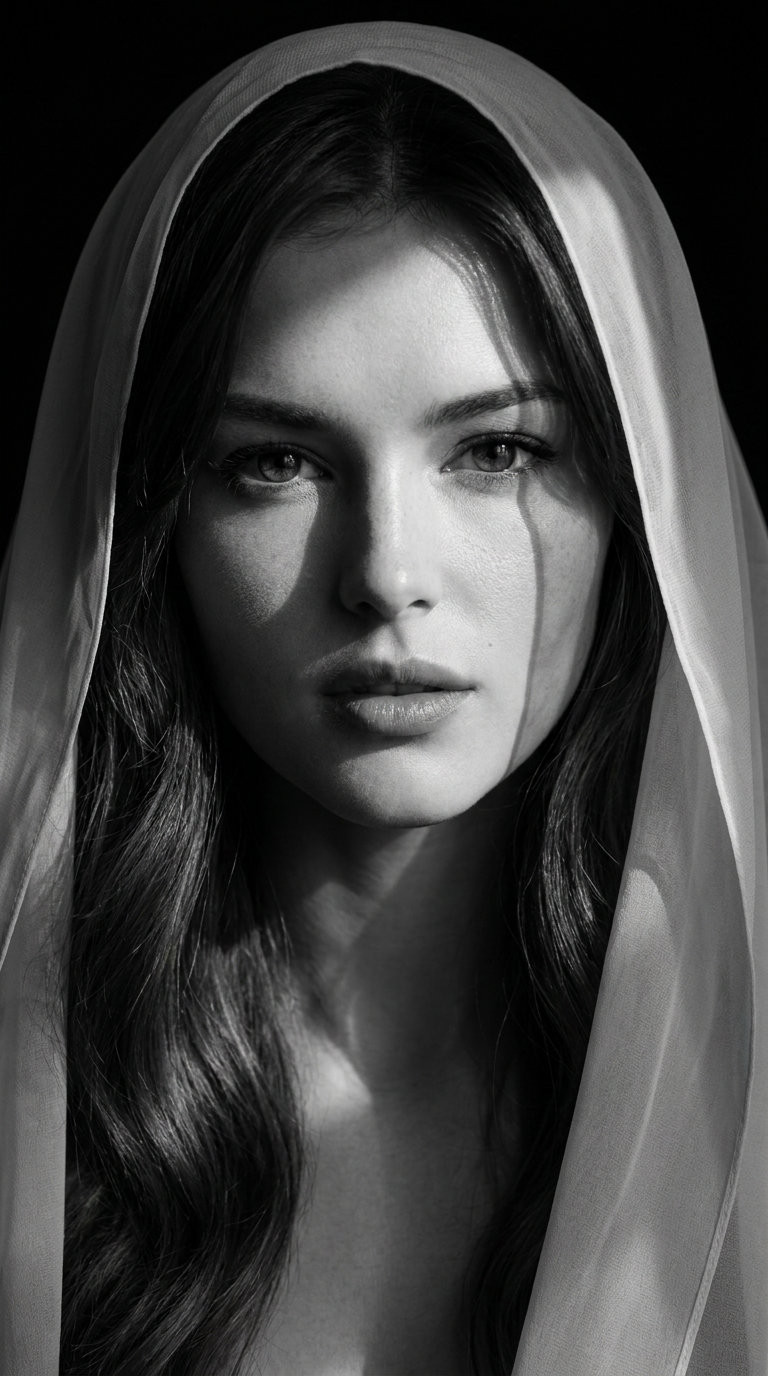
Veil of Shadows
- Model
- Nano Banana Pro
- Image
- 768 × 1376 px
Prompt
Preserve 100% of the original woman's facial identity from the reference image. Maintain her exact facial structure, eye shape, nose, lips, jawline, cheekbones, skin tone, hairstyle, and all distinctive facial features without alteration. Only change the styling, lighting, clothing, and artistic presentation.Create an ultra-realistic, high-fashion black-and-white fine art portrait of the same woman in a tight head-and-shoulders composition. She is looking directly into the camera with a calm, confident, mysterious expression and slightly parted lips. Her face fills most of the frame, creating an intimate editorial portrait.A delicate semi-transparent chiffon veil is gracefully draped over her head and around her shoulders, naturally framing her face with soft flowing folds. The veil is lightweight and translucent, revealing subtle hints of her blonde hair beneath while maintaining an elegant, ethereal appearance.Illuminate the portrait using dramatic cinematic chiaroscuro lighting. One side of her face is brightly illuminated while the opposite side gradually fades into deep shadow. A window-shaped beam of light projects crisp geometric shadows diagonally across her forehead, eye, cheek, lips, neck, and veil, producing striking patterns reminiscent of sunlight streaming through a window. The lighting should create exceptional depth, contrast, and emotional impact.Her eyes remain the primary focal point, with razor-sharp detail, realistic reflections, naturally long eyelashes, perfectly groomed eyebrows, and subtle catchlights. Her skin displays flawless yet realistic texture with visible pores, delicate tonal transitions, and soft natural highlights. Her lips are smooth and naturally textured with a soft matte finish.The background is pure black, eliminating all distractions and emphasizing the dramatic lighting and sculptural quality of her face. The composition is centered, vertically framed from the upper chest upward, with luxurious negative space and timeless elegance.The image should resemble a museum-quality Vogue editorial fine-art photograph, combining cinematic minimalism with luxury fashion portraiture.Camera & RenderingPhase One XF IQ4 150MP medium-format cameraSchneider Kreuznach 80mm portrait lensf/1.8ISO 1001/200 secStudio lightingRembrandt lightingCinematic chiaroscuroHDRUltra-sharp eye focusShallow depth of field16-bit RAWMonochrome grayscaleHyperrealisticPhotorealisticUltra-detailed skin textureFine fabric realismMuseum-quality fine artVogue editorial8K resolutionAspect ratio 9:16Masterpiece qualityNegative Promptlow quality, low resolution, blurry, soft focus, cartoon, anime, CGI, painting, illustration, plastic skin, excessive skin smoothing, oversaturated, flat lighting, bad anatomy, distorted face, asymmetrical eyes, extra eyes, extra nose, extra lips, deformed features, warped veil, duplicated facial features, cropped head, watermark, logo, text, artifacts, noise, motion blur, overexposed, underexposed
Any aspect ratio
Overview
The Veil of Shadows template is a sophisticated AI Image Editor that leverages the capabilities of the nano-banana-pro model to transform reference images into museum-quality portraits. This template emphasizes preserving original facial features while modifying stylistic elements like lighting and apparel. Designed for high-fashion and editorial use, it produces stunning black-and-white images with dramatic chiaroscuro lighting effects.
What It Does
With this template, you can craft an ultra-realistic high-fashion portrait from a reference image, maintaining the subject's exact facial features. The result is a striking black-and-white photograph complete with cinematic chiaroscuro lighting and a delicately draped chiffon veil that enhances the composition. The generated images feature meticulously detailed eyes and skin, focusing on capturing a mysterious yet confident expression.
Who It's For
Ideal for photographers, fashion designers, and creative agencies, the Veil of Shadows template is perfect for those looking to create high-quality, editorial-style images. Whether you are working on a profile project or a high-fashion portfolio, this template is designed to deliver superior artistic and professional results.
Summary
The template provides a seamless way to elevate a standard photograph into a fine-art piece. Its strong focus on maintaining original facial integrity while enhancing the art direction makes it a vital tool for users aiming for a luxurious and polished final product. With compatibility across various professional settings, this creative solution supports your artistic vision with high-resolution, detail-rich outputs.
How to Use
Choose Your Template

Customize Your Inputs

Generate and Download

Use Cases
High-Fashion Editorial Shoots
- Maintain original facial integrity
- Add artistic lighting and styling
Portfolio Enhancements
- Professional-grade imagery
- Cinematic and artistic quality
Creative Campaigns
- Luxury fashion ads
- Vogue-style editorials
Social Media Content
- Attention-grabbing visuals
- Consistent high resolution
Best Practices
Use High-Resolution References
For best results, always use high-resolution images to ensure the final output is crisp and detailed.Focus on Lighting
Leverage the template's capabilities to experiment with chiaroscuro lighting for a dramatic effect.Preserve Core Features
Make sure to retain the core facial features true to the original image for authentic representations.