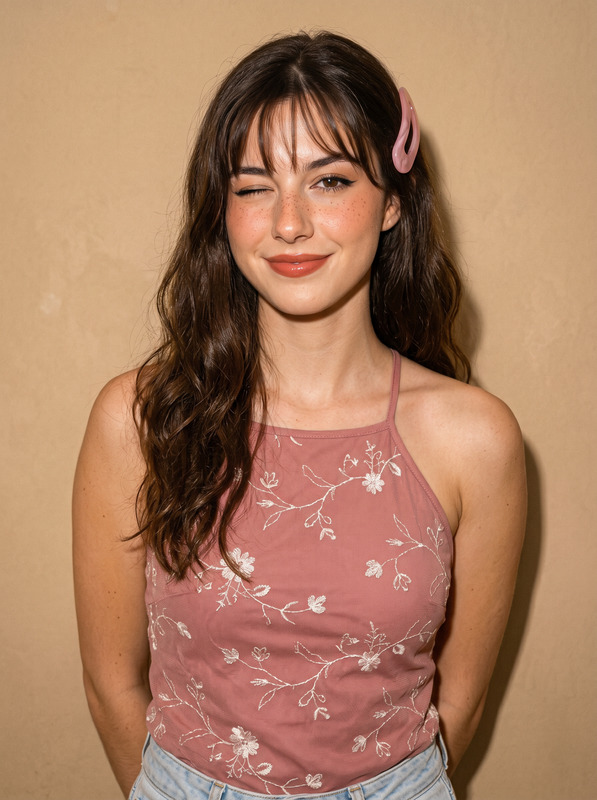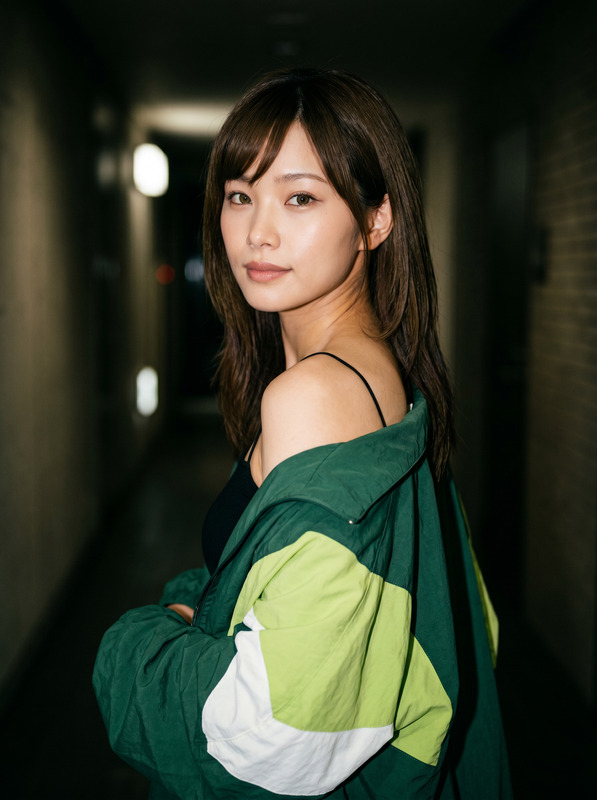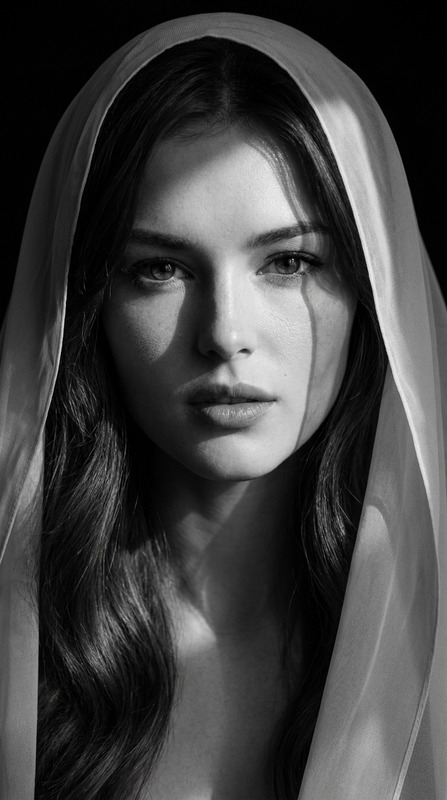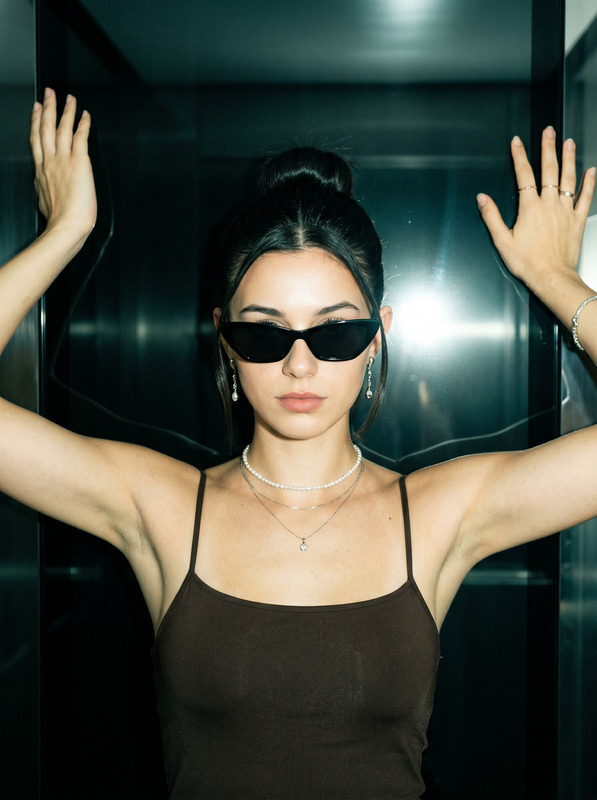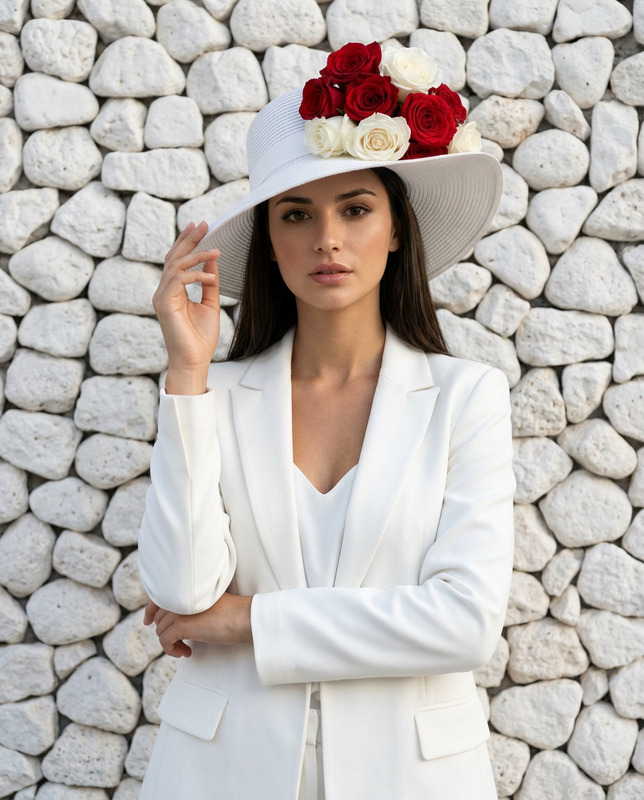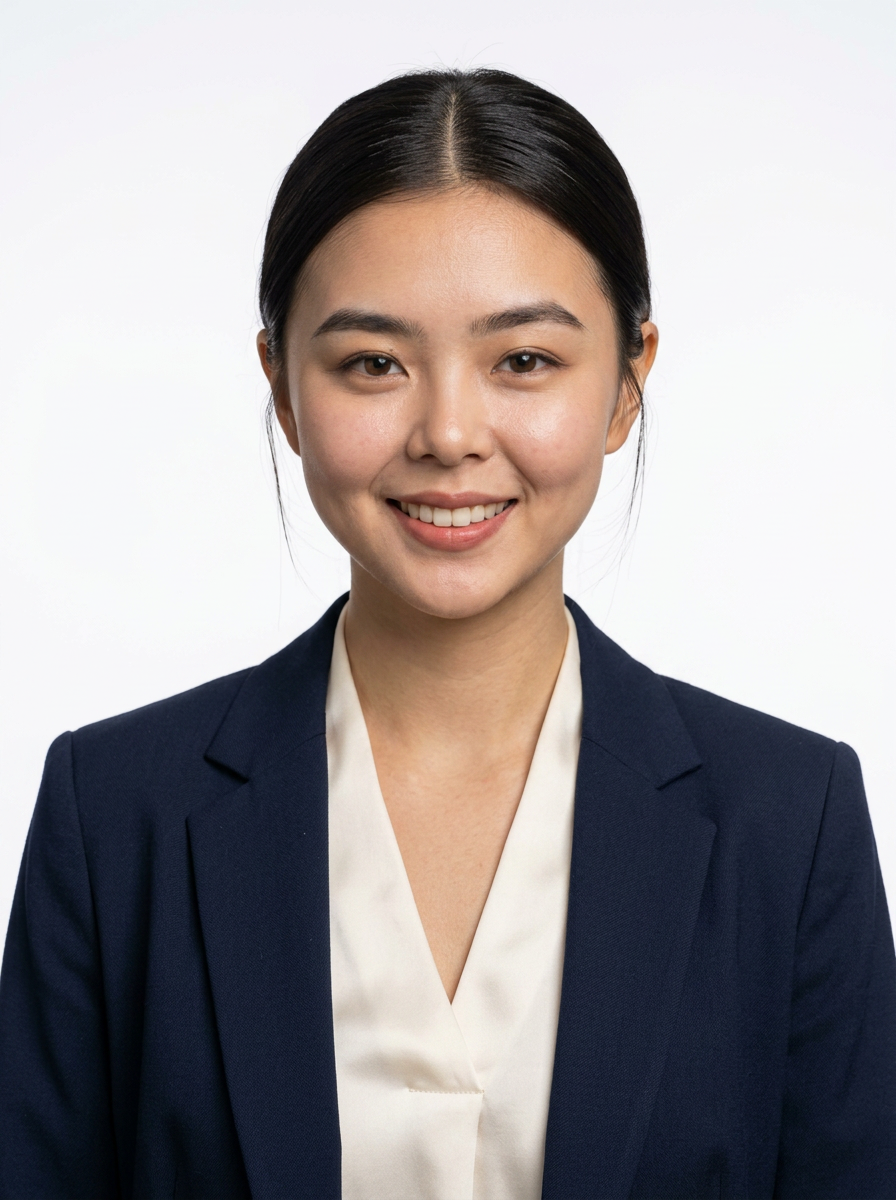
Corporate ID Portrait Navy Blazer
- Model
- Nano Banana 2
- Image
- 896 × 1200 px
Prompt
Based on the uploaded image, generate a true-to-life portrait of me in a 3:4 aspect ratio. Ultra-realistic professional ID-style portrait photograph of a young East Asian woman positioned directly facing the camera, head perfectly centered and aligned, shoulders squared and upright, soft warm closed-mouth smile with calm, direct eye contact; hair is sleek jet-black, smoothly pulled back from the forehead with a clean middle part, neat and tight at the crown, with a few fine loose strands delicately framing the earlobes and temples; makeup is refined and natural: softly defined straight eyebrows, subtle warm neutral eyeshadow, thin precise eyeliner, natural-looking long lashes, peachy-coral glossy lip color, gentle cheek highlighting and soft nose contouring for subtle dimension; attire features a structured navy blue tailored blazer with sharp notched lapels and a small breast pocket detail, layered over a lustrous ivory-white satin blouse with a clean open V-neckline and smooth folded fabric; accessories are absent, maintaining a minimal, polished look; lighting setup: even, soft diffused studio lighting from the front with balanced fill light, no direct camera flash, producing smooth skin tones, clear catchlights in eyes, and zero harsh shadows or glare; composition: medium close-up framing from mid-chest upward, centered subject against a seamless, pure white, featureless background with no details, textures, or distractions; color palette is professional and crisp: deep navy blue, bright ivory white, warm natural skin tones, and stark white backdrop; camera specifications: 85mm prime lens, aperture f/16 for maximum depth of field, ISO 100, shutter speed 1/125s, ensuring absolute sharpness edge-to-edge, with both subject and background perfectly in focus; technical fidelity: hyper-detailed micro-skin textures including fine pores, subtle skin lines, natural skin luminosity, zero over-retouching or artificial smoothing, maximum optical clarity, ultra-high resolution, crisp definition in individual hair strands, fabric weave and sheen, and a clean, highly professional aesthetic. Core Constraint: Strictly preserve the reference image's exact facial structure, replicating the original bone structure and eye shape with absolute anatomical accuracy without deviation. Negative Prompt: Shallow depth of field, background blur, bokeh effect, soft focus, out-of-focus elements, blurry edges, anatomical mutations, distorted facial features, incorrect eye shape, altered bone structure, over-smoothing, heavy airbrushing, plastic-like skin texture, artificial-looking skin, overexposed highlights, harsh shadows, graininess, digital artifacts, extra accessories, messy hair, unkempt styling, colored or patterned background, props, text overlays, asymmetrical features, unnatural expressions, distorted posture, illustration style, painting, cartoonish rendering, low resolution, blurry details, uneven lighting, color casts, fabric wrinkles, skin discoloration, uneven skin tone, distorted proportions.
Any aspect ratio
Overview
Transform your images into professional-quality ID portraits with the Corporate ID Portrait Navy Blazer template. Using the nano-banana-2 model, this AI image editing tool seamlessly blends advanced technical specifications with sophisticated style to craft stunningly realistic portraits.
What It Does
This template generates lifelike ID portraits tailored to corporate standards. By maintaining the reference image's anatomical precision, the tool creates a balanced, high-resolution portrait ideal for professional identification documents. The navy blazer and ivory blouse combination helps craft a polished, executive look.
With AI Image Editor, you can ensure that every facial structure detail, from bone shape to eye alignment, is faithfully preserved, providing optical clarity and detailed textures.
Who It's For
The Corporate ID Portrait Navy Blazer template is perfect for professionals seeking to enhance their ID photos with a polished, authoritative appearance. It's also ideal for corporate HR departments looking to standardize employee ID portraits.
Creative agencies and photographers can leverage this within their portfolio to offer consistent and high-quality corporate identity solutions.
Summary
Achieving the perfect professional ID portrait is effortless with this AI-powered template. By integrating precise lighting setups and structured styling, it produces images suitable for corporate use, ensuring clarity and professionalism in every shot.
Explore additional features and creative options with tools like the AI Multi-Angle Generator and AI Photo Relighting.
How To
Choose Your Template

Customize Your Image

Generate Your Portrait

Use Cases
Corporate ID Photos
- Standardize employee ID portraits
- Create high-resolution images for company profiles
Executive Portraits
- Display a sophisticated company image
- Ensure visual consistency in marketing materials
HR Application
- Improve employee records
- Facilitate quick identification within the company
Best Practices
Preserve Facial Structure
Ensure the uploaded image has a clear and direct view of the subject to maintain anatomical accuracy.Lighting and Composition
Adjust lighting and framing according to the template's detailed specifications for best results.High-Resolution Uploads
Use the highest resolution image possible to maximize detail retention and clarity in the final output.