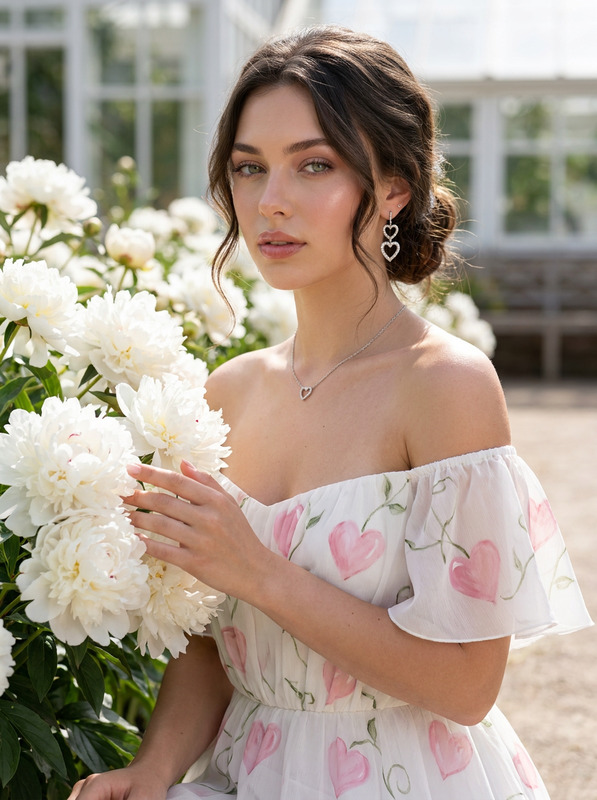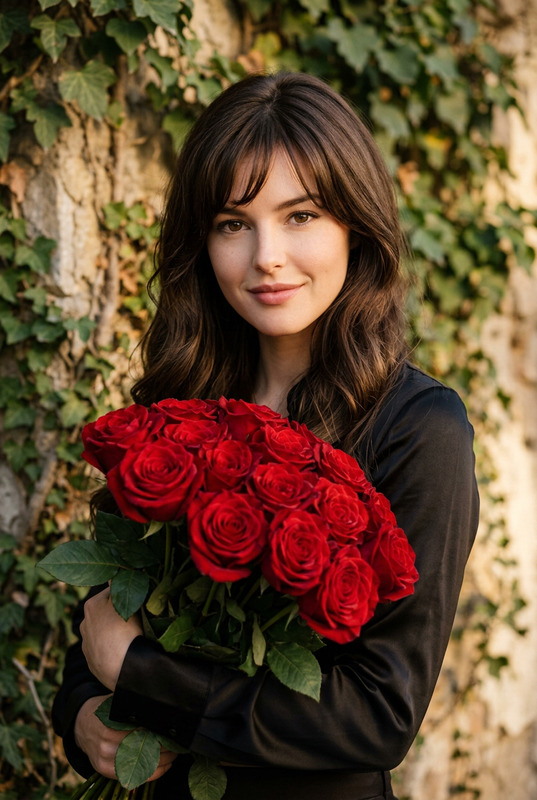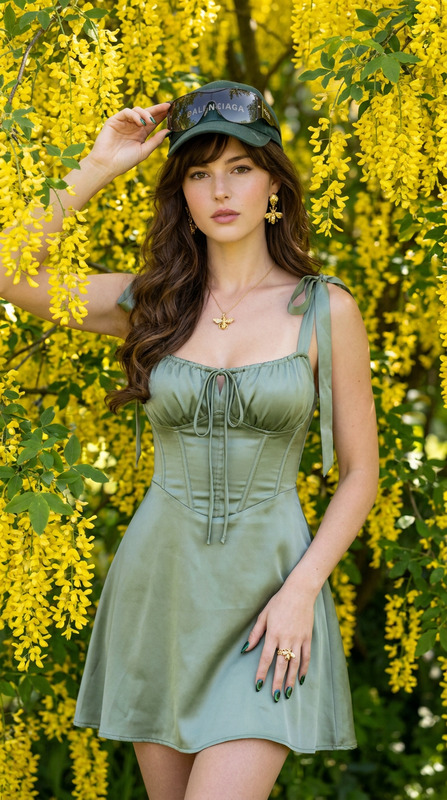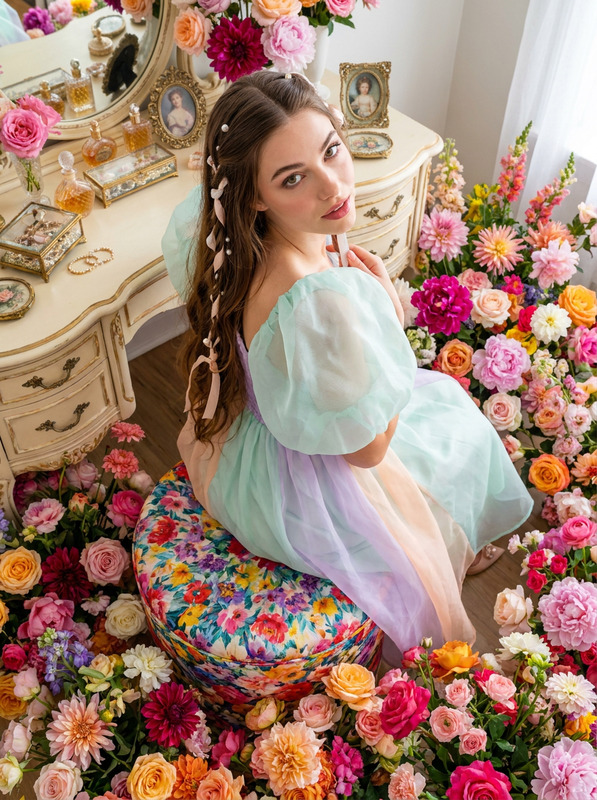
Café Bloom
- Model
- Nano Banana Pro
- Image
- 928 × 1152 px
Prompt
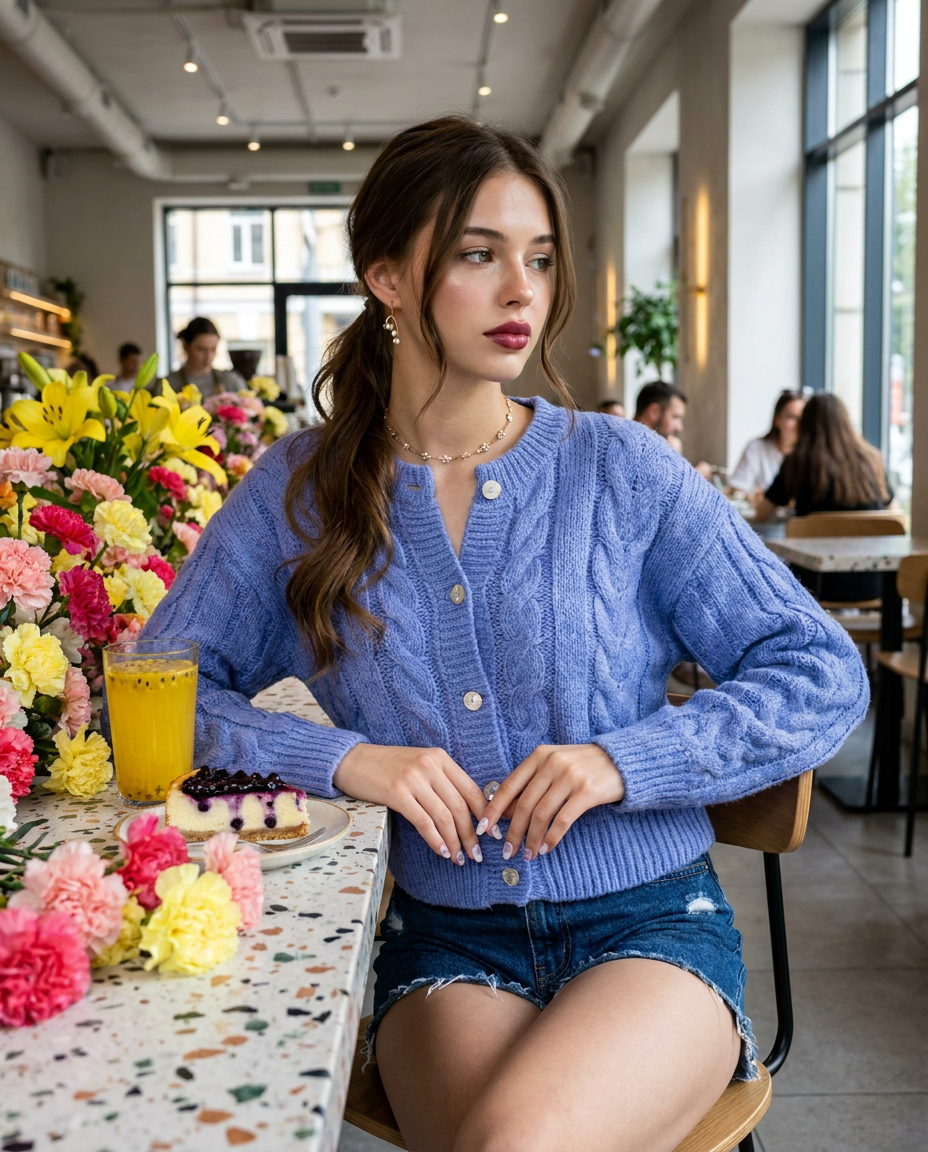
Knee-up chic editorial shot of a woman sitting at a terrazzo tabletop surrounded by lush cascading colorful carnations and yellow lilies inside a café. She wears a chunky periwinkle blue cable-knit cardigan with mother-of-pearl buttons, paired with frayed raw-edge dark wash denim shorts. Long espresso brown hair styled in a low loose ponytail with face-framing tendrils, high-gloss cheekbones, and deep rose satin lipstick. Nails feature milky white polish with 3D clear dewdrop and micro lavender flower art. Accessories feature micro fine-wire gold lily-of-the-valley earrings and a delicate floral chain necklace. On the table is a blueberry cheesecake slice alongside a bright yellow passionfruit-citrus elixir. Facial expression is pensive and elegant, with a soft mouth poise. Maintain 100% facial feature accuracy; do not alter the face of the reference photo. Featuring ultra-smooth skin with high-frequency detail and a luminous, flawless complexion. Shot on Sony A7R V, 50mm lens, f/16 aperture, ISO 100, 5300K neutral light simulation, deep focus, sharp background imagery, zero blur. --ar 4:5 --style raw Negative Promptblur, blurred background, bokeh, depth of field, shallow depth of field, out of focus, soft focus, lens flare, motion blur, Gaussian blur, plastic skin, overly smooth face, doll skin, wax skin, airwashed, over-processed face, missing facial features, altered facial structure, facial distortion, skin blemishes, acne, dark circles, wrinkles, unnatural skin texture, extra limbs, malformed hands, extra fingers, fused fingers, distorted jewelry, low resolution, artifacts, pixelated, noise, compression artifacts, watermark, signature, text, logo.
Any aspect ratio
Overview
Café Bloom brings your creative vision to life with precision editing that transforms images into stunning editorial-quality pieces. Utilizing the AI Image Editor capabilities, this template focuses on maintaining high-detail clarity, ensuring authentic representation of facial features while enhancing the overall aesthetic.
What It Does
This template allows you to craft chic, vivid images by fine-tuning various elements such as lighting, composition, and color accuracy. Ideal for ensuring high-detail and luminous complexion, the AI Image Upscaler can complement your workflow by refining image quality without compromising detail.
Who It's For
Designed for photographers, content creators, or brands looking for high-fidelity image editing. Whether you're involved in creating editorial shoots, promotional materials, or e-commerce content, leveraging tools like the AI Talking Photo can elevate your storytelling approach.
Summary
With Café Bloom, elevate your imagery to match your vision of sophisticated and editorial-quality output. Maintain accuracy in facial features and achieve a high-detail look, all while using advanced editing specifications inspired by professional photographer settings.
How to Use
Access Café Bloom

Refine Your Prompt

Generate Your Image

Use Cases
Editorial Photography
- High-detail facial accuracy
- Sophisticated styling details
Brand Campaigns
- Precise color and lighting
- Consistent branding aesthetics
Content Creation
- Captivating story elements
- Enhanced visual appeal
Best Practices
Focus on Detail
Ensure all elements, from clothing to table decor, are precisely articulated without overpowering the main subject.Maintain Consistency
Use steady lighting and camera settings as a baseline for consistency across shoots.Leverage Complementary Tools
Utilize the Face Swap feature with consideration to maintain authenticity throughout your images.