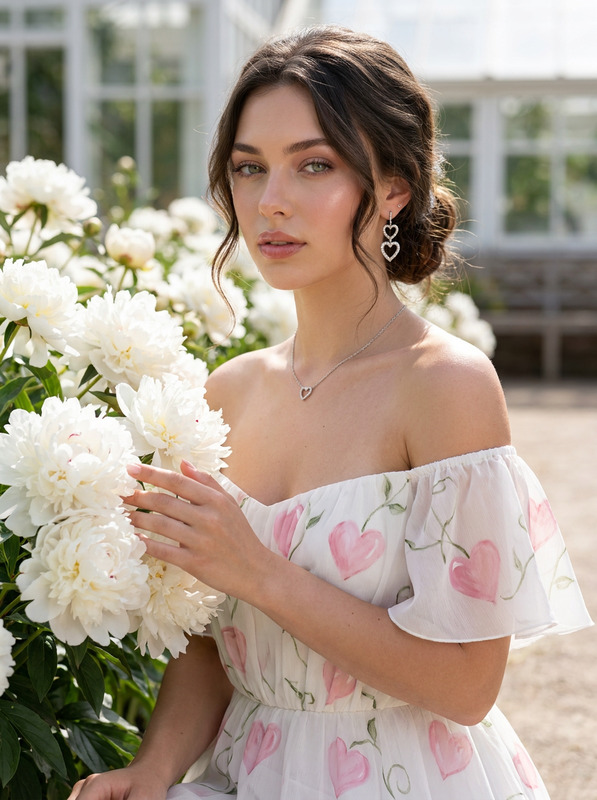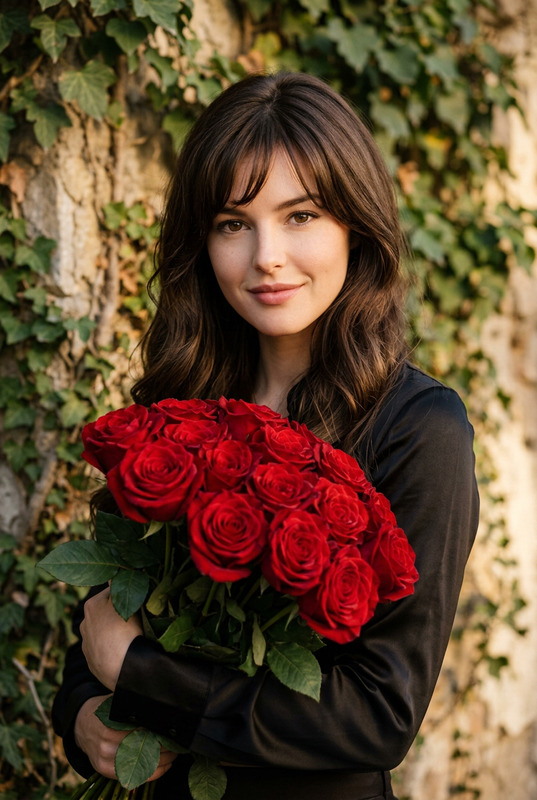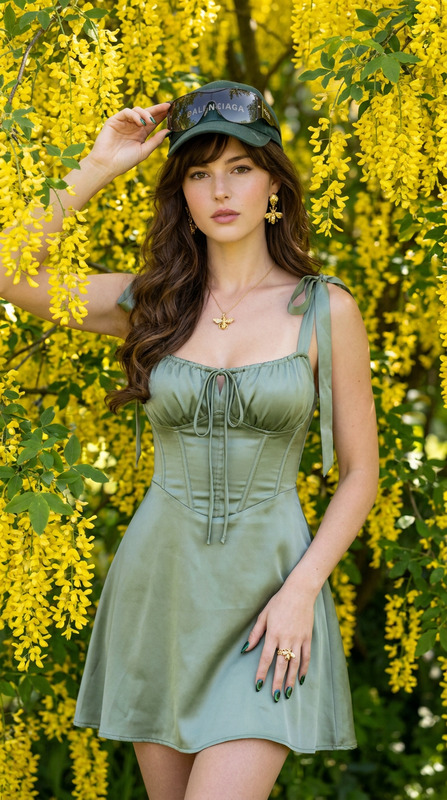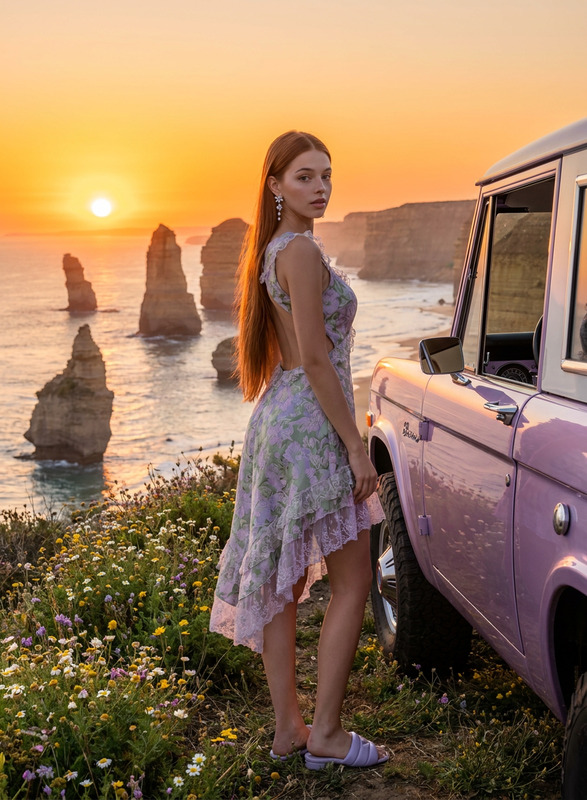
Rococo Bloom
- Model
- Nano Banana Pro
- Image
- 896 × 1200 px
Prompt
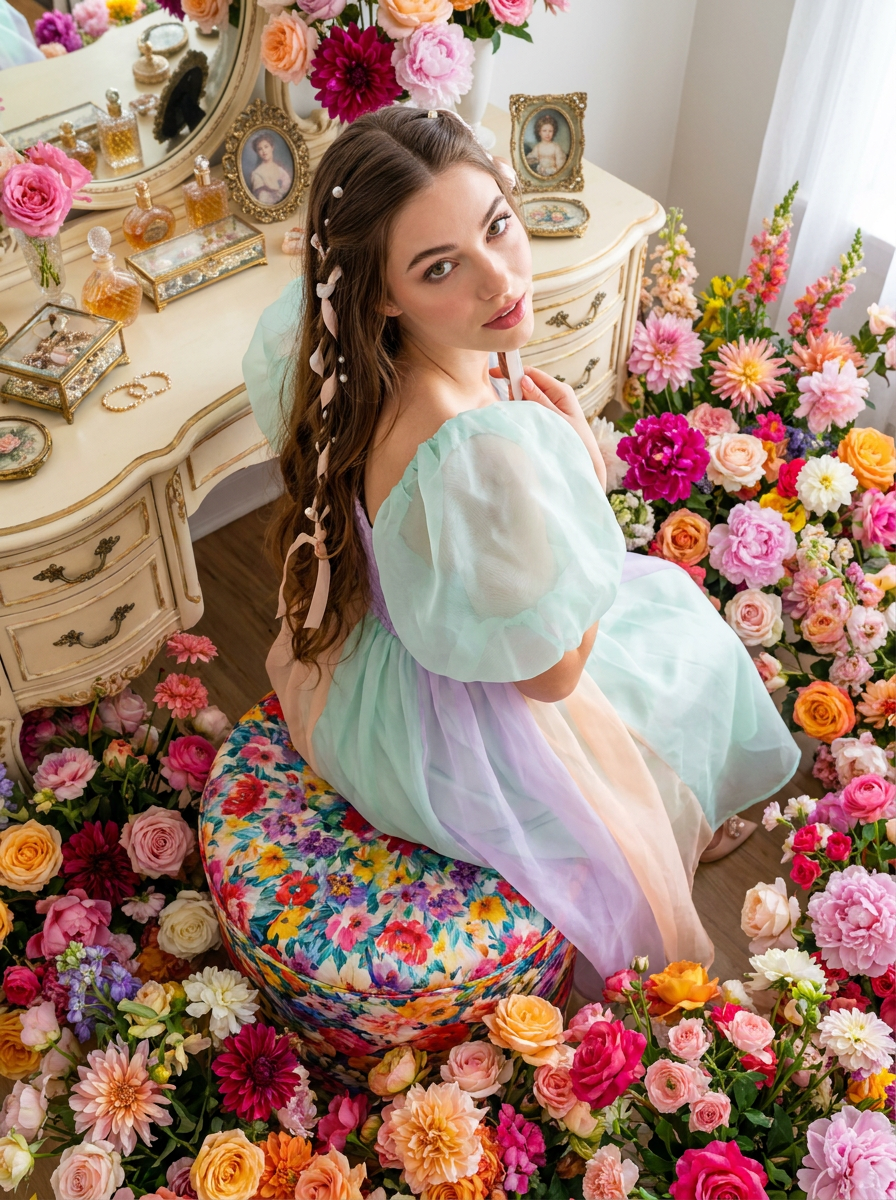
A high-angle photograph looking down at a woman seated gracefully on a round stool covered in a vibrant, kaleidoscopic floral fabric. She looks up with a playful expression. She wears a contemporary Rococo-style midi dress in mixed pastel organza fabrics (mint, lavender, peach) with exaggerated sleeves. Her knee-length hair is woven with silk ribbons and pearl accents. The floor around the stool and the adjacent ornate vanity are densely packed with a saturated, multi-colored floral explosion and decorative objects, all rendered in perfect, sharp focus. Sony A7R V, 24mm lens, f/14, 1/250 sec, ISO 500. Bright, even daylight simulation. High-frequency skin detail, flawless finish. Maintain 100% facial feature accuracy; do not alter the face of the reference photo.Negative Prompt(bokeh:2.0), (shallow depth of field:2.0), (blurred background:2.0), out of focus, soft focus, blurry, messy, (bad anatomy:1.4), (bad proportions:1.4), deformed, disfigured, (excessive skin texture:1.5), (rough skin:1.5), pores, acne, blemishes, (plastic skin:1.5), (cartoon:1.3), CGI, 3d render, illustration, painting, low quality, (watermark:1.5), (text:1.5), signature, altered facial features, face change.
Any aspect ratio
Overview
The Rococo Bloom template invites you to explore the elegance and vibrancy of contemporary Rococo fashion. This AI Image Editor template utilizes the nano-banana-pro model to craft high-angle photographs capturing the playful grace of modern Rococo style. Immerse yourself in a world of kaleidoscopic floral fabrics and intricate detailing.
What It Does
Rococo Bloom brings the opulence of Rococo fashion to life, focusing on sharp, high-frequency detail using a Sony A7R V setup. It emphasizes facial feature accuracy and flawless finishing, maintaining the integrity of the reference photo. This template also integrates elements like pastel organza fabrics and intricate silk ribbon hair design, rendering decorative objects in vivid, sharp focus.
Who It's For
This template is ideal for fashion photographers, designers, or digital artists seeking detailed, vibrant imagery to showcase Rococo-inspired styles. Those working in AI Image Upscaler or AI Image Generator fields will find it particularly useful for enhancing and expanding their creative endeavors.
Summary
Rococo Bloom expertly combines modern technology with artistic styling to produce high-detail images suitable for diverse creative projects. With its focus on precise facial features and rich, colorful settings, it ensures that each image is both true to life and aesthetically captivating, making it invaluable for professionals in creative industries.
How To Use
Select Rococo Bloom

Customize Your Inputs

Generate and Download

Use Cases
Fashion Campaigns
- Designers can create visual concept boards for upcoming lines.
- Photographers can enhance fashion shoots with vibrant details.
Digital Art Projects
- Artists can add intricate costume designs to their pieces.
- Illustrators can explore new styles with realistic textures.
Marketing Materials
- Marketers can develop eye-catching ads with unique visuals.
- Social media managers can boost engagement with striking posts.
Best Practices
Focus on Detail
Ensure to pay close attention to the fabrics and textures. Enhance these elements to bring the Rococo aesthetic out.Maintain Facial Accuracy
Always keep the facial feature accuracy intact by carefully aligning facial cues when customizing the template.Use Even Lighting
Simulate bright, even daylight to keep the colors vibrant and imagery crisp, aligning with the Sony A7R V camera setup.