Camellia Heart
- Model
- Nano Banana Pro
- Image
- 896 × 1200 px
Prompt
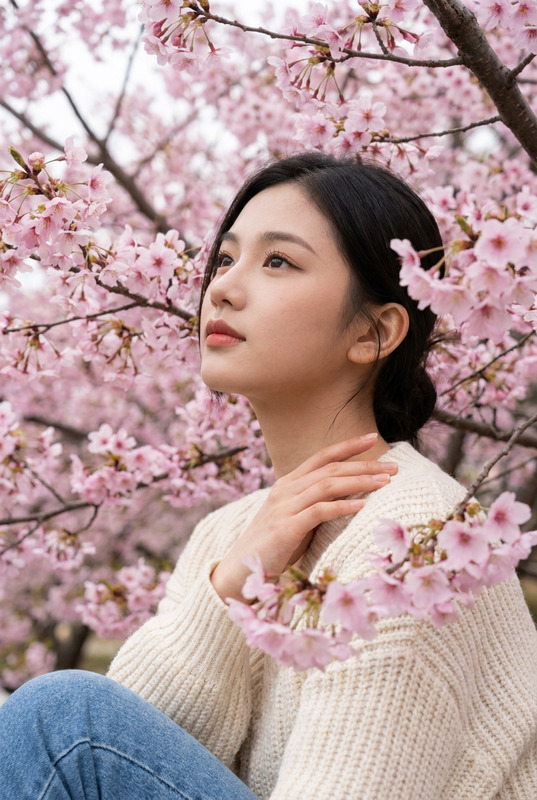
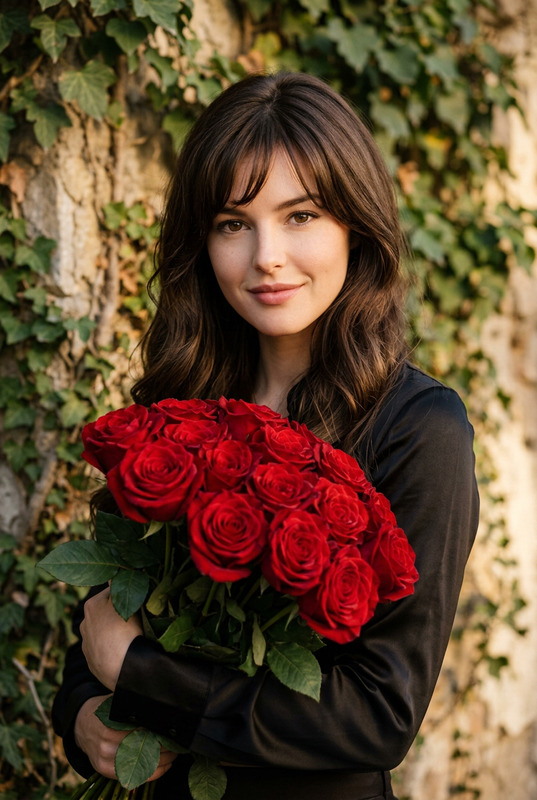
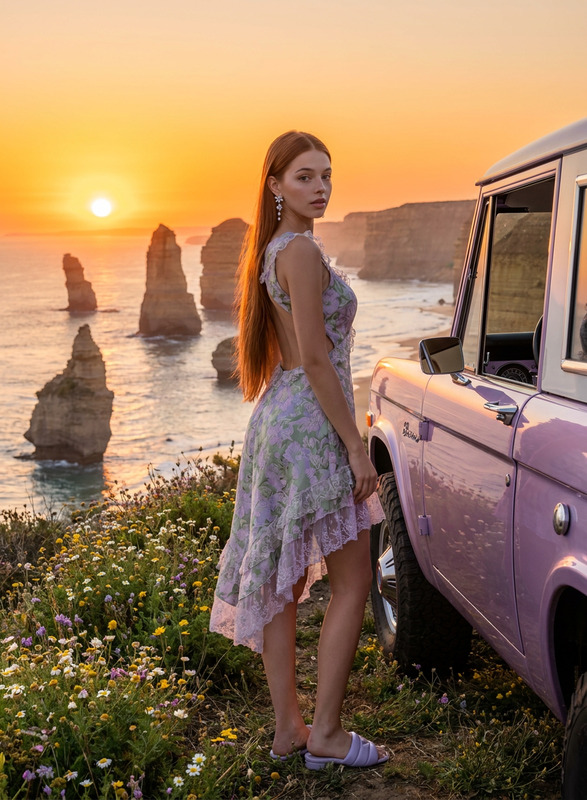
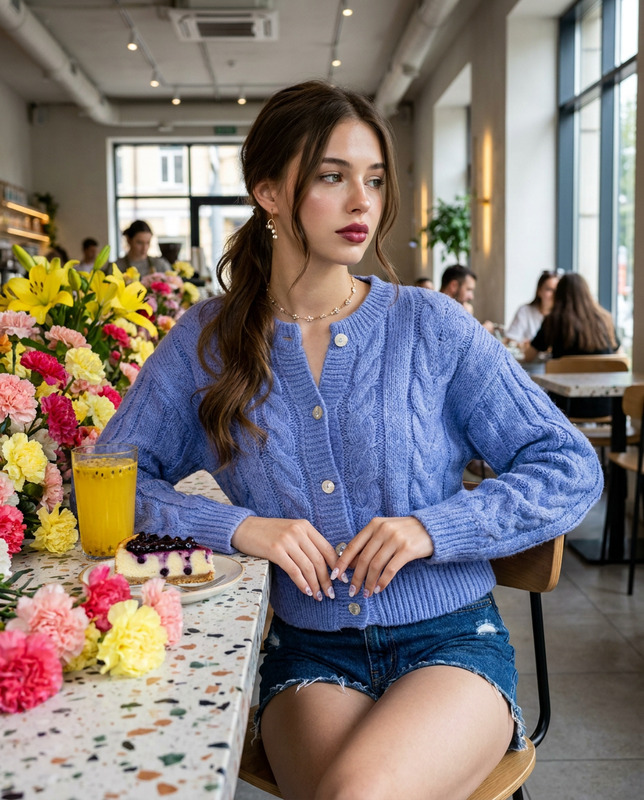
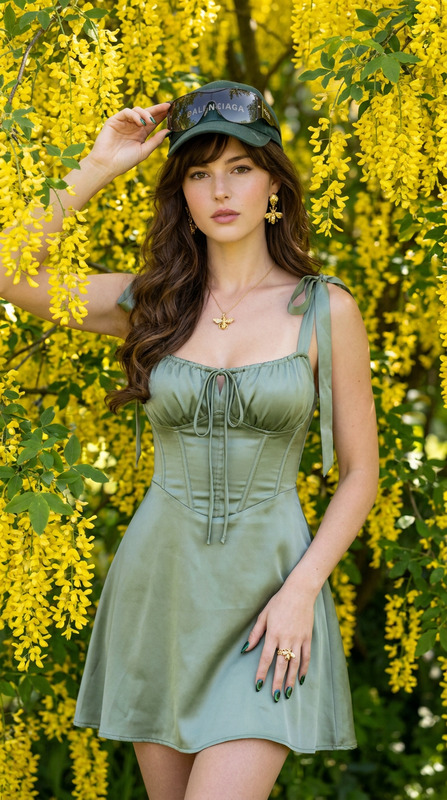
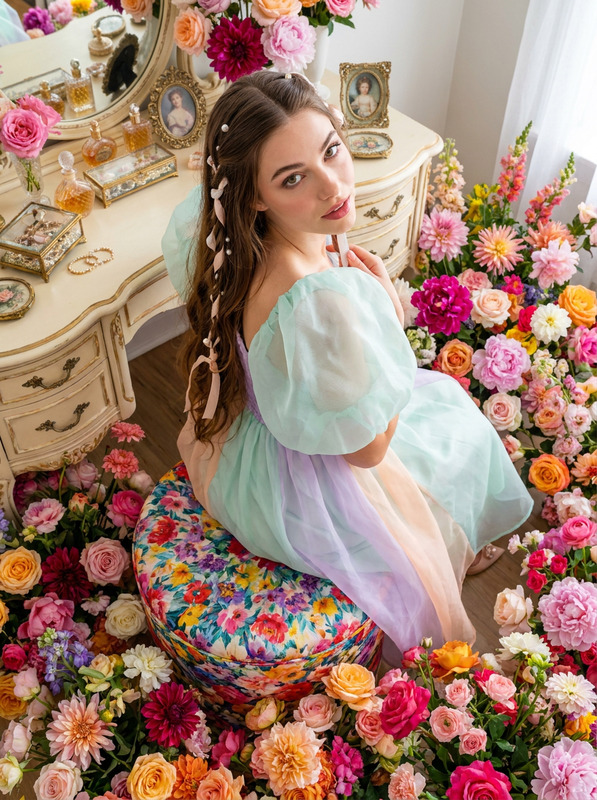
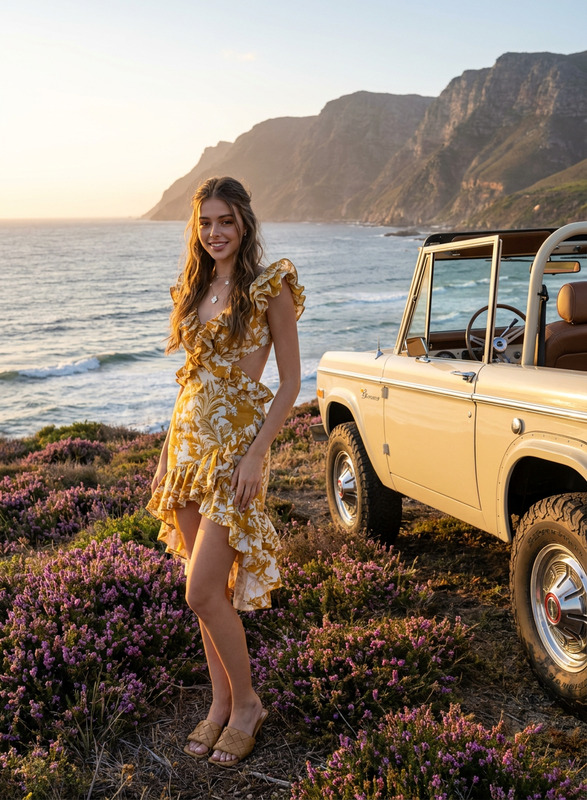
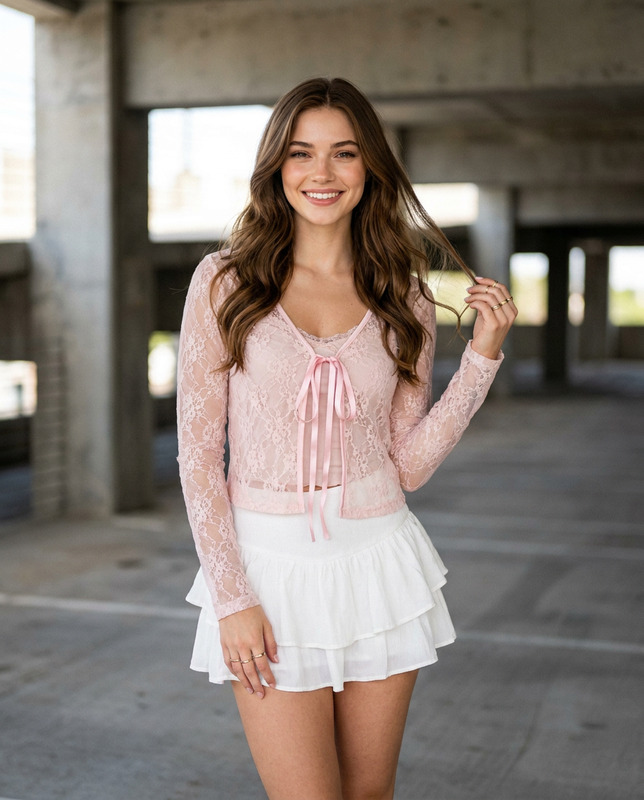
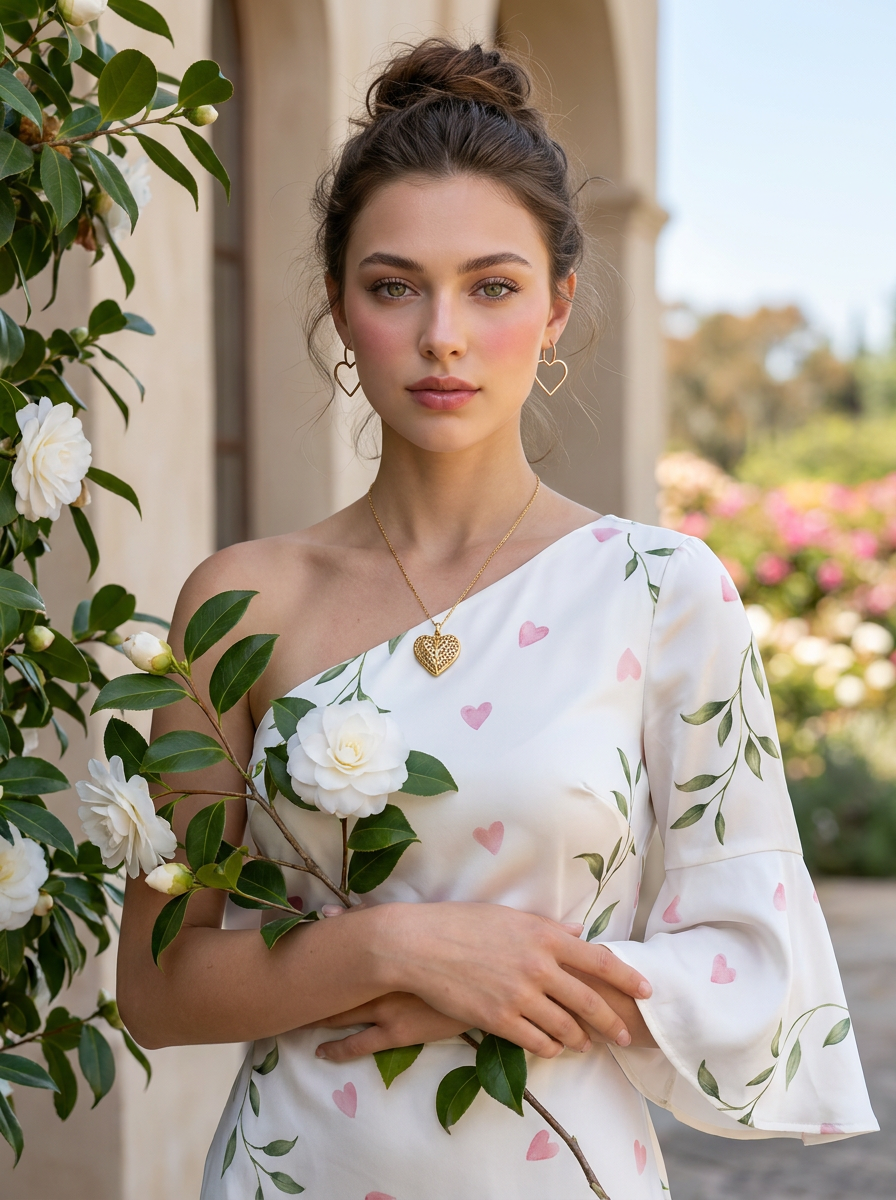
An editorial chest-up portrait of a woman in a white silk dress featuring subtle pink heart prints and trailing green leaves, asymmetrical neckline with a single flared bell sleeve. Hair in a relaxed boho messy bun with wispy nape strands. Romantic flushed cheeks and defined lashes. Filigree gold heart pendant and open-heart outline earrings. Posed cradling a white camellia branch outdoors. Sony A7R V, 85mm lens, f/16 aperture, ISO 100, 5600K sunlight. Extreme depth-of-field architecture; foreground foliage and background floral landscape are in precise, sharp focus. Ultra-smooth skin with high-frequency detail and a luminous, flawless complexion. Maintain 100% facial feature accuracy; do not alter the face of the reference photo. Negative Promptbokeh, depth of field, blurred background, out of focus background, shallow depth of field, background blur, soft focus background, lens blur, blurred foreground, tilt-shift effect, gaussian blur, chromatic aberration, plastic skin, overly smooth skin, airbrushed, porcelain doll texture, loss of skin texture, unnatural skin tone, heavy skin smoothing, distorted face, altered facial features, face shape change, asymmetrical eyes, distorted hands, extra fingers, missing fingers, deformed fingers, low resolution, artifacts, noise, oversaturated colors, harsh shadows, unnatural lighting.
Any aspect ratio
Overview
The Camellia Heart template is a specialized AI Image Editor model designed for crafting exquisite editorial portraits with intricate details. Utilize the "nano-banana-pro" model to ensure high fidelity in facial features and a pristine background focus, perfect for fashion and beauty editors.
What It Does
This template allows you to transform ordinary images into stunning editorial pieces. By maintaining 100% facial feature accuracy, the Camellia Heart template uses advanced techniques to enhance portraits with high-frequency detail, ensuring every element from the jewelry to the delicate pattern in the clothing is captured with precision. The AI Headshot Generator can further assist in creating detailed and high-definition headshots for professional use.
Who It's For
Designed for photographers, fashion editors, and digital artists looking to elevate their portrait work. If you're focusing on fashion shoots, the AI Product Photography tool enhances the visual appeal of fashion items, making it ideal for those in the commercial advertising industry.
Summary
The Camellia Heart template offers a comprehensive solution for creating meticulously detailed and visually captivating portraits. It leverages the power of the "nano-banana-pro" model to produce professional-grade edits suitable for editorial submissions or high-end client presentations.
How to Use
Choose the Template

Customize Your Inputs

Generate Your Image

Use Cases
Editorial Fashion Shoots
- Maintain facial accuracy
- Enhance clothing details
- Capture vibrant backgrounds
High-End Client Presentations
- High-frequency detail
- Precision in skin texture
- Dynamic lighting
Social Media Campaigns
- Engaging imagery
- Consistent branding
- Sophisticated aesthetic
Best Practices
Choose Clear Reference Photos
Ensure the reference photo is clear, especially around the face, for the best accuracy and detail retention.Utilize Controlled Lighting
Images captured in good lighting conditions generally yield the best results, aligning with the template's prompt settings.Experiment with Wardrobe Features
Adjust details in the model's clothing and accessories to tailor the final output to specific editorial themes.