Childlike Crayon

Childlike Crayon

ai-image-editor

1 clip
10 uses

Any aspect ratio

Prompt

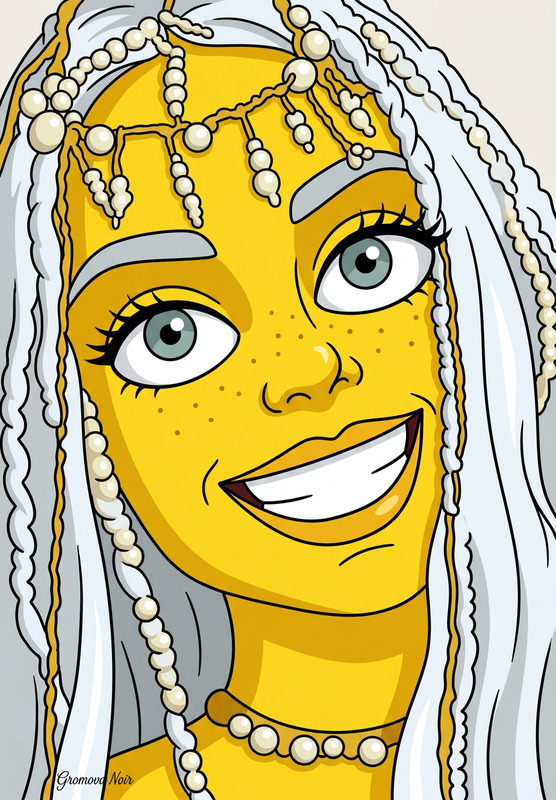
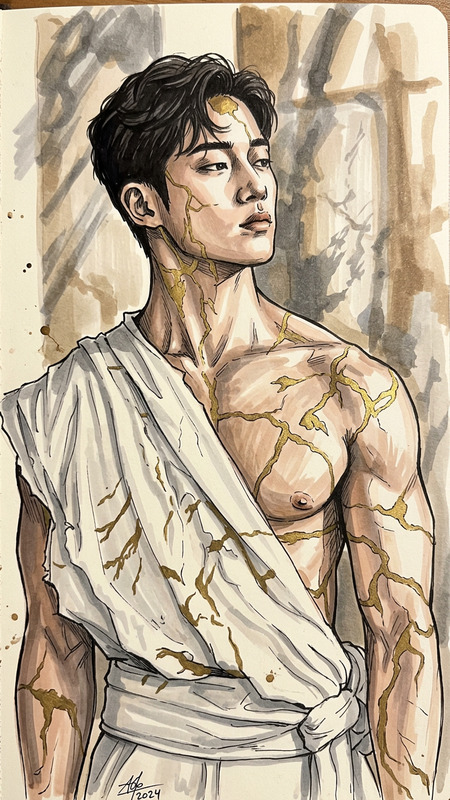
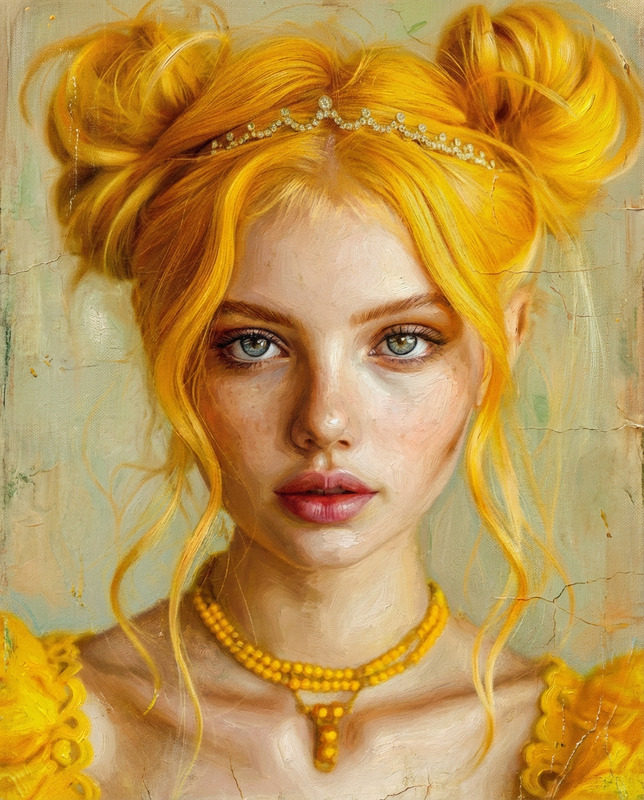
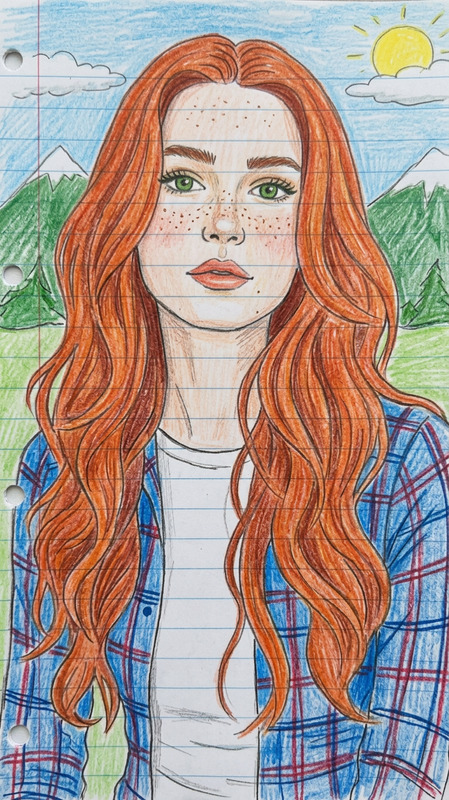
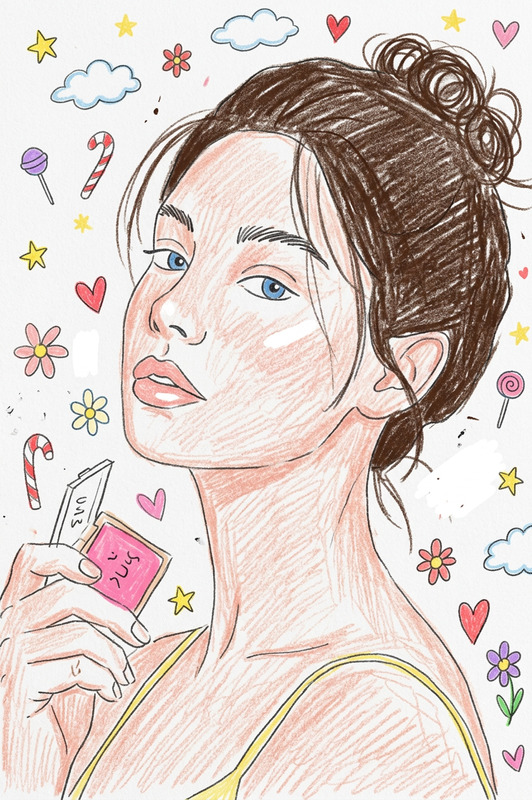
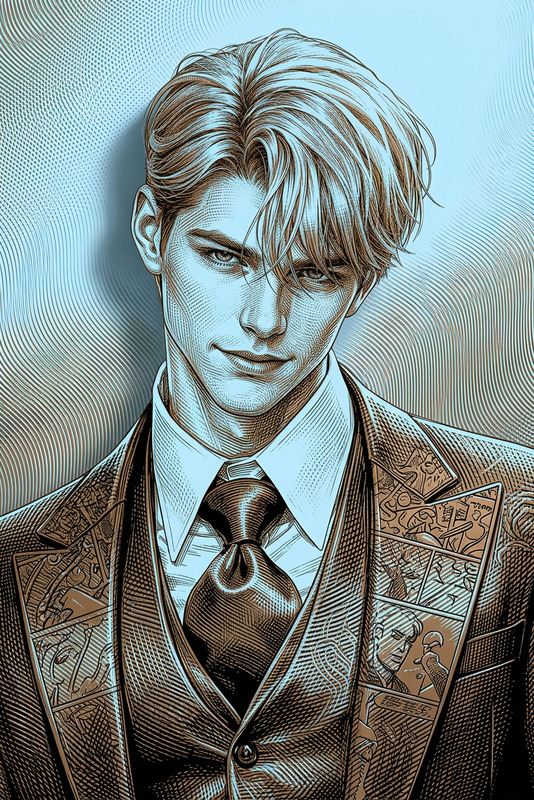
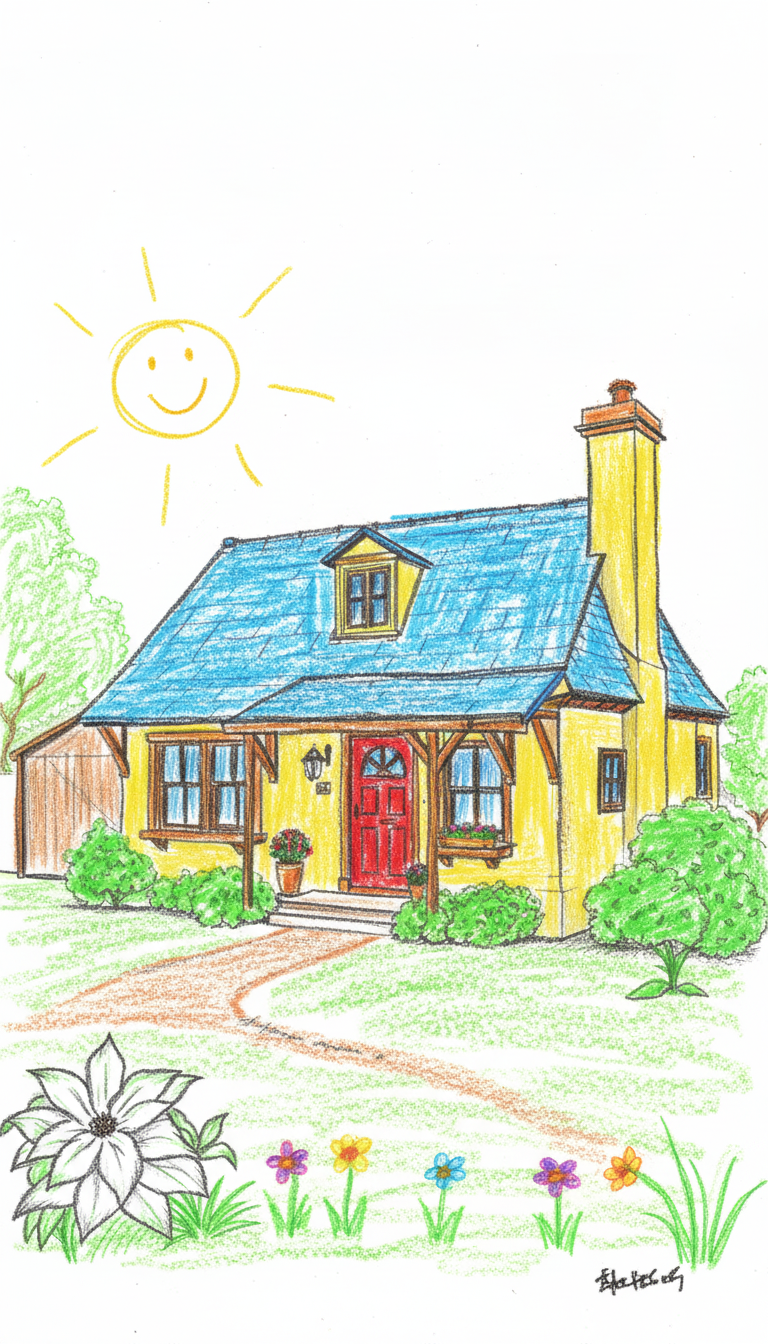
Transform the image into a drawing that looks like it was made by a five-year-old child. Use simple shapes, uneven lines, and playful proportions. Apply bright, crayon-like colors with rough, scribbly fills and imperfect coloring. Keep the composition recognizable but simplify all details heavily. Add a naive, innocent style with slightly messy strokes, minimal shading, and a handmade, childlike feel.

AI Image Editor Template – Instantly Remix, Enhance, and Transform Your Images

Use this template as a starting point to edit, enhance, and transform any image with the AI Image Editor. Whether you’re cleaning up product photos, redesigning social content, or prototyping campaign visuals, this template shows what’s possible in one click—and how to remix it into your own branded workflow.


What This Template Does

This template demonstrates how to:

  • Edit existing photos with AI – remove distractions, adjust styles, or change elements without starting from scratch
  • Replace and restyle objects or backgrounds – ideal for marketing visuals, ecommerce shots, and social graphics
  • Upgrade image quality – sharpen details and improve resolution using the AI Image Upscaler
  • Create new variants fast – generate multiple on-brand versions for A/B tests, ad sets, or landing pages

It’s built with the AI Image Editor, and you can fully remix it for your own use case—no design or ML background required.


How to Remix This Template in Magic Hour

You can recreate or adapt this template in a few steps:

  1. Duplicate / Remix the Template

    • Open this template in Magic Hour.
    • Use it as a base and modify the prompts, reference images, and outputs to match your brand, product, or style.
  2. Upload or Select Your Base Image

    • Start with any asset: product photo, headshot, illustration, logo, or UI mockup.
    • For best results, use clear, well-lit images with a main subject that stands out from the background.
  3. Describe the Edit You Want

    • Use natural language to specify changes. For example:
      • “Remove the background and replace it with a clean white studio backdrop.”
      • “Turn this office photo into a neon cyberpunk scene.”
      • “Change the T-shirt color to black and add a minimal logo on the chest.”
    • Be explicit about the subject, style, and anything you want to preserve (brand colors, composition, facial features, etc.).
  4. Chain Additional Tools (Optional but Powerful)
    To extend this template into a full creative pipeline, you can combine it with other Magic Hour tools:

  5. Export and Reuse as a Template

    • Once you like the result, save it as your own Magic Hour template.
    • Reuse it across campaigns, clients, or product lines by simply swapping in new images and slightly adjusting the prompt.

High-Impact Use Cases for Creators, Marketers, and Builders

This AI Image Editor–based template is especially effective for:

1. Marketing & Growth Teams

  • Ad creatives at scale
    • Generate multiple visual variants from a single photo for Meta, Google, or TikTok ads.
    • Use consistent styling to keep performance testing clean.
  • Landing pages & emails
    • Re-style hero images and section visuals while maintaining the same core product shot.
    • Adapt visuals to seasonal campaigns without new photoshoots.

Relevant tools to plug into this workflow:

2. Product & Startup Teams

  • Product mockups
  • Brand experiments
    • Quickly test new visual directions before committing to a full redesign or design system.

You can also convert edited images into short video explainers or motion concepts using:

3. Creators & Influencers


Going Beyond Static Images: Turn Your Edits into Video and GIFs

Once you’ve refined your image with this template and the AI Image Editor, you can evolve it into motion:


Tips for Better Results and More Reliable Outputs

To get the most out of this template and the AI Image Editor:


Example Workflows You Can Build from This Template

You can use this template as the core step in broader AI workflows:

  1. Ecommerce Product Refresh Loop

    1. Clean original product photos with Image Background Remover.
    2. Use this AI Image Editor template to re-style backgrounds for different campaigns.
    3. Upscale final selects with AI Image Upscaler.
    4. Turn key visuals into motion ads via Image-to-Video.
  2. Founder / Team Headshot Workflow

    1. Start with a regular photo.
    2. Use the AI Headshot Generator to get multiple professional looks.
    3. Bring chosen shots into this AI Image Editor template to tweak backgrounds, lighting, or wardrobe.
    4. Create talking head intros with AI Talking Photo and AI Voice Generator.
  3. Content Creator Branding System

    1. Design a visual identity using AI Logo Generator and AI Art Generator.
    2. Use this template to apply consistent styles to thumbnails, banners, and social posts.
    3. Generate thumbnails via Thumbnail Maker.
    4. Repurpose key images into animated intros using the Animation Template and AI GIF Generator.

Why Use This Template Instead of Starting from Scratch?

  • Proven configuration – This template already encodes a working pattern for AI-based image editing and enhancement, reducing trial-and-error.
  • Remixable for many verticals – From SaaS landing pages and ecommerce catalogs to creator thumbnails and pitch decks, you can adapt it by swapping inputs and adjusting descriptions.
  • Built to integrate with the rest of Magic Hour – It plugs naturally into tools for generation, editing, animation, and voice, letting you prototype full campaigns from a single starting image.

Use this AI Image Editor template as your base layer: start with an image, describe the change, iterate, and then expand into video, avatars, or multi-format campaigns using the connected tools across Magic Hour.

More Like This