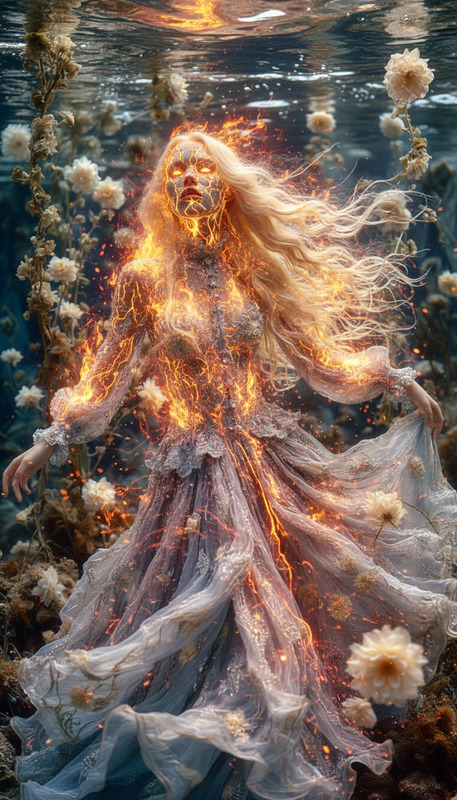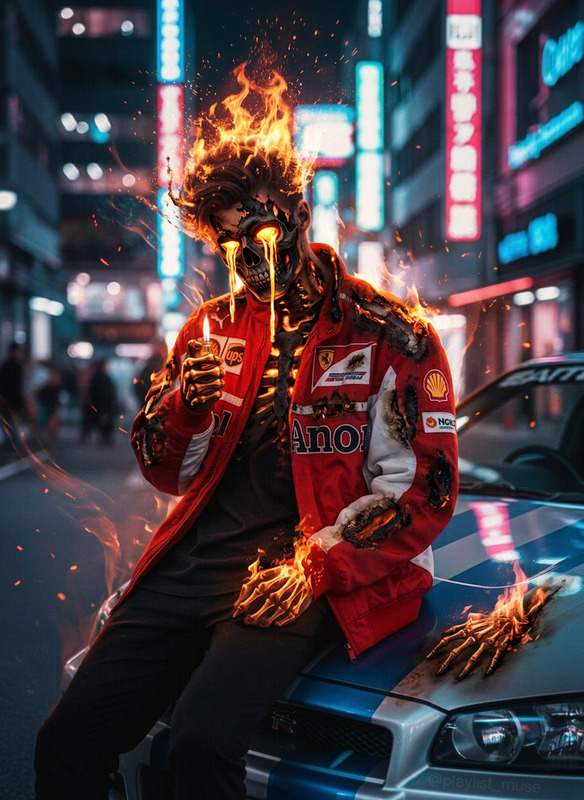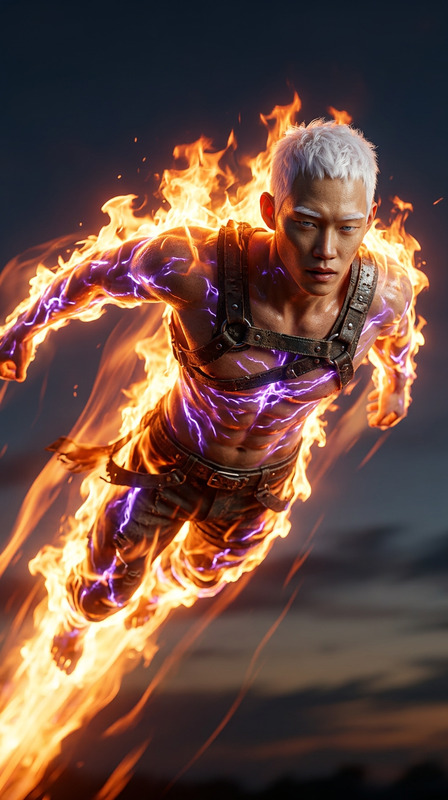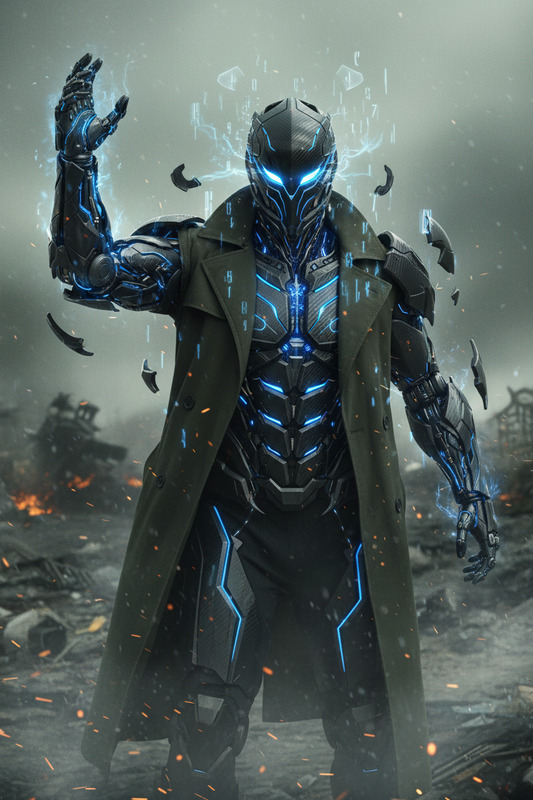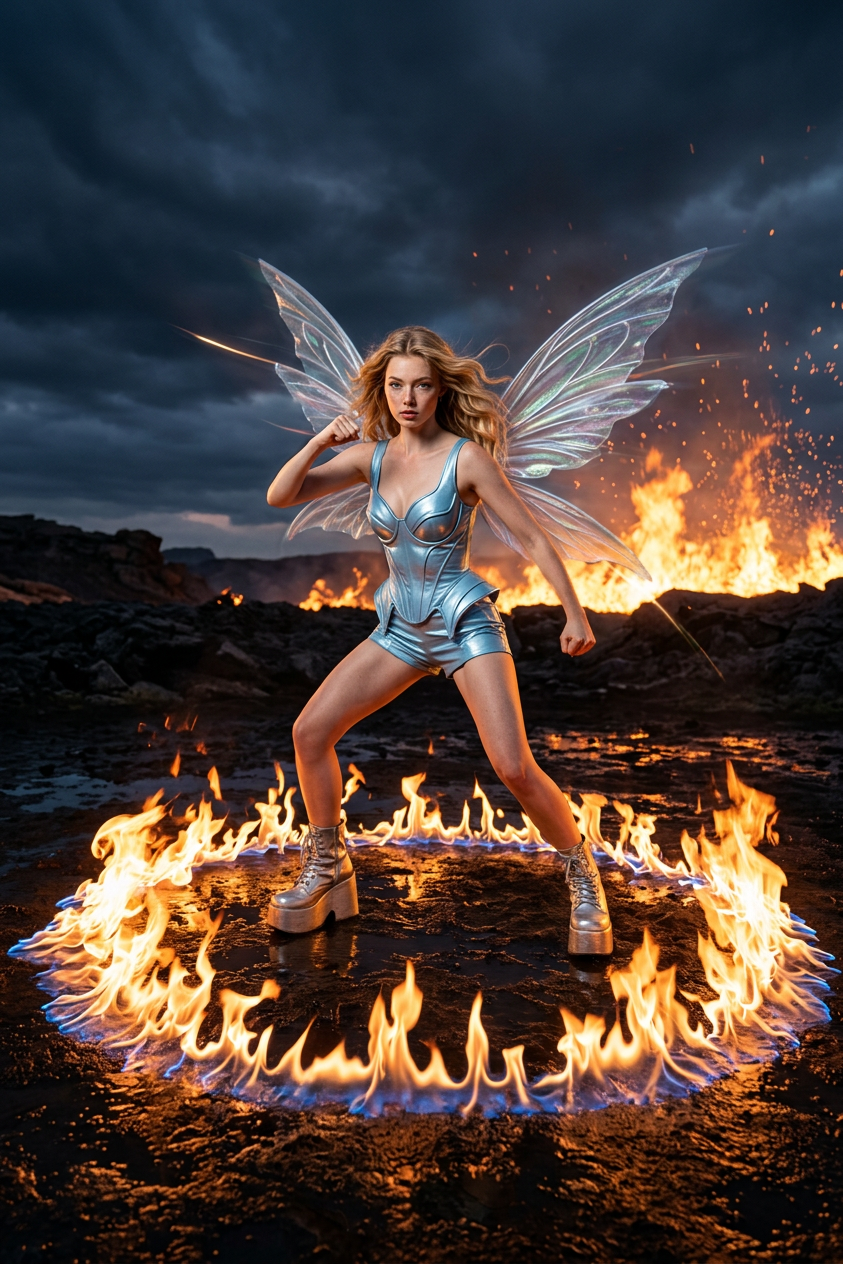
Winx 2
- Model
- Nano Banana 2
- Image
- 843 × 1264 px
Prompt
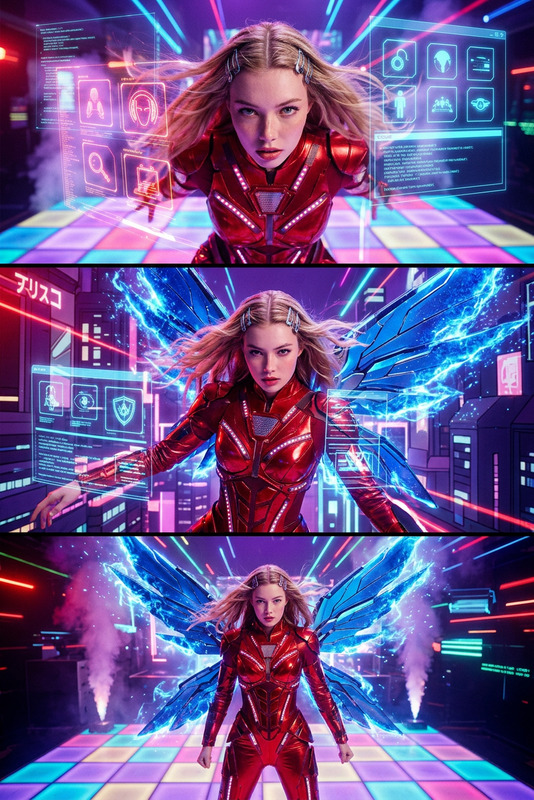
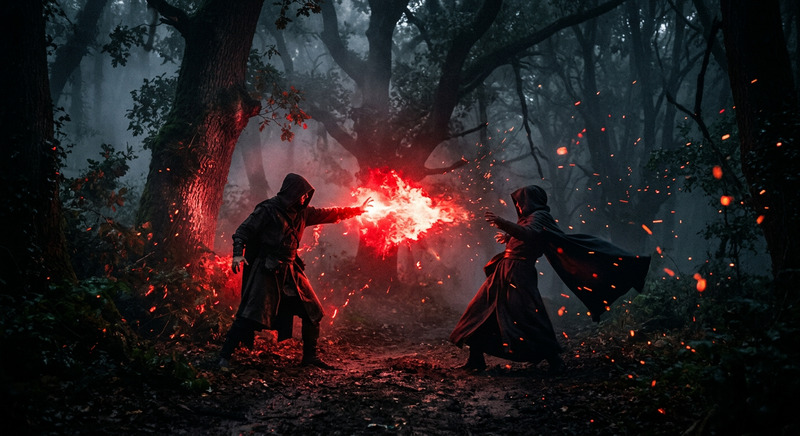
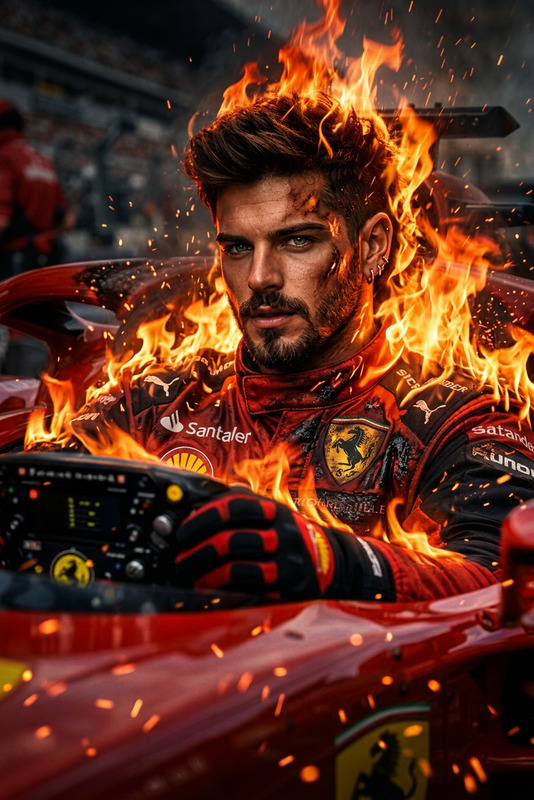
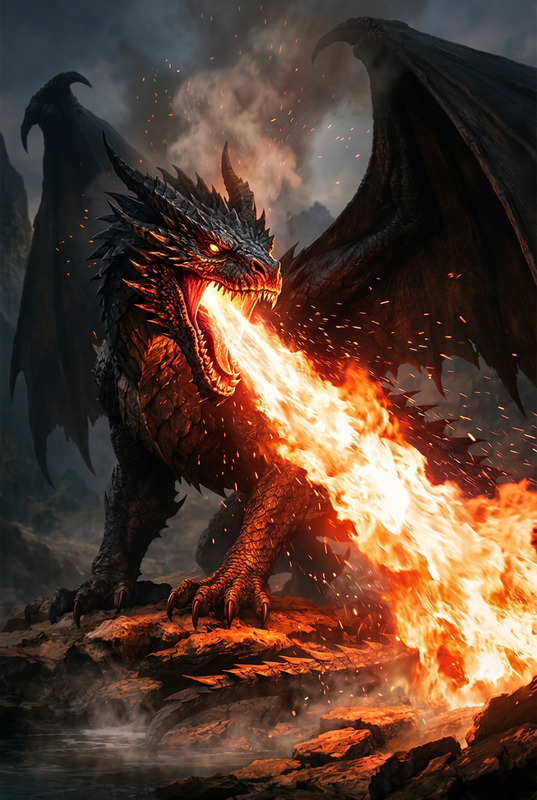
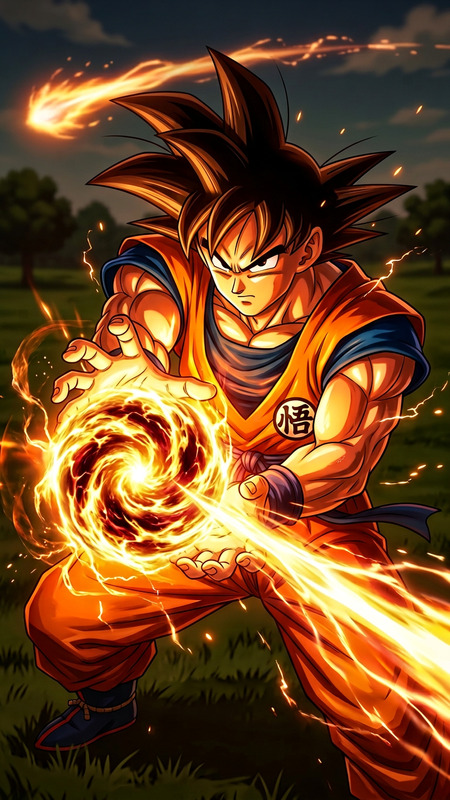
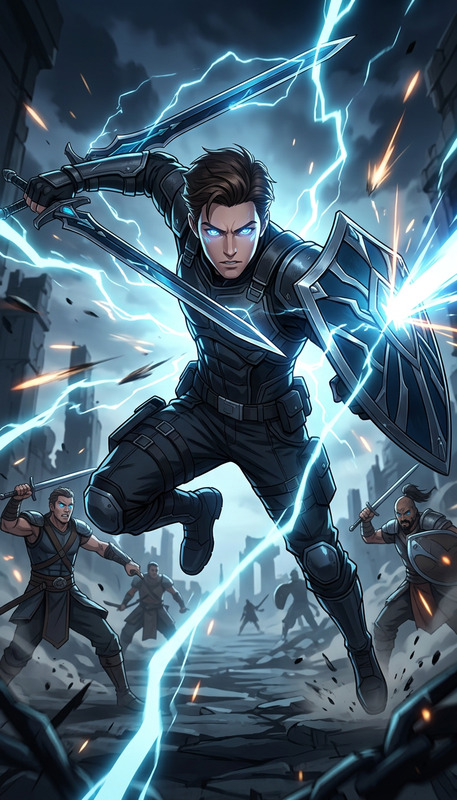
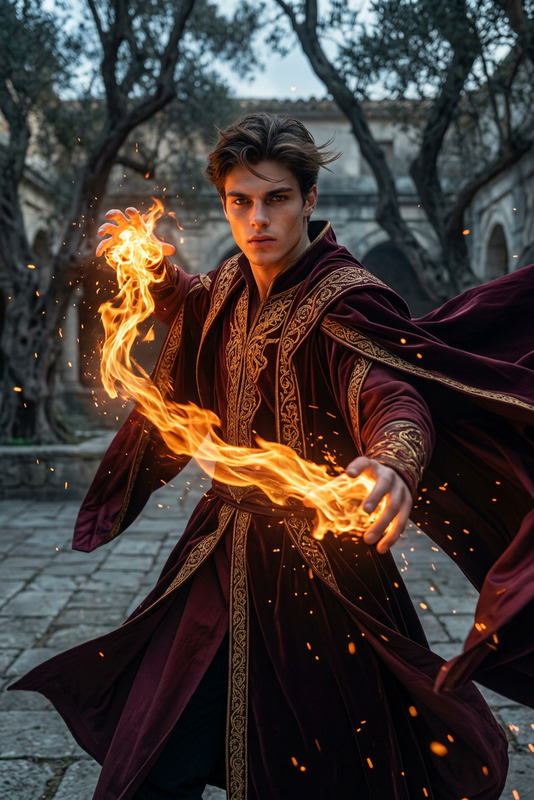
Dynamic shooting, quick edits, intense fiery visual effects. High-contrast, dramatic lighting. Setting: An open, dark landscape under a stormy, twilight sky. A huge wall of roaring fire on the horizon. The ground is dark, damp, and highly reflective. His clothing transforms into a light blue metallic fairy suit, massive platform boots, and translucent, iridescent wings. The camera shakes from the impact. A massive ring of fire expands from his feet. A final, powerful fighting stance. Fade to black.
Any aspect ratio
Overview
The Winx 2 template, powered by the Nano-Banana 2 model, offers a dynamic experience in AI image editing. With this template, you can apply dramatic visual effects and striking transformations to your images, turning any scene into a high-contrast, cinematic masterpiece. Transform characters with fiery and metallic elements set against a stormy backdrop.
What It Does
This AI Image Editor template is designed for quick edits that add intense fiery effects and visually compelling transformations to your images. It incorporates high-contrast lighting and cinematic elements to create dramatic effects, such as swirling flames and reflective surfaces. The template also allows for creative transformations of characters' clothing and surroundings, making it ideal for creating bold and vibrant imagery.
Who It's For
If you're a creator looking to add stunning visual effects to your images, the Winx 2 template is perfect for you. It's ideal for photographers, visual artists, and content creators who want to experiment with AI-driven transformations and achieve a unique look that stands out. Whether you're building marketing materials or working on personal projects, this tool provides the capabilities you need.
Summary
With Winx 2, you can transform ordinary images into extraordinary works of art. Leveraging the AI Image Editor capabilities, this template provides easy-to-apply, sophisticated visual effects. The Nano-Banana 2 model ensures your edits are both fast and powerful, making it a must-have tool for anyone interested in cutting-edge image enhancements.
How To
Choose

Customize

Generate

Use Cases
Marketing and Advertising
- Transform product images with high-impact visuals.
- Create unique, memorable brand imagery.
Creative Storytelling
- Enhance mood boards with fiery, intense scenes.
- Visualize conceptual art projects with cinematic effects.
Social Media Content
- Generate trendy, shareable content for platforms like Instagram or TikTok.
- Engage audiences with before-and-after transformations.
Best Practices
Experiment with Lighting
Adjust the dramatic lighting settings to enhance the effect and mood. Try high-contrast setups to make elements pop.Focus on Detail
Pay attention to the clothing and accessory transformations to ensure that they fit the character's style and the scene's tone.Moisture Effects
Make use of the reflective ground and damp conditions to add depth and realism to your visuals.