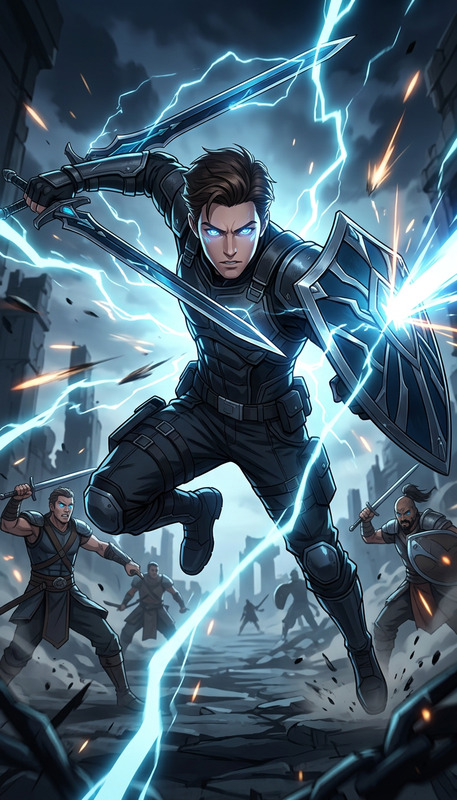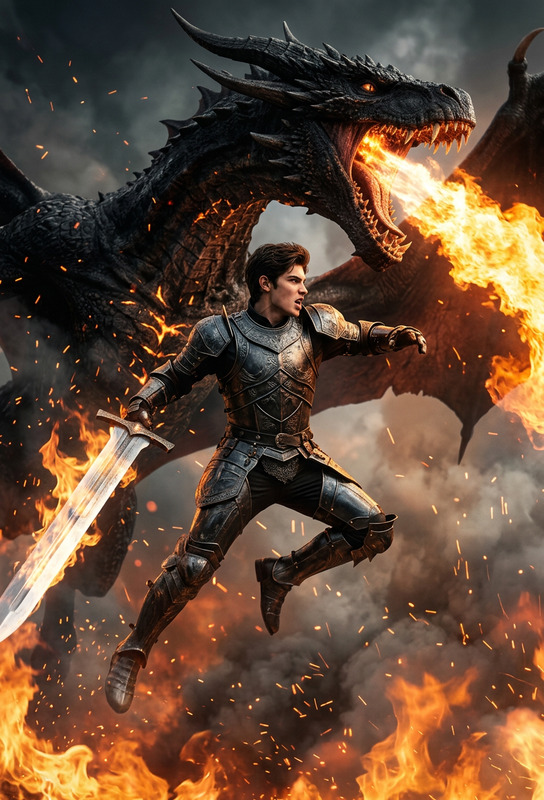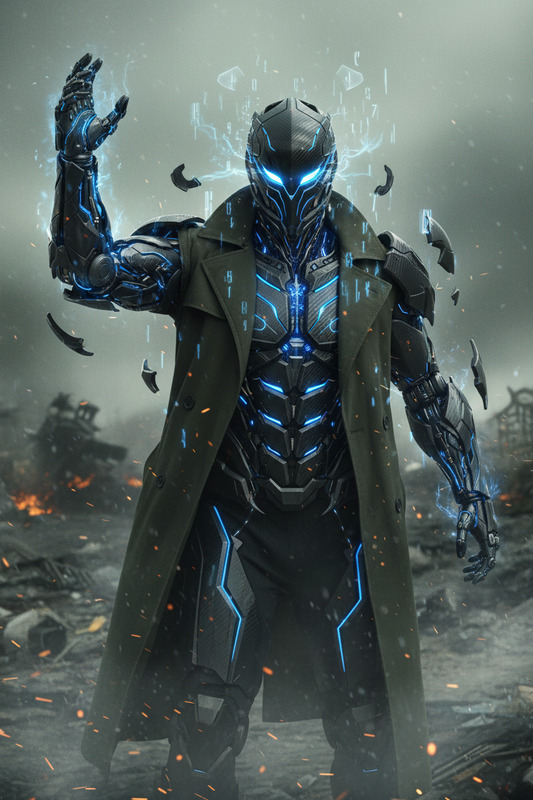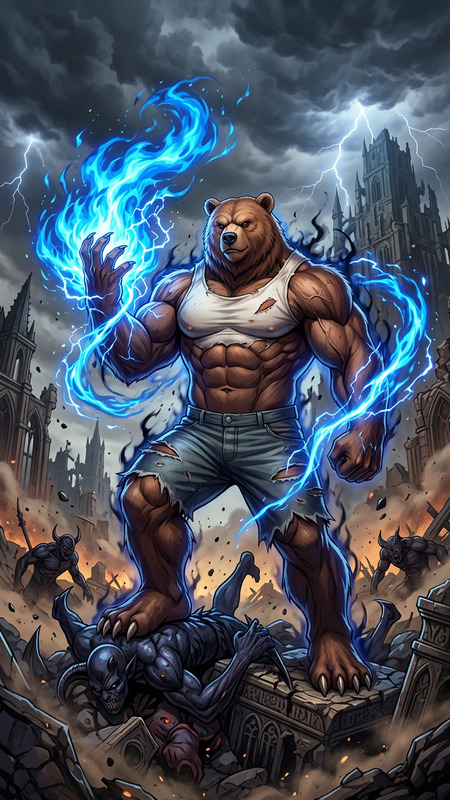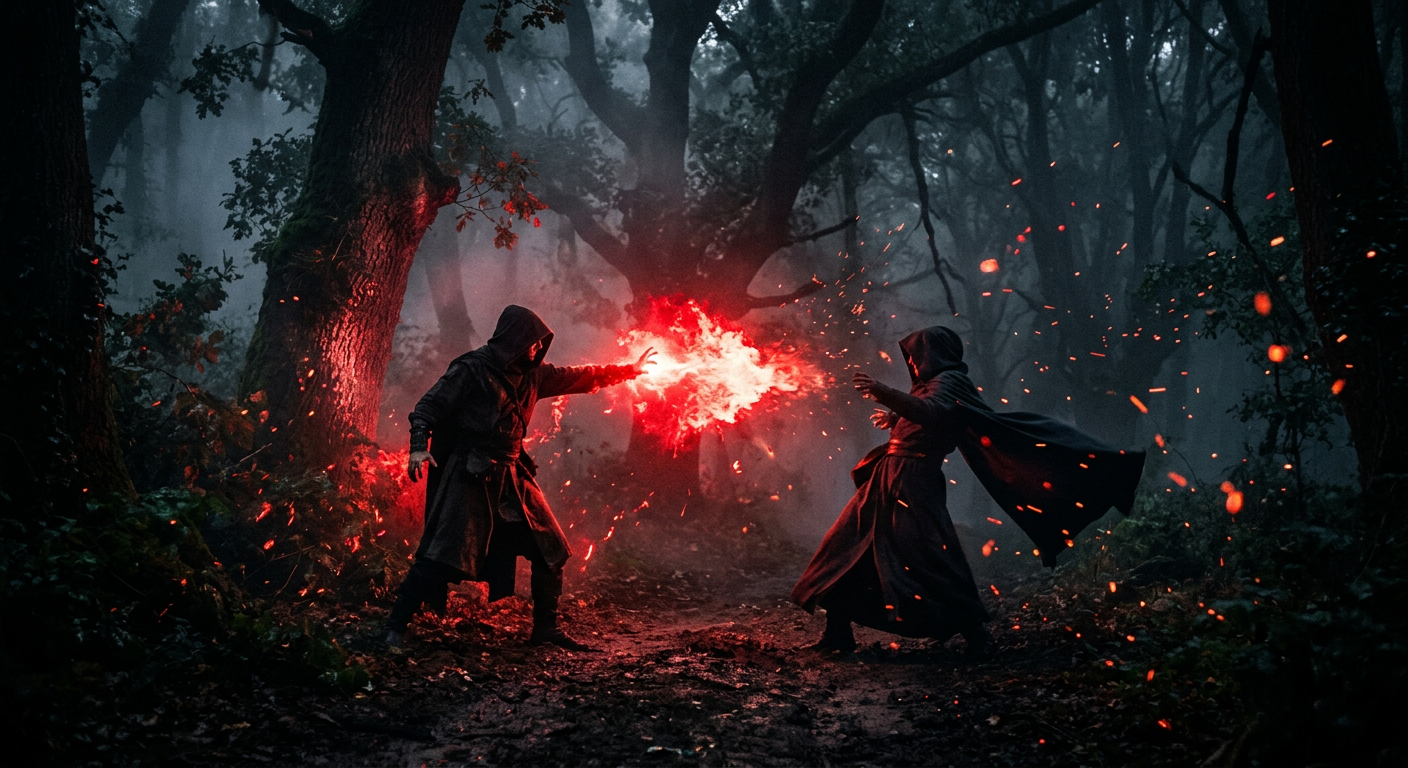
Battle in dark foggy forest
- Model
- Nano Banana 2
- Image
- 1408 × 768 px
Prompt
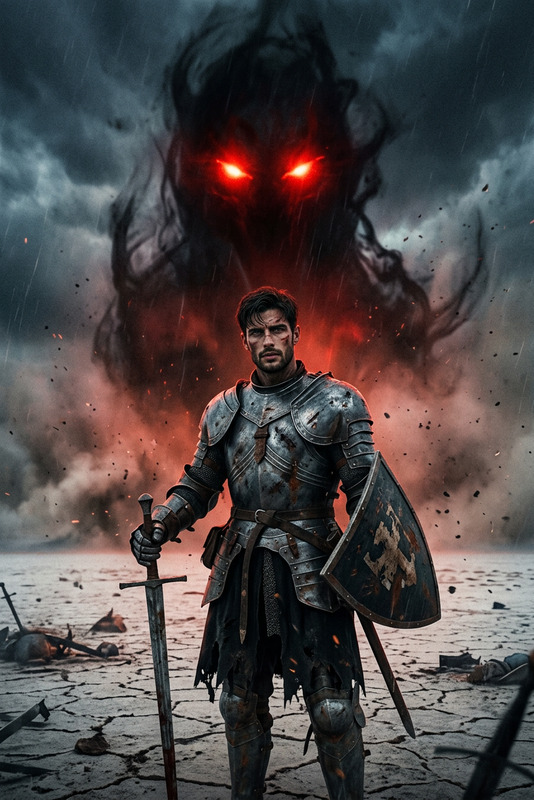
A dramatic cinematic scene in a dark foggy forest where two hooded figures clash, one unleashing a burst of glowing red energy that lights up the trees, sparks flying, deep shadows, dense atmosphere, high-detail lighting and moody composition.
Any aspect ratio
Overview
Immerse yourself in a scene of mystery and action with the "Battle in Dark Foggy Forest" template. Designed for the AI Image Editor, this setting captures a high-stakes clash between two hooded figures and the electric ambiance that surrounds them. Utilize this template for creating volume-rich, cinematic images perfect for storytelling or dramatic presentation.
What it Does
This template employs the nano-banana-2 model to craft a scene that exudes intensity and dread, spotlighting the vivid details of a red energy burst within a fog-laden forest. The AI excels in rendering high-detail lighting and moody compositions, all contributing to the scene's dense and charged atmosphere.
Who it's For
The "Battle in Dark Foggy Forest" template is ideal for creators seeking to produce visually striking images for graphic novels, game concept art, or promotional media. It's tailored for use by digital artists, storytellers, and marketing professionals eager to grab attention with dramatic and atmospheric visuals.
Summary
Whether you're building a storyboard or developing content for a thriller promotional campaign, this template provides the tools to implement stunning visual narratives. With the ability to adjust image elements intricately, users can create a bespoke scene that aligns perfectly with their project's vision. Pair this with resources like the AI Clothes Changer for even more character customization options.
How-To
Choose the Template

Customize Your Scene

Generate and Refine

Use Cases
Graphic Novel Panels
- Visual depth
- Character dynamics
Concept Art
- High-detail environments
- Mood-rich scenes
Promotional Images
- Attention-grabbing
- Dramatic lighting
Best Practices
Leverage High Contrast
Emphasize the energy burst against the darker elements of the forest for maximum visual impact.Modify Character Details
Utilize tools like the AI Face Editor to refine features and expressions for a more engaging scene.Experiment with Composition
Adjust the placement and size of elements to guide the viewer's eye effectively across the scene.