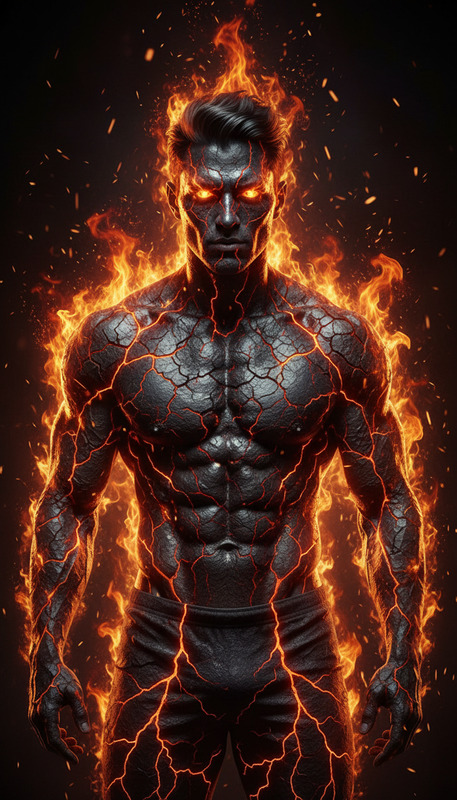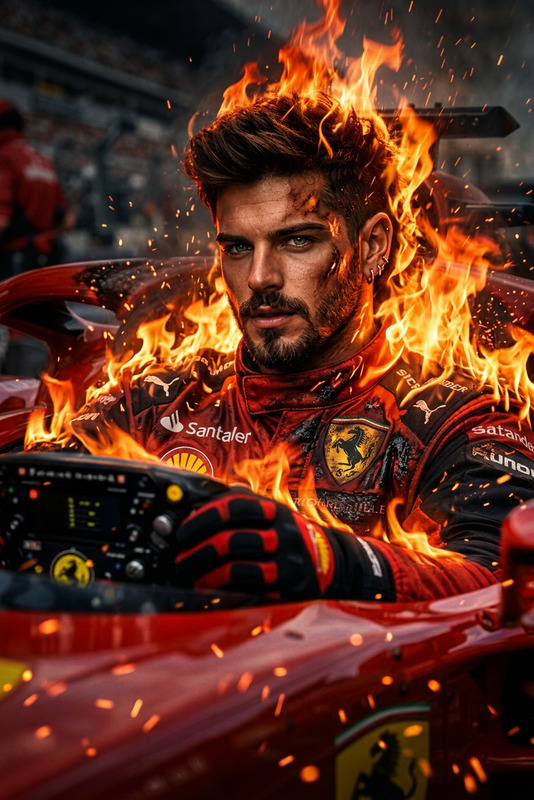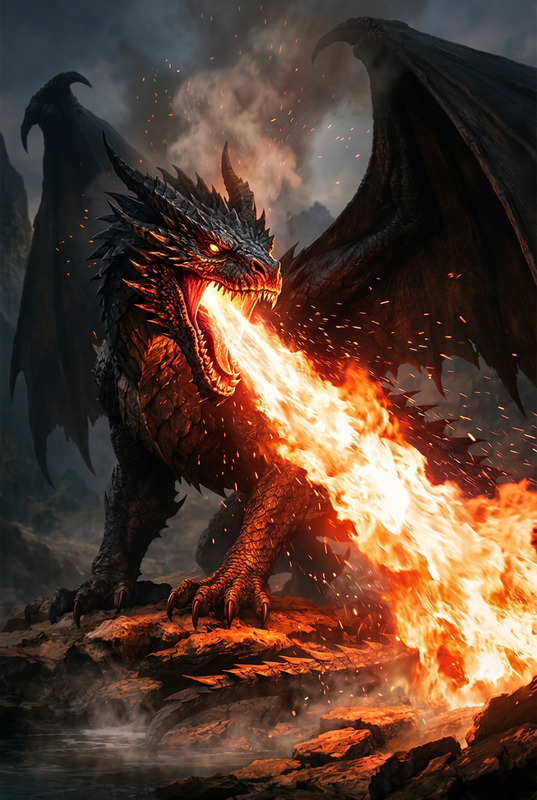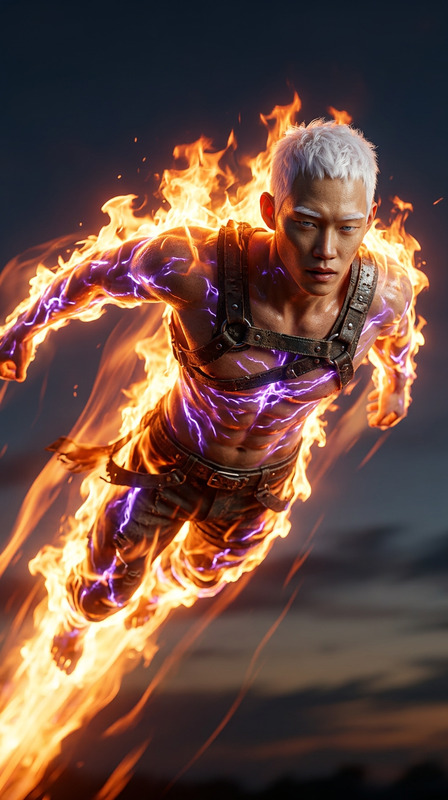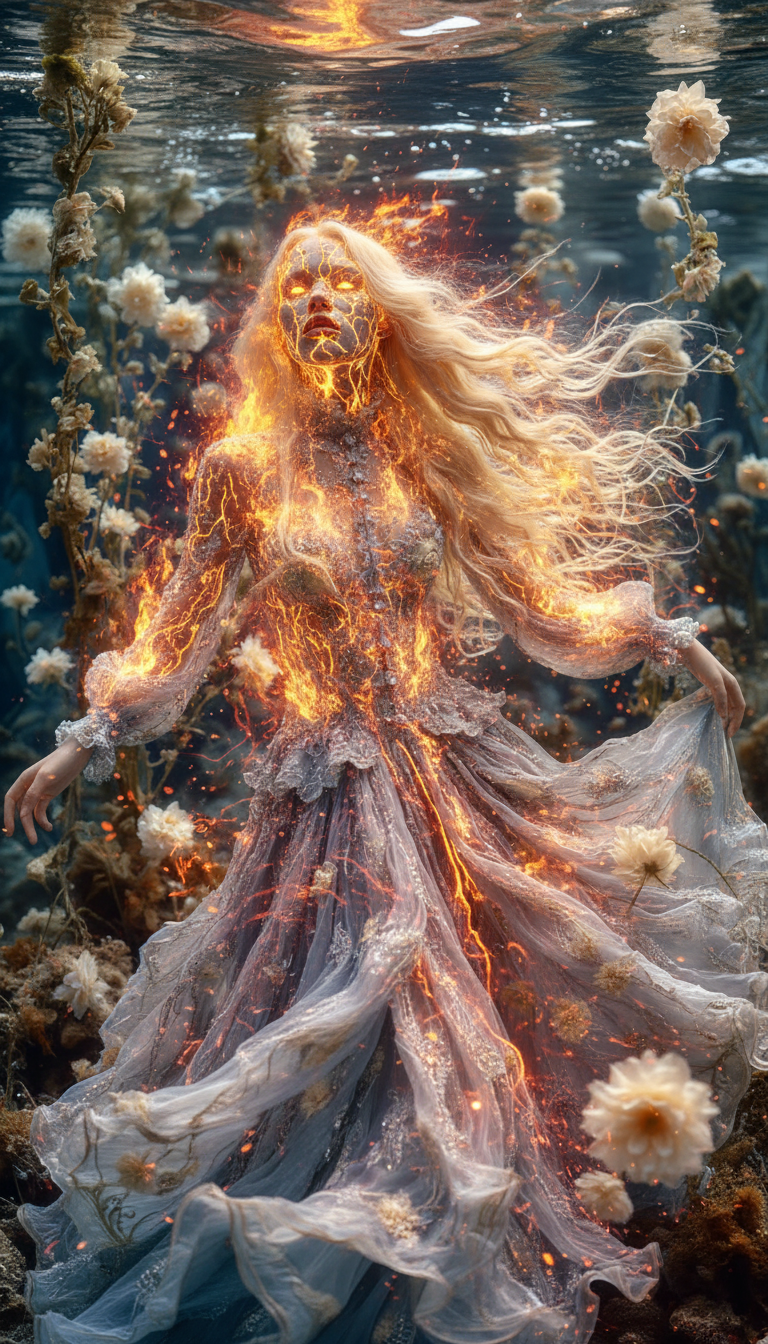
Firelava
ai-image-editor
Any aspect ratio
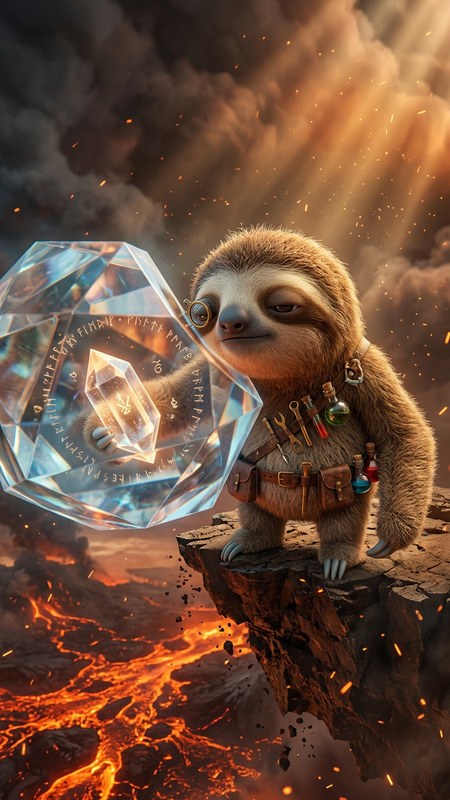
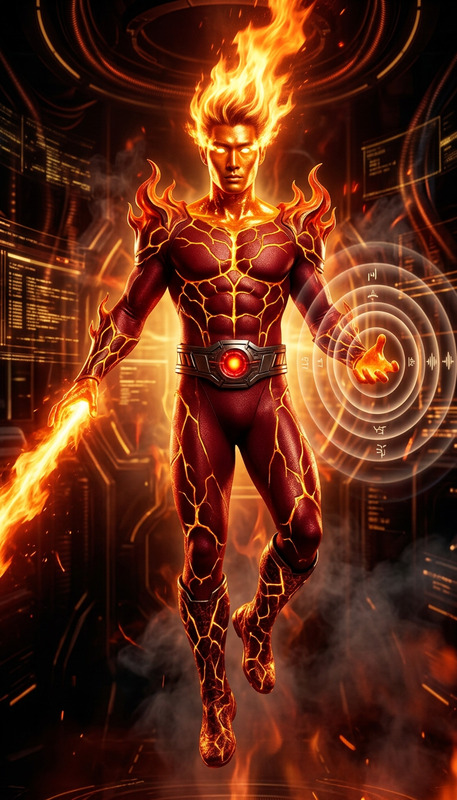
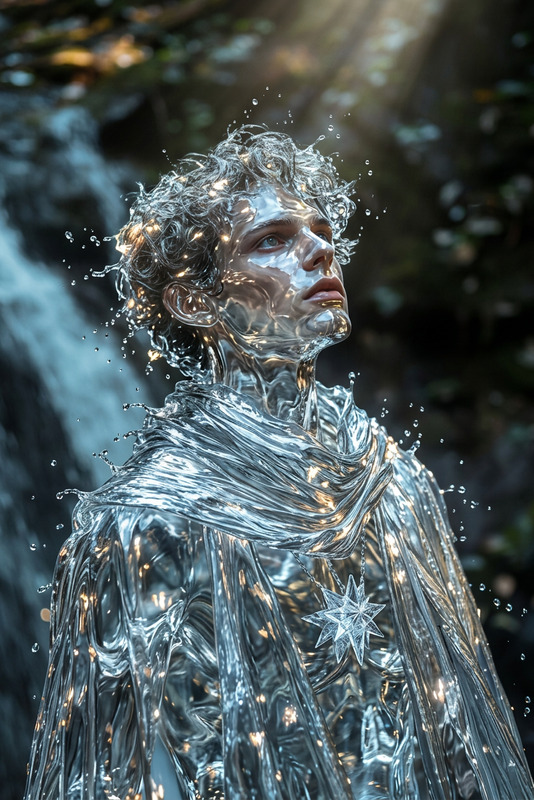
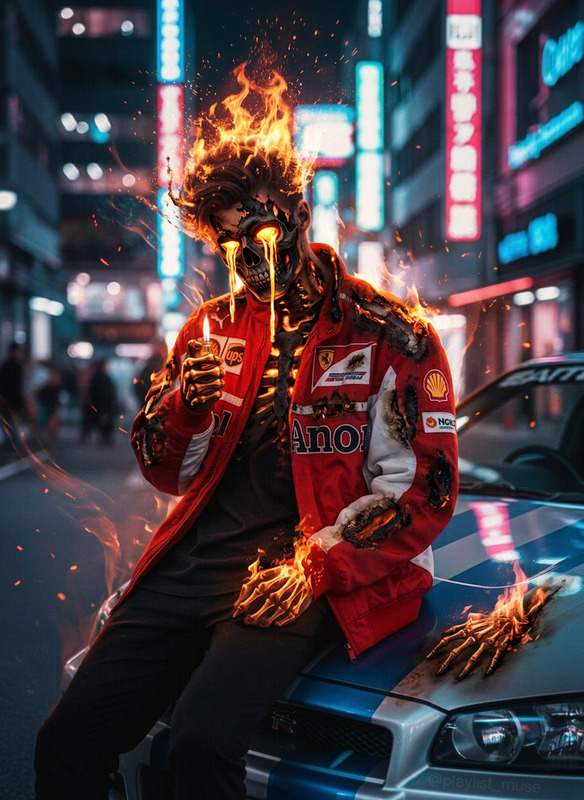
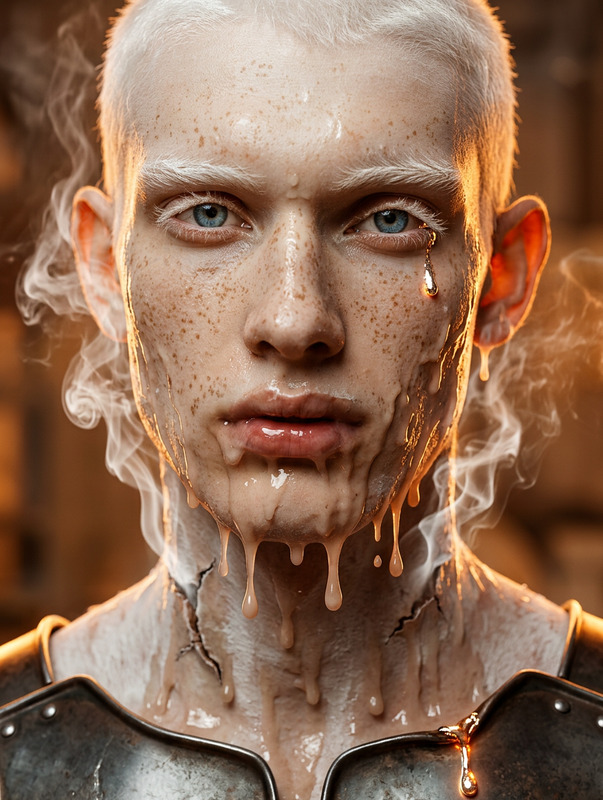
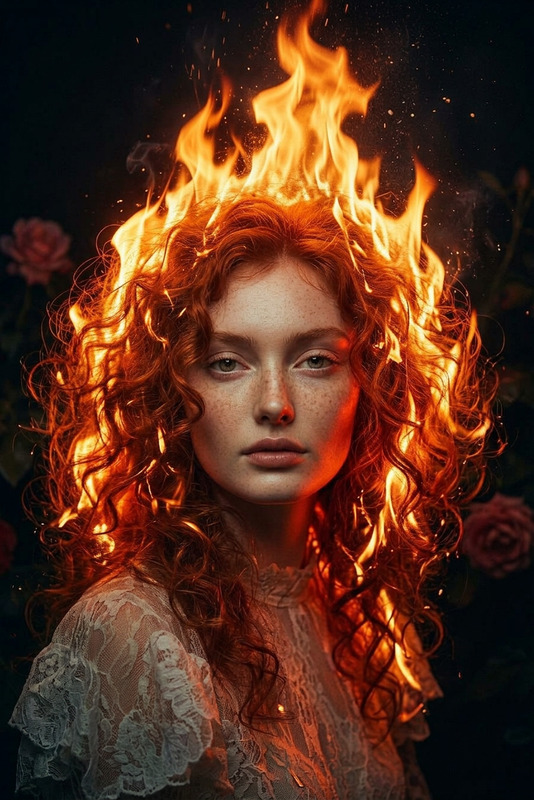
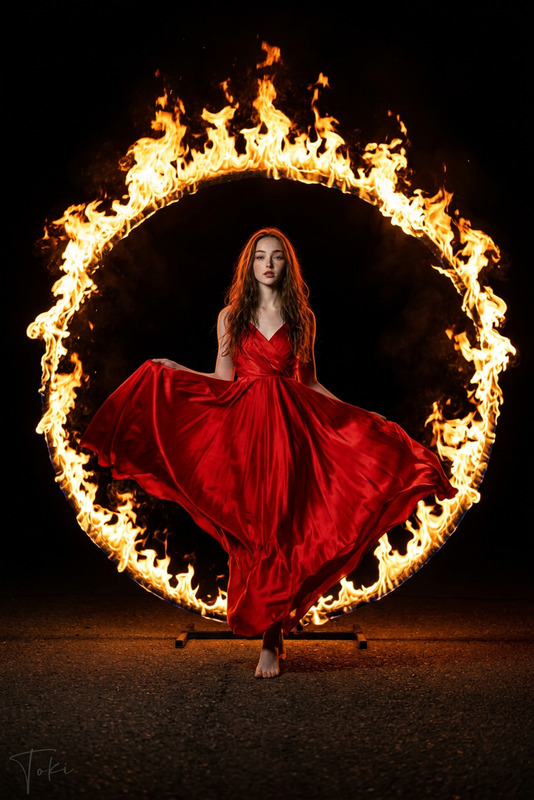
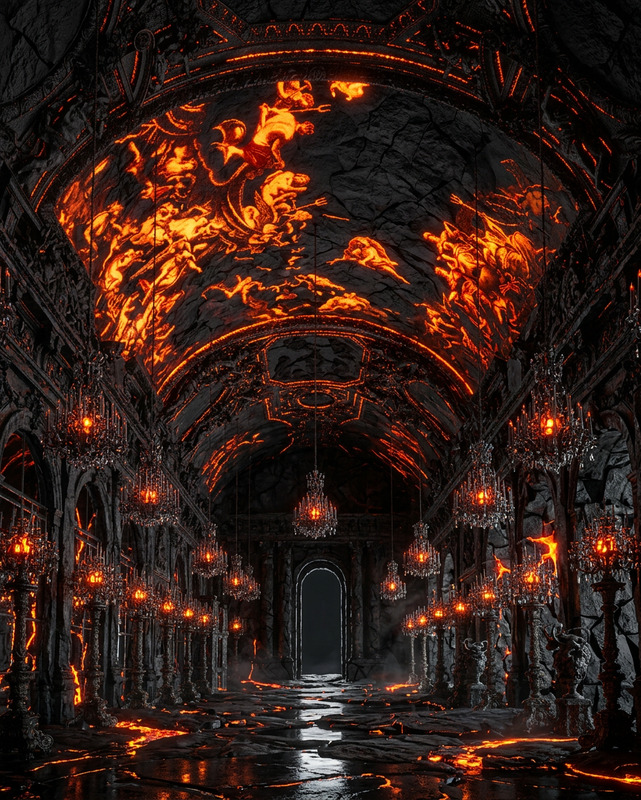
Cinematic shot of a subject transforming into a fire-lava elemental, skin cracking as molten light glows through. Lava and flames flow across their body, radiating intense heat and power. The environment glows with fiery reflections as embers drift in the air. Intense, unstoppable energy, ultra-realistic, HDR, high contrast, shallow depth of field.
AI Image Editor Template – Fast, Precise Visual Edits for Modern Creators
Use this template to transform any photo in seconds with Magic Hour’s AI Image Editor. Whether you’re cleaning up product shots, iterating on ad creatives, or testing new visual concepts for your startup, this template gives you a repeatable, remixable workflow you can adapt to your own brand and use cases.
What You Can Do With This Template
This AI Image Editor template is optimized for:
- Product photos
- Remove distractions, fix backgrounds, or generate on-brand lifestyle scenes
- Quickly test new visual directions for landing pages, ads, or marketplaces
- Brand & marketing assets
- Swap colors, objects, or styles to match your visual identity
- Create variations for A/B tests across social, email, and paid channels
- Creator & personal content
- Clean up portraits, remove unwanted objects, or restyle images for different platforms
- Concept exploration
- Rapidly prototype visuals for pitch decks, features, and campaigns
If you’ve used tools like Photoshop’s generative fill, Midjourney, or DALL·E inpainting, this template gives you a similar “edit in place” experience—directly in the browser, with no manual masking required.
How to Remix This Template in Magic Hour
You can use this template as-is or quickly turn it into your own reusable workflow.
Open the template in Magic Hour
- Upload the base image you want to edit.
- Use the AI Image Editor to describe what you want to change (e.g., “replace the background with a minimal studio backdrop,” “change the jacket to black leather,” “remove the person in the background”).
Iterate with prompt variations
- Save multiple prompt versions to explore:
- Formal vs. casual styles
- Different background types (studio, lifestyle, abstract)
- Different color schemes or moods
- Keep the same base image while changing only the prompt to compare outcomes side by side.
- Save multiple prompt versions to explore:
Turn it into your own template
- Once you find a combination that works (image type + prompt style), reuse that flow for:
- Entire product catalogs
- Campaign-specific visual systems
- Client-specific brand looks
- You can remix the original template by:
- Swapping in new source images
- Adjusting the textual instructions to reflect your brand guidelines
- Combining with other Magic Hour products (see below)
- Once you find a combination that works (image type + prompt style), reuse that flow for:
Create a multi-step workflow (advanced)
For more complex pipelines:- Start with content generation using the AI Image Generator or AI Photo Generator.
- Refine details and remove artefacts using the AI Image Editor.
- Upscale for production use with the AI Image Upscaler.
- Turn static images into motion using:
Recommended Workflows & Pairings
For creators, marketers, and builders who want to go beyond single-image edits, this template plays well with other Magic Hour tools:
Landing page & ad creative pipelines
- Generate product or hero imagery with AI Art Generator or AI Image Generator
- Edit details, remove objects, and align with brand colors using AI Image Editor
- Remove backgrounds for modular layouts using Image Background Remover
- Upscale final creatives for web or print with AI Image Upscaler
- Generate thumbnails or social-first variations with Thumbnail Maker
Product catalogs & ecommerce
- Batch-generate context shots using AI Background Generator
- Use the AI Image Editor template to:
- Standardize backgrounds
- Clean up reflections or clutter
- Apply consistent lighting or style language
- Create fashion-focused variations with:
Brand, character, and avatar systems
- Design core characters with:
- Use the AI Image Editor to maintain consistency across poses, outfits, and environments.
- Turn characters into short animations with:
Professional portraits & headshots
- Generate initial portraits with the AI Headshot Generator or AI Selfie Generator.
- Use the AI Image Editor to:
- Clean backgrounds
- Adjust attire (business, smart casual, etc.)
- Correct small details or distractions
- For social or content versions, remix into stylized variations using:
Content & storytelling
- Quickly design covers, posters, and visuals:
- Refine compositions, remove or add elements, and adjust style with the AI Image Editor.
- Turn static panels or scenes into motion with:
Practical Tips for Better AI Image Edits
These patterns are based on how teams and creators typically get the best results from inpainting / AI editing workflows:
Be explicit in your instructions
Instead of: “make it better”
Prefer: “replace the cluttered background with a clean white studio background and soft shadows”Describe outcomes, not tools
Focus on what you want to see (“sunset lighting, warmer tones, modern minimal interior”) rather than how to technically achieve it.Reuse language that works
Once you find prompts that match your brand aesthetic (e.g., “soft natural lighting, muted colors, minimalist composition”), incorporate them into your remix of this template so your visuals stay consistent across campaigns.Chain tools when needed
- Use AI Remover or Remove Object from Photo for complex object removal.
- Then refine the scene with the AI Image Editor to restore details or style.
- Upscale the final result with Unblur Image or AI Image Upscaler when preparing for high-res export.
Maintain brand consistency
- Document a small “prompt style guide”: tone (dramatic vs. natural), color palette, lighting, and composition keywords.
- Reuse this guide whenever you remix or clone this template for new campaigns or clients.
Example Remix Scenarios
You can take this AI Image Editor template and adapt it to:
- DTC brand: Clean and restage product shots, then convert top performers into short looping clips with AI GIF Generator.
- SaaS startup: Generate abstract, on-brand illustrations using AI Illustration Generator, then fine-tune details with the AI Image Editor for use in decks and landing pages.
- Game, fantasy, or tabletop projects:
- Create maps and worlds using Fantasy Map Generator or Dark Fantasy AI.
- Edit and polish specific regions, labels, or icons with the AI Image Editor.
- Generate characters via DND AI Art Generator, then adjust armor, colors, or backgrounds with this template.
Combine Image Editing With Video & Voice
Once your images are refined with this template, you can extend them into full multimedia content:
From static image to talking visual
- Use AI Talking Photo to animate faces.
- Add voices with:
- Auto-generate subtitles for exports using Auto Subtitle Generator.
Face- and lip-based video content
- Blend edited portraits into:
High-quality output for distribution
- Improve older or low-res source images with:
- Enhance final video quality using Video Upscaler.
Related Creative Tools Worth Exploring
Depending on your use case, you may want to combine this AI Image Editor template with:
- Logos & branding: AI Logo Generator, AI QR Code Generator
- Social & community: AI Meme Generator, Emoji Generator
- Niche visual systems:
All of these can feed into, or be refined by, the AI Image Editor using this template as your central editing step.
How to Start
- Open the AI Image Editor in Magic Hour.
- Upload your base image (product, portrait, illustration, or concept art).
- Use clear, outcome-focused instructions to edit, remove, or restyle elements.
- Save the best-performing prompts and workflows as your own remix of this template.
- Chain in other Magic Hour tools as needed for generation, upscaling, animation, or voice.
This template is designed for teams and solo creators who care about speed, consistency, and production-grade quality. Remix it, extend it, and plug it into your existing workflows to move from idea to polished visual asset in minutes.