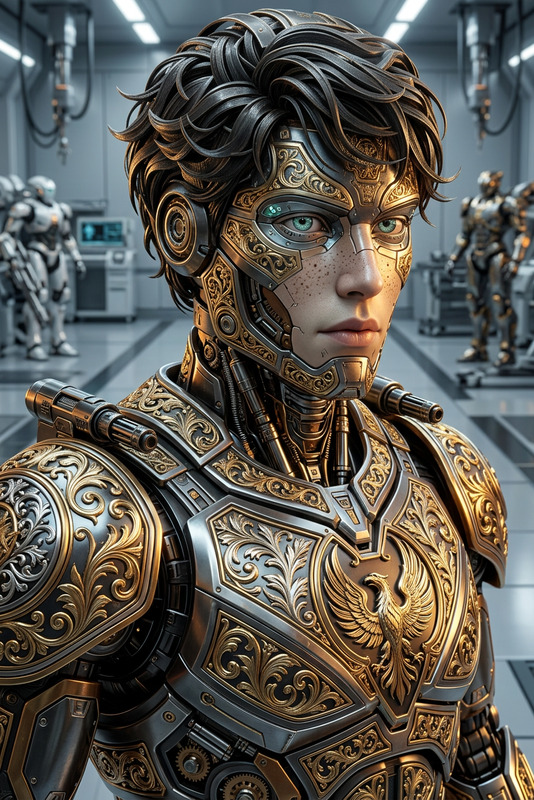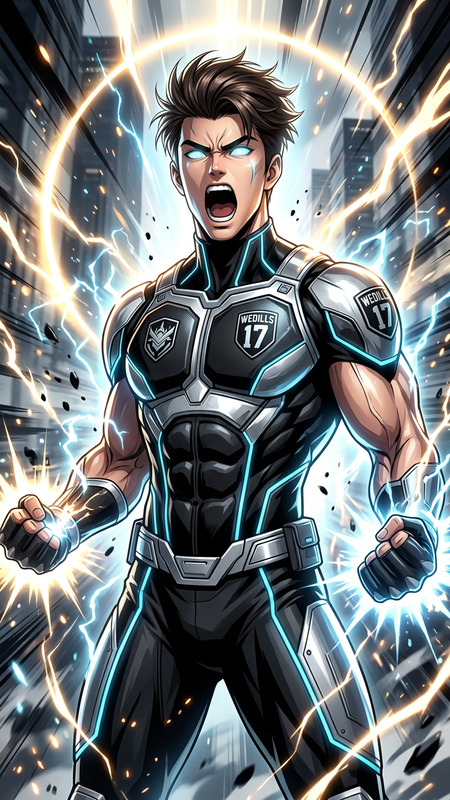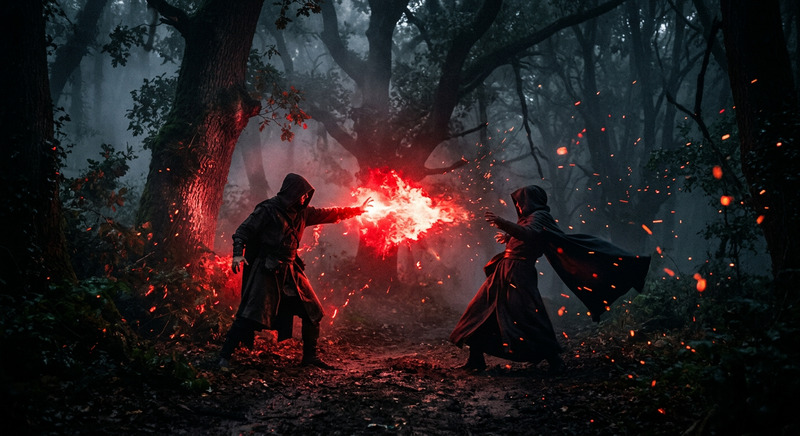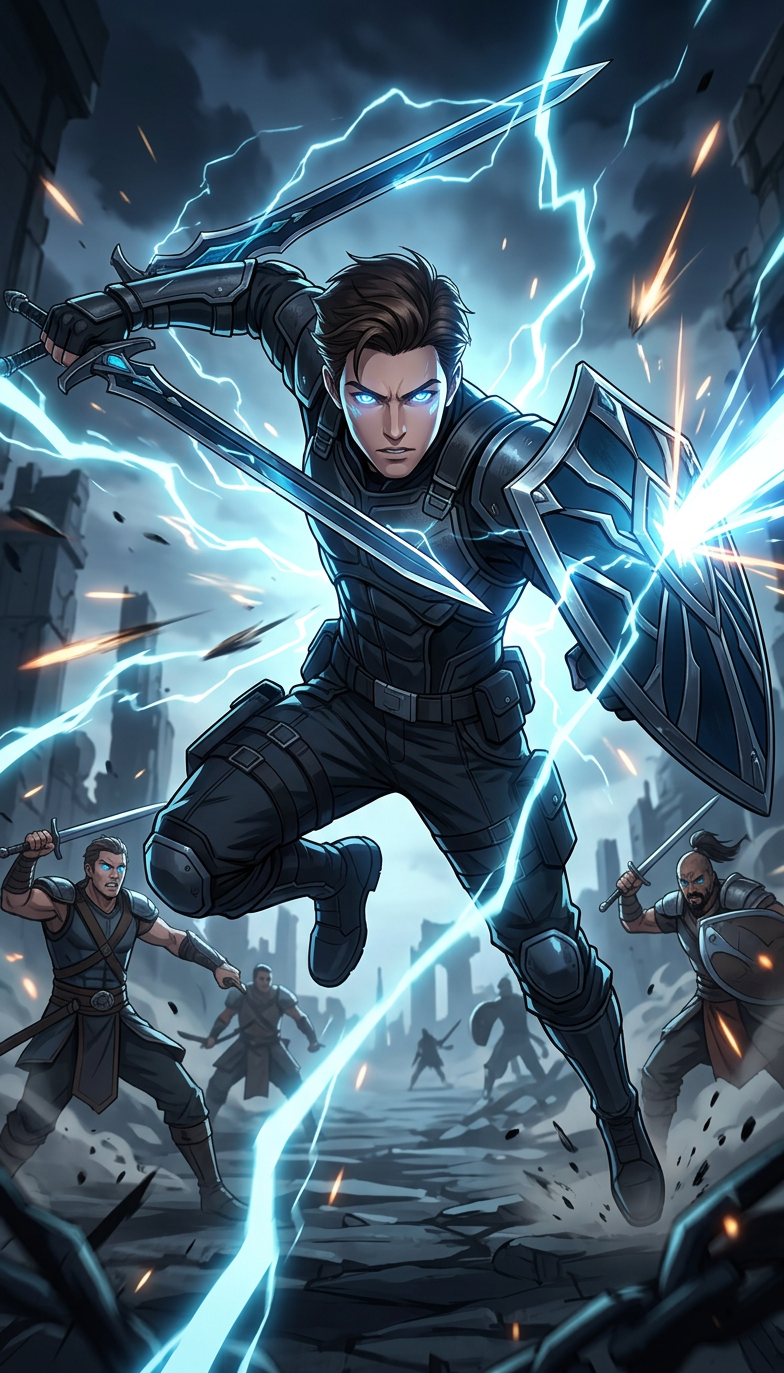
Azure Battle Energy Scene
- Model
- Nano Banana 2
- Image
- 784 × 1373 px
Prompt
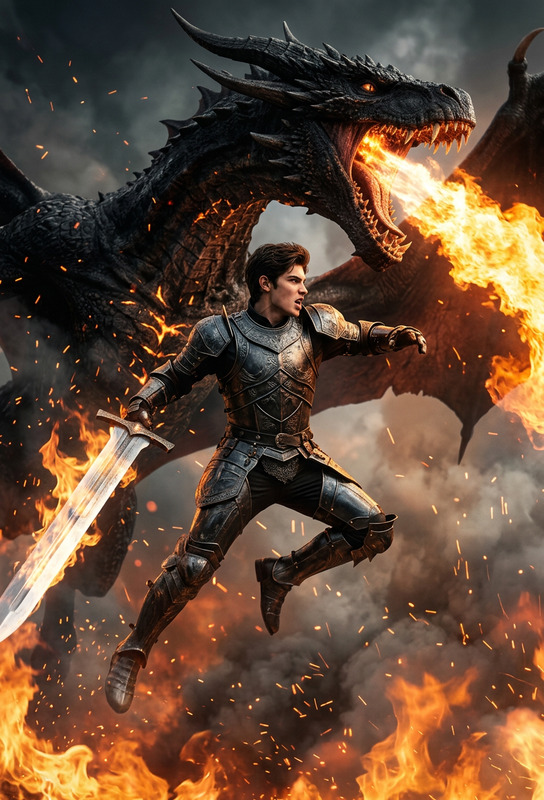
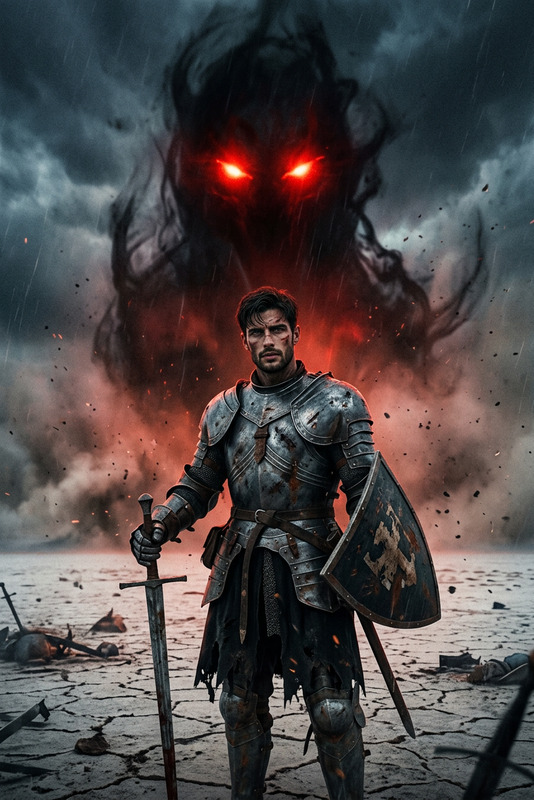
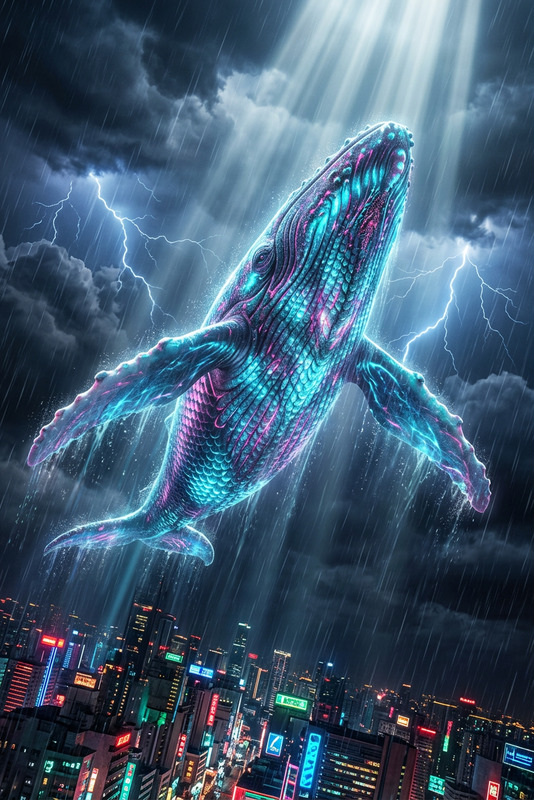
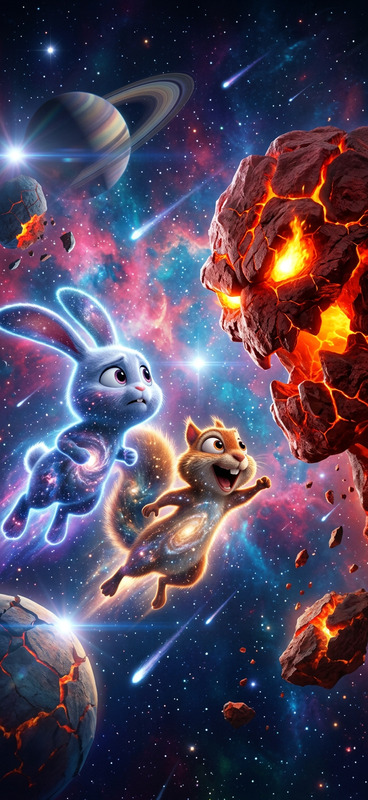
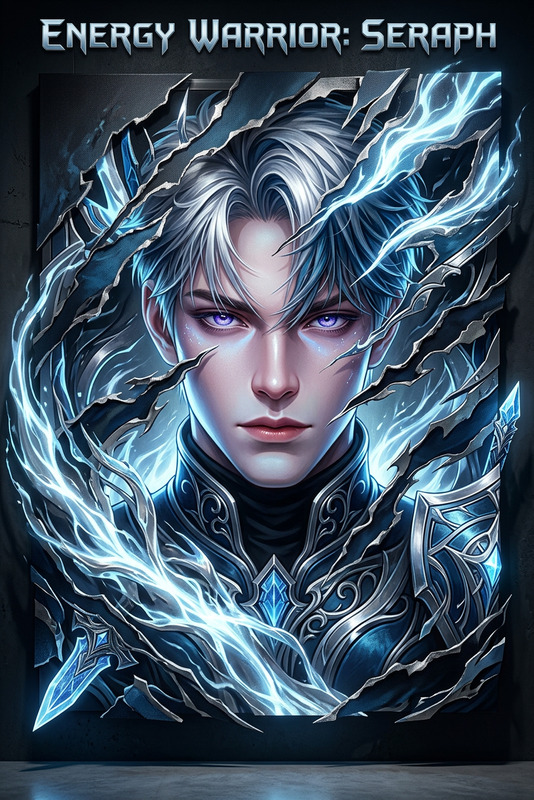
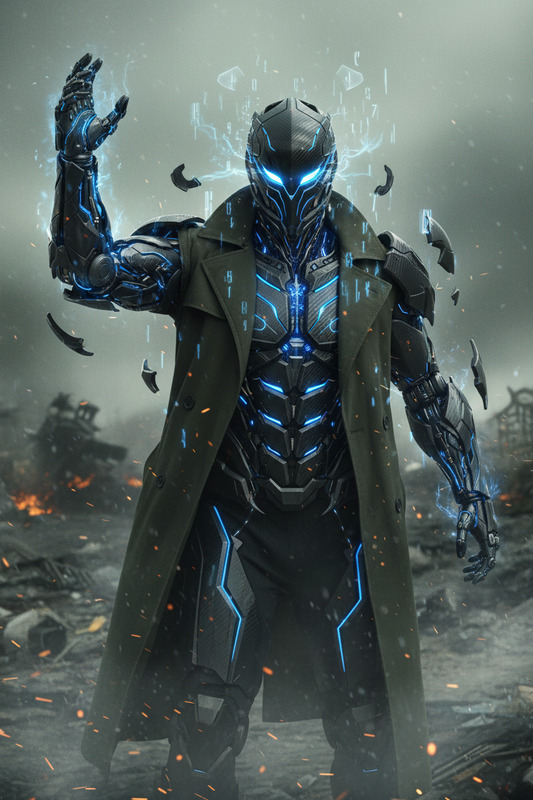
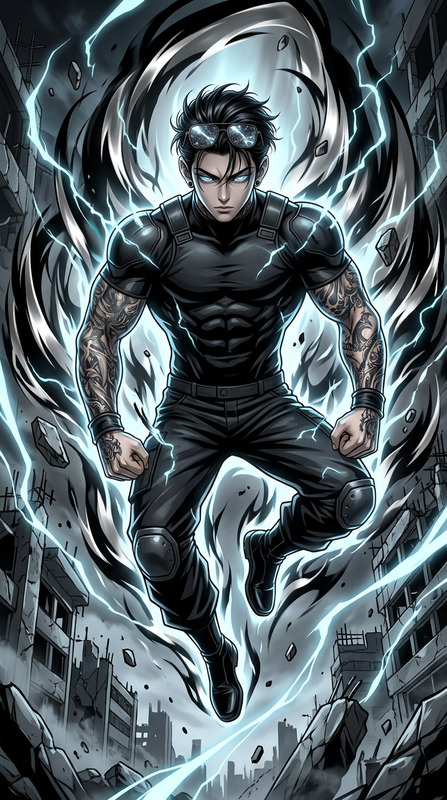
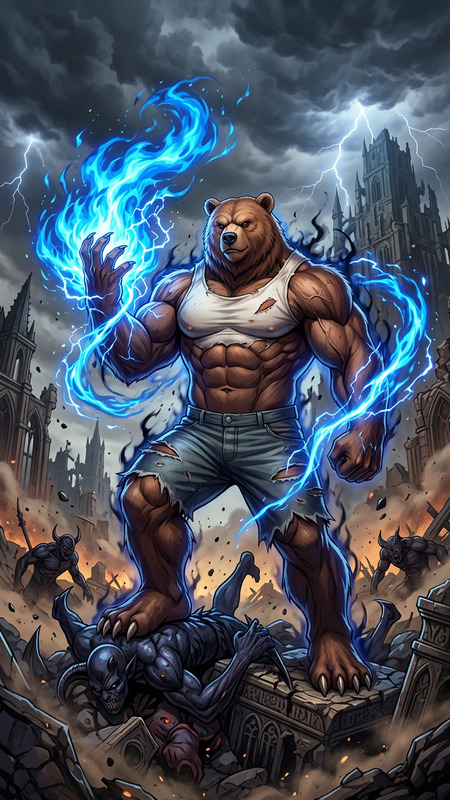
A dynamic anime-style action scene featuring powerful fighters in an intense battle. The subject is rendered in a dark azure and silver palette, with glowing light blue highlights and dramatic energy effects. The composition is highly energetic, with dynamic poses, motion blur, and a ripped, layered visual style that feels torn from an epic moment. Realistic lighting and shadow interplay create an RTX-like effect. Ultra-detailed, high contrast, cinematic
Any aspect ratio
Overview
Enter a world of thrilling battles with the Azure Battle Energy Scene template. Crafted for the AI Image Editor, this template transforms your ideas into electrifying anime-style scenes. With a focus on dynamic action, it showcases fighters in a dark azure and silver palette. The result is a high-energy visual with glowing highlights and cinematic depth, ideal for storytelling and dramatic compositions.
What It Does
This template enables you to create dramatic anime-style action scenes featuring intense battling fighters. Using the AI Image Editor, the scene comes to life with detailed motion blur, dynamic poses, and stunning energy effects. The color palette of deep azure and silver, complemented by light blue highlights, creates a visually striking contrast, transporting you to the heart of the action.
Who It's For
This template is perfect for anime artists, illustrators, and creatives looking to depict dynamic battles. It's especially beneficial for those focusing on concept art for gaming or cinematic projects. By employing technologies from AI Image Generator, this template can easily render high-impact visuals that meet professional standards.
Summary
Designed to capture the intensity of an epic battle, the Azure Battle Energy Scene offers a unique tool for creators. The combination of ultra-detailed imagery and realistic lighting provides depth and dimension to your artwork. Explore similar capabilities with the Image to Video product, which enhances static images into motion-focused narratives.
How to Use
Choose the Azure Template

Customize Your Scene

Generate and Download

Use Cases
Anime Concept Art
- Dynamic character poses
- Powerful energy effects
Gaming Artwork
- Cinematic visuals
- High-contrast detailing
Cinematic Storyboarding
- Realistic shadow interplay
- Dramatic composition
Best Practices
Focus on Lighting
Enhance visual depth by carefully adjusting lighting to mimic real-world shadow effects.Use High-Resolution Inputs
Begin with high-quality inputs to ensure ultra-detailed, clean outputs.Experiment with Poses
Try various dynamic poses to fully exploit the action-oriented nature of the template.