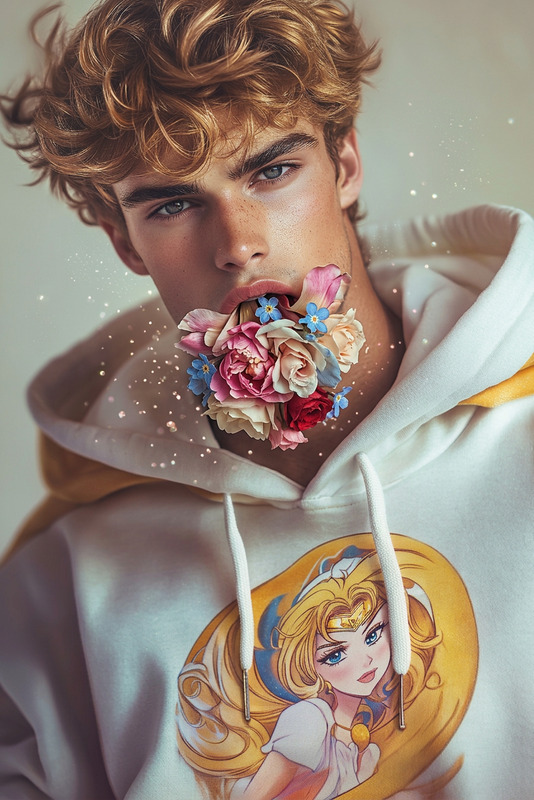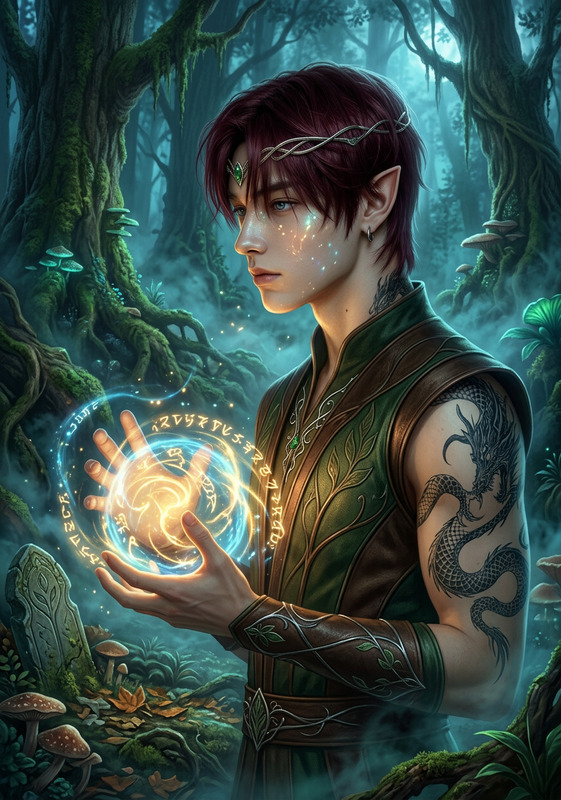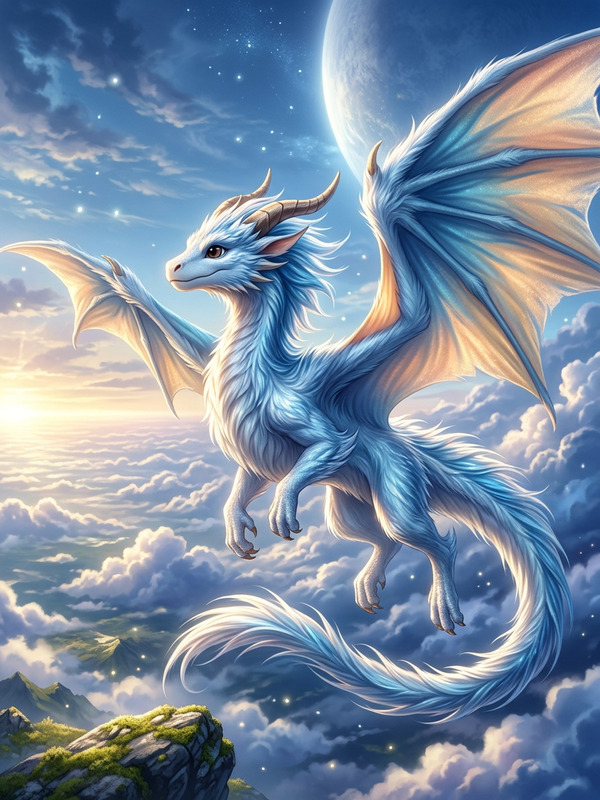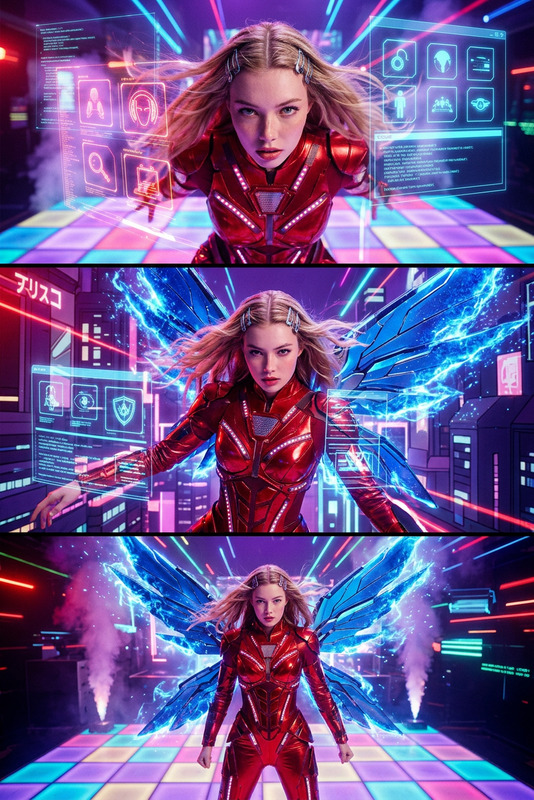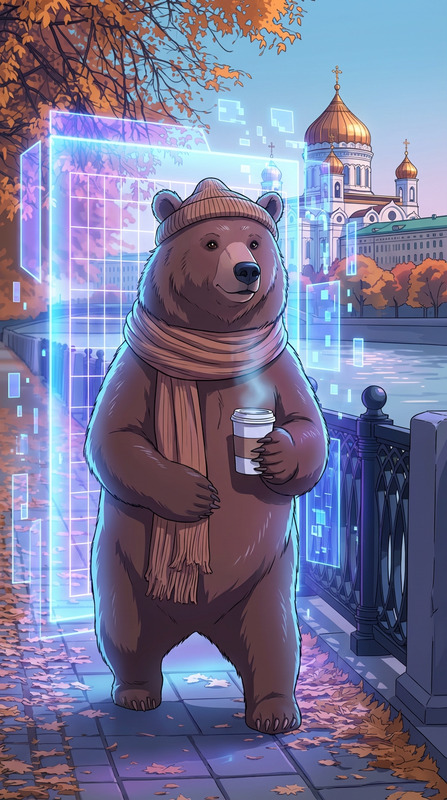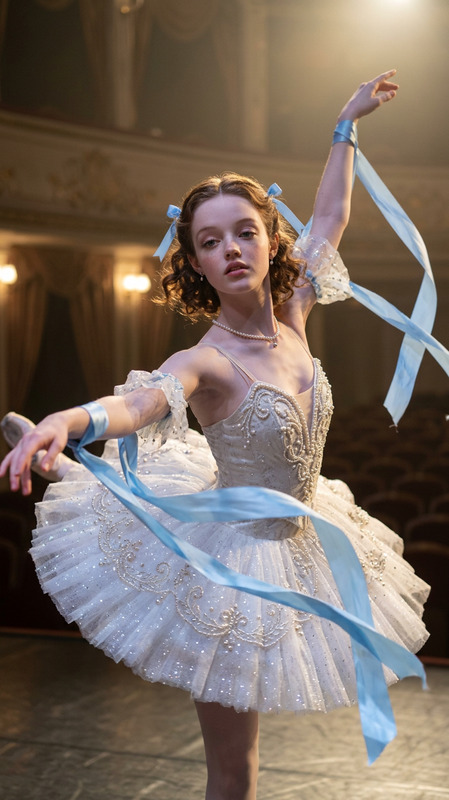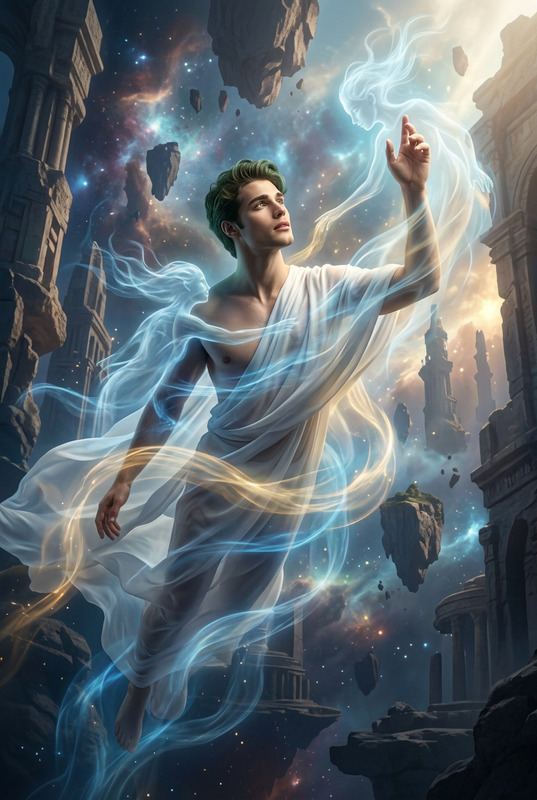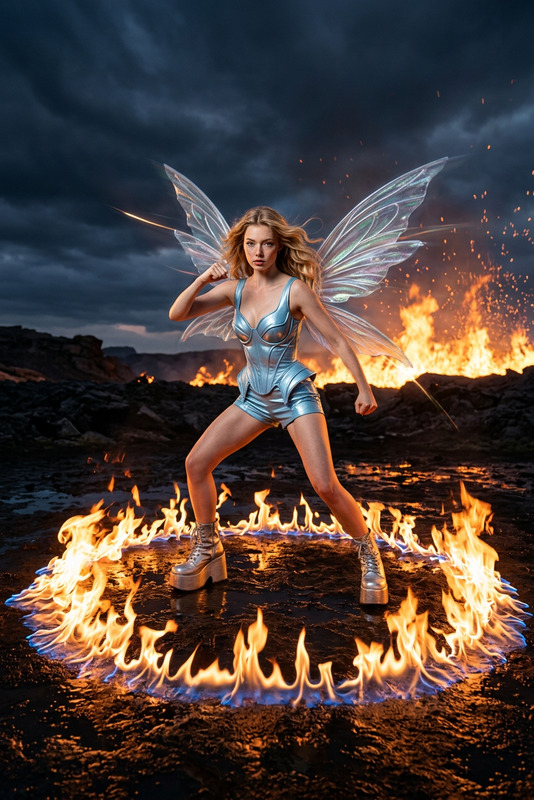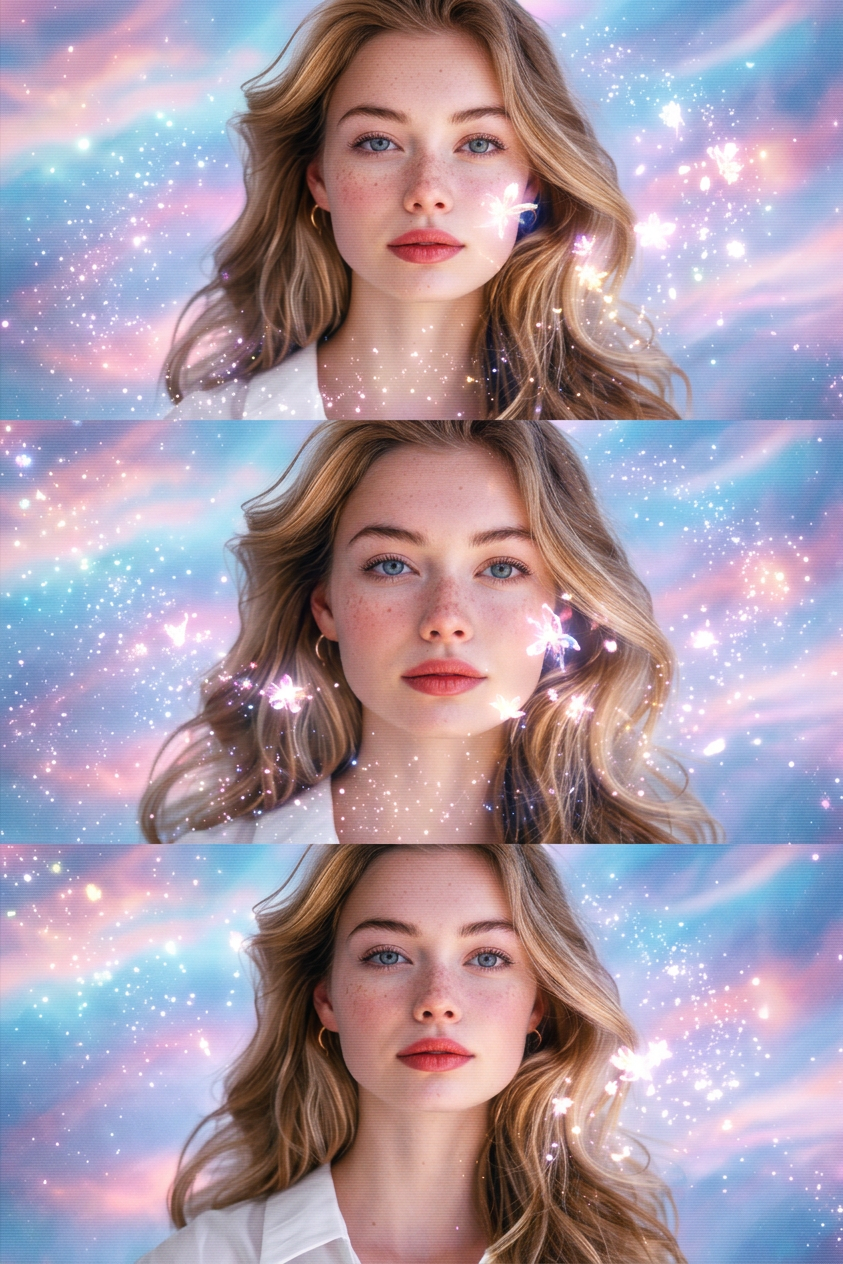
Winx 1
- Model
- Nano Banana 2
- Image
- 843 × 1264 px
Prompt
A cinematic adaptation of a fantasy anime. Dynamic camerawork, quick cuts, elegant, shimmering visuals (stardust, floral sparkles). Soft, highly detailed lighting. Setting: An abstract, ethereal, magical void with swirling pastel blue/pink/purple cosmic clouds.
Any aspect ratio
Overview
The Winx 1 template harnesses the power of the nano-banana-2 model to create visually striking fantasy scenes inspired by anime cinematography. This AI Image Editor template transforms your images into captivating, otherworldly experiences with its dynamic camerawork and shimmering, detailed visuals.
What It Does
This template introduces a visual style reminiscent of anime, characterized by quick cuts and dynamic camerawork. It adds a layer of elegance and fantasy through stardust and floral sparkles, accompanied by soft, detailed lighting. The setting is an ethereal void filled with cosmic clouds in pastel hues.
Who It's For
Winx 1 is ideal for creatives and storytellers aiming to adopt a fantasy anime aesthetic in their projects. Whether you're working on video style transfers or developing visual content for blogs and social media, this template offers a unique, artistic touch.
Summary
Incorporate the Winx 1 template into your projects to bring a magical touch to your visuals. Leveraging the nano-banana-2 model, it transforms ordinary images into mesmerizing artwork, perfect for those looking to explore the boundaries of artistic expression. Explore more with the AI Image Generator for a seamless creative experience.
How to Use
Choose Your Template

Customize the Inputs

Generate Your Image

Use Cases
Anime-Inspired Video Projects
- Create captivating opening sequences
- Enhance storytelling in short films
- Develop unique animations
Social Media Content
- Design vibrant Instagram posts
- Curate artistic Twitter headers
- Enhance YouTube thumbnails
Fantasy Illustrations
- Produce illustrations for children's books
- Create posters with a magical theme
- Design fantasy-themed greeting cards
Best Practices
Optimize Input Images
For best results, use high-resolution images as input to maintain visual clarity and detail in the output.Experiment with Prompts
Adjust the template’s prompt to explore different artistic effects and styles. Varying elements like time of day or weather can yield unique results.Utilize Related Tools
Combine the results with other tools like the AI Meme Generator to create compelling, humorous content.