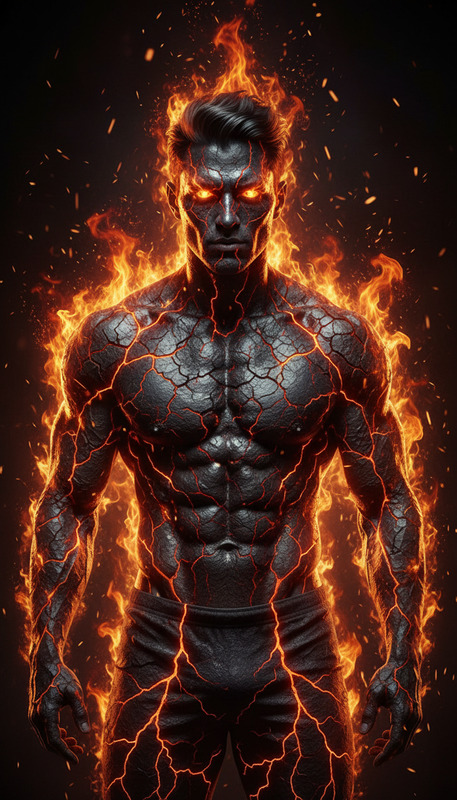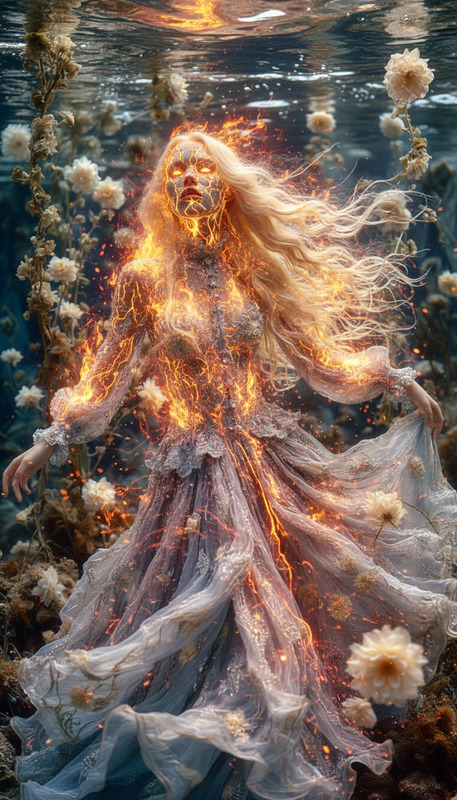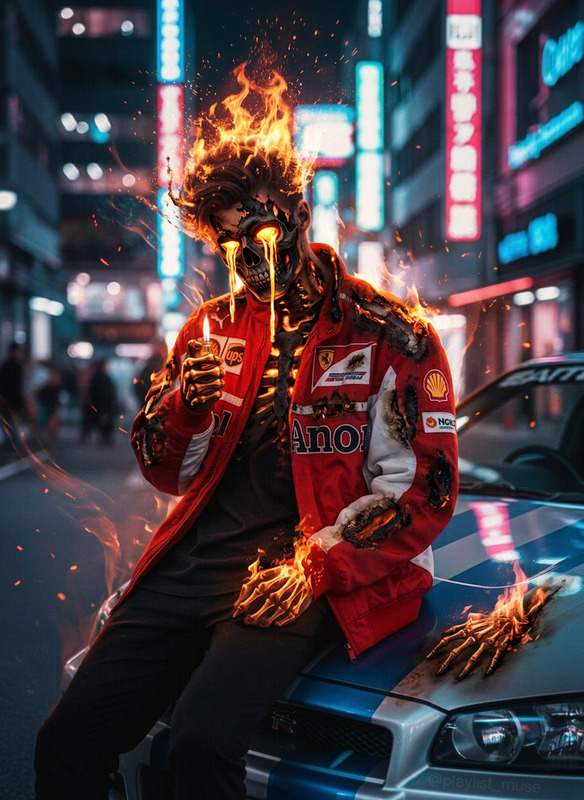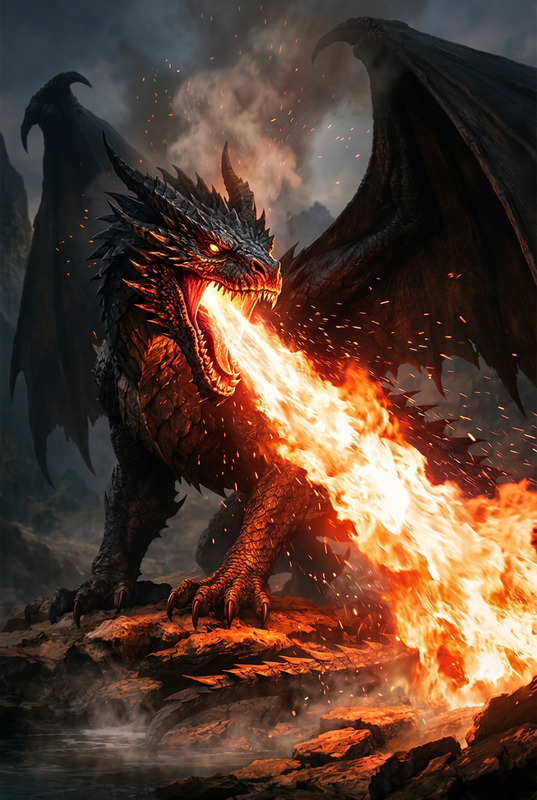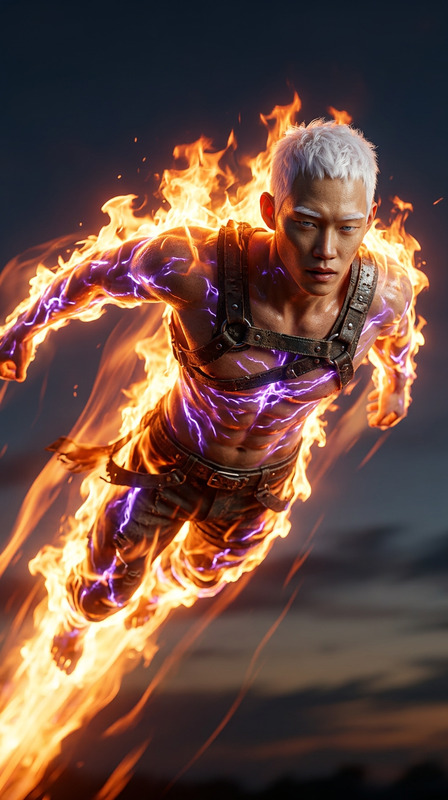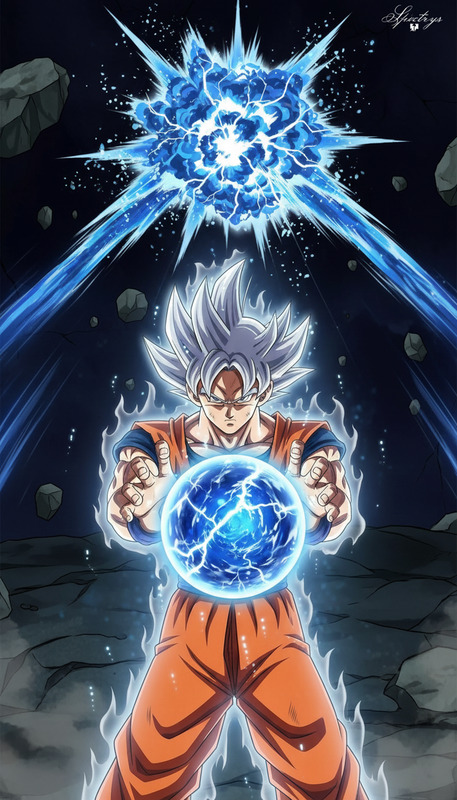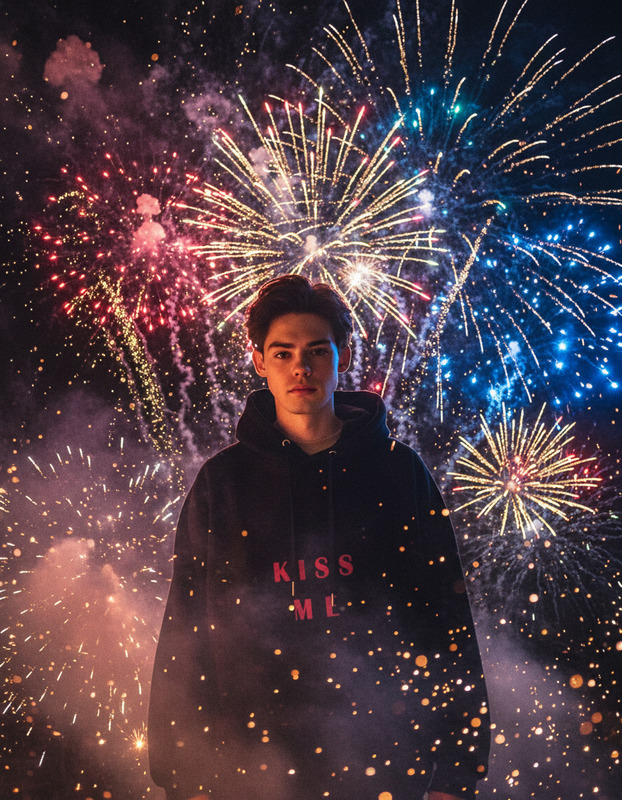
Fireball Impact Burst
- Model
- Nano Banana 2
- Image
- 768 × 1365 px
Prompt
A subject performs hand gestures to conjure a glowing fireball between both hands, swirling with intense energy and casting warm light across their face. With a sharp motion, they throw it forward as it streaks through the air .Cinematic action, dynamic camera movement, dramatic lighting, high detail, vibrant effects, 4K quality.
Any aspect ratio
Overview
Craft visually compelling scenes with the Fireball Impact Burst template. Integrated with the AI Image Editor and powered by the state-of-the-art Nano-Banana-2 model, this template focuses on creating dynamic action sequences. Perfect for those aiming to infuse magic or energy-driven elements into their videos, it offers cinematic action and vibrant effects.
What It Does
The Fireball Impact Burst template allows creators to depict a subject conjuring a glowing fireball with their hand gestures. It employs dramatic lighting and high detail to showcase a spectacular spectacle of energy and motion. This template stands out for its capability to render 4K quality imagery with vivid, richly detailed visual effects, ideal for AI Video Generator projects.
Who It's For
This template is perfect for video creators in need of cinematic visuals, such as those producing gaming intros, action films, and dynamic promotional videos. Game developers, cinematic artists, or anyone interested in creating immersive scenes will find it especially beneficial. Enhance your storytelling by utilizing tools like the AI Multi-Angle Generator to capture all perspectives of the action.
Summary
Incorporate the Fireball Impact Burst template into your production toolkit for adding a touch of magic or emphasize dynamic action. Leveraging advanced AI models, this tool assists in creating scenes where energy bursts lead the story, perfect for both professional and amateur creative projects. Easily combine it with other Magic Hour tools like the Text to Video converter for a seamless creation process from concept to execution.
How To
Choose the Template

Customize Your Visuals

Generate Your Scene

Use Cases
Gaming Intros
- Perfect for engaging game trailers
- Add dramatic flair to branding sequences
Action-Packed Films
- Boosts visual storytelling
- Seamless integration with fight choreography
Explainer Videos for Special Effects
- Showcases technical skills
- Demonstrates creative potential
Dynamic Marketing Videos
- Drive engagement with visually striking content
- Highlight product features with flair
Best Practices
Prioritize Lighting and Detail
Focus on the lighting effects and detail level to ensure the fireball looks realistic and impactful.Coordinate with Audio Effects
Incorporate matching sound effects during post-production to enhance the viewer's experience.Use with Complementary Tools
Combine with the Body Swap tool for advanced character interactions involving the fireball dynamics.