Winx 3
- Model
- Nano Banana 2
- Image
- 843 × 1264 px
Prompt
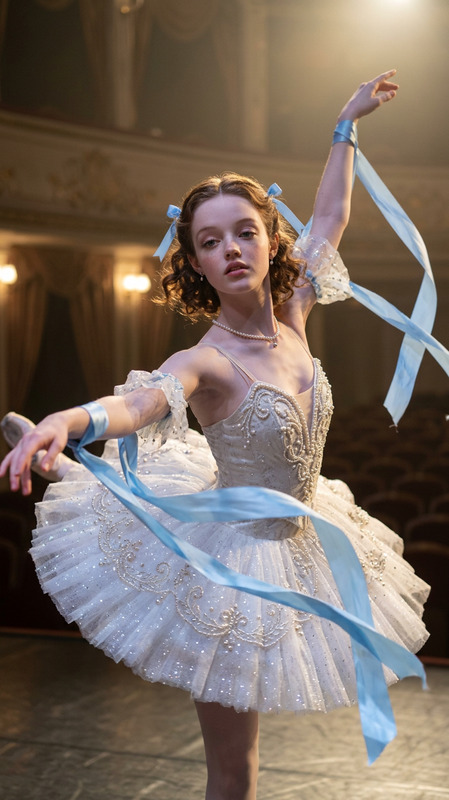
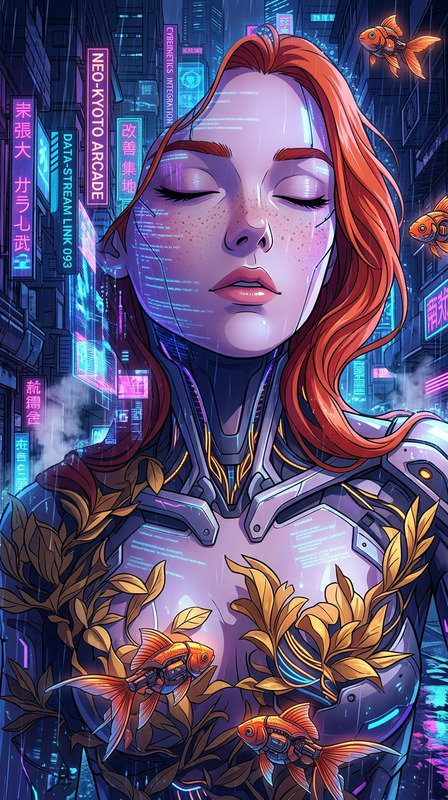
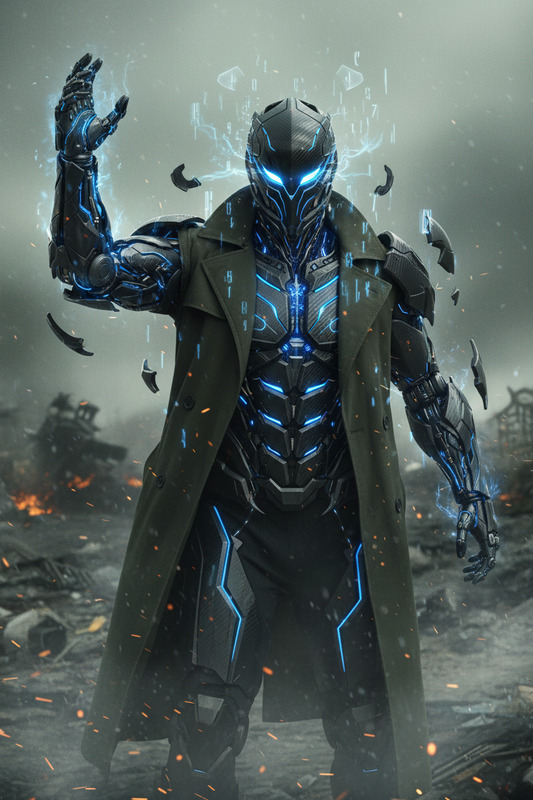
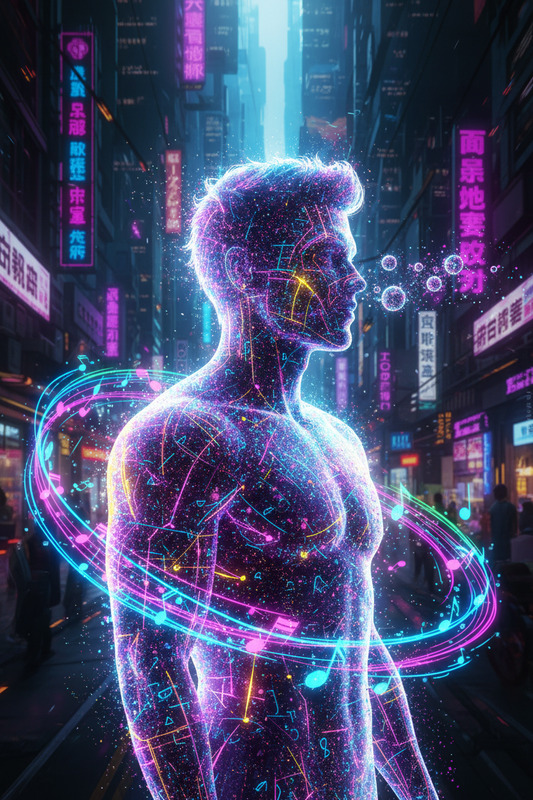
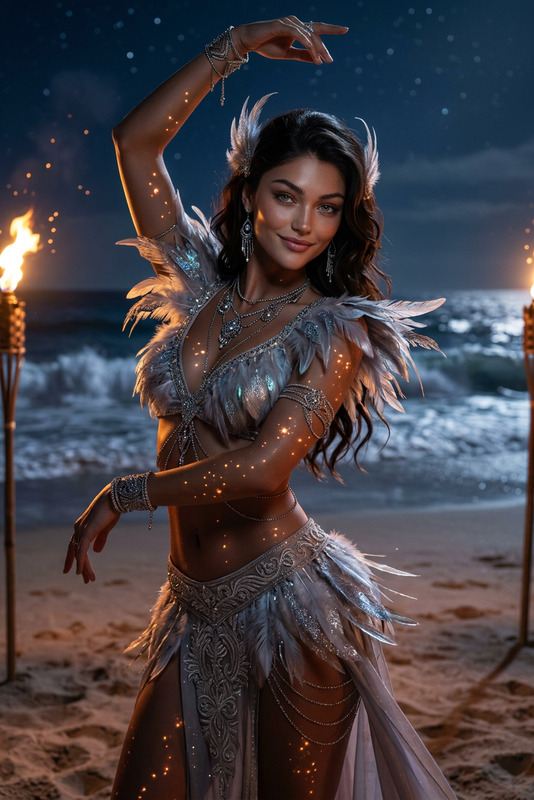
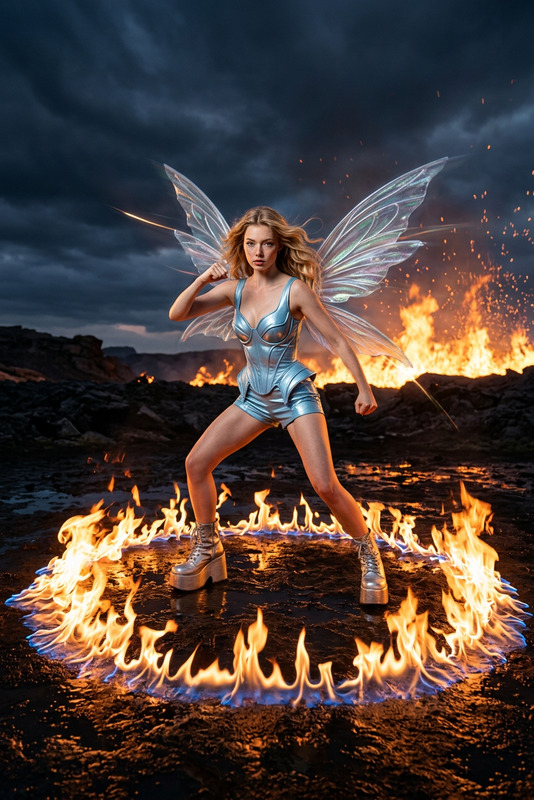
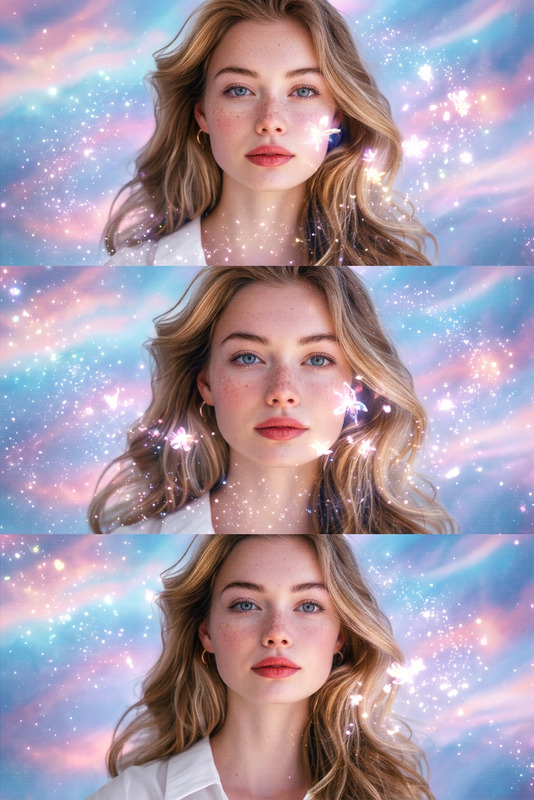
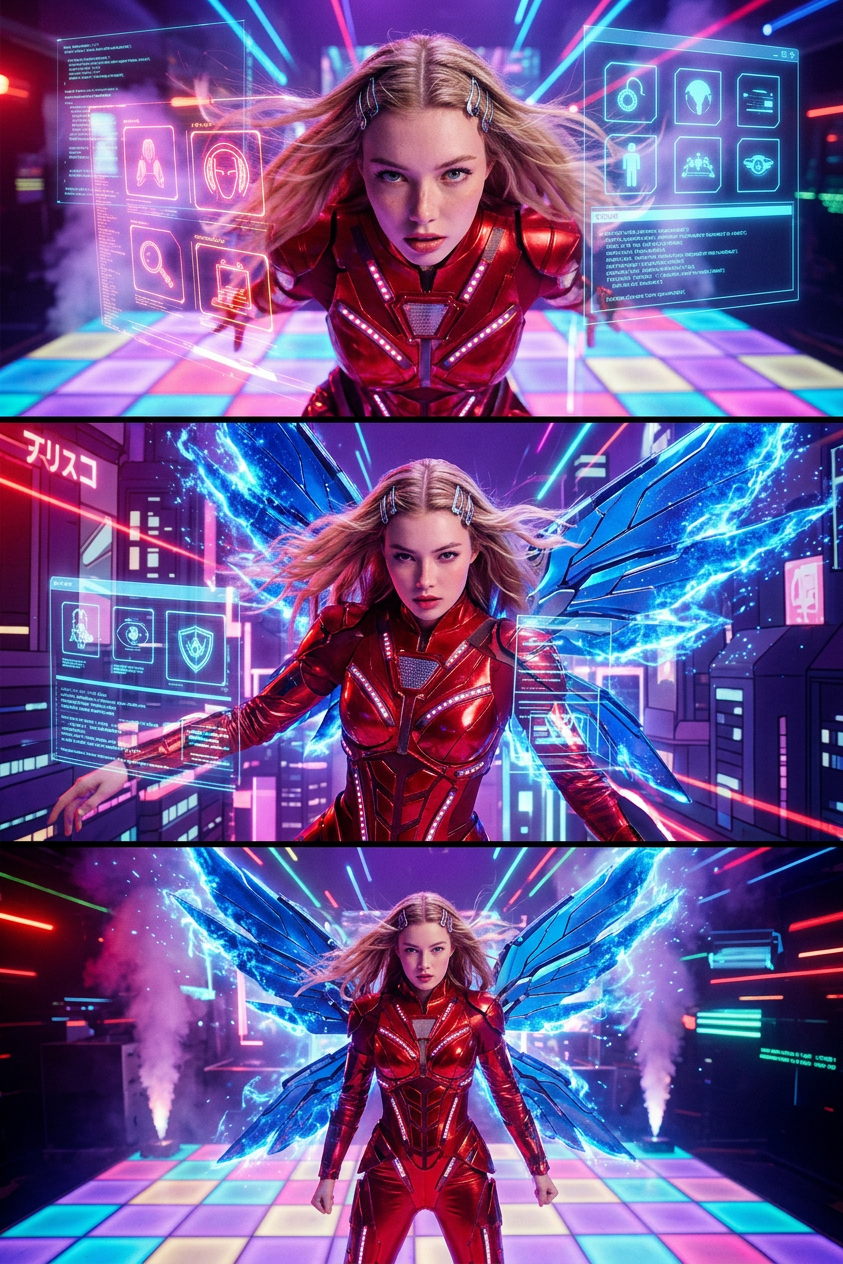
A cinematic transformation in the style of techno-anime with live actors. Dynamic camera, fast rhythmic edits, high-tech digital visual effects (glowing voxels, neon data streams, pixelated light pulses). A retro-futuristic disco club with a dance floor of glowing neon square tiles and purple atmospheric smoke. Clothing transforms into a red metallic fairy suit and blue wings. The wings unfold with a digital shimmering effect. The person executes a sharp, graceful dance move and strikes a final heroic pose on the glowing dance floor. The wings are fully extended, shimmering with digital energy.
Any aspect ratio
Overview
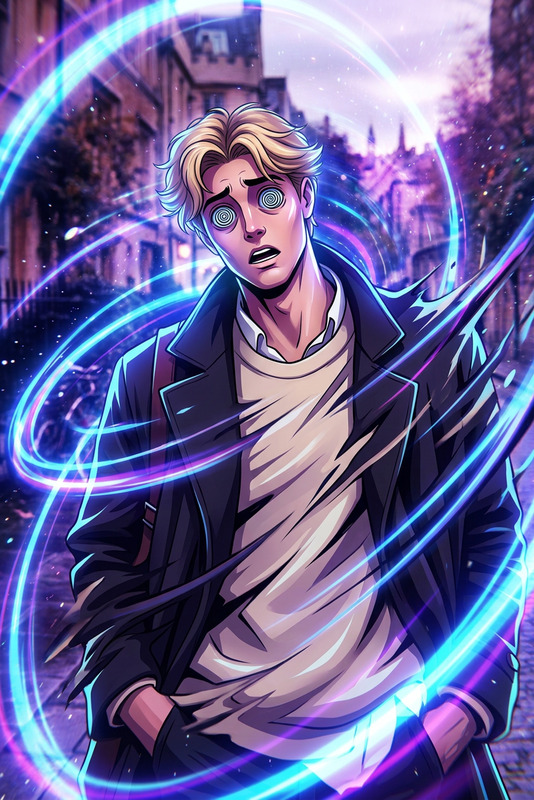
Transform your images into vibrant techno-anime artworks with the Winx 3 template. Harness the power of the nano-banana-2 model to create dynamic visuals featuring fast rhythmic edits and high-tech digital effects such as glowing voxels and neon data streams. Capture the essence of a retro-futuristic dance club where elegance meets digital artistry.
What It Does
The Winx 3 template takes your photos and infuses them with a cinematic techno-anime style. By using advanced AI capabilities, it transforms clothing into eye-catching red metallic fairy suits and adds blue digital wings that shimmer with energy. The template delivers a visually captivating style perfect for modern storytelling and vibrant image projects.
With support from the AI Image Editor, you can easily apply digital effects, create dynamic compositions, and add elements that bring your image concepts to life. This template is ideal for creating unique visuals that stand out in any project.
Who It's For
This template is an excellent tool for creative professionals, digital artists, and photographers looking to explore the fusion of anime aesthetics with cutting-edge tech visualizations. Whether you're producing content for sci-fi enthusiasts or enhancing your digital art portfolio, this template provides the necessary tools to innovate and inspire. It's also great for social media influencers needing impactful, dynamic visuals to engage their audience.
Summary
Winx 3 opens up a realm of techno-anime artistry by transforming standard images into electric compositions filled with glowing lights and digital effects. The blend of cinematic transformation and anime influences makes it ideal for ambitious visual projects. Pair this template with other tools like the AI Talking Photo or AI Clothes Changer to further augment your creative vision.
How to Use
Choose Your Template

Customize Your Inputs

Generate Your Image

Use Cases
Digital Art Creation
- Create anime-inspired artworks with a modern twist
- Design striking visuals for exhibitions
Content for Sci-Fi Productions
- Generate still images for film backdrops
- Develop character visuals with a unique aesthetic
Social Media Content
- Produce unique Instagram posts
- Enhance digital campaigns with lively imagery
Best Practices
Experiment with Visual Effects
Try different combinations of digital effects to discover unique styles that capture your creative vision.Collaborate with Other Tools
Combine this template with the Image to Video tool for animated versions of your design.Focus on Object Integration
Pay special attention to how objects like wings and costumes integrate with the scene to maintain a seamless visual flow.