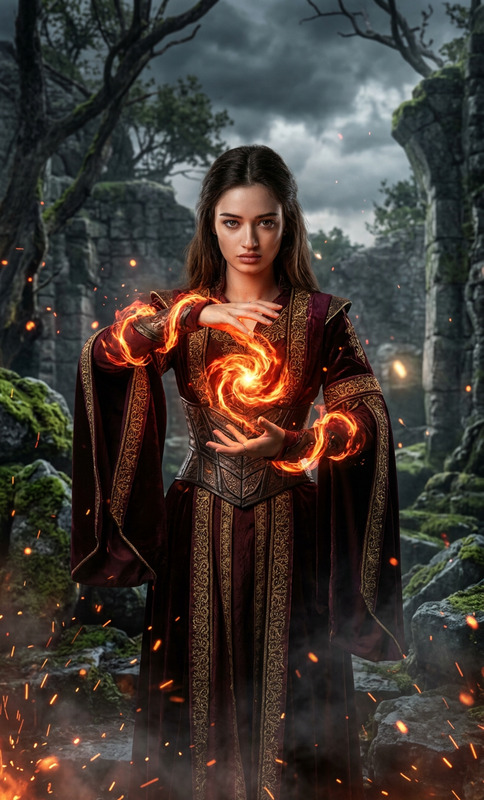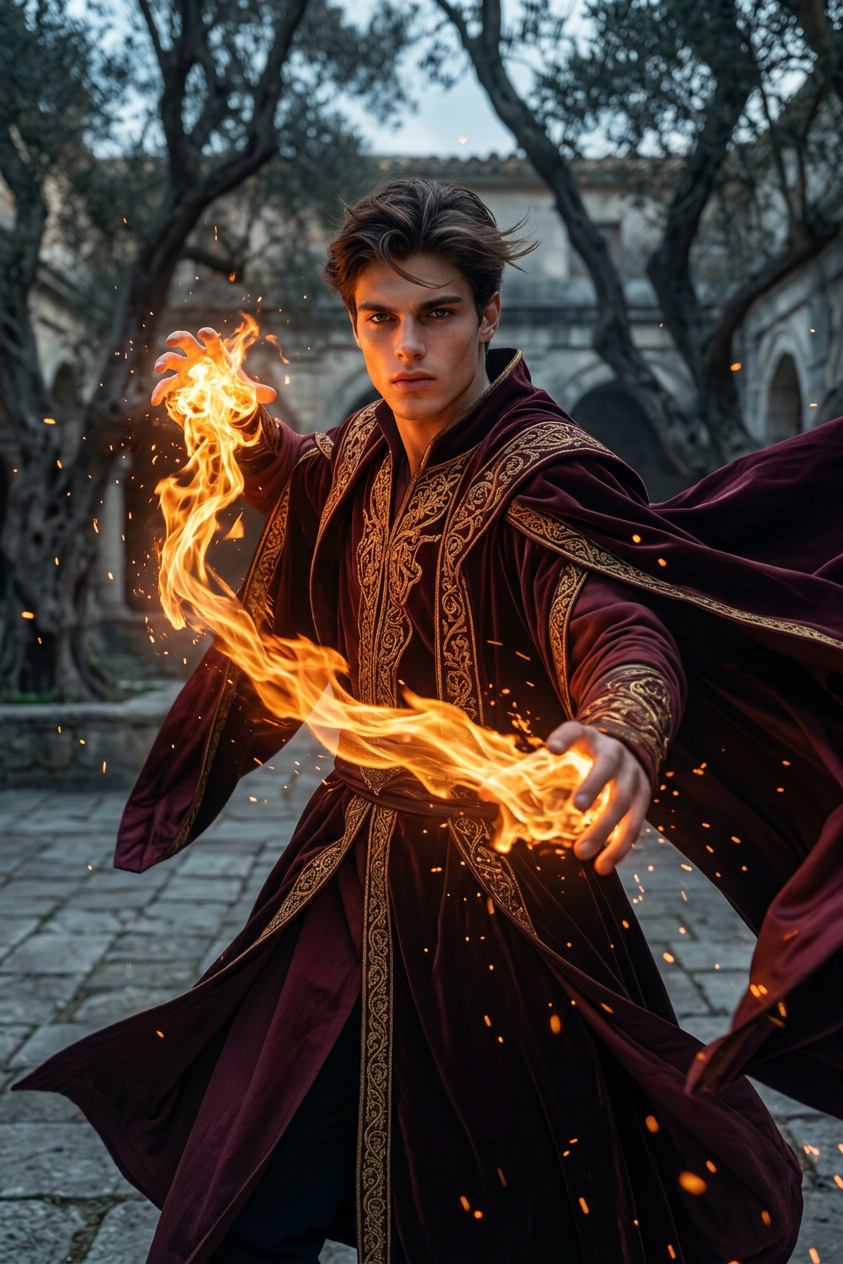
Crimson Fire Mage
- Model
- Nano Banana 2
- Image
- 843 × 1264 px
Prompt
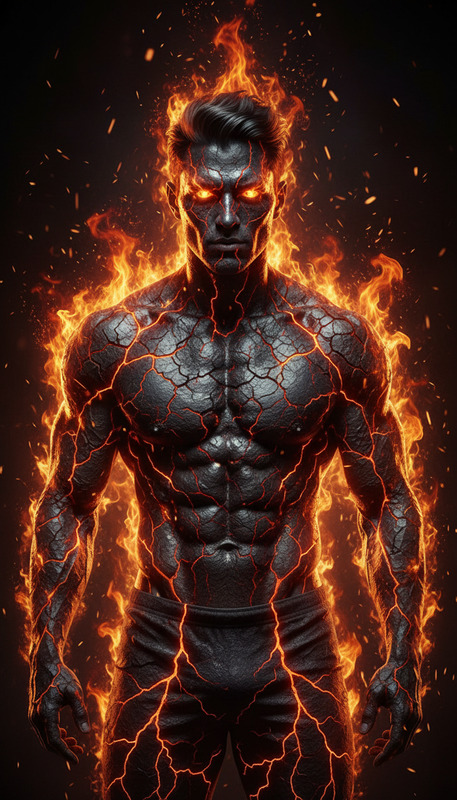
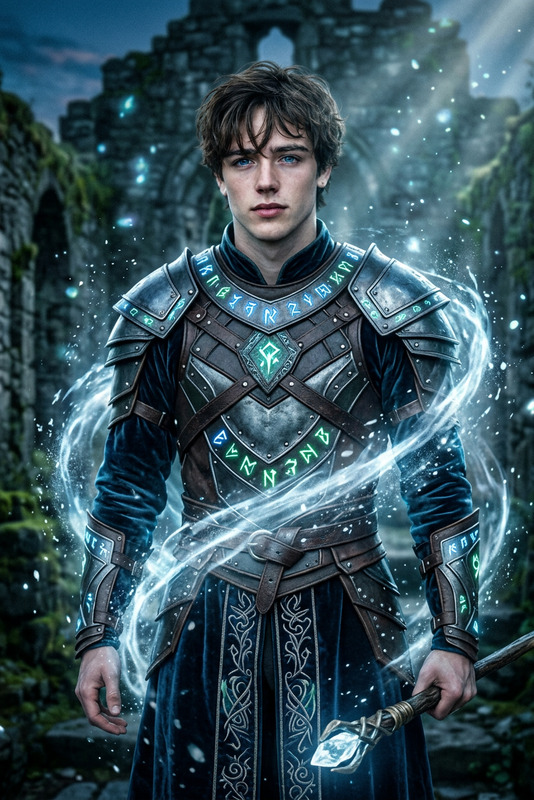
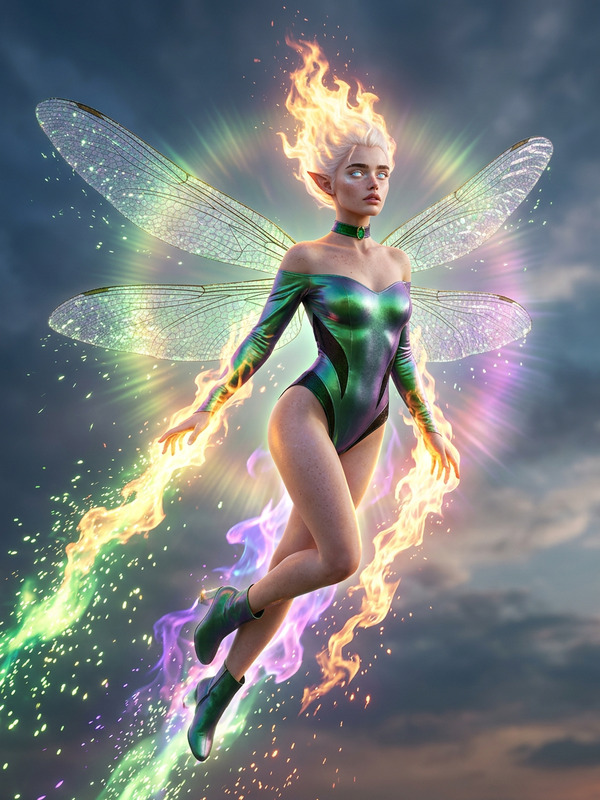
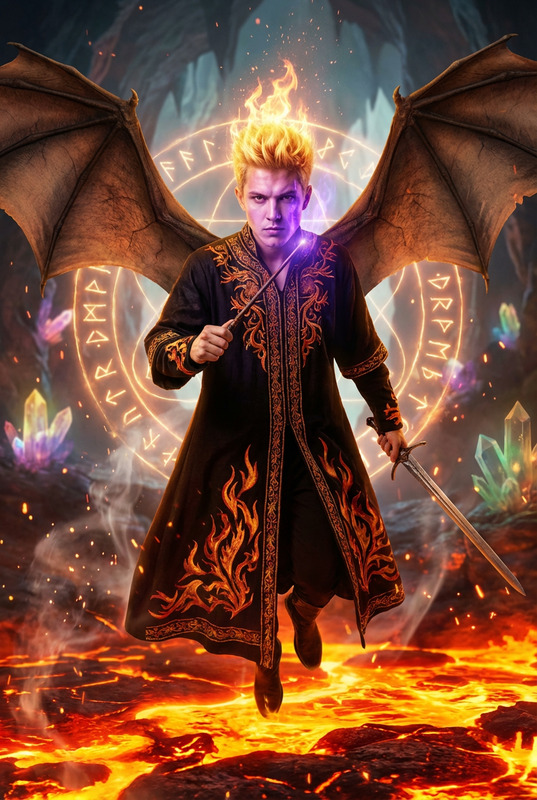
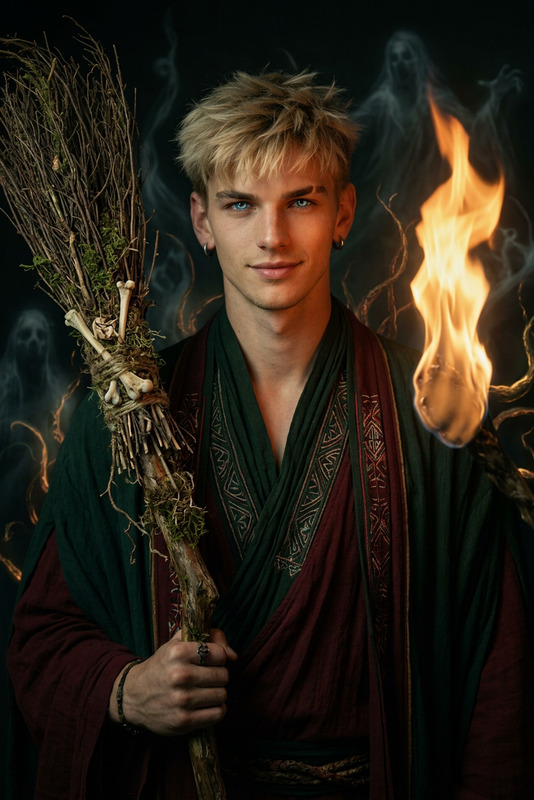
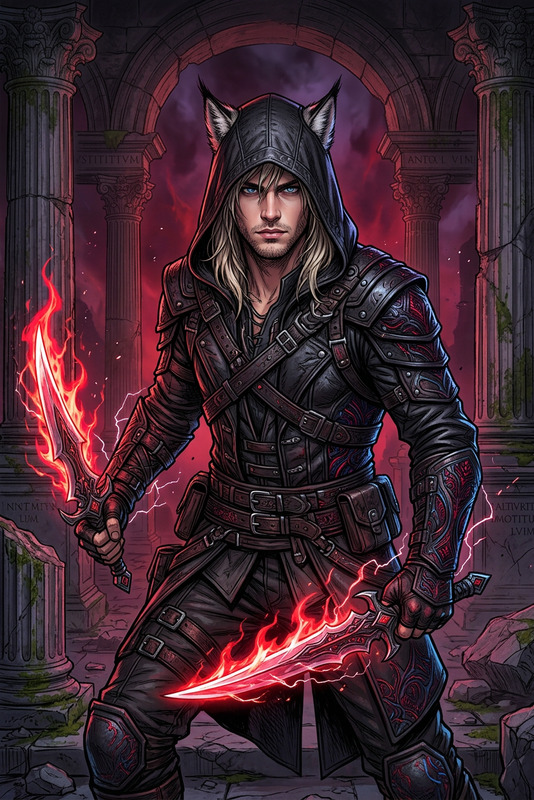
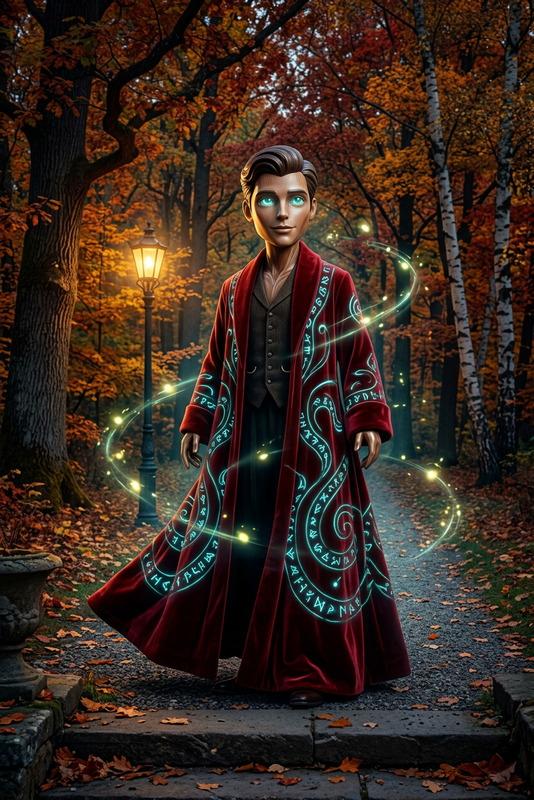
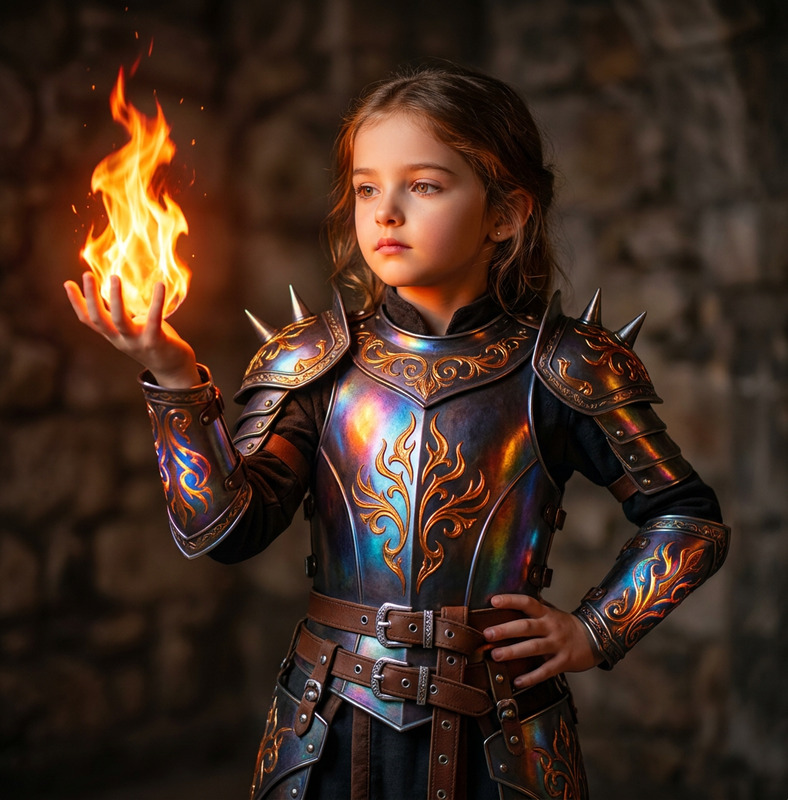
subject wearing flowing dark crimson and gold fantasy robes, standing in an ancient stone courtyard surrounded by gnarled trees. The subject summons swirling tendrils of glowing orange fire from both hands, with flames spiraling around the body as the cloak billows dramatically. Close-up framing captures an intense, focused expression while magical energy crackles through the air. Dark fantasy atmosphere with warm firelight contrasting against moody overcast tones, cinematic VFX-heavy mystical effects, volumetric lighting, drifting embers, highly detailed robes and textures, dynamic composition, epic fantasy aesthetic, ultra-detailed, high-end cinematic render, sharp focus.
Any aspect ratio
Overview
Step into a world of fantasy with the Crimson Fire Mage AI Image Editor template. Designed using the powerful nano-banana-2 model, this template captures the essence of dark fantasy, featuring ultra-detailed textures and dramatic lighting effects. Whether you're aiming to create stunning fantasy artwork or enrich your game design portfolio, this template provides all the visual flair needed for epic imagery.
What It Does
The Crimson Fire Mage template enables you to edit images with a focus on fantasy aesthetics. It transforms ordinary images into magical scenes with cinematic VFX and volumetric lighting. The subject dons flowing crimson and gold robes with dynamically swirling fire, creating a high-end cinematic render fitting for any dark fantasy setting. Learn more about enhancing your edits with AI Image Editor.
Who It's For
This template is perfect for fantasy artists, game designers, and content creators who wish to elevate their visuals. It's ideal for those who work with AI Video Generator and wish to apply similar cinematic effects to static images. Additionally, anyone involved in creating promotional materials for AI Product Photography can benefit from the dramatic aesthetic offered by this template.
Summary
In summary, the Crimson Fire Mage template offers a sophisticated and detailed approach to fantasy image editing. Incorporating dynamic, VFX-heavy effects and sharp focus, this tool is a powerful addition for creators aiming to produce epic, story-rich visuals. Explore further creative possibilities with the Full Body Generator for cohesive designing needs.
How-To

Customize

Generate

Use Cases
Fantasy Art Creations
- Create captivating fantasy character portraits
- Develop fantasy-themed book covers
- Illustrate scenes for fantasy comics
Game Design
- Design character concepts
- Develop environment concept art
- Create promotional game posters
Creative Marketing Materials
- Produce epic cinematic posters
- Create themed promotional banners
- Design eye-catching social media graphics
Best Practices
Focus on Composition
Ensure the main subject is clearly the focal point. Use the swirling fire and robe dynamics to guide the viewer's eye.Detail Orientation
Pay attention to the details in textures and lighting. This enhances the overall quality and realism of the image.Lighting and Effects
Experiment with volumetric lighting and embedded effects for depth and atmosphere. These elements contribute to the magical ambiance of your image.