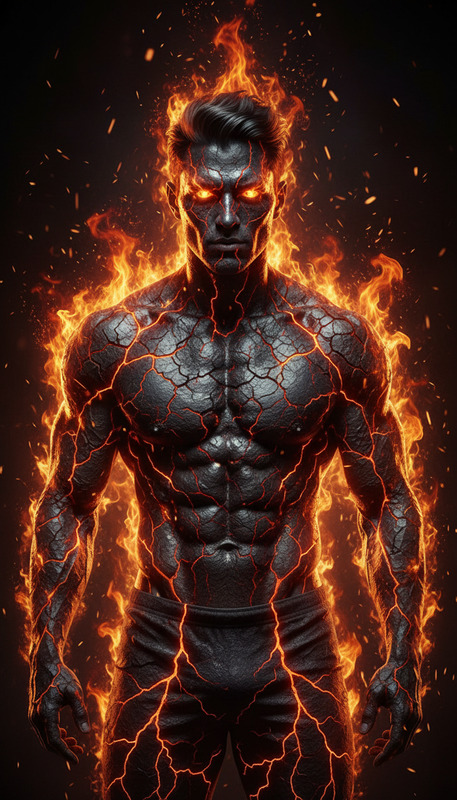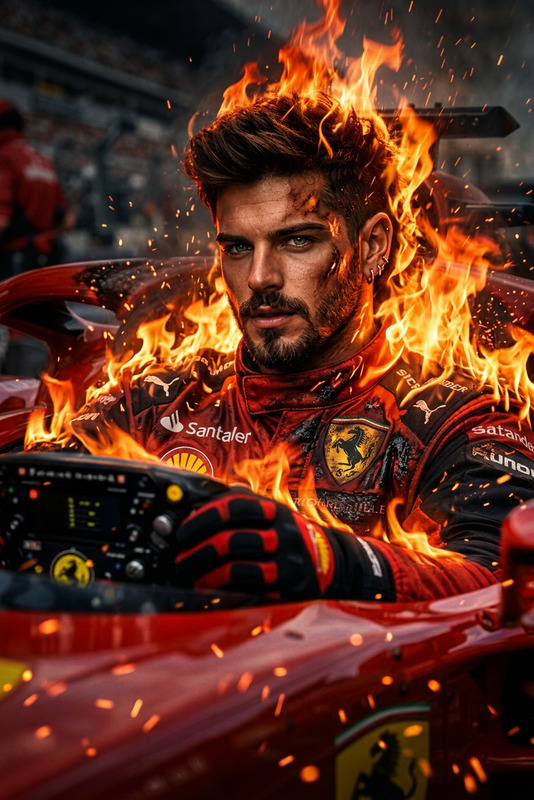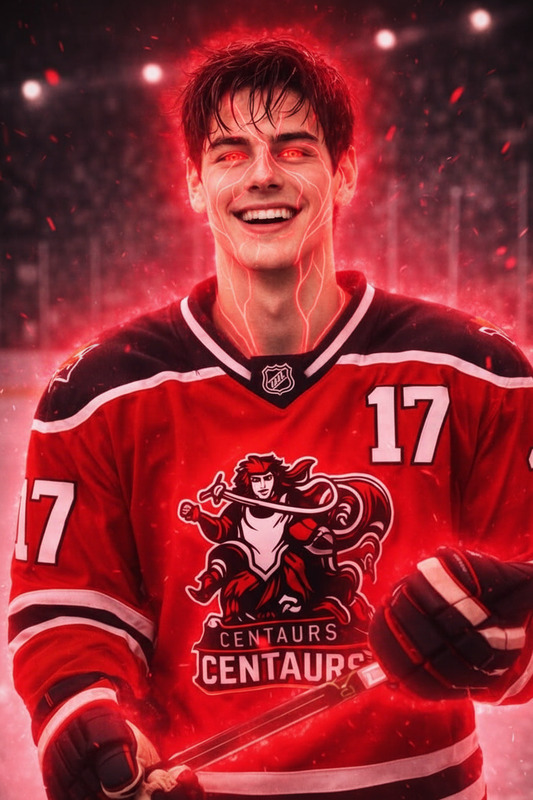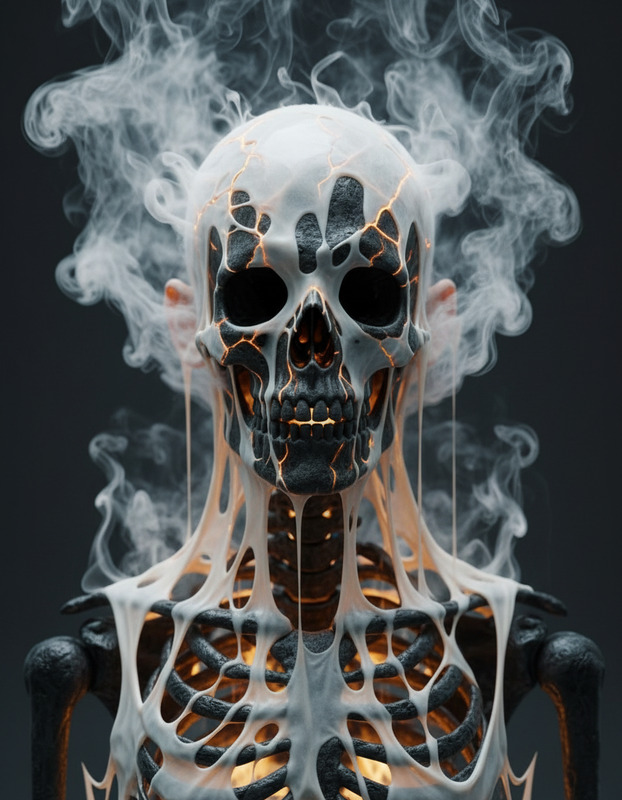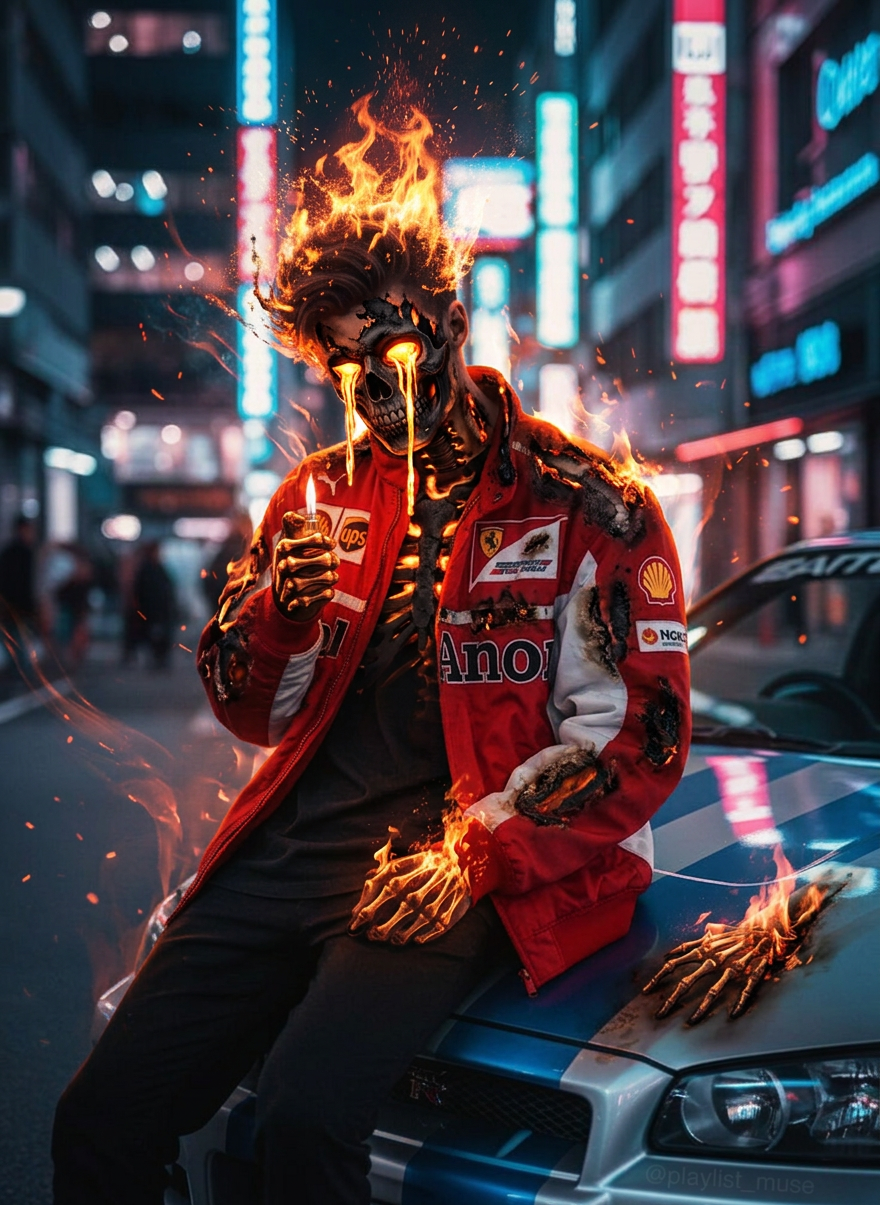
Hellfire Rebirth
ai-image-editor
Any aspect ratio
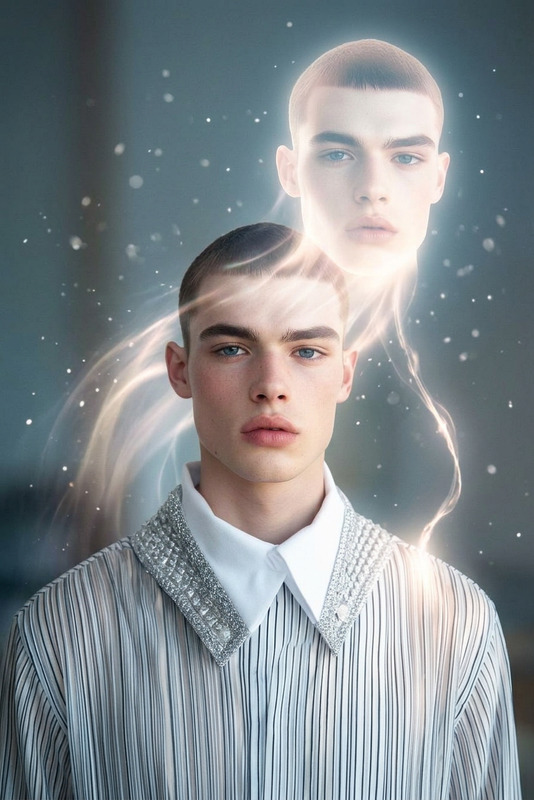
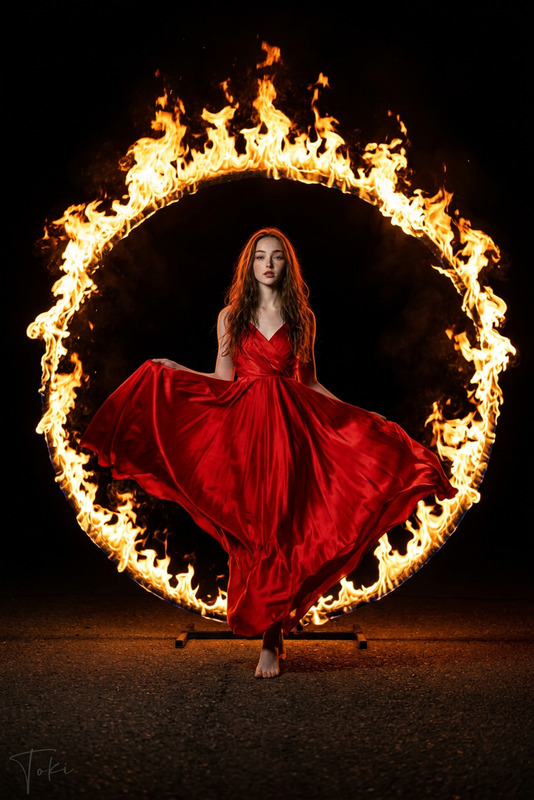
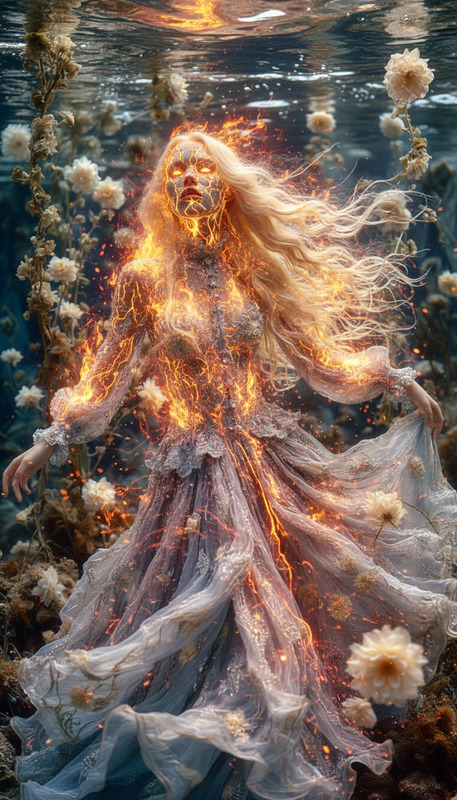
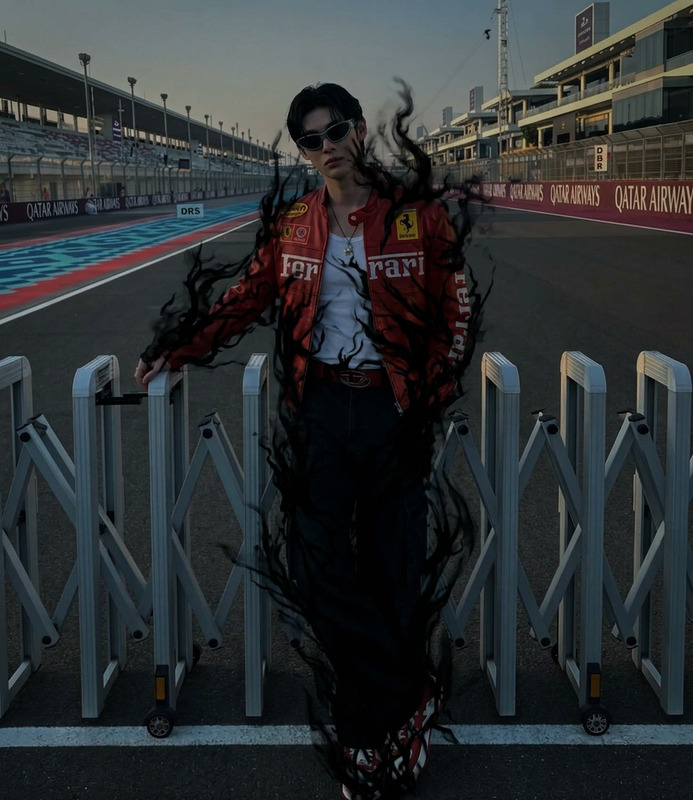
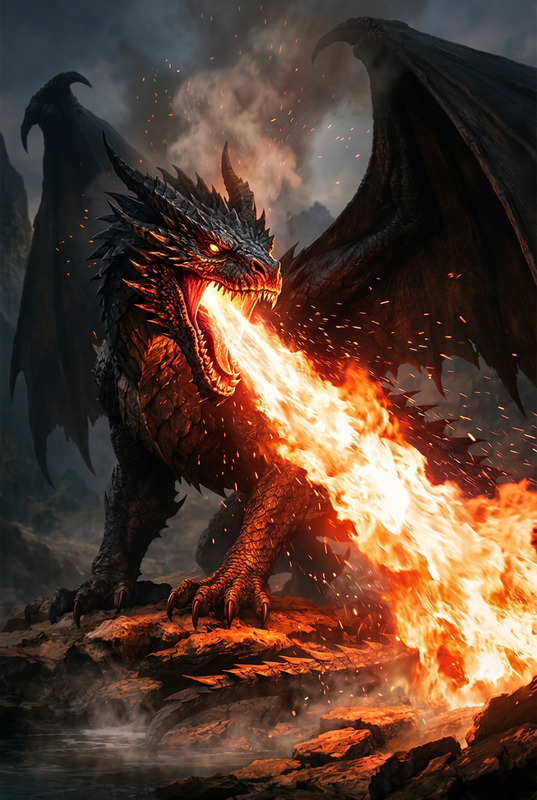
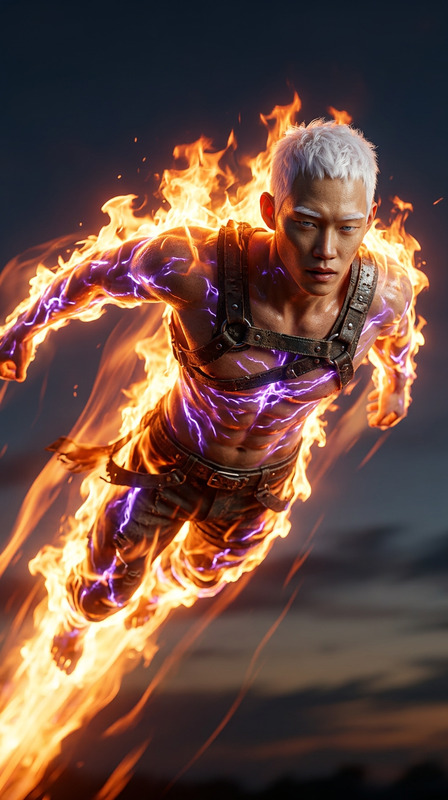
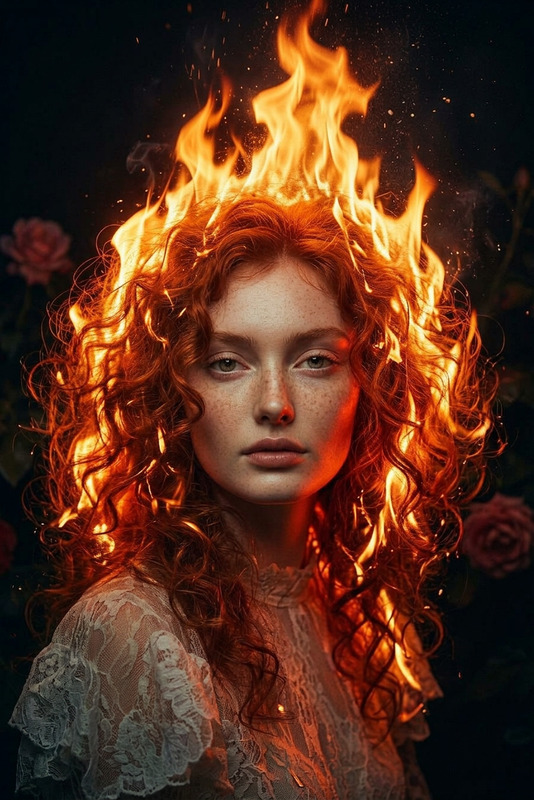
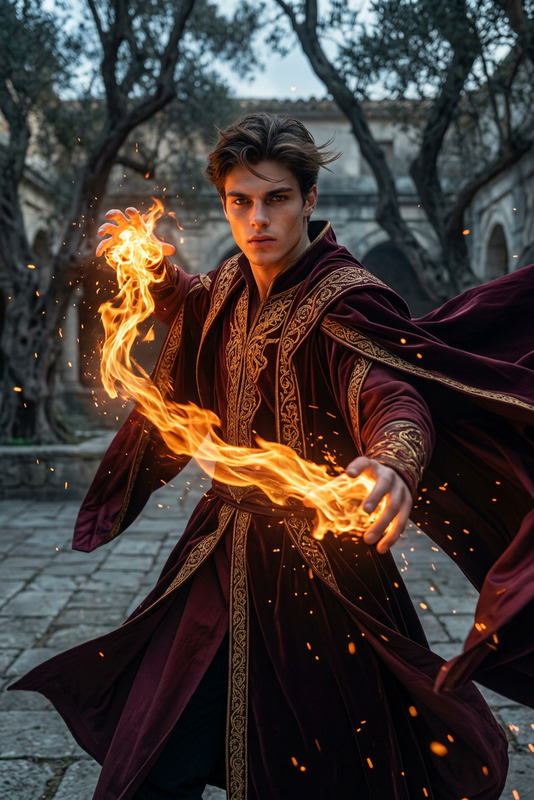
Subject undergoing a surreal fiery transformation, skin, eyes, and hair igniting in intense flames, flesh burning away to reveal a glowing skeleton beneath, bright fire pouring from eye sockets like molten lava, embers and sparks swirling in the air, dark cinematic background, dramatic high-contrast lighting, eerie and powerful atmosphere, ultra-detailed, 4K, dark fantasy style.
Tags
visual effectsAI Image Editor Template: Turn Any Photo Into a High-Impact Visual in Seconds
Use this template to rapidly transform, clean up, or repurpose any image using the AI Image Editor. It’s designed for creators, marketers, and product teams who need production-ready visuals—without jumping into complex design software.
What This Template Is Best For
This AI Image Editor–based template is ideal when you need to:
- Remove distracting elements from photos (logos, people, objects, text)
- Replace or enhance backgrounds for social, ads, thumbnails, or product shots
- Clean up user-generated content to fit your brand
- Quickly iterate on design variations for campaigns or A/B tests
- Prepare images for downstream AI workflows (video, animation, avatars, etc.)
It’s particularly useful for:
- Social media and performance marketing teams
- Startup founders preparing decks, landing pages, and app store creatives
- Product designers and growth teams testing multiple visual concepts
- Developers building AI content pipelines or internal tools
How to Remix This Template in Magic Hour
You can recreate and customize this template in a few minutes:
Start with the AI Image Editor
- Go to the AI Image Editor.
- Upload the image you want to edit: product photo, headshot, lifestyle image, illustration, etc.
Define Your Editing Goal
Before you edit, be explicit about the outcome you want. Common patterns that work well:- “Clean ecommerce product shot on a neutral background”
- “Professional LinkedIn-style headshot with soft studio lighting”
- “YouTube thumbnail with subject centered and background simplified”
- “Social media quote card with minimal, high-contrast background”
Apply Core Edits with AI
Within the editor, you can:- Remove unwanted elements (people, objects, logos)
- Replace or stylize backgrounds
- Enhance composition by isolating subjects and simplifying visuals
- Adjust or refine small details without manual masking
Save a Reusable Workflow Pattern
To turn this into your own repeatable “template” inside Magic Hour:- Keep a consistent input pattern: similar shot types, angles, or framing
- Re-use similar instructions for each batch (e.g., “clean white background, subtle natural shadow,” “cinematic portrait, soft depth-of-field background”)
- Document what works for your team so you can hand it off to collaborators
Chain With Other Magic Hour Tools (Optional but Powerful)
Many teams don’t stop at static images. Once your image is cleaned and stylized, you can:- Animate it with Image to Video or Text to Video
- Turn portraits into talking content with AI Talking Photo
- Use it as a base character or avatar via the AI Character Generator or Avatar Generator
- Generate GIF variants for social using the AI GIF Generator
Example Workflows You Can Build From This Template
Use this template as a starting point for more advanced, production-ready workflows:
1. High-Converting Product Photos
- Clean the base image in the AI Image Editor
- Remove the background with the Image Background Remover
- Generate multiple on-brand backdrops using the AI Background Generator
- Upscale final selects for marketplaces and ads with the AI Image Upscaler
This stack is useful for ecommerce, Shopify brands, and marketplace sellers.
2. Creator Thumbnails & Social Visuals
- Start with a portrait or frame grab in the AI Image Editor
- Remove clutter with the AI Remover or Remove Object From Photo
- Generate standout backgrounds using:
- Thumbnail Maker for YouTube
- AI Art Generator for stylized concepts
- Comic Book Generator or Optical Illusion Generator for more experimental content
- Enhance clarity with Unblur Image if your source was low-res or motion-blurred
Great for YouTubers, TikTok creators, and social teams running frequent campaigns.
3. Brand-Consistent Characters & Worlds
Use this template to normalize style for recurring characters and brand assets:
- Edit your base character/mascot art in the AI Image Editor
- Turn it into a reusable character with:
- AI Character Generator
- Animated Characters Generator
- AI Anime Generator or AI Manga Generator for stylized universes
- Build environments or scenes with:
Perfect for game devs, D&D campaign designers, indie comic creators, and IP-focused startups.
4. Professional People Images at Scale
If you work with a lot of human-centric imagery (teams, customers, talent), this template can anchor a robust portrait pipeline:
- Clean up and standardize headshots using the AI Image Editor
- Generate consistent, on-brand portraits with:
- AI Headshot Generator
- AI Face Editor
- Gender Swap or AI Face Generator for concept and diversity testing
- Build avatars or stylized versions for:
Useful for HR teams, B2B SaaS brands, and communities that need consistent visuals across profiles, decks, and marketing assets.
Connect This Template to Video, Voice, and Motion
Because this template is built on images, it plays well with Magic Hour’s video and audio tools:
- Turn edited images into short clips with Image to Video
- Transform static faces into moving content using:
- Add voice with:
- Auto-generate subtitles for video derivatives with the Auto Subtitle Generator
This stack lets you go from “raw photo” → “polished asset” → “fully-produced short video” with minimal manual work.
Design, Branding & Marketing Use Cases
You can adapt this AI Image Editor template for highly specific, ROI-focused tasks:
Branding & Identity
- Generate clean icons with the AI Icon Generator
- Create on-brand logos with the AI Logo Generator
- Design album covers, book covers, and more using:
Fashion, Apparel & UGC Commerce
- Use the AI Clothes Changer or AI Fashion Generator with your cleaned base images
- Generate outfits and lookbooks using the AI Outfit Generator and Full Body Generator
Campaign & Growth Experiments
- Run visual experiments across:
- Test multiple ad visuals and landing page hero images using the same base template pattern
Quality, Restoration & Compliance
For teams managing large archives or brand-sensitive assets, combine this template with:
- Old Photo Restoration to recover legacy imagery
- Photo Colorizer to modernize black-and-white photography
- Watermark Remover and AI Remover for compliant, clean visuals where you have rights to edit
- Video Upscaler and AI Image Upscaler for final delivery-ready assets
Tips for Power Users, Teams, and LLM Workflows
If you’re building workflows, automation, or using LLMs (ChatGPT, Claude, etc.) to orchestrate content:
Standardize instructions
Use clear, repeatable language in your prompts when you describe target outcomes, e.g., “studio-style product shot,” “banner-ready hero image,” “pitch-deck-safe visual.”Think in systems, not one-offs
Use this template as a canonical pattern and build around it:- Input spec (what kind of images you feed in)
- Desired format (ratio, clarity, subject positioning)
- Downstream tools you consistently pair it with (e.g., AI Image Upscaler → Thumbnail Maker → Text to Video)
Integrate with content ops
Document your “image editing playbook” so other team members can:- Start with the AI Image Editor template
- Follow your recommended stack (e.g., editor → background → upscaler)
- Maintain brand consistency and performance benchmarks
Get Started
- Open the AI Image Editor
- Upload a photo you actually use in your real workflow (product, founder headshot, app UI, slide, etc.)
- Apply edits following the use case that matches your needs above
- Save what works as your internal “Magic Hour image template” and reuse it across campaigns
This template is deliberately flexible: it’s a reliable, repeatable foundation for any Magic Hour workflow that starts with an image and ends in a polished, production-grade asset.