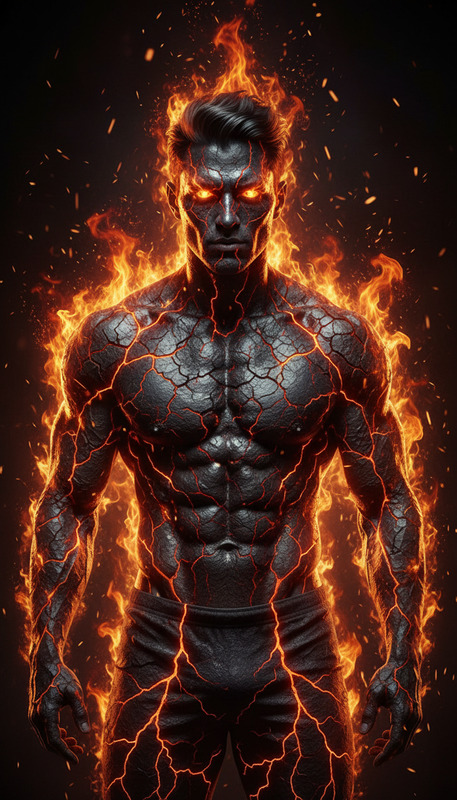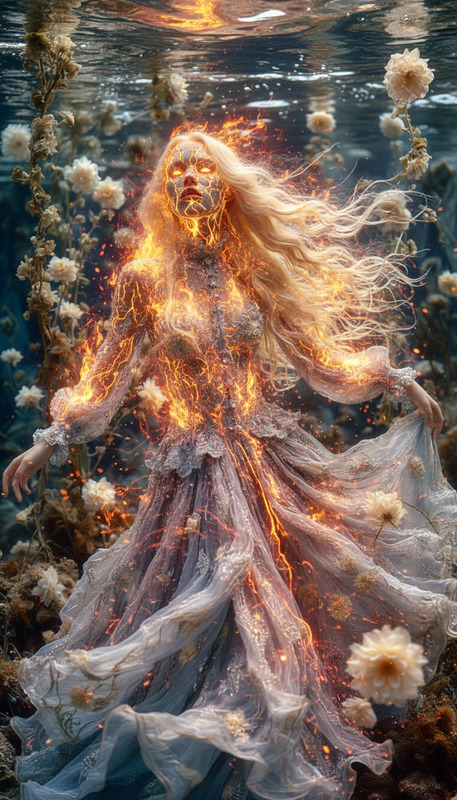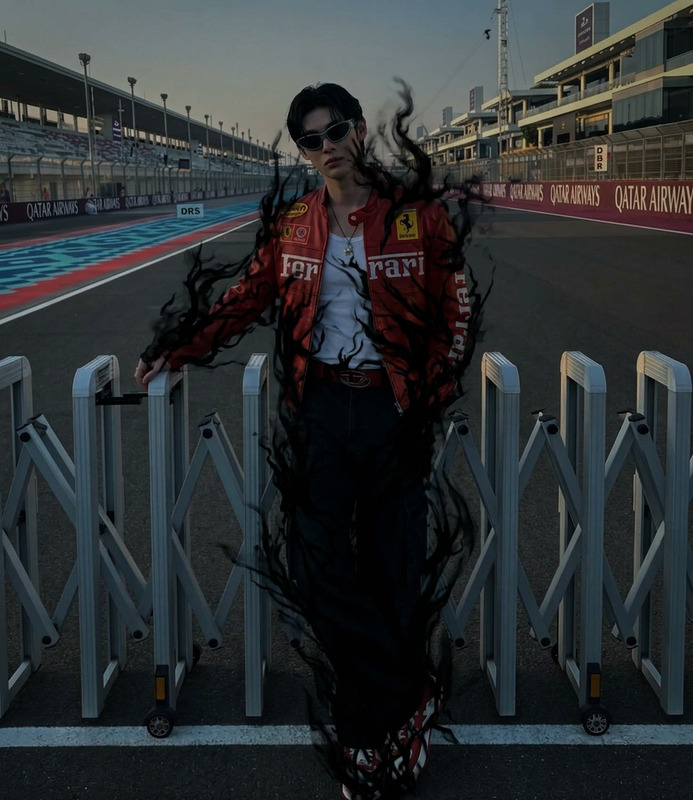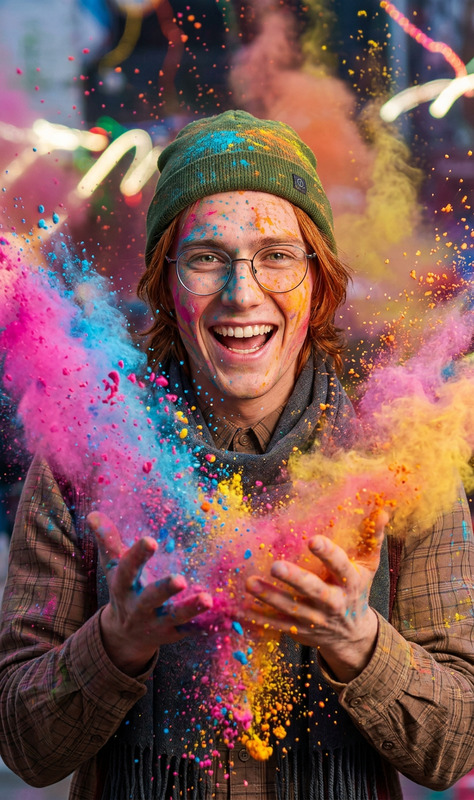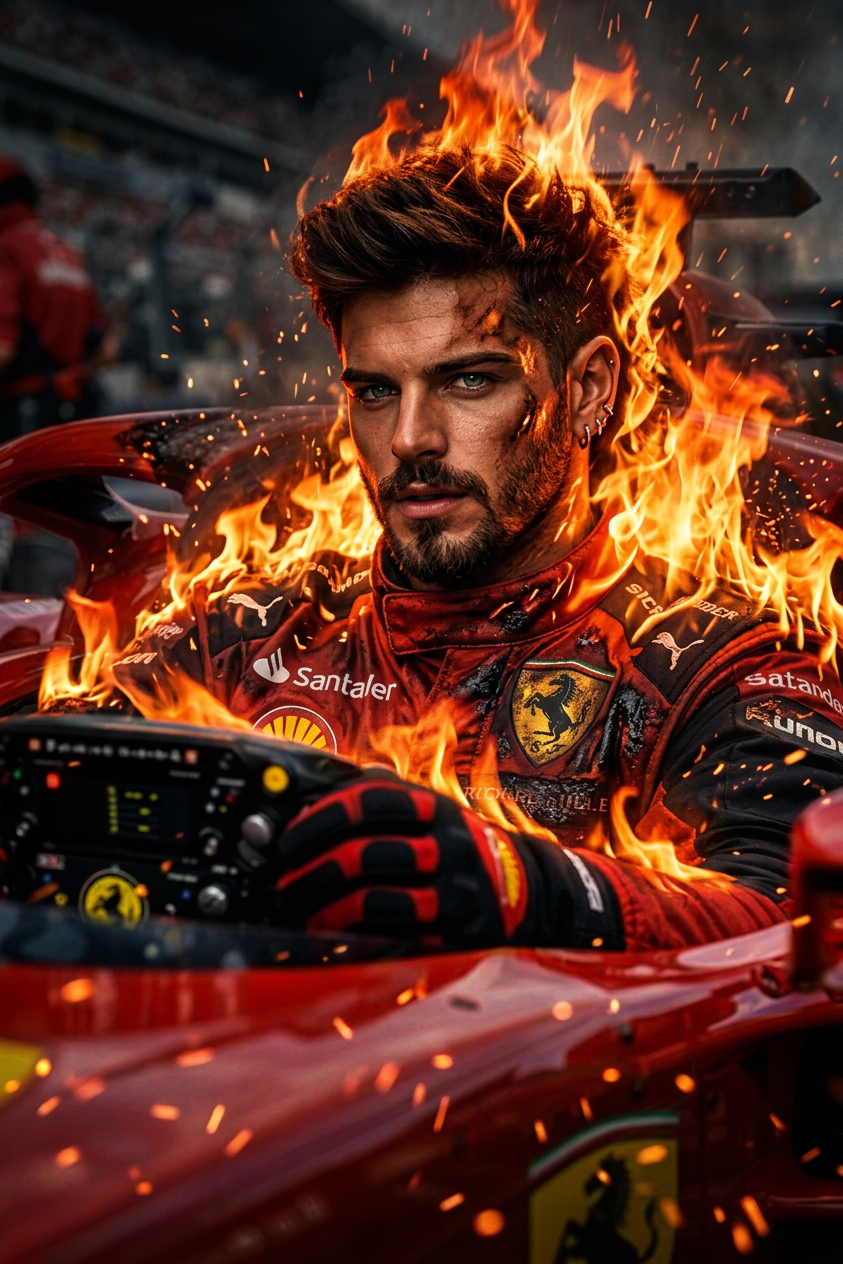
Set on Fire
- Model
- Nano Banana 2
- Image
- 843 × 1264 px
Prompt
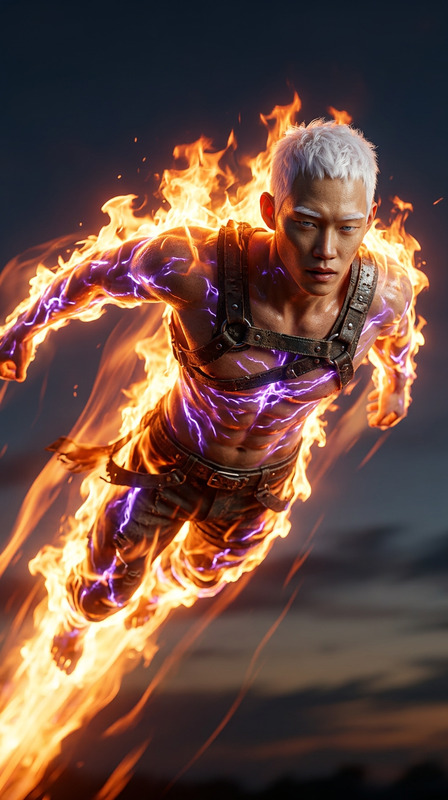
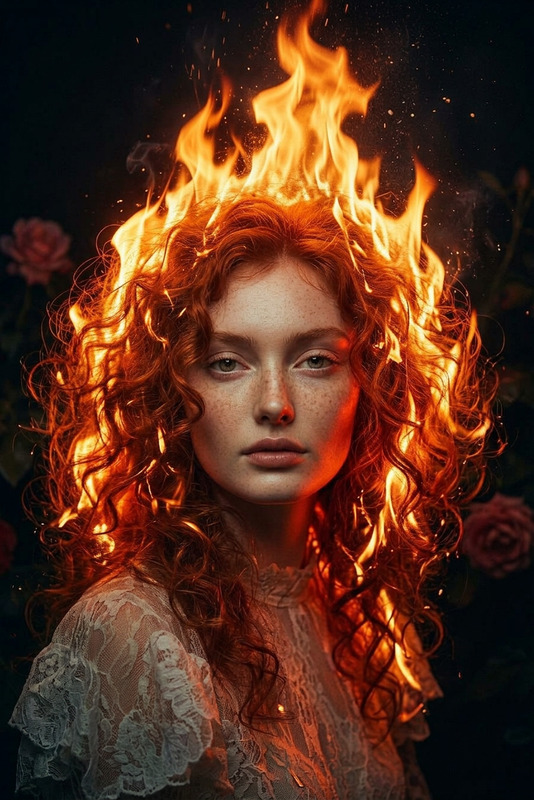
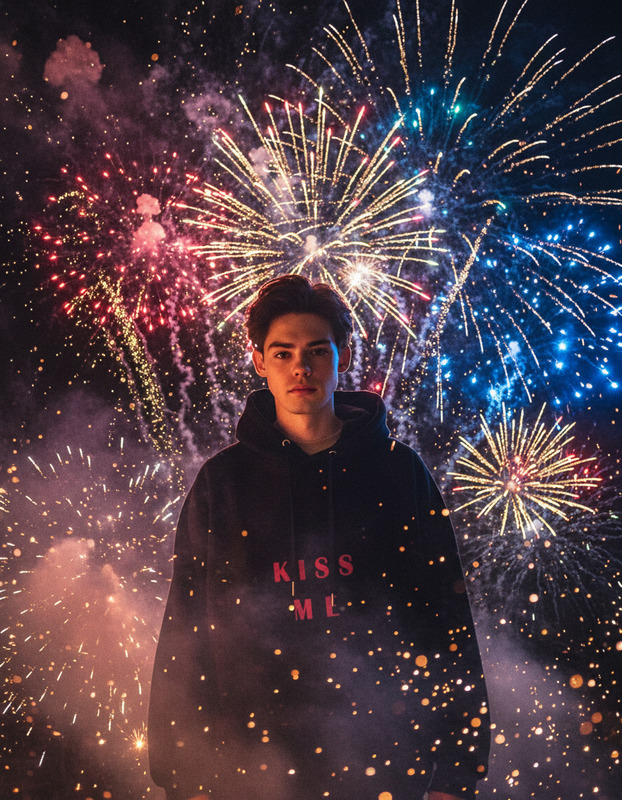
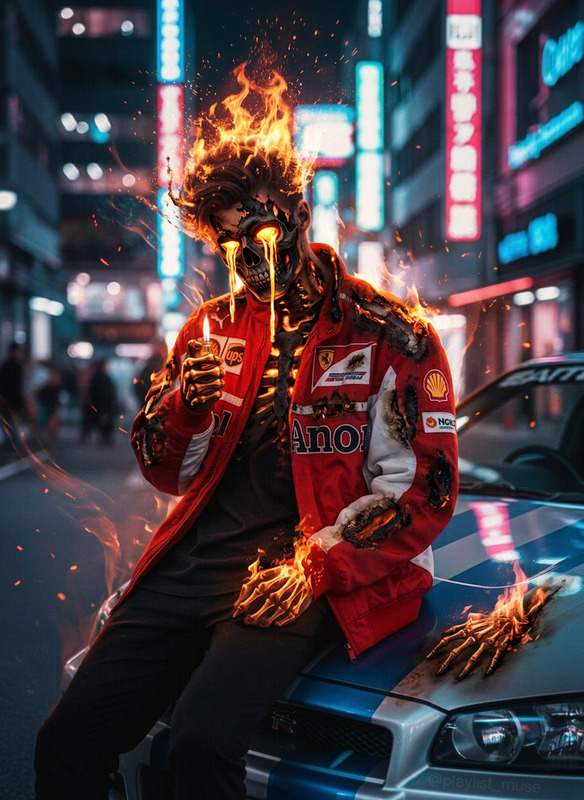
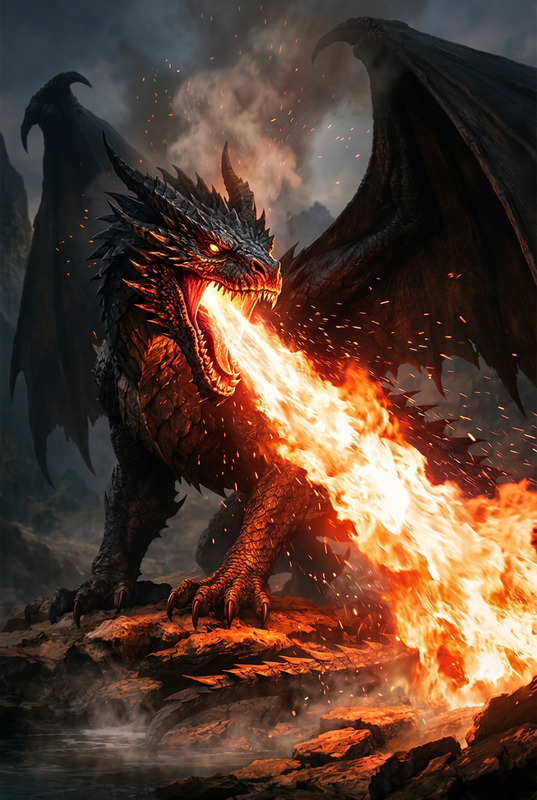
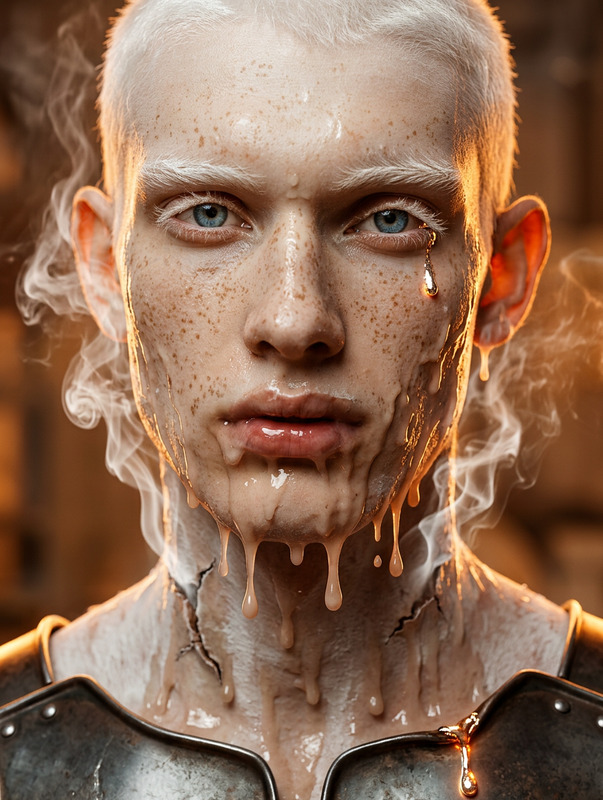
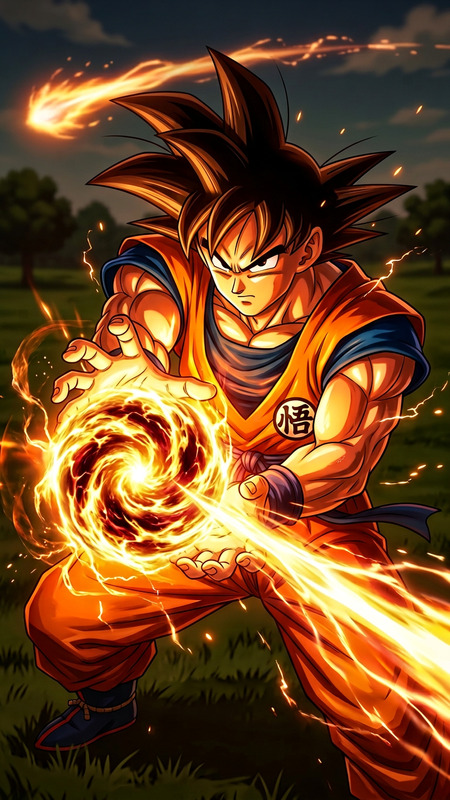
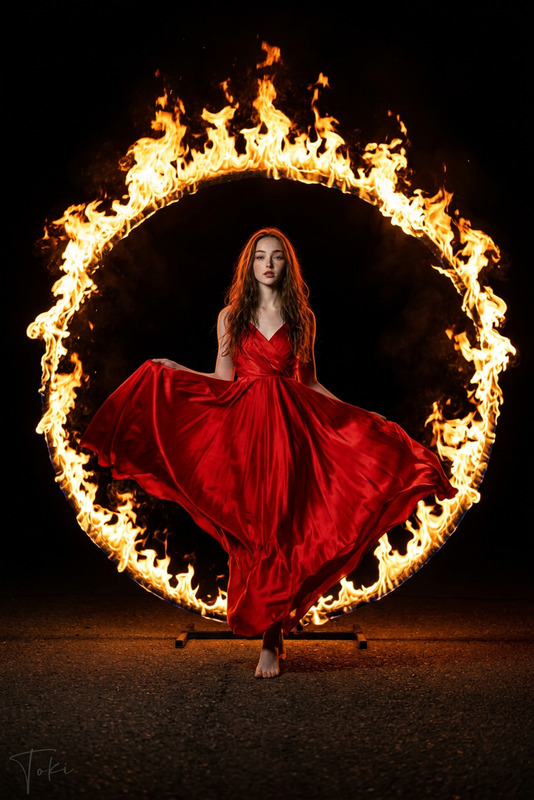
Subject suddenly engulfed in roaring flames, fire erupting from the body with intense heat and motion, sparks and embers flying through the air, dramatic lighting casting deep shadows, powerful and explosive atmosphere, cinematic action style, high contrast, ultra-detailed, dynamic composition, 4K.
Any aspect ratio
Overview
The "Set on Fire" template offers creators an opportunity to incorporate cinematic fire effects into their projects. This template from the AI Image Editor category is built on the robust nano-banana-2 model. Designed for visually intense and detailed scenes, it brings high-contrast fire effects that simulate explosive and dynamic compositions.
What It Does
"Set on Fire" transforms ordinary images by integrating high-impact fire effects, making it ideal for visual storytelling in genres requiring dramatic intensity. The template's prompt focuses on creating a scene where the subject appears engulfed in flames, complete with sparks and dramatic shadows.
The AI Image Editor processes the details and contrasts in the imagery, delivering an ultra-detailed, 4K output that captures the raw energy of cinematic inferno scenes.
Who It's For
This template is perfect for filmmakers, digital artists, and marketers who need to illustrate powerful visual narratives. Those working on action movies, dynamic promotional content, or immersive storytelling projects will find "Set on Fire" particularly advantageous. It also supports creators looking to add a visually striking element to social media ads or eCommerce ads.
Summary
The "Set on Fire" template provides an advanced tool for creating intense and dynamic fire effects. Using the cutting-edge capabilities of the AI Image Editor and nano-banana-2 model, it ensures high-quality outputs rich in detail and contrast. The template fits perfectly in projects seeking to capture the fierce nature of fire, enhancing the tone and engagement of your visual media.
How To
Choose the Template

Customize Your Inputs

Generate and Download

Use Cases
Film and Video Production
- Action movies
- Visual effects in film
- Dramatic storytelling
Advertising and Marketing
- Social media campaigns
- Product launches
- Branded content
Digital Art and Design
- Concept art
- Illustrations
- Client presentations
Gaming Graphics
- Game design
- Promo graphics
- Character development
Best Practices
Fine-Tune Prompt Details
Experiment with different aspects of the prompt, such as specifying the size of sparks or the intensity to match the mood of your project.Consider Lighting and Contrast
Adjust the shadows and highlights to ensure the fire effects integrate smoothly with your existing imagery.Use High-Resolution Inputs
Start with high-resolution images to maximize the output quality, capturing every detail of the dynamic composition.