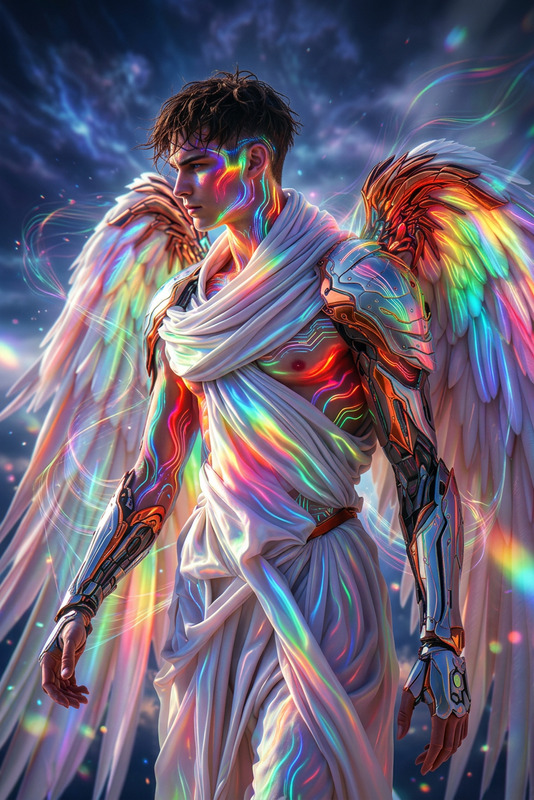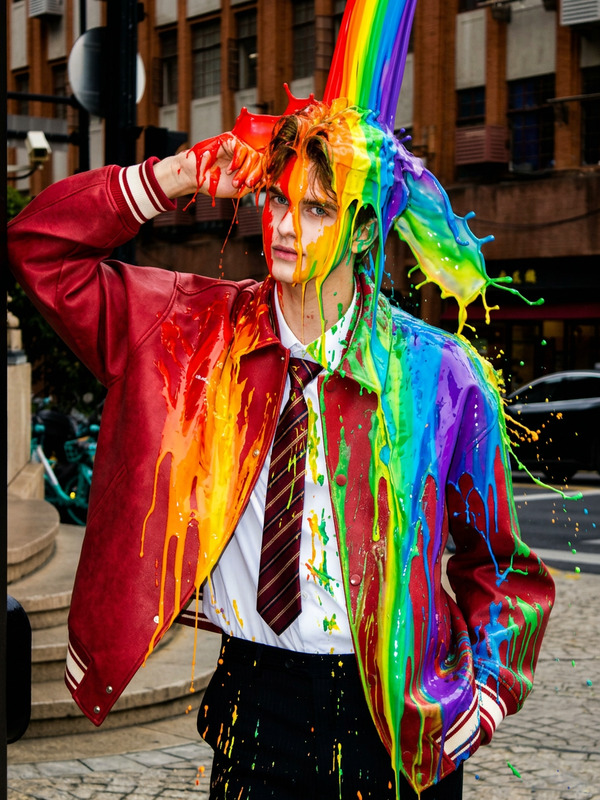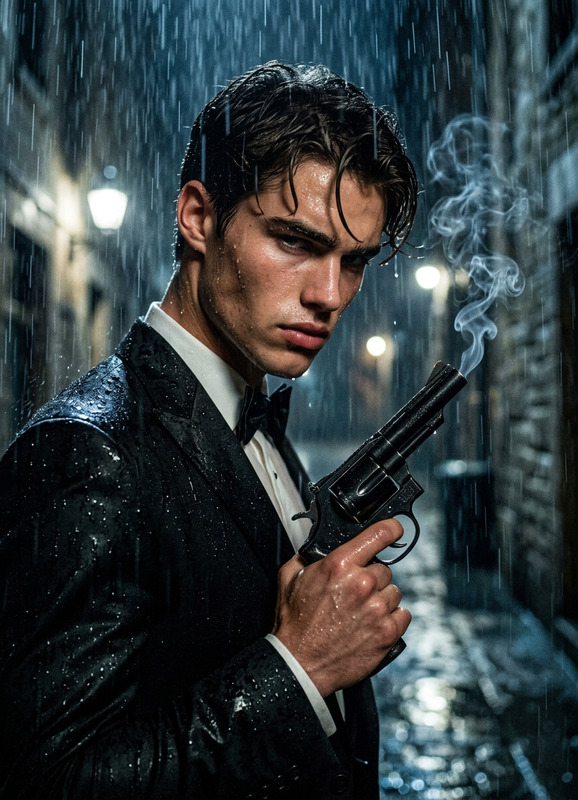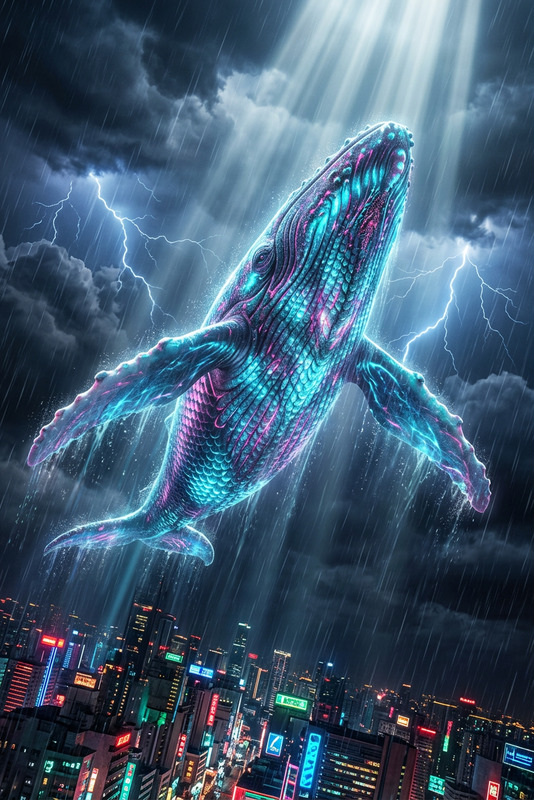
Crimson Rainfall
- Model
- Nano Banana 2
- Image
- 843 × 1264 px
Prompt
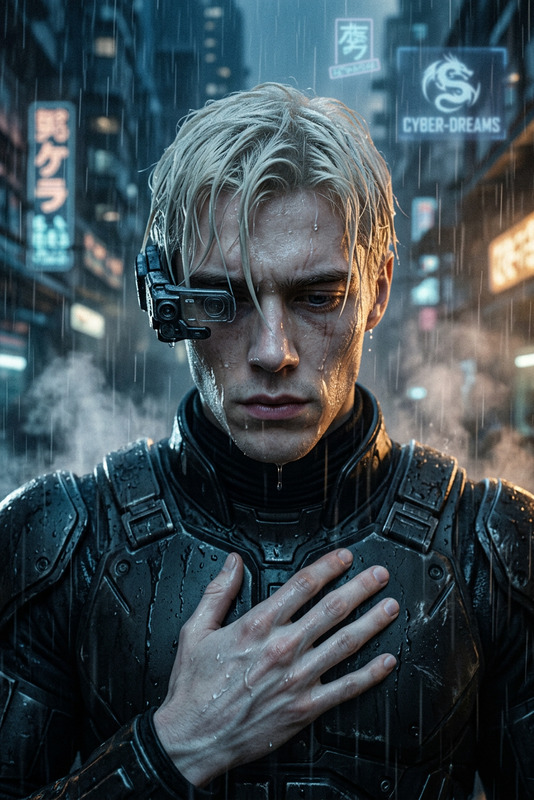
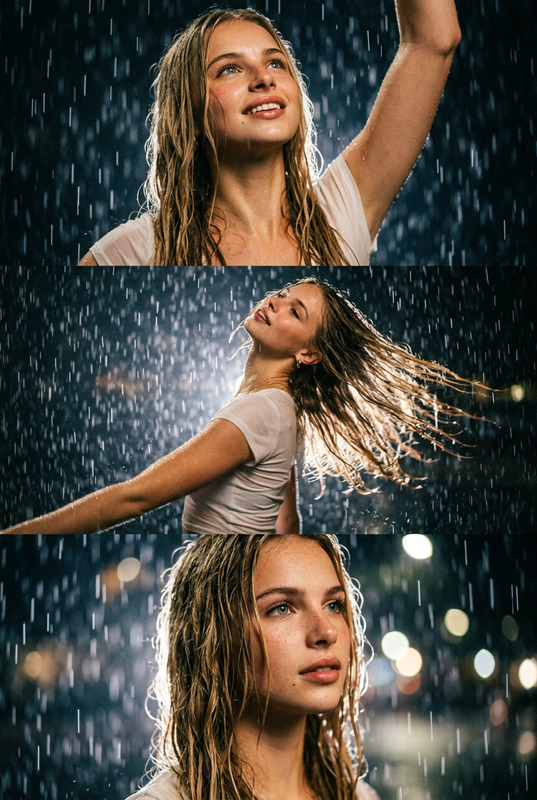
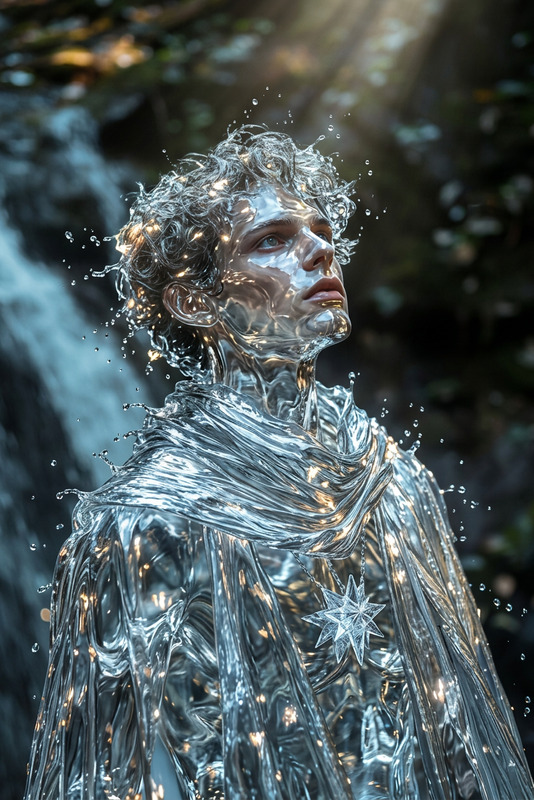
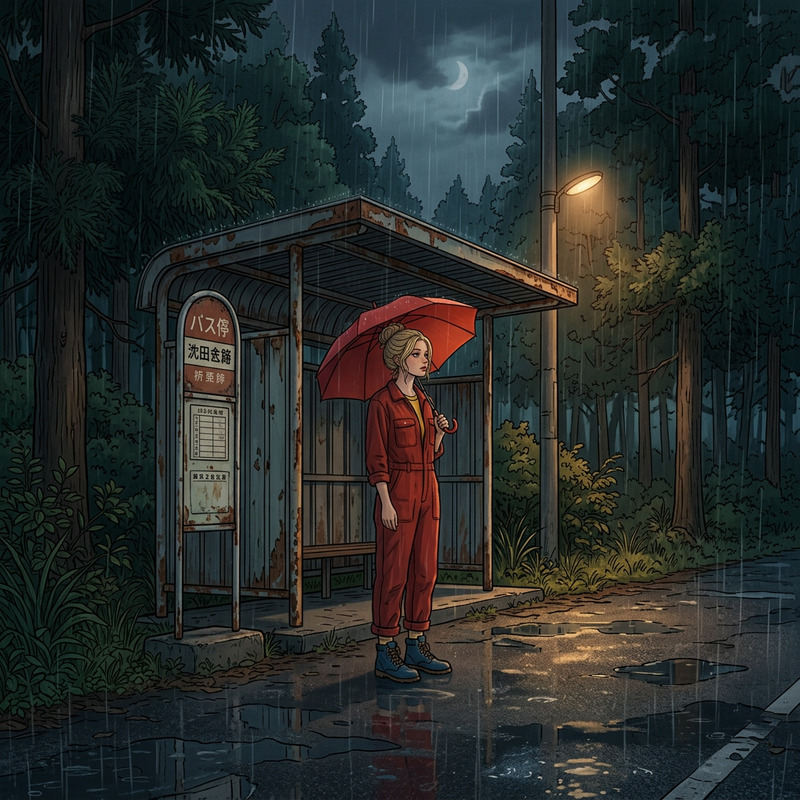
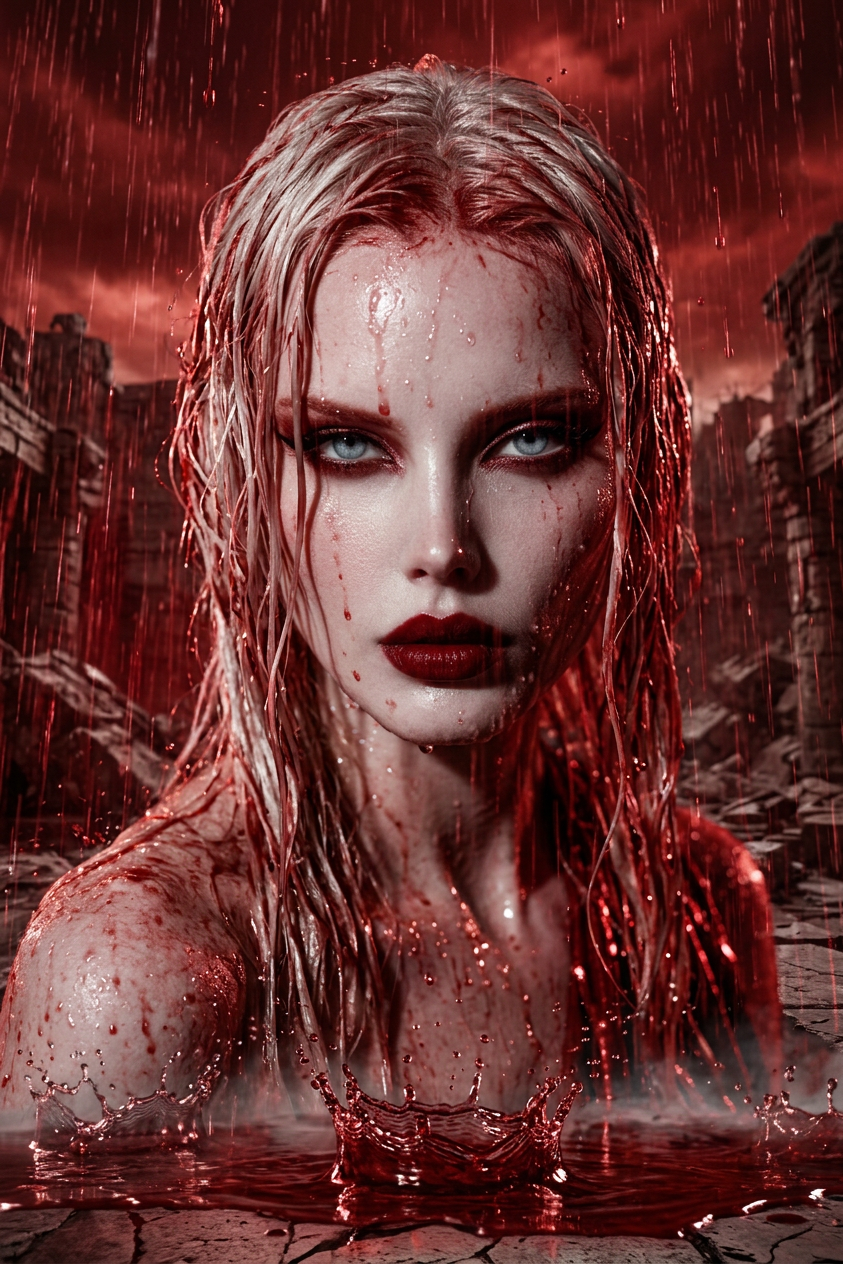
A heavy rain of deep red liquid pours down like a storm, falling intensely and splashing across the ground with ripples and mist. Cinematic, moody atmosphere with dramatic lighting reflecting off the fluid. Eerie, apocalyptic environment with slow-motion splashes, high-detail liquid simulation, dark tones, high contrast, ultra-detailed, haunting cinematic mood.
Any aspect ratio
Overview
The "Crimson Rainfall" is a captivating AI Image Editor template designed for AI Image Editor enthusiasts seeking to create stunning visuals. Powered by the advanced nano-banana-2 model, this template offers dramatic, highly detailed imagery that evokes a cinematic, apocalyptic mood.
What It Does
This template transforms your images with a surreal deep red rainfall effect, creating an eerie and apocalyptic atmosphere. The high-detail liquid simulation paired with cinematic lighting effects amplifies the drama, making your visuals incredibly compelling. Use the "Crimson Rainfall" to add depth and haunting appeal to your projects.
Who It's For
"Crimson Rainfall" is perfect for filmmakers, photographers, and creators looking to enhance their projects with a unique visual style. Whether you're working on mood boards or producing cutting-edge video style transfers, this template offers the detailed aesthetic needed for professional-grade results.
Summary
Discover how "Crimson Rainfall" takes image editing to the next level with its intense, stylized rainfall effect and moody atmosphere. Transform ordinary photos into visually striking scenes that stand out AI Image Generator capabilities.
How To
Choose

Customize

Generate

Use Cases
Cinematic Storytelling
- Intensify trailer graphics with atmospheric effects
- Enhance scenes with apocalyptic themes
Photo Enhancements
- Add moody contrast to portraits
- Create thematic photo series
Artistic Projects
- Design cover art with dramatic flair
- Craft visionary art pieces
Best Practices
Focus on Lighting
Use the template's lighting effects to highlight specific elements of your image, drawing viewers' attention where it matters most.Adjust Contrast Carefully
With high contrast settings, ensure your image has the right balance for maximum impact without losing detail.Experiment with Angles
Different angles can drastically change how the rainfall effect is perceived, providing dynamic variations to your visuals.