Rainbow Rain
- Model
- Nano Banana 2
- Image
- 896 × 1194 px
Prompt
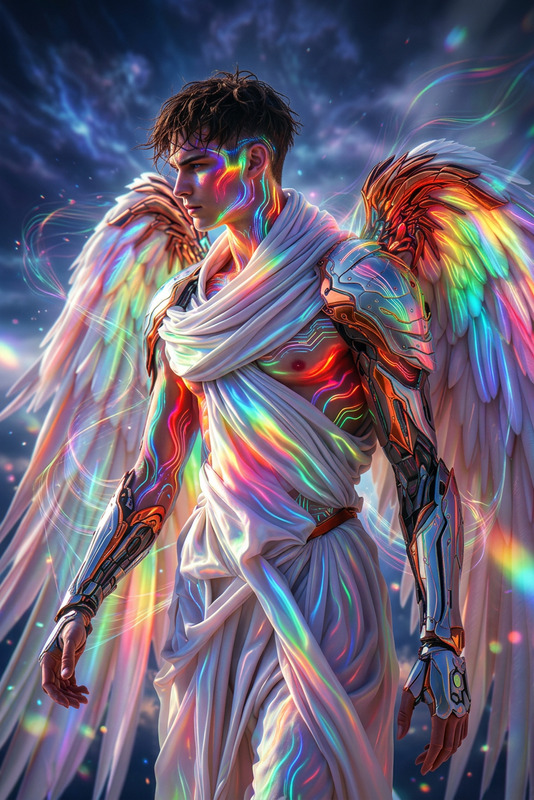
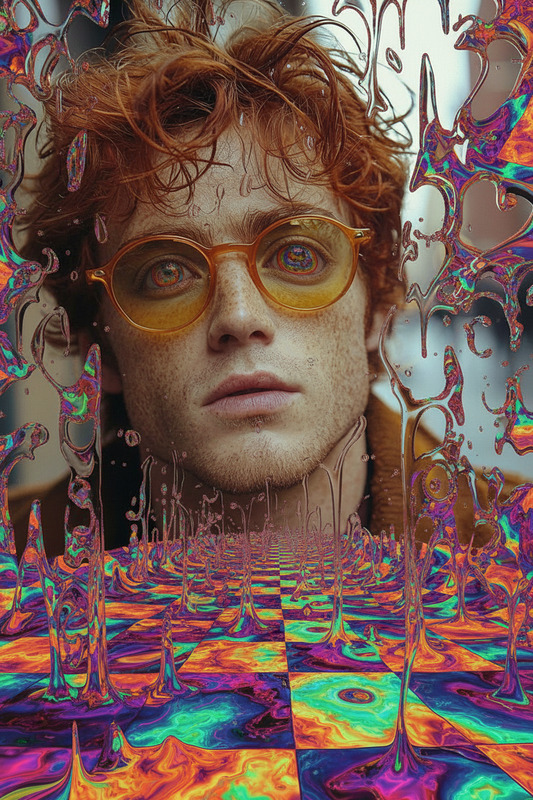
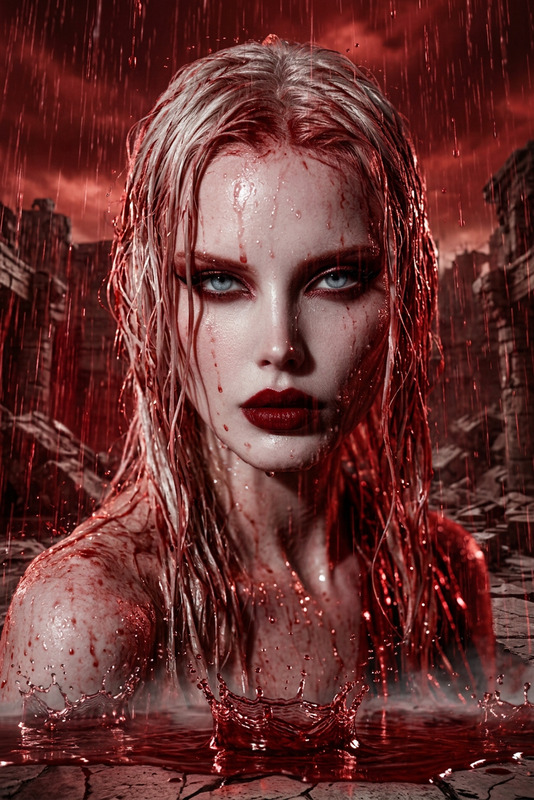
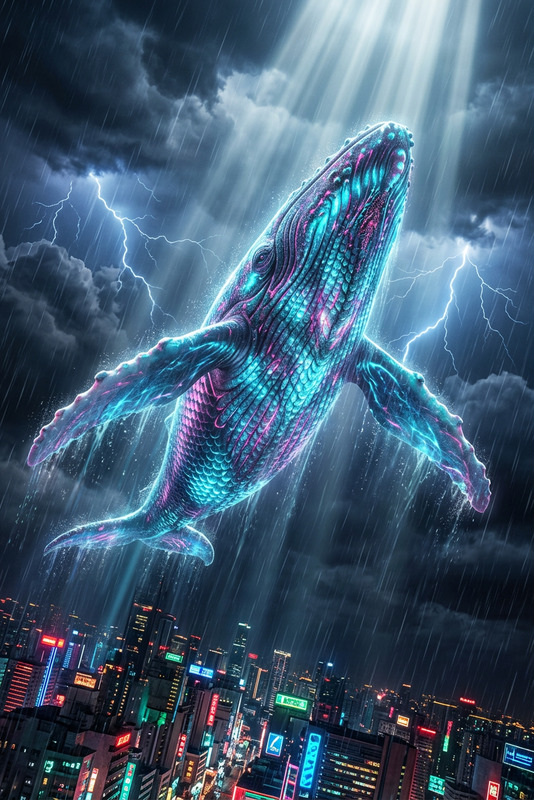
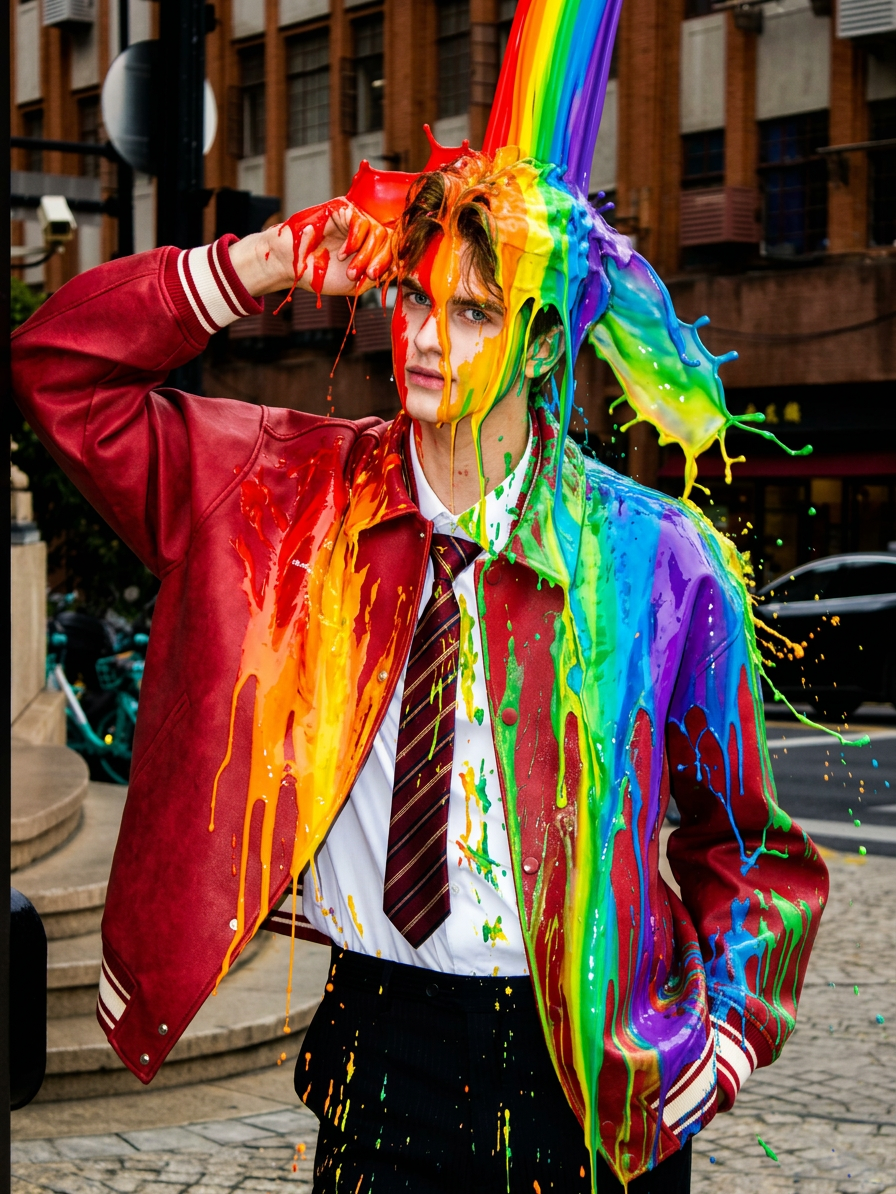
A subject standing under vivid streaks of liquid color pouring from above, drenched in a dazzling spectrum of rainbow rain, with glossy paint-like textures flowing over the body, dynamic splashes and drips frozen in motion, high contrast lighting, vibrant hues, surreal and energetic atmosphere, ultra-detailed.
Any aspect ratio
Overview
The Rainbow Rain template in our AI Image Editor suite transforms static images into dynamic scenes of color and motion. It's designed using the versatile nano-banana-2 model, known for its high fidelity in rendering vibrant and detailed visuals. Perfect for creating captivating, surreal imagery, this template adds a spectrum of rainbow hues integrated with paint-like textures.
What It Does
The Rainbow Rain template allows users to edit their photos with vivid streaks of color, simulating a rainbow rain effect. Utilizing the power of the AI Image Editor, it produces glossy, paint-like textures that mimic liquid motion, enhancing photographs with frozen dynamic splashes and intricate details.
Who It's For
This template is ideal for artists and content creators aiming to infuse their work with a burst of color and energy. Whether you're enhancing a personal project or professional artwork, the Rainbow Rain template offers the tools needed to elevate your visuals with striking, high-contrast effects. Creative professionals in advertising, social media, and digital art will find this particularly useful for eye-catching visuals.
Summary
Incorporating the Rainbow Rain template into your workflow can significantly enhance the visual impact of your images. With its focus on high detail and vibrant colors, this tool is perfect for projects that demand an energetic and surreal quality. Explore our Gender Swap and AI Product Photography for complementary tools to broaden your creative possibilities.
How To
Choose the Template

Customize Your Inputs

Generate and Download

Use Cases
Digital Art Creations
- Add vivid colors to illustrations
- Create motion in still images
Social Media Content
- Stand out in crowded feeds
- Increase shareability and likes
Advertising Campaigns
- Enhance product photography
- Create thematic ads
Personal Branding
- Create a signature look
- Highlight creativity
Best Practices
Focus on Lighting
Ensure your original images are well-lit to make the most of the high-contrast effects offered by the template.Experiment with Detail
Adjust the level of detail in the edit to find a balance that suits your style—more detail for a paint-like effect, less for a subtle touch.Incorporate Into Multi-Tool Projects
Pair with other tools like Face Swap for layered creative projects.