Wet-Skin High Fashion Editorial

Wet-Skin High Fashion Editorial

ai-image-editor

1 clip
8 uses

Any aspect ratio

Prompt

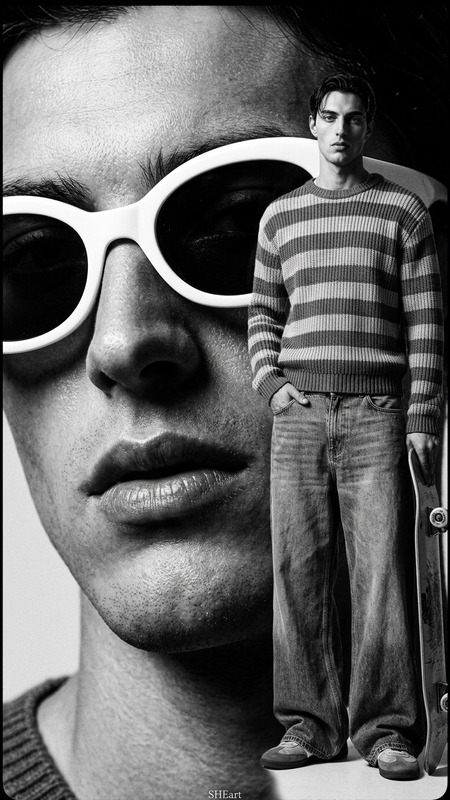
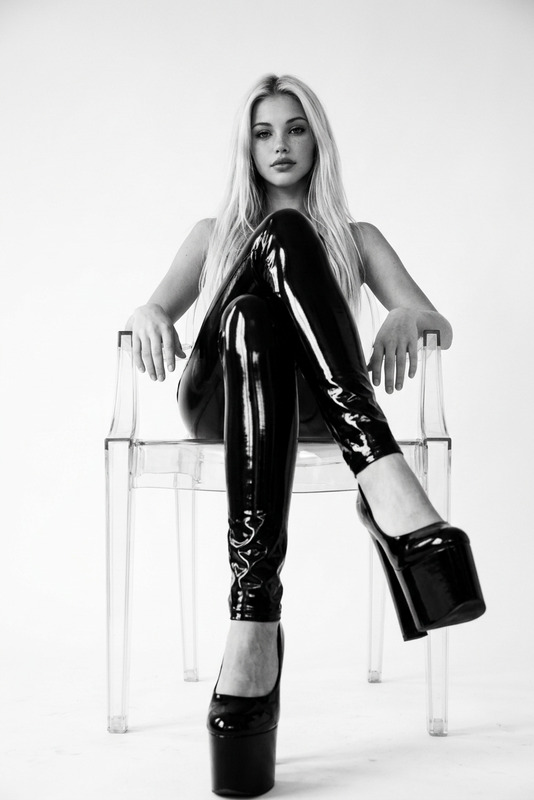
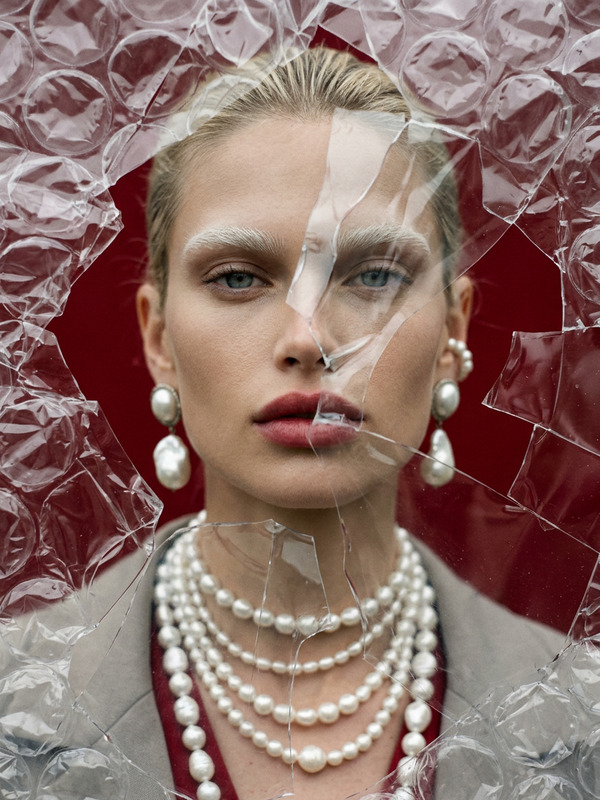
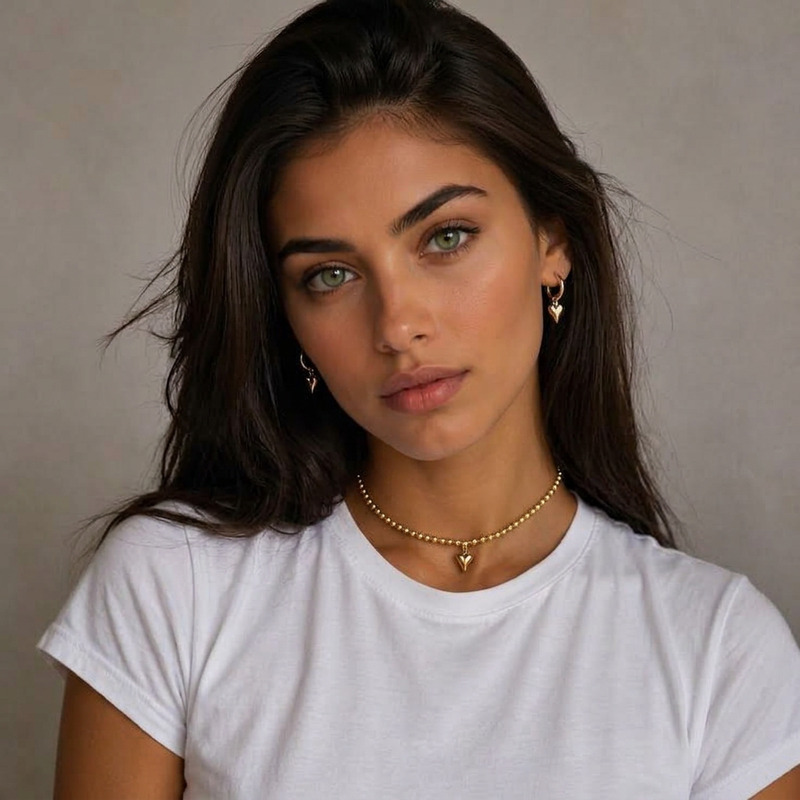
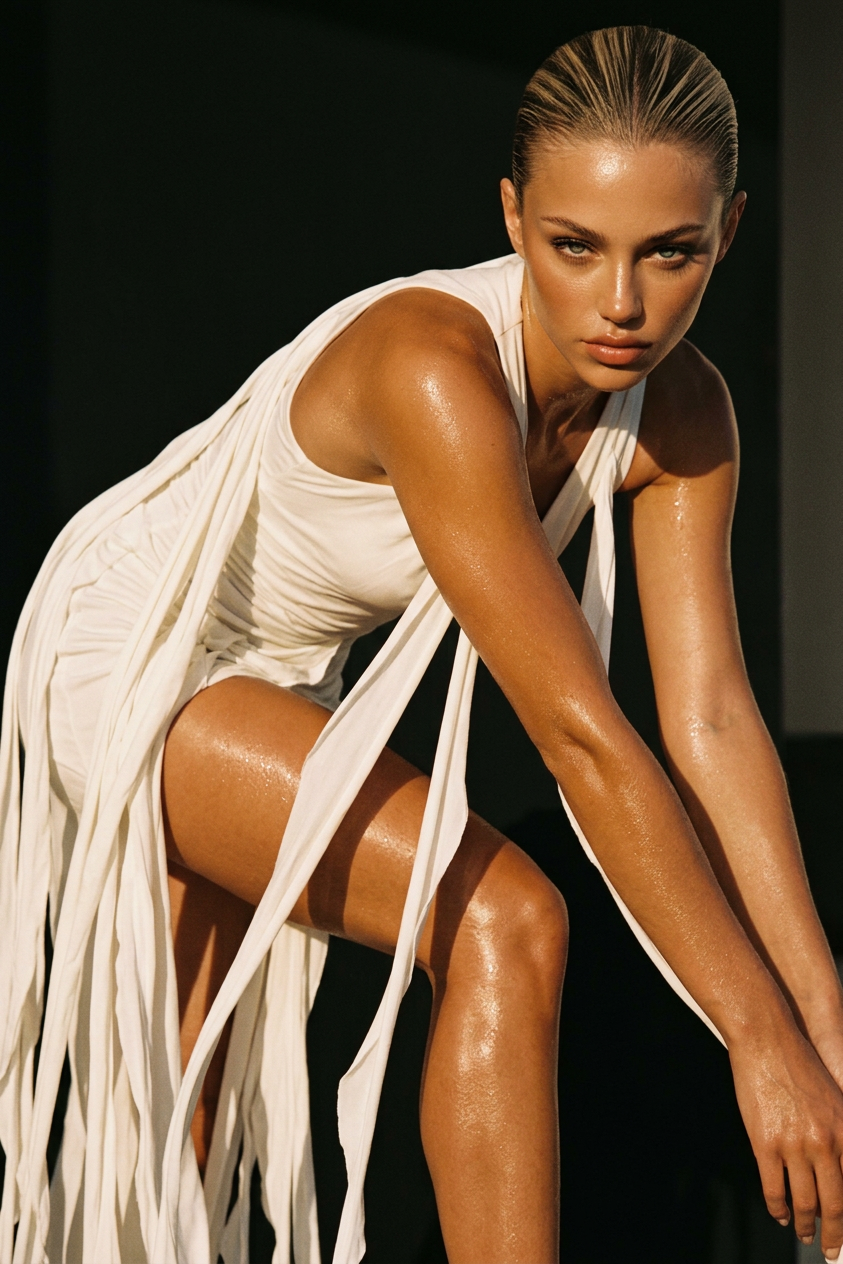
Generate a high-fashion editorial portrait of a subject with wet, glowing skin captured in a dynamic forward-leaning pose, arms resting along the legs, and a direct, intense, confident gaze into the camera; the hair is tightly pulled back to emphasize sharp facial structure and bone definition; the subject wears a flowing white dress with long cascading fabric strips that create motion, texture, and vertical flow within the composition; the fabric interacts with warm directional low-angle sunlight, producing soft highlights and deep sculptural shadows across both body and material; the skin appears bronzed and luminous with visible moisture reflecting light, contrasting against a darker, minimal background; the overall aesthetic is cinematic and raw, blending sensuality with strength, supported by subtle analog film grain and warm earthy tonal grading to evoke a high-end fashion editorial mood.

AI Image Editor Template: Instantly Remake Product Photos in a New Style

Turn existing product shots into polished, on-brand visuals with this AI Image Editor template. Remix it in Magic Hour to quickly generate multiple variants of the same product—new backgrounds, lighting, and aesthetics—without reshooting.

This template is ideal for:

  • DTC brands and ecommerce teams refreshing catalog images
  • Marketers running A/B tests on creative
  • Startups needing fast, consistent visuals across landing pages and ads
  • Creators repurposing a single product photo across different campaigns

What This Template Does

This template uses the AI Image Editor to:

  • Replace or refine backgrounds while keeping the original product intact
  • Adjust style and mood (e.g., minimal studio, lifestyle, seasonal, luxury)
  • Clean up imperfections like clutter, harsh reflections, or uneven surfaces
  • Generate consistent sets of images for marketplaces, landing pages, and social

You can remix this template to match your brand’s guidelines and quickly create:

  • Amazon/Etsy-ready catalog images on clean backgrounds
  • Landing page hero images with on-brand environments
  • Social ads with seasonal or thematic backdrops
  • Lifestyle composites using your original product photos

How to Remix This Template in Magic Hour

You can build your own version of this template in a few minutes using the AI Image Editor:

  1. Start with a strong base image

    • Use a well-lit photo of your product with clear edges and minimal motion blur.
    • If needed, sharpen it first with the AI Image Upscaler or Unblur Image.
  2. Upload your photo to AI Image Editor

  3. Isolate the product (optional but recommended)

  4. Define your target style and use case
    When you remix this template, be explicit about the style you want. For example:

    • “Minimal white studio background for ecommerce”
    • “Lifestyle kitchen counter, natural daylight, warm tones”
    • “High-end editorial, soft shadows, muted background”
    • “Seasonal holiday scene, subtle decor, no clutter”

    You can generate several variants from the same base product image to test performance across channels.

  5. Generate and refine multiple variants

    • Create multiple style directions from the same product shot.
    • Use the AI Image Editor to iterate: try different rooms, surfaces, color palettes, and compositions.
    • Keep the product shape and proportions consistent to avoid misleading representations.
  6. Prepare for distribution


Example Workflows You Can Build From This Template

You can adapt this template into more complex production pipelines inside Magic Hour by chaining tools:

1. “From Raw Photo to Conversion-Ready Product Set”

2. “Brand System Test: Consistent Look Across Products”

  • For each product, run this template to:
    • Place every item in a similar environment (same background family, lighting mood, and camera feel)
    • Enforce consistent framing for catalog grids and comparison views
  • Use AI Background Generator to create reusable branded backdrops and feed them into your template as recurring styles.

3. “Static Product → Motion and Character Content”

  • Start from your edited product image
  • Create motion and character-led assets:

Best Practices for High-Quality Results

To get consistent, production-grade outputs from this template:

  • Use high-quality source images

  • Stay truthful to the product

    • Avoid edits that misrepresent size, color, or features, especially for ecommerce and regulated categories.
    • Use the editor for context, style, and clarity—not for altering core attributes.
  • Align with your brand system

    • Document a small library of prompts that describe your brand style (e.g., “matte, clean, modern, soft shadows, no clutter”).
    • Reuse those descriptions when you remix this template across different product lines.
  • Plan for multi-channel usage

    • Generate multiple crops: square (social), portrait (stories/shorts), landscape (web banners).
    • Use Thumbnail Maker or AI Icon Generator to derive secondary assets from the main product images.

Extending This Template Beyond Products

While this template is optimized for product photography, the same pattern works for:


Related Magic Hour Tools for Advanced Pipelines

If you’re building a more complete creative stack around this template, consider integrating:


How to Adapt This Template to Your Team

For teams and startups:

  • Create internal “recipes”

    • Document 2–3 reusable prompt patterns for your brand (e.g., “website hero,” “marketplace listing,” “UGC-style social post”).
    • Save and remix those flows in Magic Hour so everyone on the team can produce brand-consistent images.
  • Standardize on outputs, not tools

    • Define clear specs: aspect ratios, minimum resolution, and stylistic rules.
    • Use this AI Image Editor template as the standard step that converts raw inputs (photos, renders, or AI-generated art) into final, publish-ready assets.
  • Iterate based on performance data

    • Use A/B test results from ads and landing pages to refine how you remix the template: backgrounds, colors, complexity, and mood.
    • Maintain a shortlist of “high-performing looks” and keep generating variations from those.

Use this AI Image Editor template as the backbone for a fast, repeatable product imagery pipeline. Remix it to fit your brand, connect it with complementary tools like AI Background Generator, Image to Video, and AI Image Upscaler, and you can produce consistent, on-brand visuals at the speed your campaigns demand.

More Like This