Pink & Black– Runway Motion
- Model
- Nano Banana 2
- Image
- 768 × 1369 px
Prompt
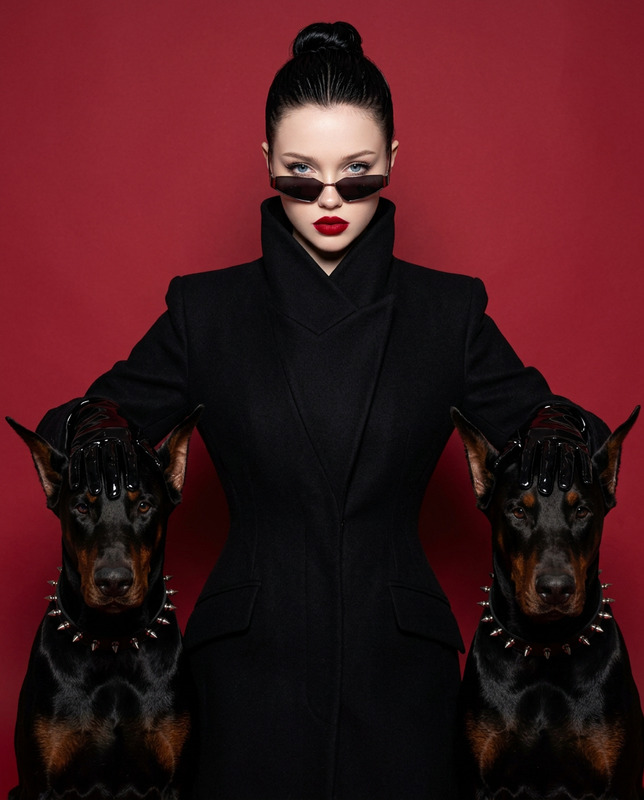
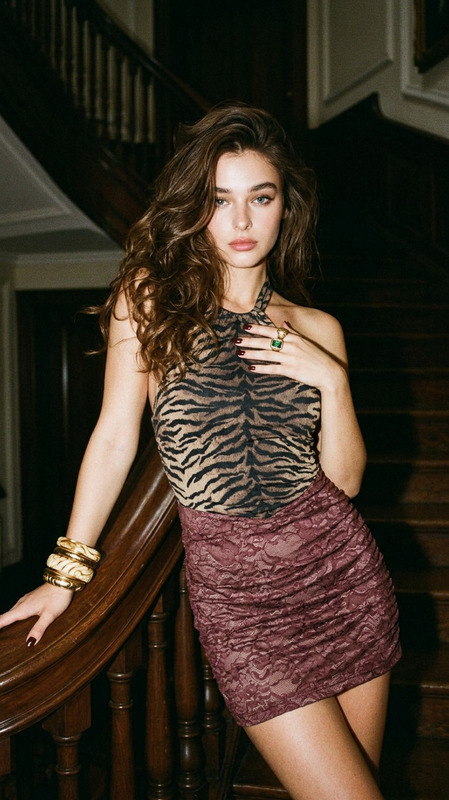
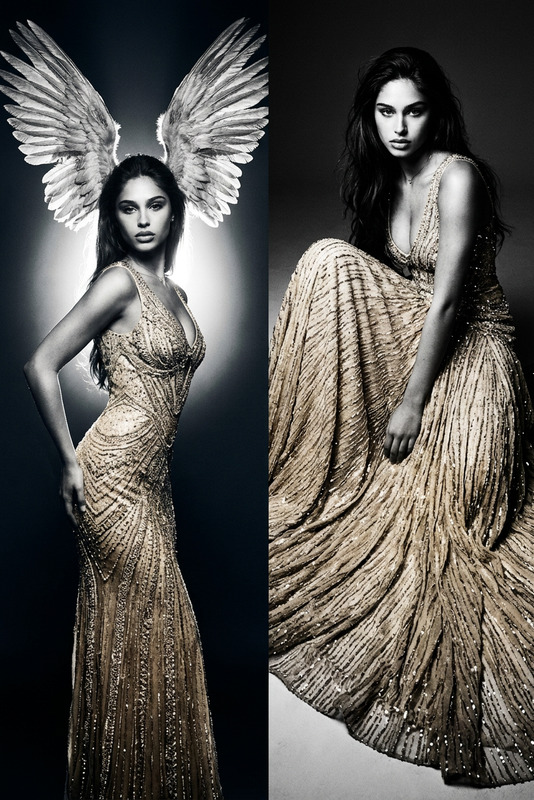
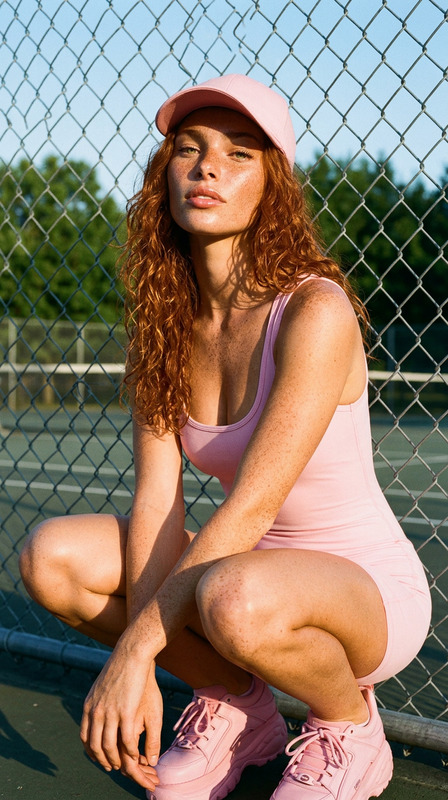
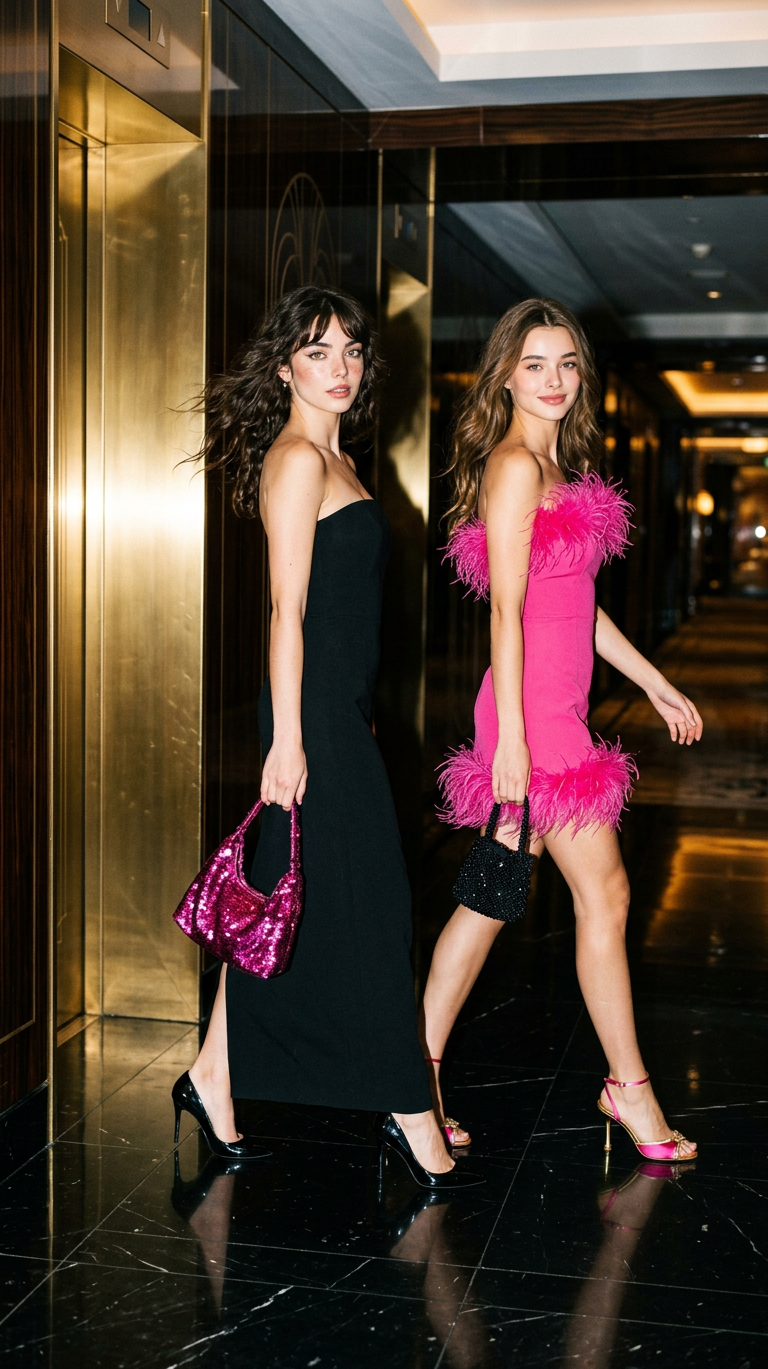
High-fashion editorial photo with a cinematic night-out aesthetic, shot on 35mm film with fine grain and subtle analog noise. Two subjects stride confidently to the right in a dynamic mid-walk pose. One subject wears a strapless black column dress, carrying a sparkly fuchsia sequined handbag; the other wears a hot pink strapless mini dress with feathered trim, holding a small black beaded bag. Sharp direct on-camera flash creates bright highlights and deep shadows, emphasizing motion and attitude. Set in a luxurious hallway with reflective gold metallic wall panels and a polished marble floor. Vibrant palette of hot pink, black, and gold, high contrast, glossy, upscale fashion magazine style.
Any aspect ratio
Overview
The Pink & Black Runway Motion template captures the essence of high-fashion editorial photography with an AI twist. This AI Image Editor uses the advanced nano-banana-2 model to bring a cinematic night-out aesthetic to life. It features two subjects in dynamic poses, saturated in a luxurious palette of hot pink, black, and gold, akin to a glossy fashion magazine spread.
What It Does
This template transforms standard photos into high-fashion editorial images that evoke motion and attitude. Utilizing AI-powered AI Image Generation techniques, it adds fine grain and analog noise effects typical of 35mm film. With sharp direct on-camera flash, the template emphasizes the vibrant palette and luxurious set, perfect for creating marketing visuals or fashion campaigns.
Who It's For
Fashion photographers, designers, and marketers seeking to elevate their visual content will find this template indispensable. It's ideal for creating standout images that grab attention on social media, in advertising, and for editorial content. Whether you're a professional or an enthusiast, this tool opens new creative possibilities.
Summary
The Pink & Black Runway Motion template combines high-fashion sensibilities with cutting-edge AI technology. Designed for those who crave stylish, impactful visual content, it provides an accessible way to produce captivating fashion-oriented imagery. Explore its capabilities with the robust AI Video Generator feature set.
How To
Choose the Template

Customize Your Settings

Generate and Download

Use Cases
Fashion Marketing
- Social media ads
- Lookbooks
- Fashion week promotions
Editorial Content
- Magazine features
- Online editorials
- Fashion blogs
Creative Portfolios
- Photographer portfolios
- Designer showcases
- Creative resumes
Best Practices
Choose High-Resolution Images
To maximize the impact of the fashion effects, upload high-resolution images.Emphasize Lighting Contrast
Use images with distinct lighting to accentuate the flash effects and shadows naturally.Match Attire to Palette
Ensure the clothing and accessories in the image match or complement the template's color scheme.