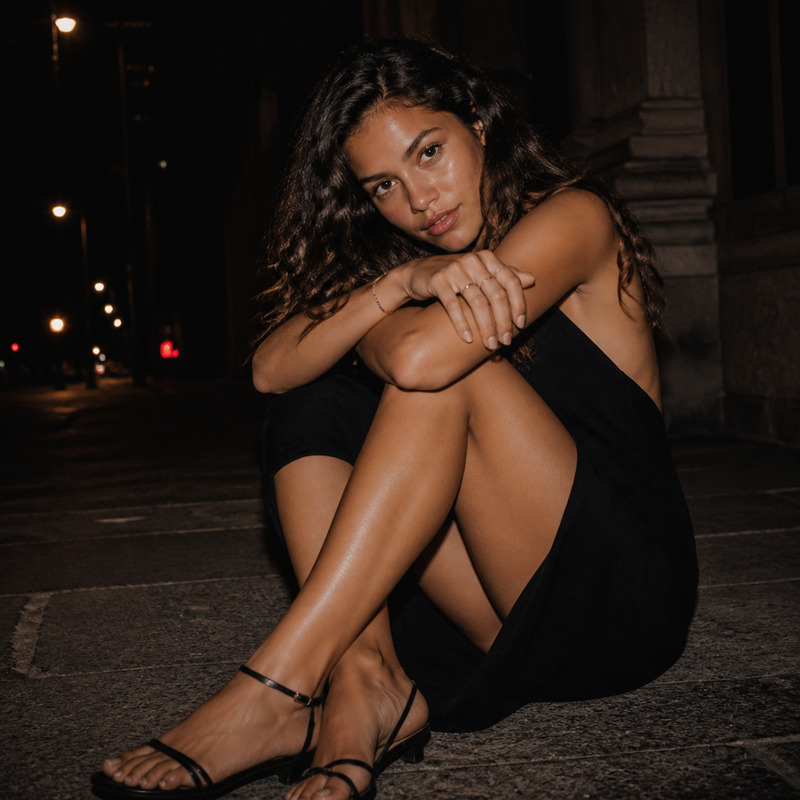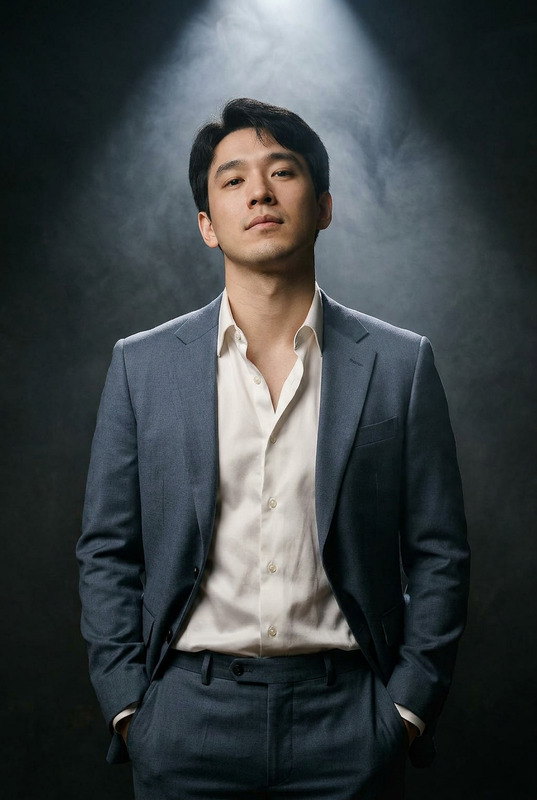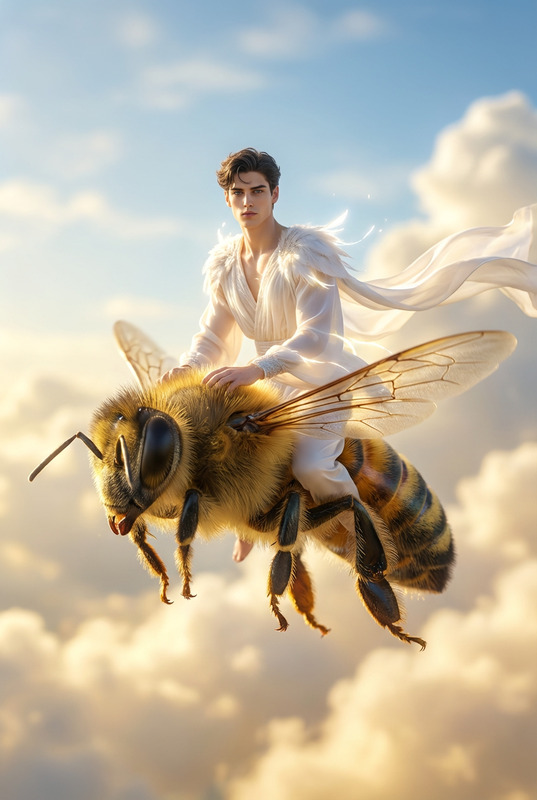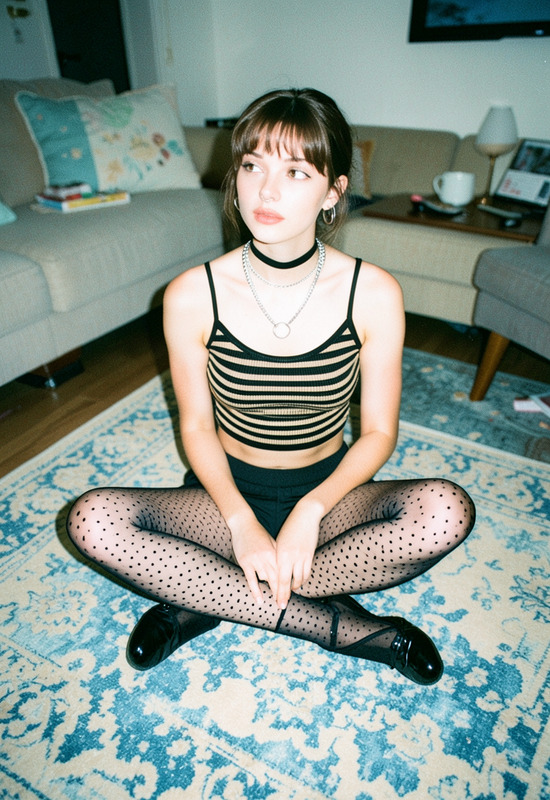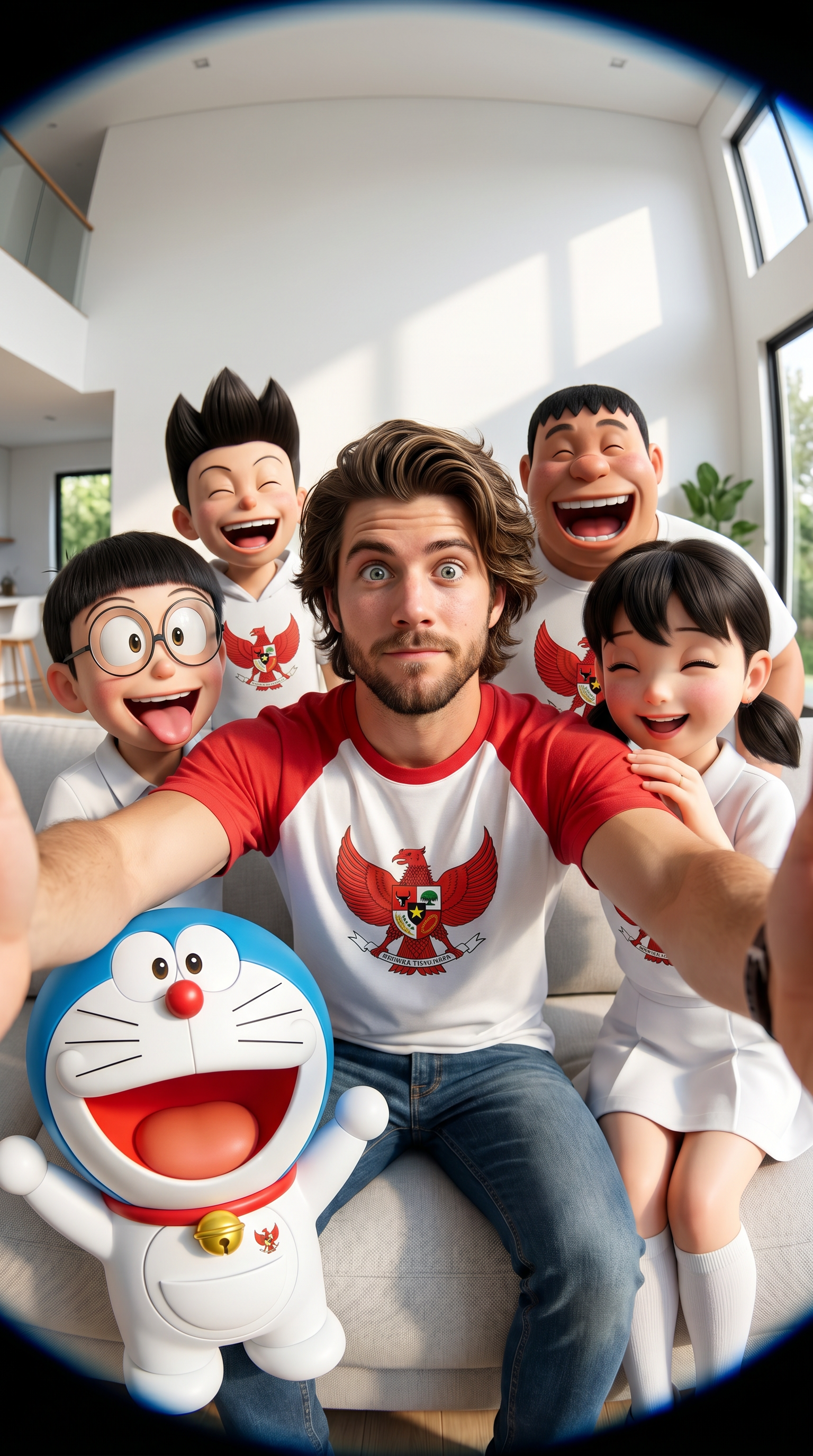
Doremon Selfie
- Model
- Nano Banana Pro
- Image
- 1536 × 2752 px
Prompt
This hyper-realistic group selfie, in a crossover anime and CGI style, was captured using a mobile phone's fisheye lens from a very wide angle and close distance. A young man in the center, wearing a red and white Garuda t-shirt, smiles broadly with a humorous expression and looks directly at the camera. Surrounding him, iconic anime characters gather in realistic 3D style with humorous expressions: a blue Doraemon robot, Soneo, Giant, Nobita sticking his tongue out, and Shizuka with a mischievous face. All the characters are dressed in Garuda-colored clothing, almost entirely white, with large windows and soft natural light. All the characters have very cheerful, silly expressions, sticking their tongues out, laughing loudly, giggling, and creating a fisheye distortion effect. The atmosphere is a modern, bright living room, with white walls, large windows, and soft natural light. Facial details are incredibly sharp, skin textures are realistic, the photography quality is professional, the lighting is cinematic, the depth of field is excellent, HDR is super detailed, 8K resolution is superb, the colors are vibrant, the atmosphere is lively, a masterpiece, the details are incredibly detailed. 9:16
Any aspect ratio
Overview
The Doremon Selfie template transforms your photos into hyper-realistic, anime-inspired group selfies using advanced CGI and fisheye lens effects. Specifically designed with the AI Image Editor and powered by the nano-banana-pro model, this tool combines anime charm with cutting-edge image editing to create stunning visuals. Whether you're a fan of Doraemon or simply love anime aesthetics, this template gives you a chance to animate your pictures with vibrant, playful energy.
What It Does
The Doremon Selfie template allows you to insert yourself into a lively group of popular anime characters. With an emphasis on realism, characters like Doraemon and Nobita are rendered in detailed 3D styles, all within the context of a modern, cheerful setting. The photo features fisheye distortion for a dynamic and humorous effect, capturing vibrant colors and intricate details, down to the skin textures and cinematic lighting. This template is ideal for adding a touch of anime magic to your photos, offering professional-quality results that are perfect for social media shares or personal keepsakes.
Who It's For
This template is perfect for anime enthusiasts, social media influencers, and anyone looking to add a fun, creative twist to their selfies. It's an excellent choice for those who enjoy blending pop culture references with photorealism. Artists and content creators can use it to experiment with styles, while fans of AI Talking Photo or Character Replace will find new ways to engage with their favorite characters.
Summary
Create an unforgettable group selfie with the Doremon Selfie template, merging you with iconic anime figures in a hyper-realistic 3D setting. Utilizing cutting-edge image editing technology, this template offers high-resolution results packed with vivid colors and lifelike textures. Ideal for those seeking to bring their love for anime into everyday photography, it's a must-have tool for anyone wanting to capture the spirit of beloved anime worlds in a unique visual experience.
How to Use
Choose Your Template

Customize Your Inputs

Generate Your Image

Use Cases
Social Media Content
- Create unique profile pictures.
- Engage followers with creative content.
- Stand out in photo challenges.
Fan Art and Cosplay
- Combine different characters and styles.
- Create professional-looking cosplay images.
- Experiment with dynamic poses and props.
Marketing and Promotions
- Design unique product visuals.
- Create thematic promotional content.
- Boost engagement with eye-catching visuals.
Best Practices
Select High-Quality Photos
Start with high-resolution images to ensure the best results. The clarity of your input photo greatly affects the final output.Experiment with Angles
Try different angles and expressions to capture the full range of the fisheye effect and anime humor.Adjust Lighting
Fine-tune the lighting in your photo before upload to match the cinematic quality and enhance the overall atmosphere.