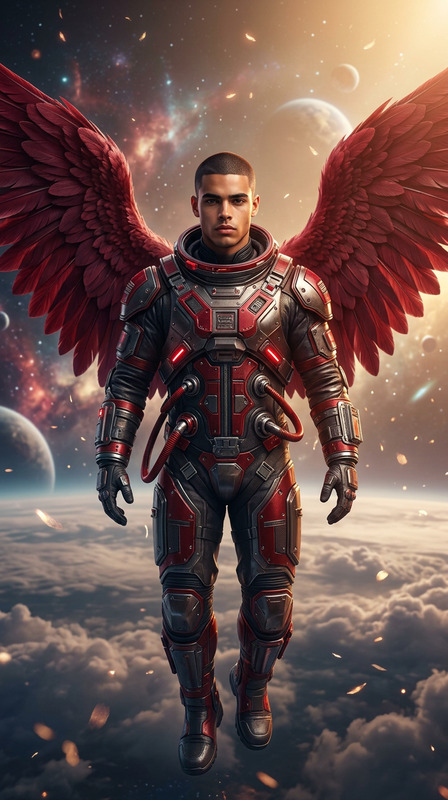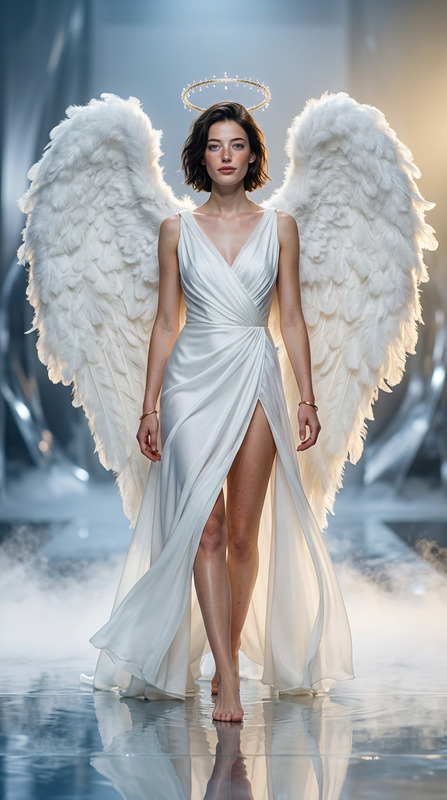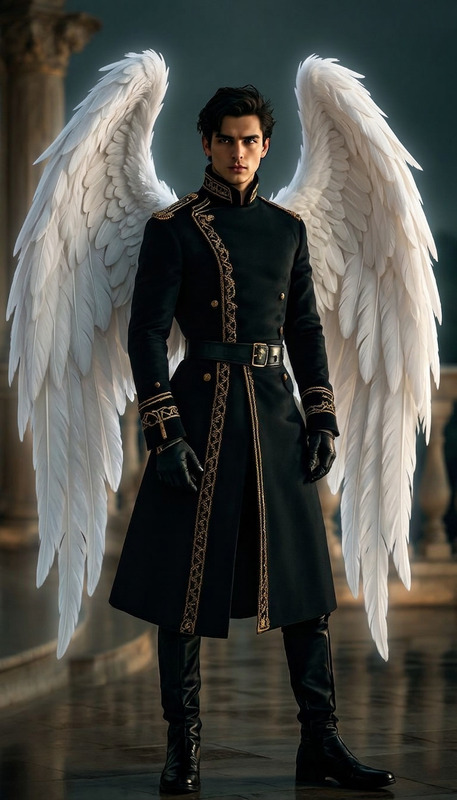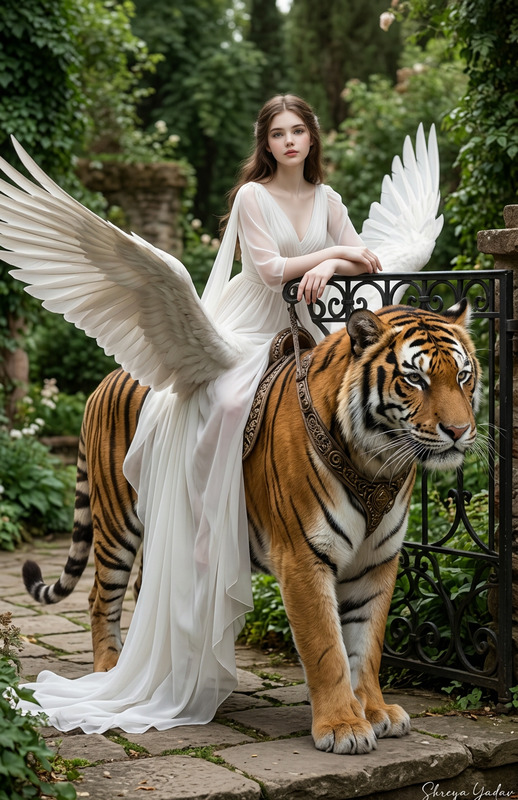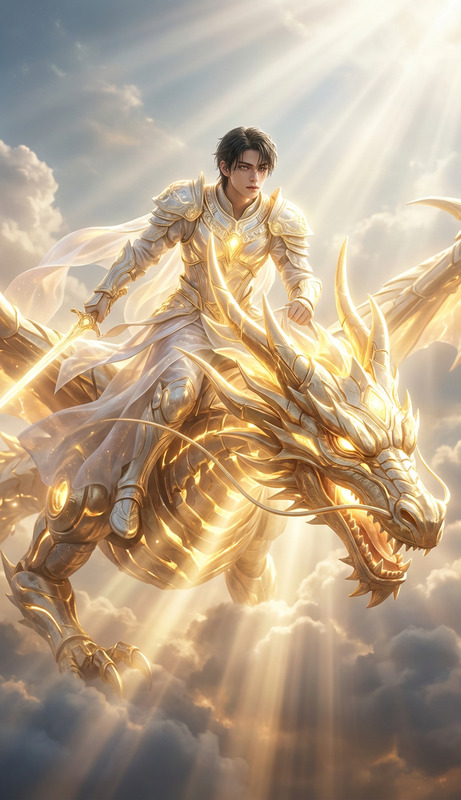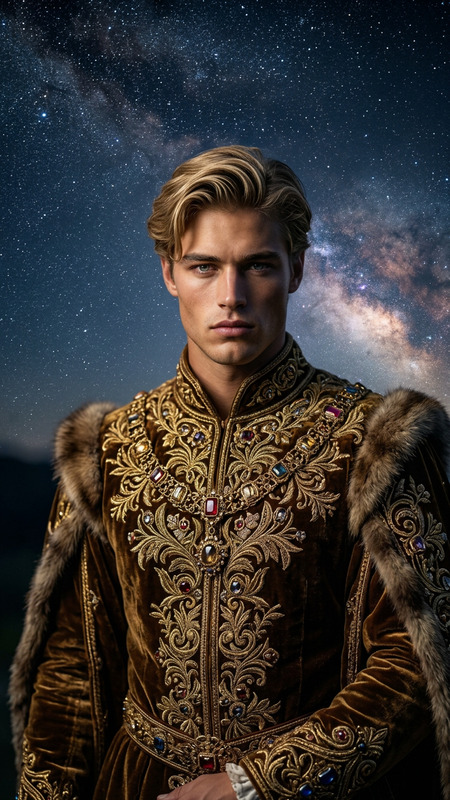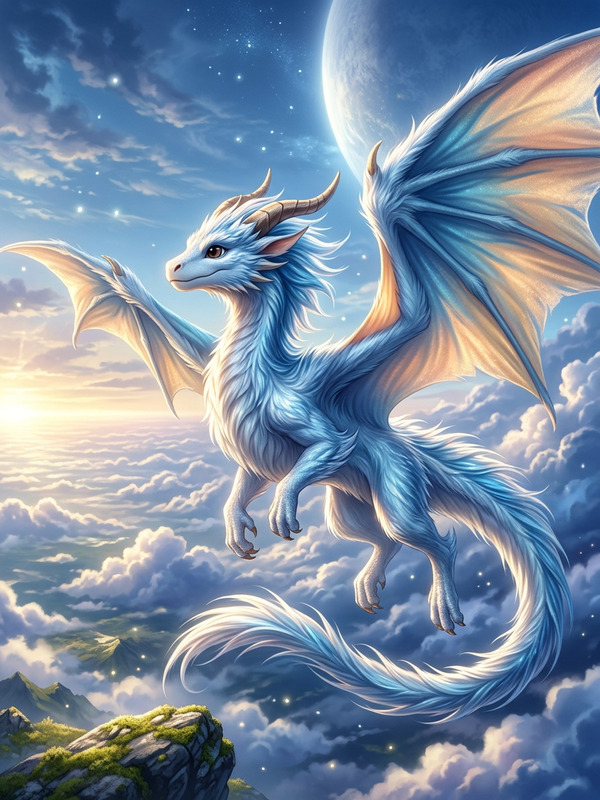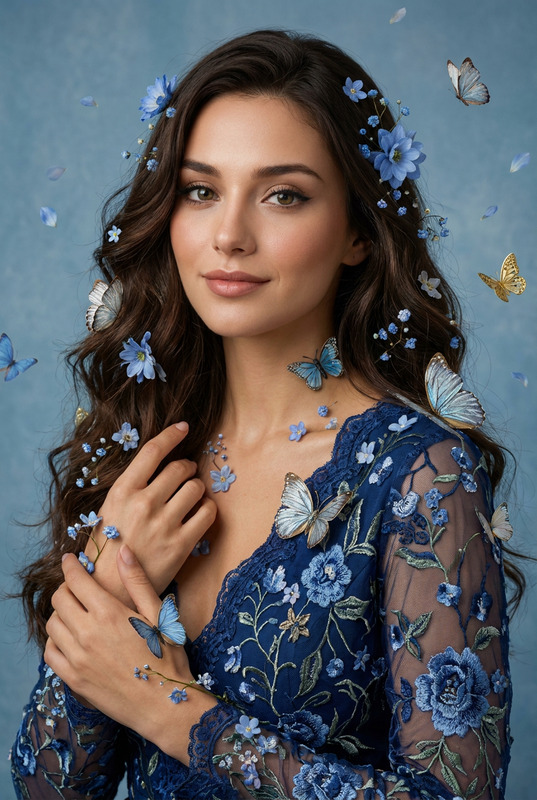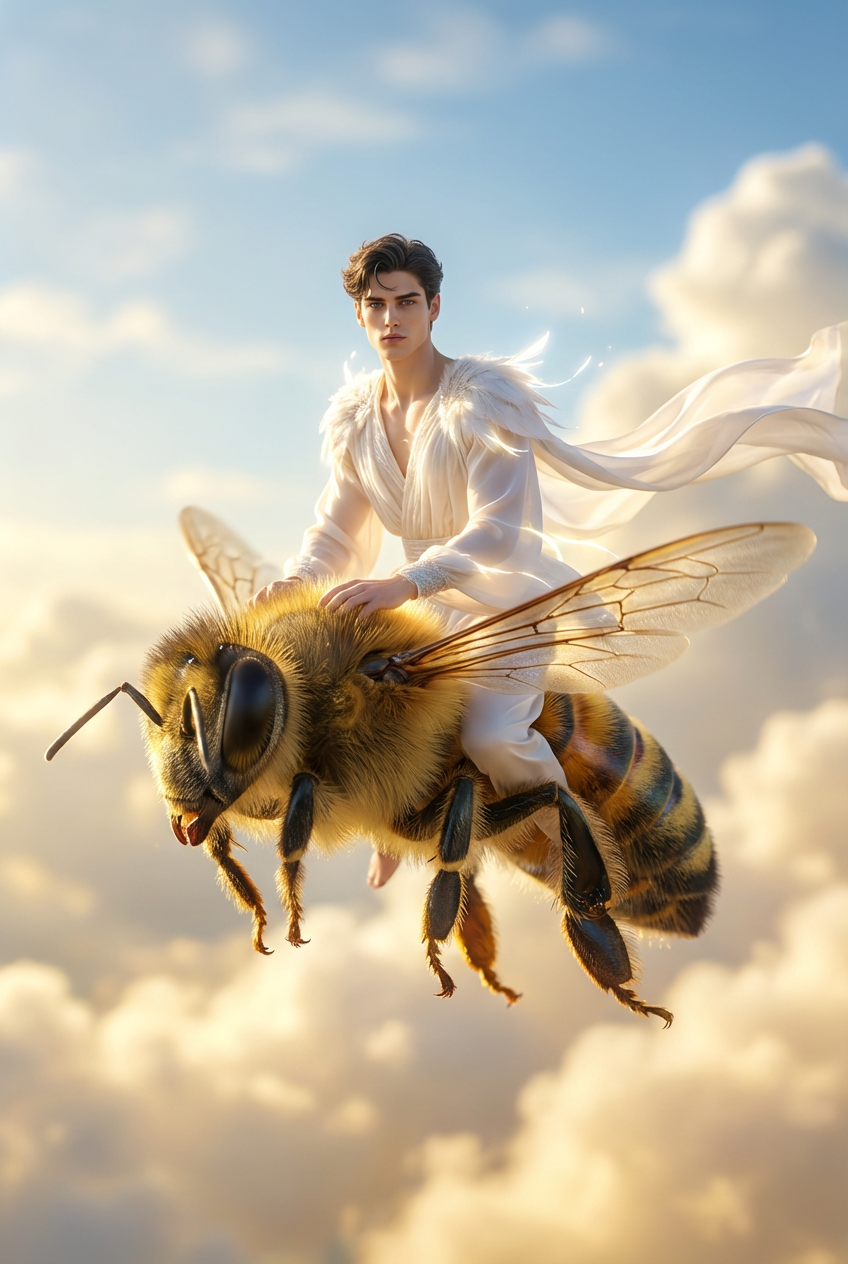
Angel of the Skybound Bee
- Model
- Nano Banana Pro
- Image
- 848 × 1264 px
Prompt
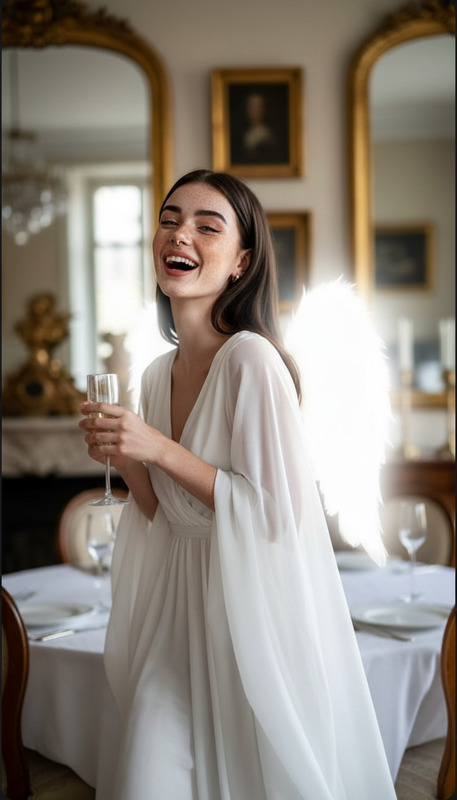
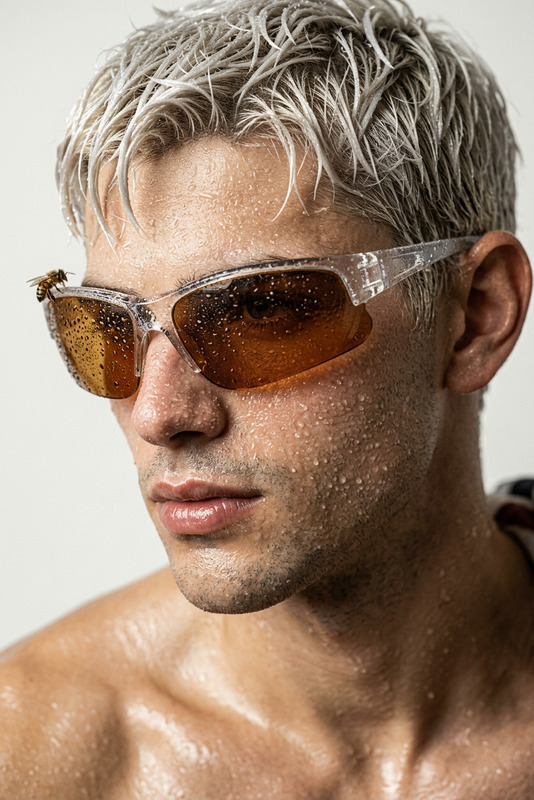
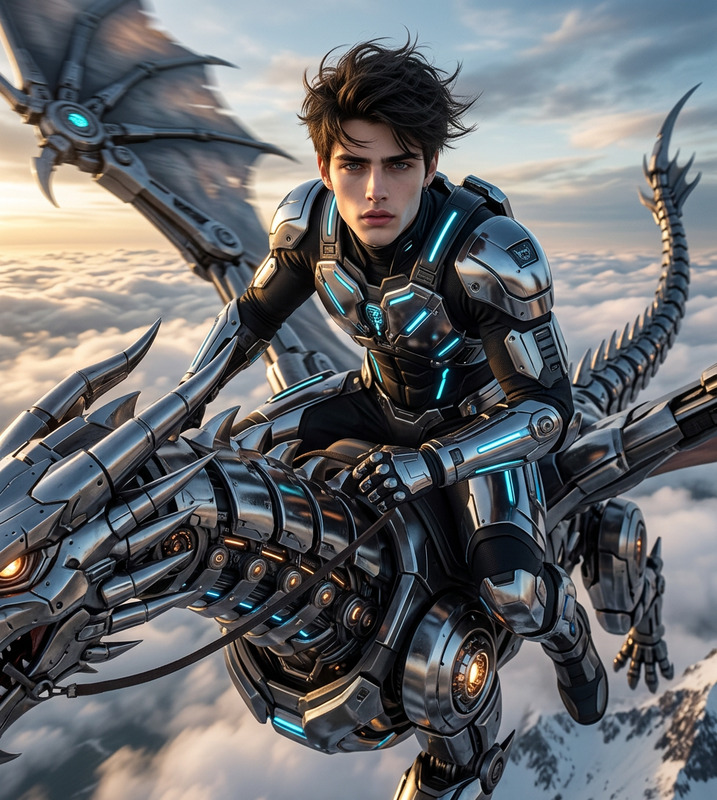
Hyper-realistic 8K DSLR photoshoot of the subject from the reference image flying in the sky while riding a giant realistic honeybee. The subject must remain identical to the reference (same face, expression, pose consistency, skin tone, hair, and identity). The subject wears an elegant angel outfit with soft glowing white fabrics, feathered details, and ethereal light accents. The bee flies through a bright cinematic sky with soft clouds and golden sunlight, creating a dreamy heavenly atmosphere. Realistic contact shadows, natural cloth motion, shallow depth of field, and high-detail textures.
Any aspect ratio
Overview
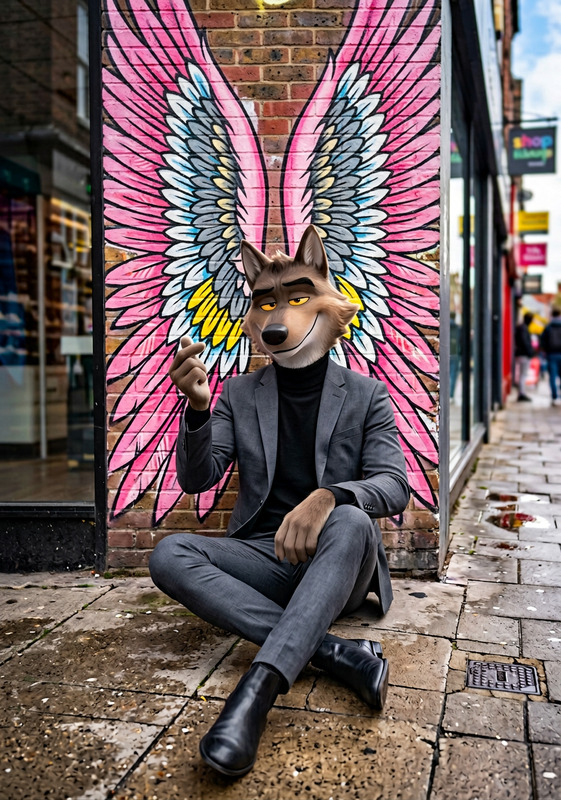
"Angel of the Skybound Bee" is an imaginative AI Image Editor template, designed to transform your subject into a whimsical scene. This template leverages the advanced capabilities of the nano-banana-pro model, achieving stunning visual results with a hyper-realistic 8K DSLR quality. Perfect for adding a celestial touch to any creative project.
What It Does
This template allows you to create hyper-realistic imagery by combining the magic of realistic bees and angelic themes. Whether you're aiming for a dreamy aesthetic or ethereal visual storytelling, this tool enhances your subject with glowing angel attire and a dramatic skybound setting. The detailed textures, realistic shadows, and expertly crafted scene make each output unique and captivating.
Who's It For
This template is ideal for photographers, designers, and creatives looking to add a touch of fantasy to their work. It's perfect for social media campaigns, promotional content, or any project needing a surreal, imaginative edge. With the AI Image Generator backing up this tool, even novice users can easily produce high-quality, dreamlike visuals.
Summary
Create visually stunning artwork with "Angel of the Skybound Bee," a template that brings fantasy to reality. With detailed textures and ethereal effects, it turns your reference images into captivating stories. Discover more tools to enhance your images at the AI Image Upscaler for the finest output. Elevate your creative projects with this unique blend of technology and artistry.
How To
Choose the Template

Customize Your Inputs

Generate Your Image

Use Cases
Whimsical Social Media Content
- Stand out on Instagram with heavenly themes
- Attract engagement with ethereal imagery
Creative Marketing Campaigns
- Create themed promotions for product launches
- Add a fantasy element to ad campaigns
Event Invitations and Posters
- Make event invites more compelling
- Enhance aesthetic appeal for themed parties
Best Practices
Select High-Quality Reference Images
For best results, use sharp, high-quality images that clearly portray the subject's face and pose.Ensure Consistent Lighting
Choose reference images with lighting that complements a sunny sky to match the template's environment.Validate Artifacts and Shadows
Check the generated images for realistic shadows and contact points to maintain authenticity in the scene.